Multi-page Brand Kit Generator

Multi-page Brand Kit Generator

Documento original

GPT Image 2 · en

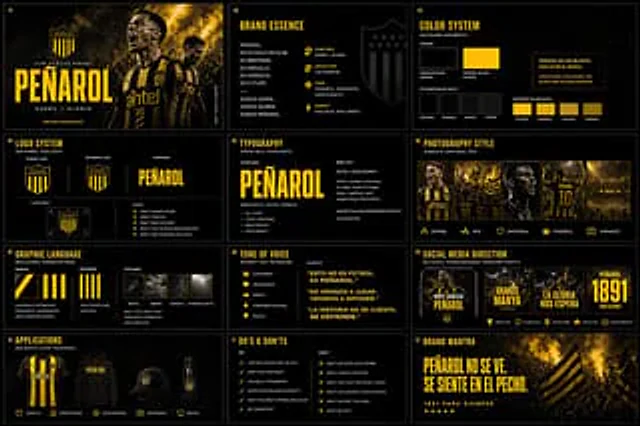
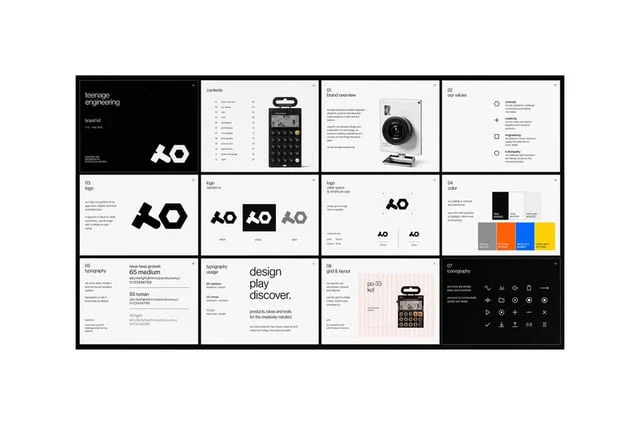
for{argument name="brand name" default="___________"} Create a beautiful multi-page (multi-image) branding toolkit

Como usar

  1. Copie o prompt original completo, incluindo os parâmetros.
  2. Adapte o tema, o texto e a composição aos seus requisitos.
  3. Use uma ferramenta externa compatível; confira o acesso e o resultado.

Antes de começar

  • Verifique se é necessária uma imagem de referência. Compatibilidade não comprova qual modelo gerou o exemplo.
  • Confira nomes, números e textos; os resultados variam entre versões do modelo.
Exemplos semelhantes

Brand Kit Design Prompt
GPT Image 2en

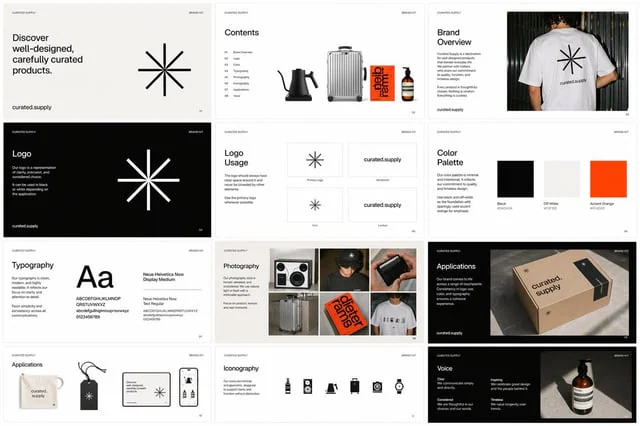
Create a multi-page, multi-image {argument name="brand asset" default="brand kit"} for {argument name="company name" default="Curated Supply"}. Make sure to include guidelines and use attached images as reference.

Brand Kit Design Prompt
GPT Image 2en

for{argument name="company name" default="Curated Supply"} Create a multi-page, multi-image {argument name="brand asset" default="Branded Kits"} Please be sure to include design guidelines and use the accompanying images as references.

Monochrome Infra Brand Kit Board
GPT Image 2zh

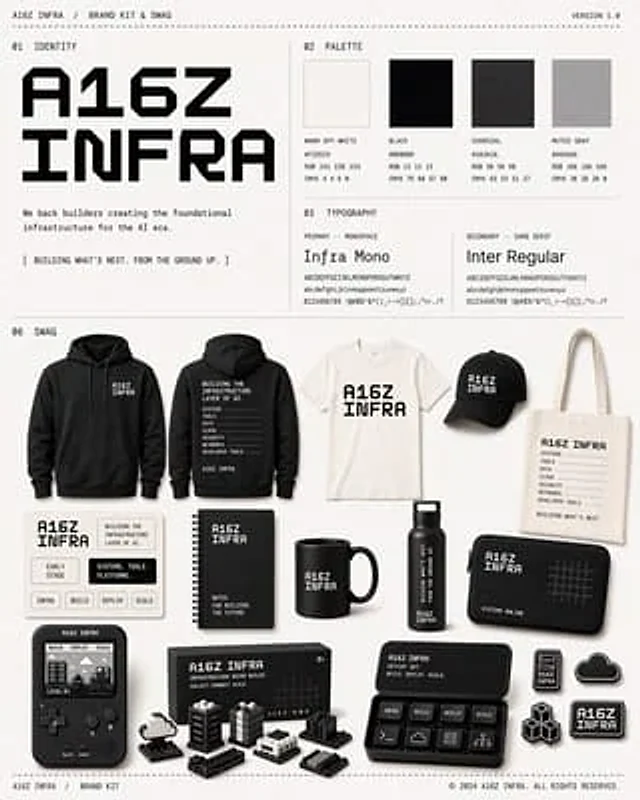
{ "type": "Monochrome brand toolkits and related merchandise display projects", "brand": { "name": "{argument name=\"brand name\" default=\"A16Z INFRA\"}", "tagline": "We support builders in creating infrastructure for the AI ​​era.", "campaign_line": "[Build the