
Documento original
GPT Image 2 · en
Scene:
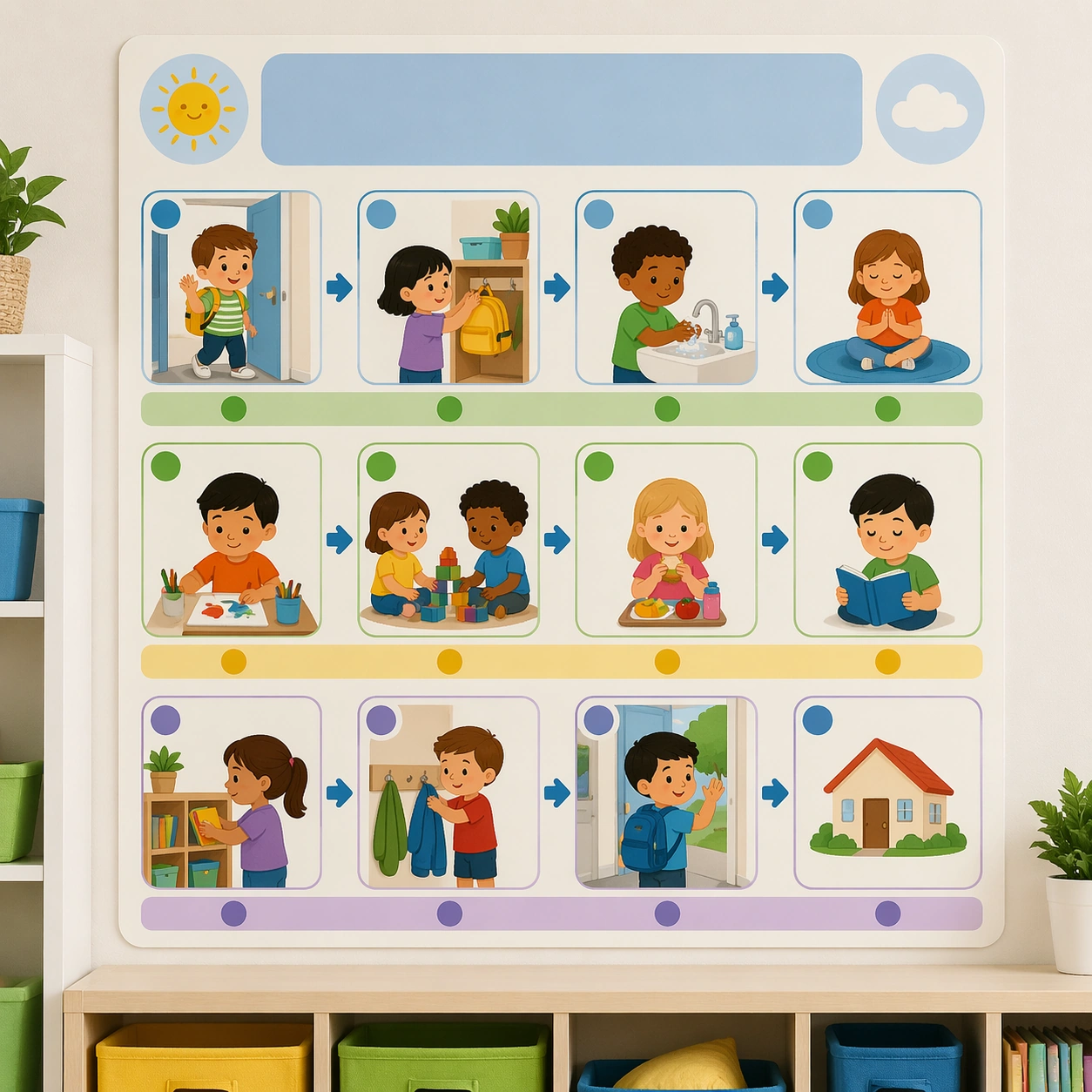
Create a square straight-on classroom wall poster with clean daylight, matte print texture, and a few soft environmental cues from shelves and cubbies. The asset should feel like a real behavior-support board designed for young children, combining instructional clarity with emotional calm. Keep the square frame balanced, calm, and production-ready so the asset can serve gallery review, research comparison, and real educational delivery at the same time.

Subject:
Build the poster around a simple daily sequence shown through large pictograms, illustrated children, blank headline zones, and modular step panels. The system should signal transitions, expectations, and order through icons and spacing rather than through strict text rules. The subject matter should feel intentionally selected for a coherent curriculum family rather than like a random decorative assortment.

Important details:
Keep the tone warm, respectful, and easy to follow. Use rounded blocks, reassuring colors, generous whitespace, and a visual hierarchy that helps children know what comes next at a glance. Preserve the same poster modules, icon scale, blank headline bands, classroom color coding, and pacing rhythm from the reference routine board. Use variation only in the teaching content, supporting props, and scene-specific mood while preserving the core visual system exactly.

Use case:
Classroom Routine and Rule Visual Set series study 1/4, reference routine board.

Constraints:
No readable text, no watermark, no logos, preserve exact 1:1 aspect ratio, no readable text, no teacher handwriting, no logos, no cluttered classroom walls, no harsh warning tone, no chaotic sticker overload.
Como usar
- Copie o prompt original completo, incluindo os parâmetros.
- Adapte o tema, o texto e a composição aos seus requisitos.
- Use uma ferramenta externa compatível; confira o acesso e o resultado.
Antes de começar
- Verifique se é necessária uma imagem de referência. Compatibilidade não comprova qual modelo gerou o exemplo.
- Confira nomes, números e textos; os resultados variam entre versões do modelo.