Documento original
GPT Image 2 · en
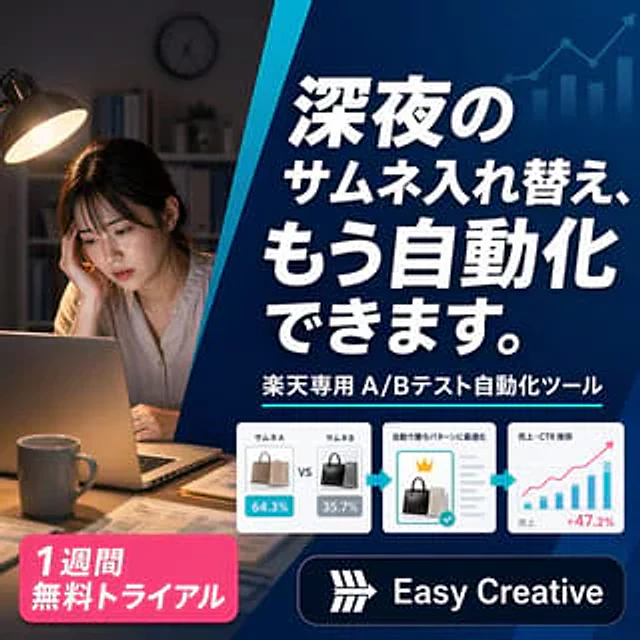
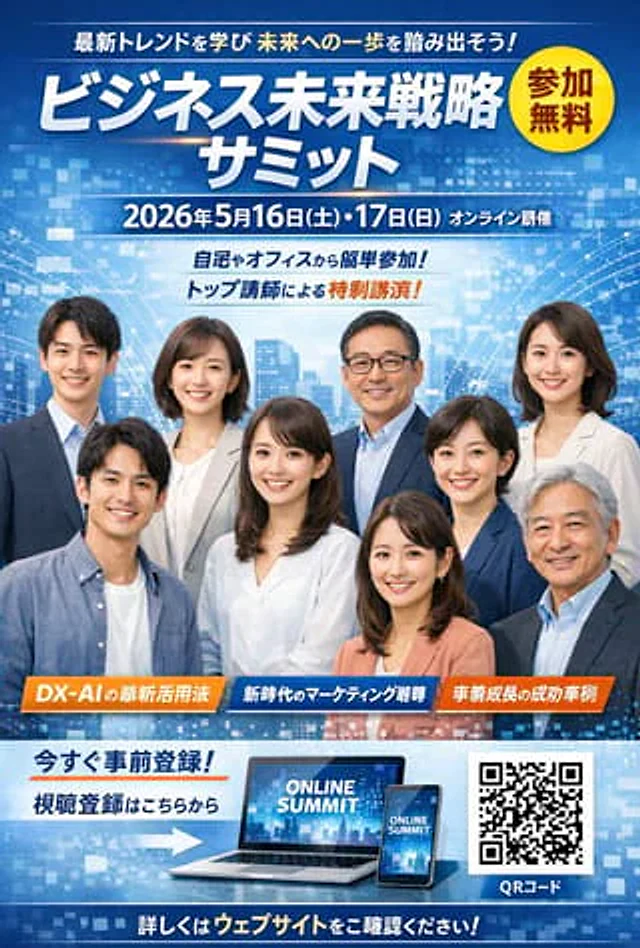
Using REFERENCE_0 as the wireframe layout, generate a sophisticated and professional corporate webpage banner ad for an AI sales tool. Use a clean blue, white, and orange color palette. Transform the figures in the sketch into realistic images of two smiling Japanese business professionals (a man and a woman in suits) looking at a silver laptop in a bright office. Add [something] in the top left corner.{argument name="brand name" default="KAWAISALES"} The logo, along with the tagline "A new business support tool that utilizes AI." Map the text bubbles in the wireframe as follows: Replace the top bubble with one containing blue text.{argument name="main copy" default="Wouldn't you like to take your sales team to the next level with AI?"} The white oval shape; replace the middle bubble with {argument name="sub copy" default="From lead generation to closing, AI provides powerful support for your sales activities!"} Replace the bottom CTA box with a bright orange pill-shaped button with the text "..."{argument name="cta text" default="Experience a free demo now >"} In the bottom right center, add a blue 3D-style bar chart with an upward arrow, a target icon displaying three user silhouettes, and a white UI card with four checkmarks. Finally, add a white panel in the bottom left corner containing three blue line art icons (a clock, a rising chart, and a laptop), with a brief description below each icon.Como usar
- Copie o prompt original completo, incluindo os parâmetros.
- Adapte o tema, o texto e a composição aos seus requisitos.
- Use uma ferramenta externa compatível; confira o acesso e o resultado.
Antes de começar
- Verifique se é necessária uma imagem de referência. Compatibilidade não comprova qual modelo gerou o exemplo.
- Confira nomes, números e textos; os resultados variam entre versões do modelo.