Documento original
GPT Image 2 · en
{
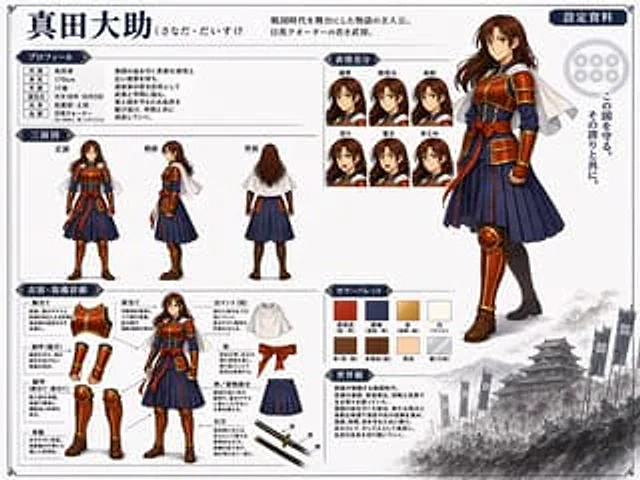
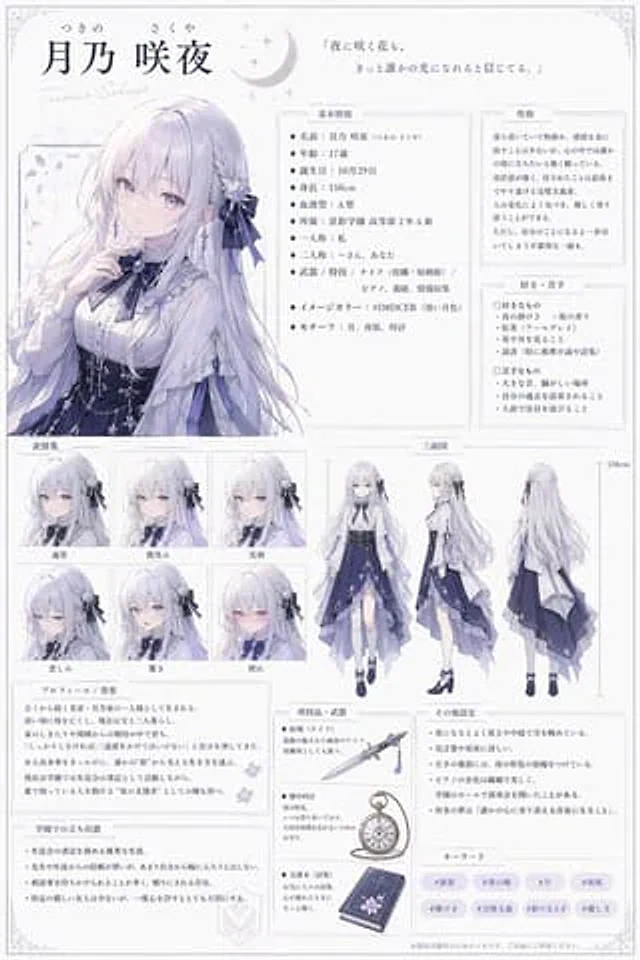
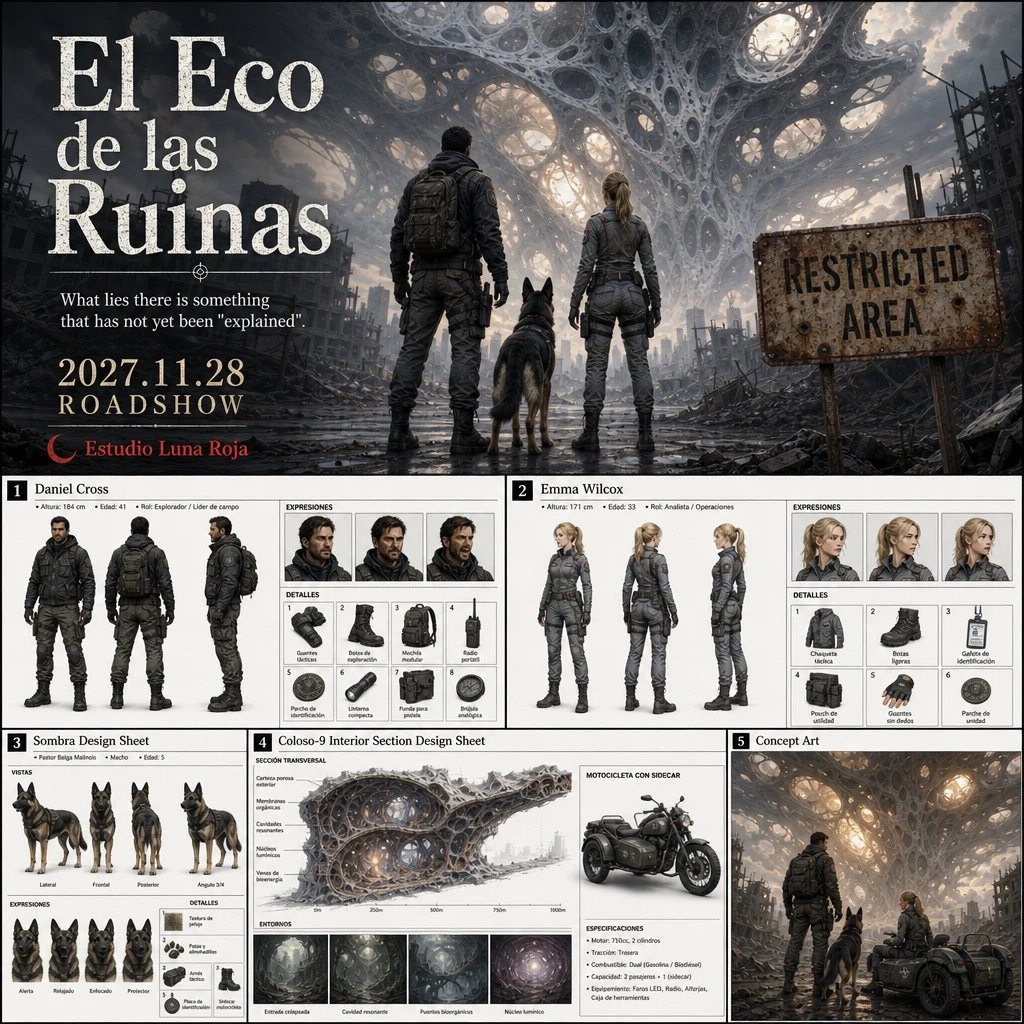
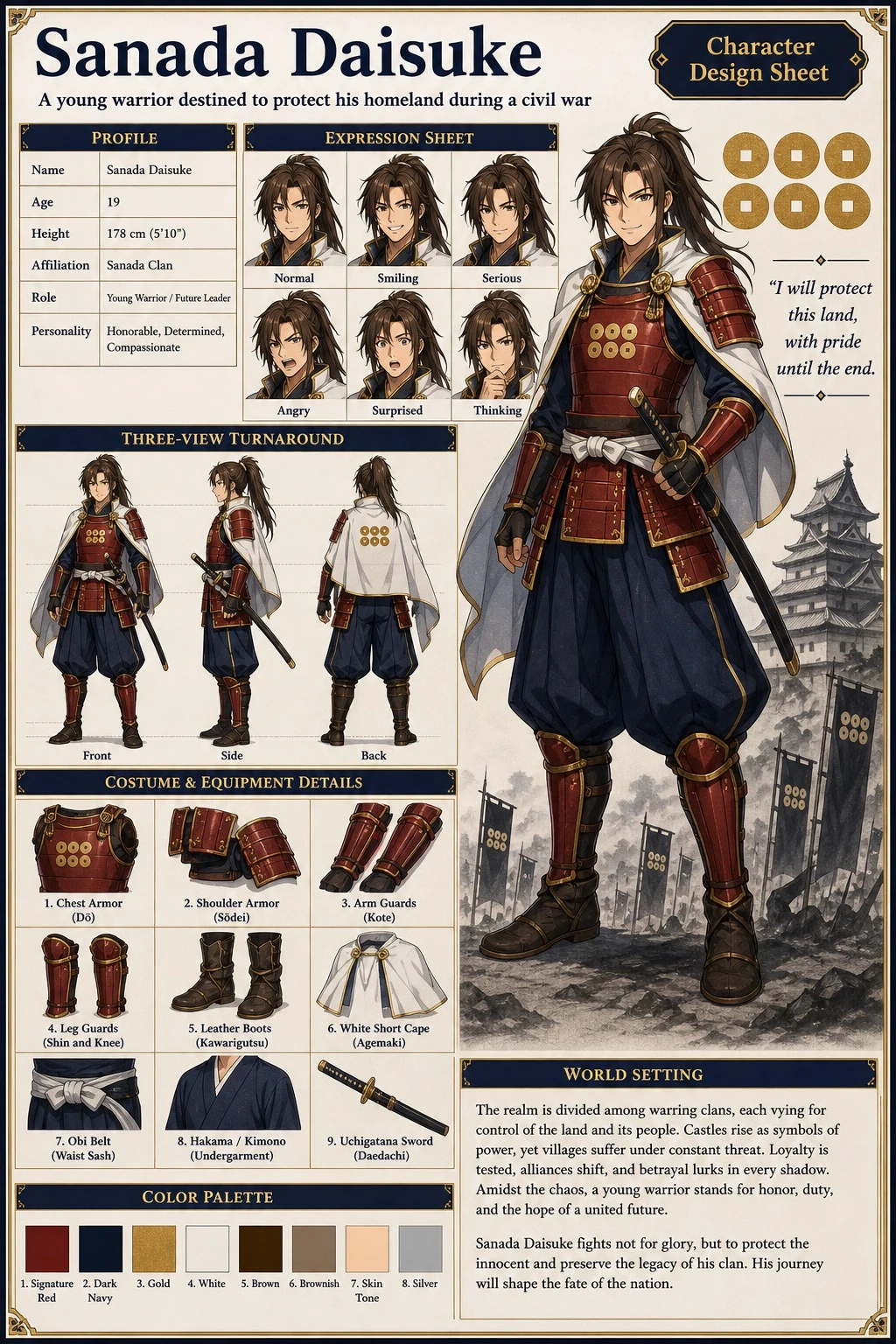
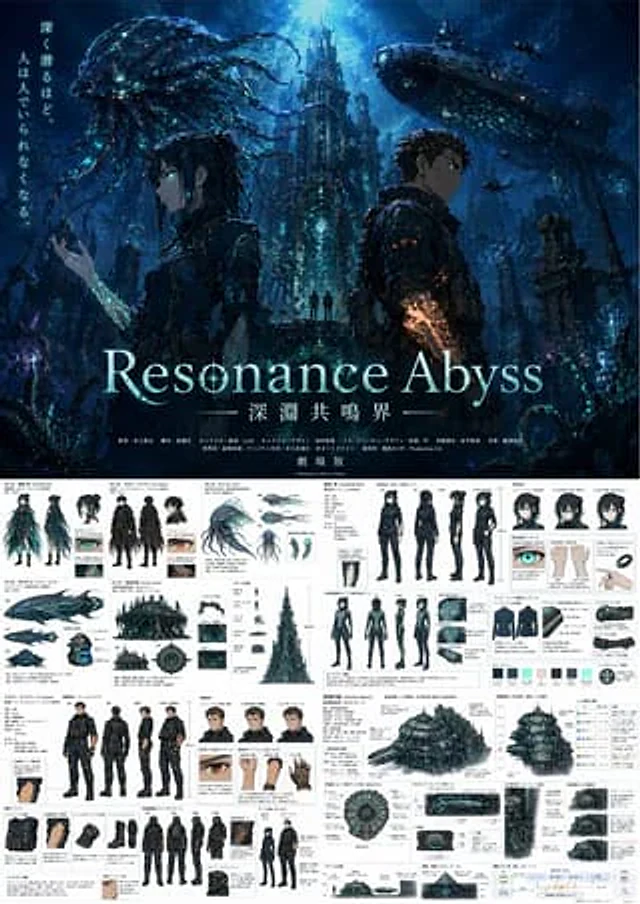
  "type": "Anime Movie Poster and Overall Production Design Reference Images",
  "overall_theme": "{argument name=\"setting theme\" default=\"Dark Deep Sea Sci-Fi Abyss\"}",
  "layout": {
    "top_half": "Movie-quality main visual poster",
    "bottom_half": "Dense multi-panel production design documents"
  },
  "poster_section": {
    "characters": [
      {
        "description": "Young woman with dark hair (profile view)",
        "special_feature": "arm with{argument name=\"female glow color\" default=\"blue\"} Luminous texture"
      },
      {
        "description": "Young man in profile, with short, dark hair.",
        "special_feature": "arm with{argument name=\"male glow color\" default=\"orange color\"} Luminous texture"
      }
    ],
    "background": "Towering Gothic underwater structures, giant bioluminescent jellyfish, and large submarines.",
    "typography": {
      "tagline": "{argument name=\"tagline\" default=\"The deeper you dive, the less you remain human.\"}",
      "main_title": "{argument name=\"main title\" default=\"Resonance Abyss\"}",
      "subtitle": "Abyss Resonance Realm",
      "footer": "Forged anime production staff list and theatrical version"
    }
  },
  "reference_sheet_section": {
    "grid_layout": "Dense architectural and character design grid with Japanese annotations",
    "panels": [
      {
        "subject": "Female character design",
        "elements": [
          {
            "type": "Standard Clothing Three-View Drawings",
            "count": 4,
            "poses": [
              "front",
              "back",
              "side",
              "3/4 side view"
            ]
          },
          {
            "type": "Facial expressions",
            "count": 3
          },
          {
            "type": "Three-view drawing of a diving suit",
            "count": 4,
            "poses": [
              "front",
              "back",
              "side",
              "3/4 side view"
            ]
          },
          {
            "type": "Close-up of clothing details",
            "count": 3
          },
          {
            "type": "Color Scheme",
            "count": 6
          }
        ]
      },
      {
        "subject": "Male character design",
        "elements": [
          {
            "type": "Standard Clothing Three-View Drawings",
            "count": 4,
            "poses": [
              "front",
              "back",
              "side",
              "3/4 side view"
            ]
          },
          {
            "type": "Facial expressions",
            "count": 3
          },
          {
            "type": "Three-view drawing of a diving suit",
            "count": 4,
            "poses": [
              "front",
              "back",
              "side",
              "3/4 side view"
            ]
          },
          {
            "type": "Close-up of equipment details",
            "count": 4
          }
        ]
      },
      {
        "subject": "Biological and Mecha Design",
        "elements": [
          {
            "type": "Jellyfish bioview",
            "count": 4
          },
          {
            "type": "Submarine view",
            "count": 3
          }
        ]
      },
      {
        "subject": "Environment and Worldview Construction",
        "elements": [
          {
            "type": "Exterior view of the dome-shaped underwater base",
            "count": 3
          },
          {
            "type": "Proportion comparison chart",
            "count": 1
          },
          {
            "type": "Internal cross-section panel",
            "count": 3
          },
          {
            "type": "UI interface model",
            "count": 2
          },
          {
            "type": "System Flowchart",
            "count": 1
          }
        ]
      }
    ]
  }
}
Como usar
- Copie o prompt original completo, incluindo os parâmetros.
- Adapte o tema, o texto e a composição aos seus requisitos.
- Use uma ferramenta externa compatível; confira o acesso e o resultado.
Antes de começar
- Verifique se é necessária uma imagem de referência. Compatibilidade não comprova qual modelo gerou o exemplo.
- Confira nomes, números e textos; os resultados variam entre versões do modelo.