
Documento original
GPT Image 2 · en
Scene:
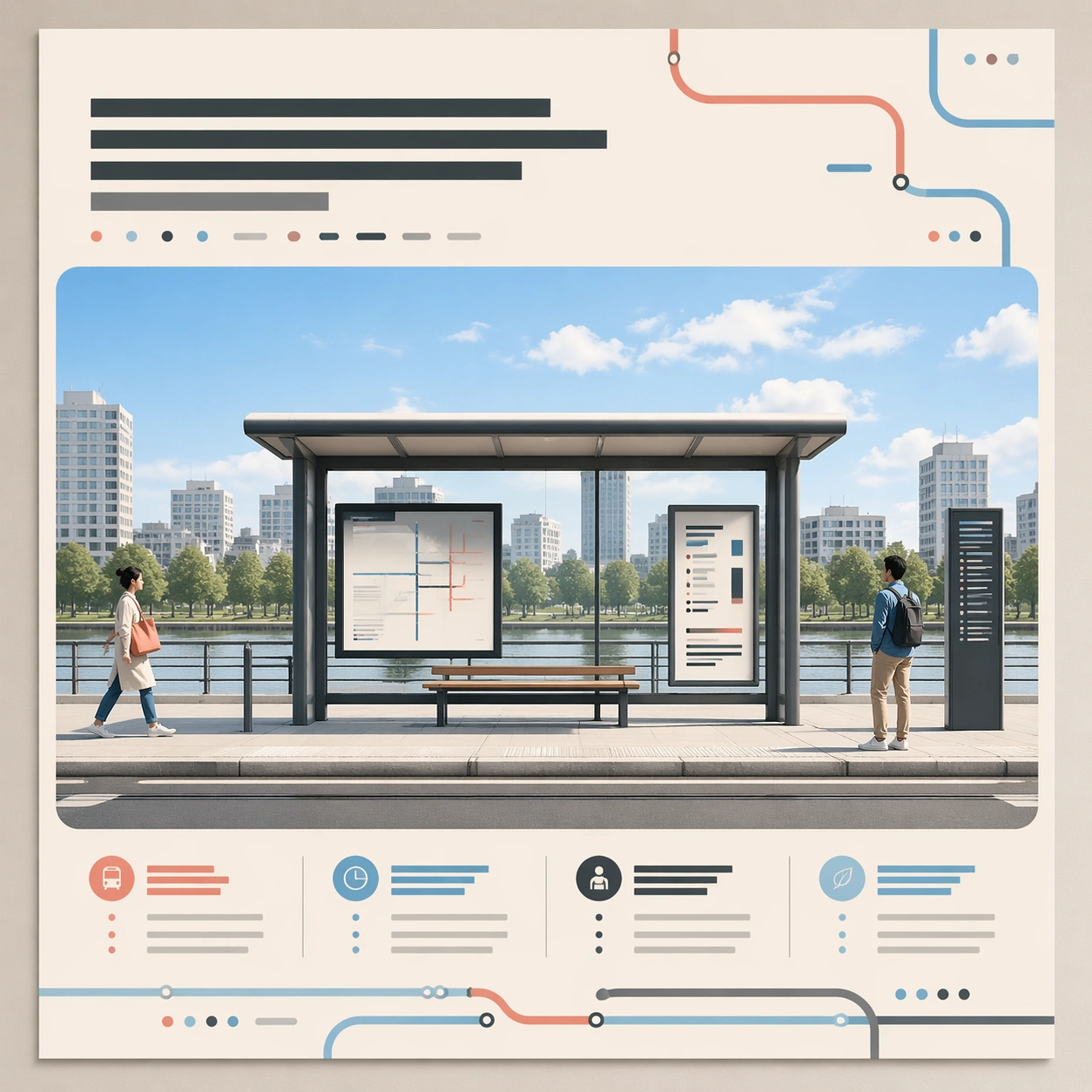
Square crop of a polished public-transit campaign poster displayed flat on a design review wall, bright neutral studio lighting, crisp editorial realism, clean margins, and a calm modern palette of cream, graphite, sky blue, and coral accents. The poster looks like a finished layout, not a software screen. The camera is straight-on with no perspective distortion, showing the entire poster and a thin surrounding wall edge.

Subject:
A central illustrated tram shelter at midday, two small pedestrians at opposite sides, one abstract headline block near the top made only of unreadable graphic strokes, a large image panel in the middle, and a balanced row of abstract information blocks near the bottom. The structure must be clear enough that later edits can preserve its identity: same frame, same shelter, same right-side figure, same decorative route shapes, and same overall spacing.

Important details:
This is the root reference for a conversational editing chain. Build deliberate edit handles into the image: a removable left pedestrian, a sky that can shift from midday to dusk, a heading area that can become larger, and a palette that can cool down. All text-like elements must be abstract marks, never readable words or letters.

Use case:
Conversational Editing Workflow series study 1/8, establishing the base image for later semantic edits without masks.

Constraints:
No readable text, no watermark, no logos, preserve exact 1:1 aspect ratio, no real transit brand, no UI overlay, no crop marks, no handwritten notes, no torn paper, no cluttered review board.
Como usar
- Copie o prompt original completo, incluindo os parâmetros.
- Adapte o tema, o texto e a composição aos seus requisitos.
- Use uma ferramenta externa compatível; confira o acesso e o resultado.
Antes de começar
- Verifique se é necessária uma imagem de referência. Compatibilidade não comprova qual modelo gerou o exemplo.
- Confira nomes, números e textos; os resultados variam entre versões do modelo.