Documento original
GPT Image 2 · en
Scene:
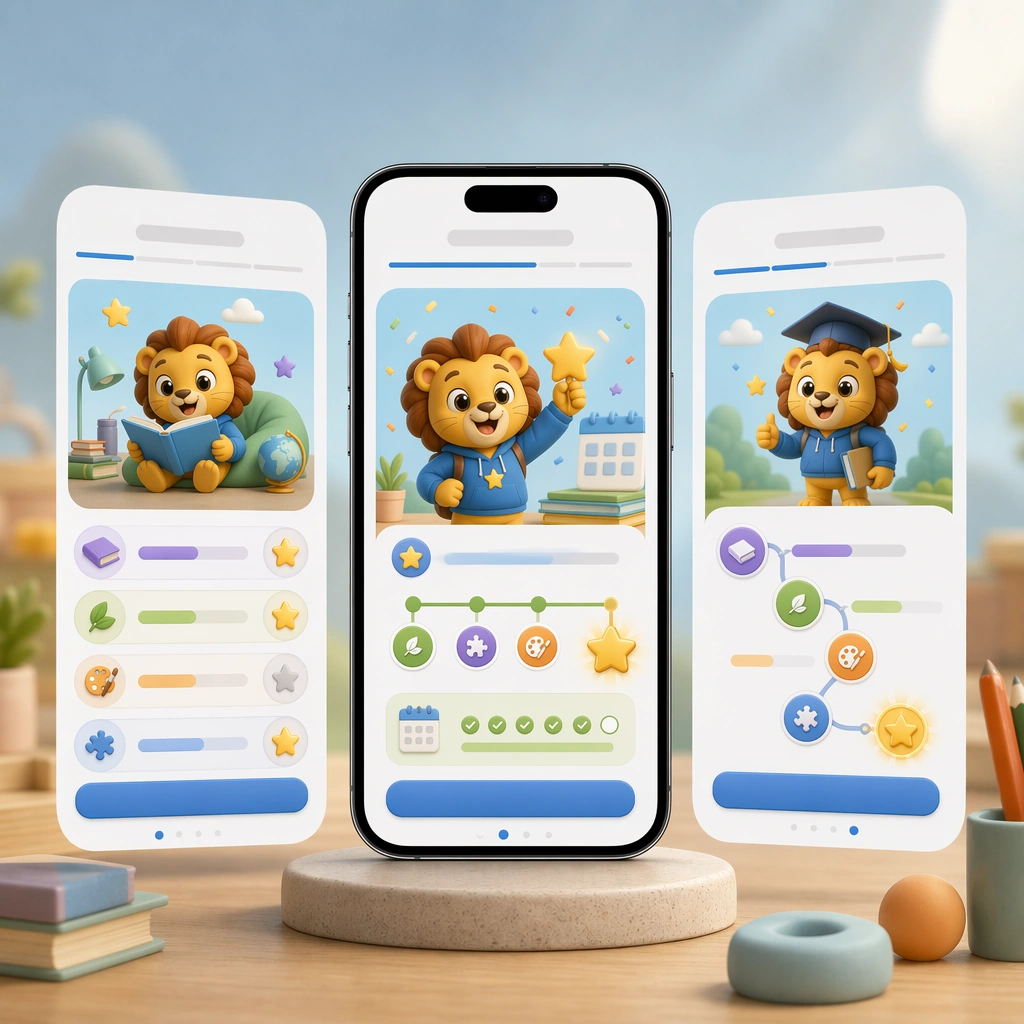
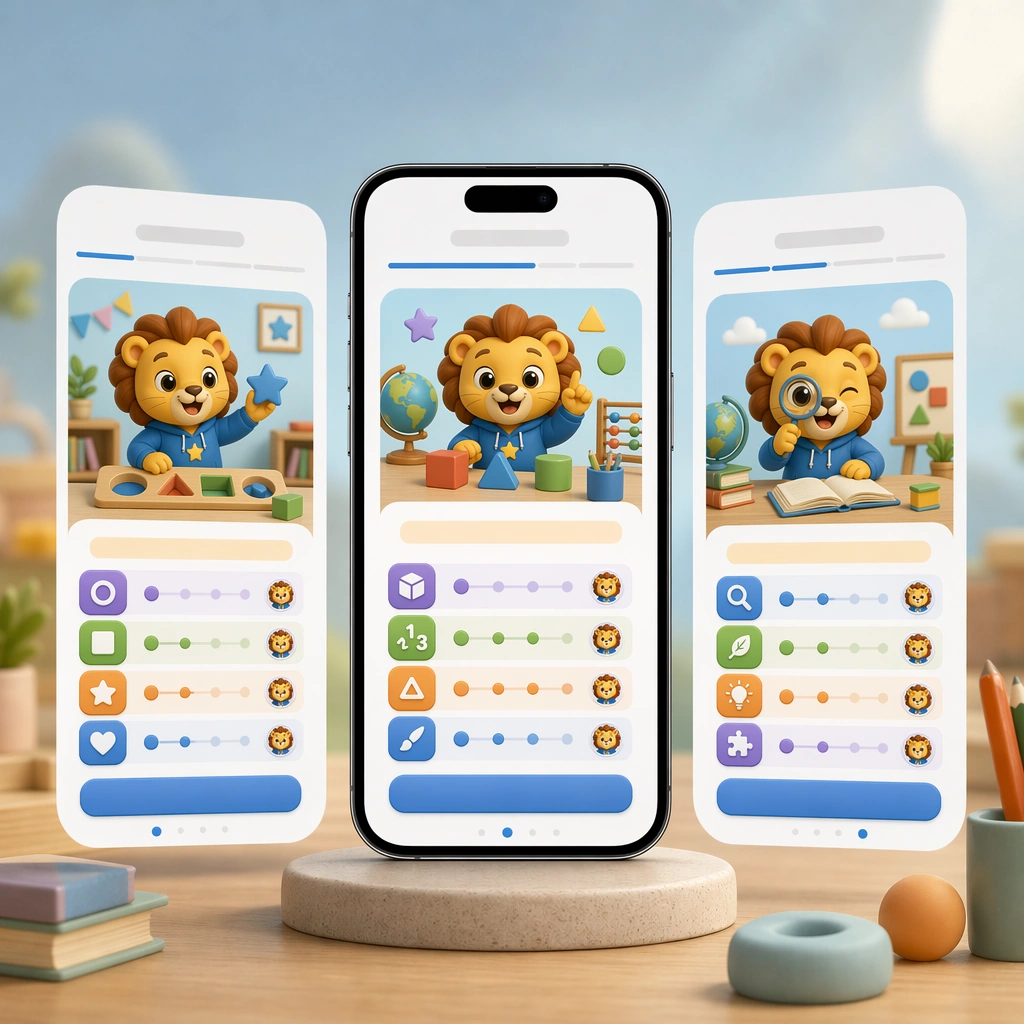
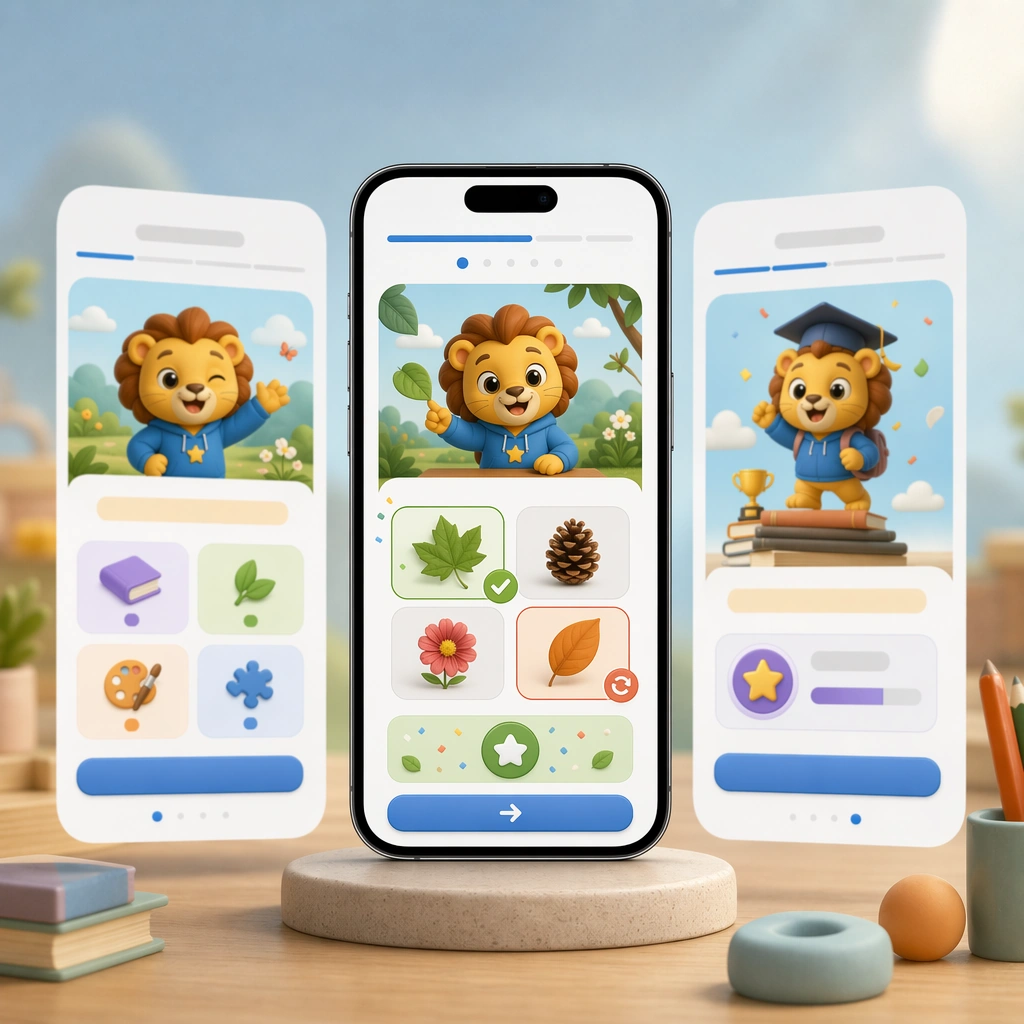
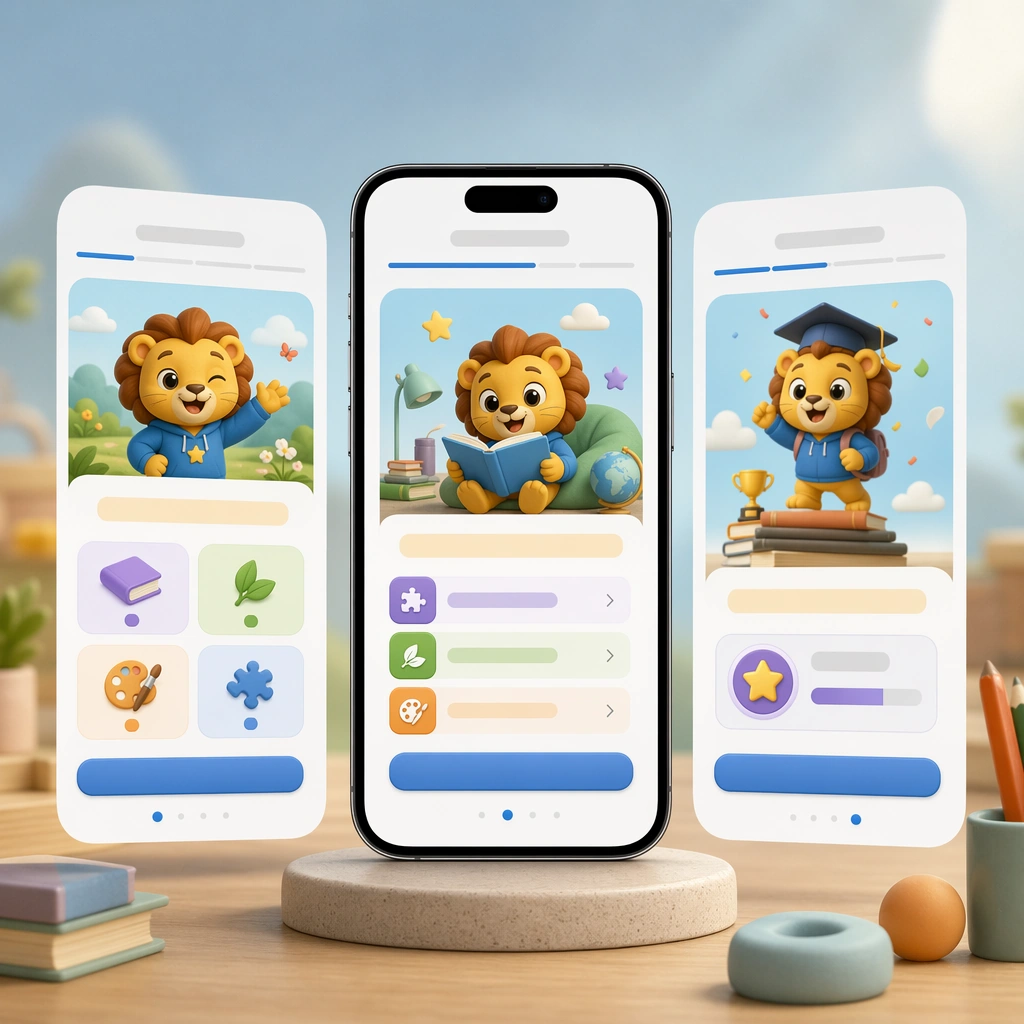
Create a square product-shot composition featuring a smartphone and two floating companion screens on a soft atmospheric backdrop, with polished device reflections and bright friendly lighting. The image should feel like a premium mobile-app campaign visual for parents, teachers, and product teams reviewing the initial onboarding flow. Keep the square frame balanced, calm, and production-ready so the asset can serve gallery review, research comparison, and real educational delivery at the same time.

Subject:
Show an onboarding sequence with a cheerful mascot, illustrated skill categories, large tappable cards, progress dots, and empty headline bars. The UI must be unmistakably made for children but disciplined enough for a real shipping product, balancing delight with clarity and accessible spacing. The subject matter should feel intentionally selected for a coherent curriculum family rather than like a random decorative assortment.

Important details:
Lock a repeatable visual system: rounded modules, confident hierarchy, soft but not sugary palette, supportive iconography, and precise mobile spacing. The screens should imply pedagogy, encouragement, and frictionless first use without relying on any readable interface text. Preserve the same mobile device framing, card radius, mascot style, color system, icon weight, and spacing rhythm from the reference screen set. Use variation only in the teaching content, supporting props, and scene-specific mood while preserving the core visual system exactly.

Use case:
Learning App Onboarding and Lesson UI series study 1/4, reference onboarding stack.

Constraints:
No readable text, no watermark, no logos, preserve exact 1:1 aspect ratio, no readable UI copy, no app-store branding, no logos, no generic gaming clutter, no impossible device anatomy, no notification spam.
Como usar
- Copie o prompt original completo, incluindo os parâmetros.
- Adapte o tema, o texto e a composição aos seus requisitos.
- Use uma ferramenta externa compatível; confira o acesso e o resultado.
Antes de começar
- Verifique se é necessária uma imagem de referência. Compatibilidade não comprova qual modelo gerou o exemplo.
- Confira nomes, números e textos; os resultados variam entre versões do modelo.