
Documento original
GPT Image 2 · en
Scene:
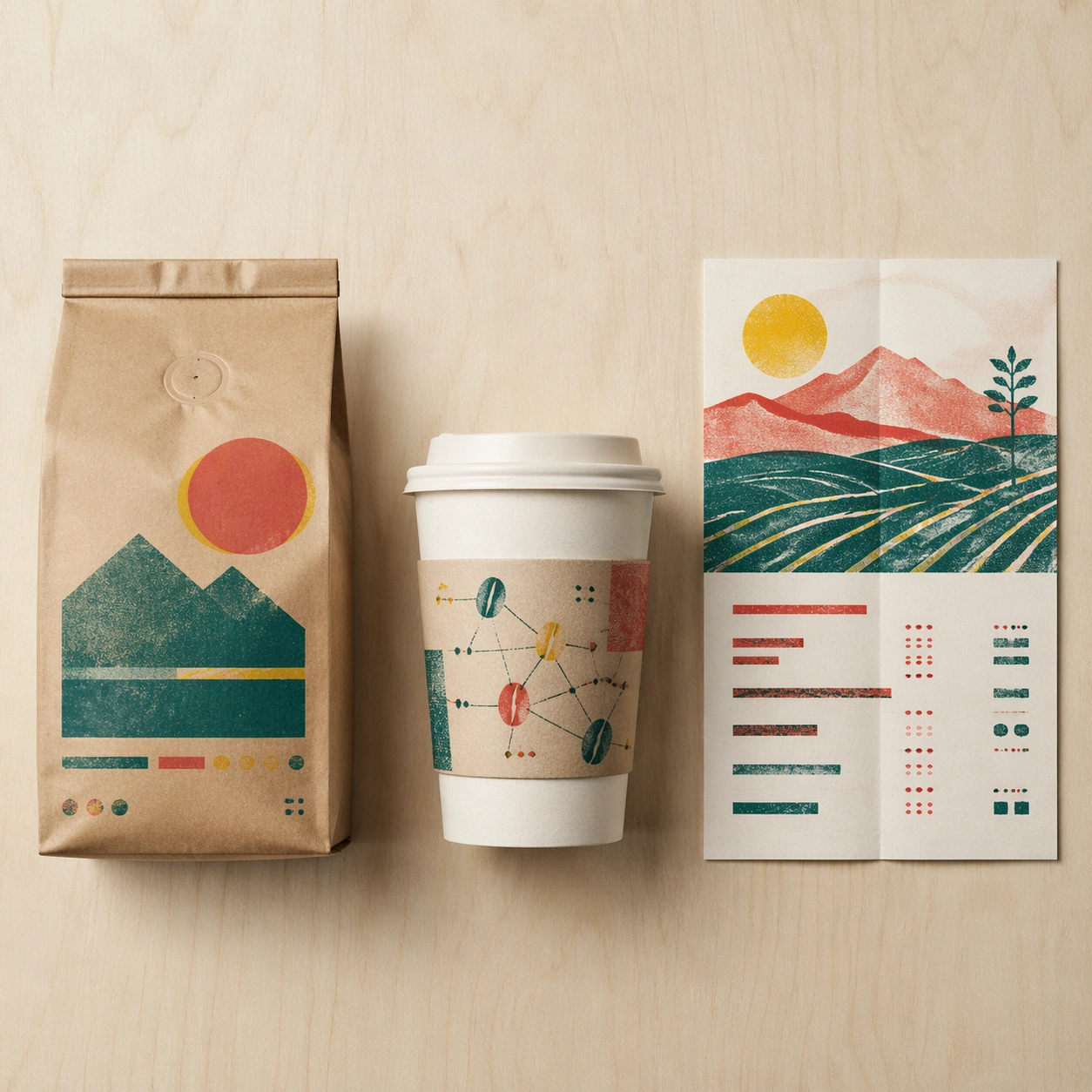
A square cafe retail launch mockup arranged on a pale birch tabletop, shot from a clean overhead-frontal hybrid angle. The layout feels like a design presentation spread: a standing coffee bag on the left, a takeaway cup and sleeve in the center, and a folded poster or menu card on the right. Lighting is clear morning daylight, with gentle paper shadows and visible print texture across every surface.

Subject:
A fictional specialty coffee brand collaboration with a risograph print artist language. The coffee bag is matte kraft paper with teal, tomato red, and soy-yellow overprint layers that are slightly misregistered on purpose. The cup sleeve carries abstract bean constellations and rough halftone blocks. The poster card shows a simplified mountain farm scene built from two-color riso shapes, overlaid with structured but non-readable menu bars and small glyph clusters. The products feel coordinated as a limited cafe drop.

Important details:
Make the commercial system believable: sealed bag gussets, valve circle, crimped top, cup rim thickness, sleeve seam, poster fold crease, and grainy ink absorption. Misregistration should be charming and controlled, never chaotic. The image must be legible as product plus packaging plus advertising, with clean negative space and a tight grid. Avoid readable labels while preserving the impression of professional package typography through abstract blocks.

Use case:
Brand Artist Collab Mockup single study 6/8, focused on an independent cafe launch kit with handmade print energy.

Constraints:
No readable text, no watermark, no logos, preserve exact 1:1 aspect ratio, no real cafe brand, no real artist signature, no spilled coffee, no food props, no unreadable clutter pretending to be copy, no distorted cup ellipse.
Como usar
- Copie o prompt original completo, incluindo os parâmetros.
- Adapte o tema, o texto e a composição aos seus requisitos.
- Use uma ferramenta externa compatível; confira o acesso e o resultado.
Antes de começar
- Verifique se é necessária uma imagem de referência. Compatibilidade não comprova qual modelo gerou o exemplo.
- Confira nomes, números e textos; os resultados variam entre versões do modelo.