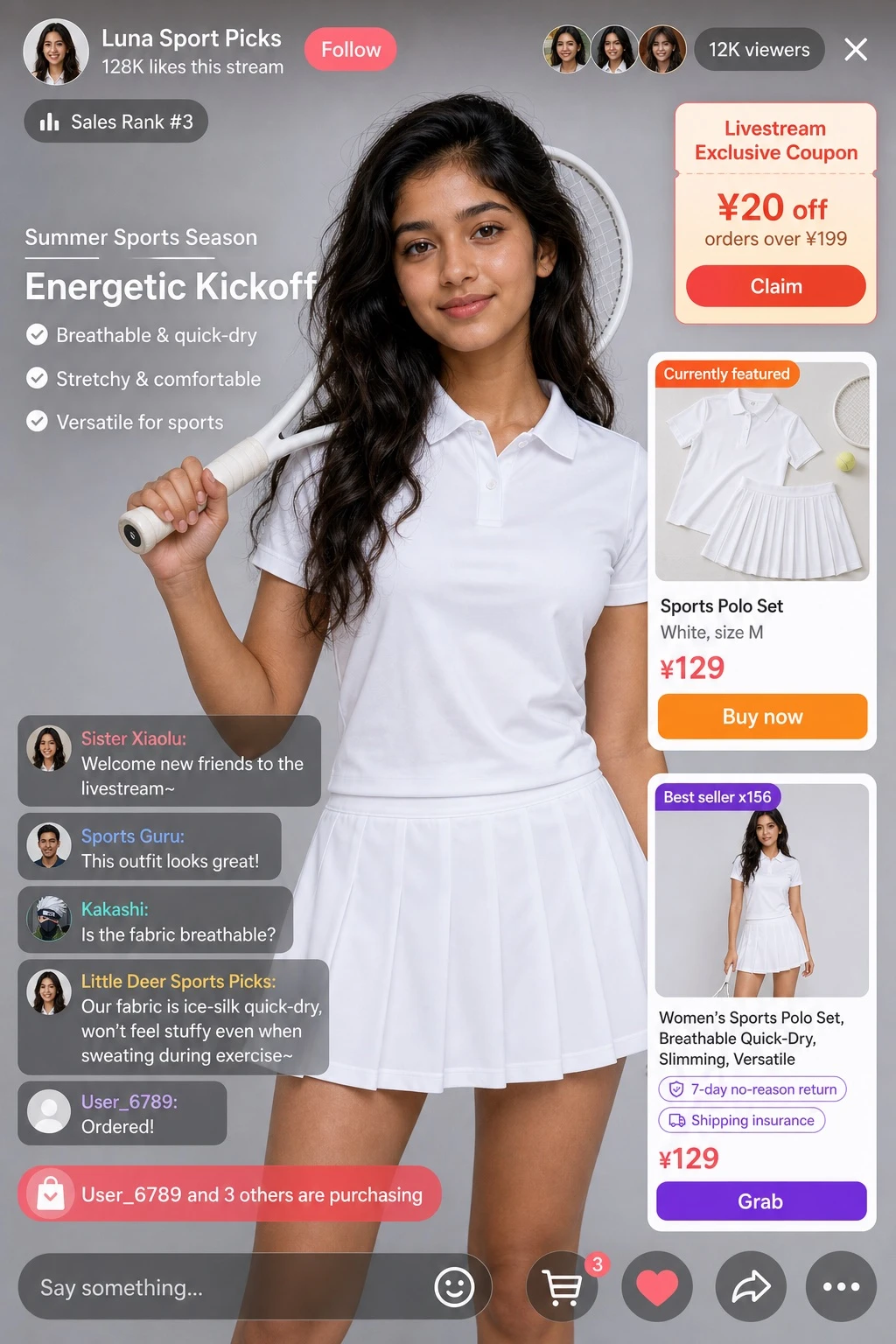
Documento original
GPT Image 2 · en
{
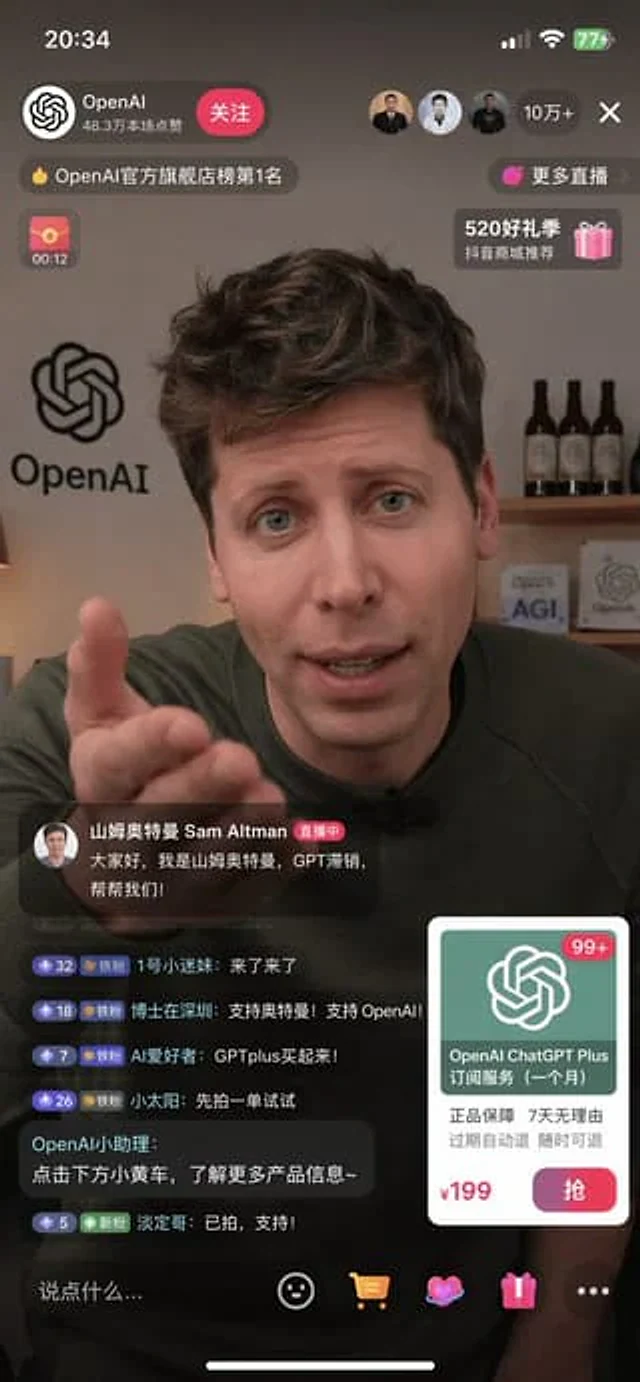
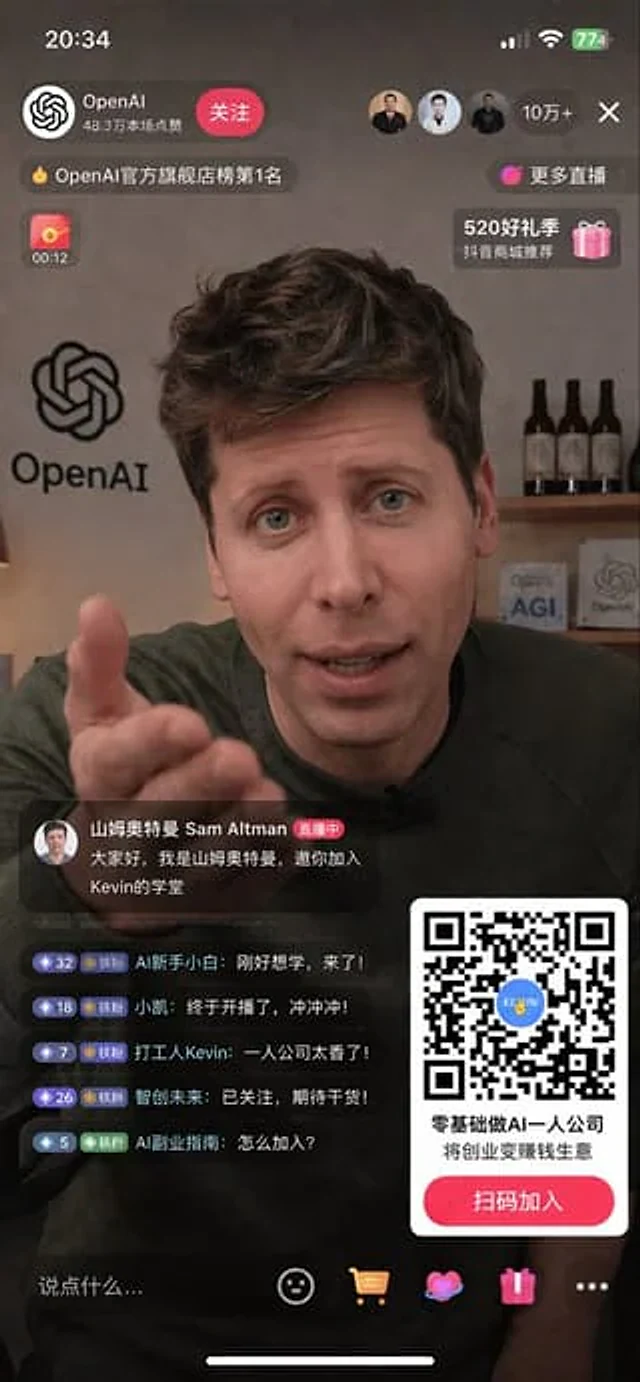
  "type": "Mobile live streaming interface design draft",
  "scene": {
    "subject": "{argument name=\"main subject\" default=\"Sam Altman\"} The portrait shows the subject wearing a dark green sweater, looking directly at the camera, with her right hand extended forward in an inviting gesture.",
    "background": "The scene is set in an office studio. On the left is a huge 'OpenAI' logo on the wall. On the right is a wooden shelf with three bottles of dark wine and two small square plaques, one of which reads 'AGI' and the other 'OpenAI'."
  },
  "layout": {
    "top_overlay": {
      "status_bar": "Time '20:34', Cellular signal bar, Wi-Fi icon, Battery '774'",
      "host_profile": "The OpenAI logo, the name 'OpenAI', the subtitle '483k people liked this live stream', and a red 'Follow' button.",
      "viewer_stats": "Three user avatars, text '100k+', and an 'X' close icon.",
      "banners": [
        "The top banner displays 'OpenAI Official Flagship Store Ranking #1'",
        "The link shows 'More Live Streams>'",
        "Red envelope countdown icon '00:12'",
        "The gift box icon displays 'Recommended by Douyin Mall during the 520 Gift Season'."
      ]
    },
    "bottom_left_overlay": {
      "pinned_host_message": {
        "avatar": "Anchor Portrait",
        "name": "Sam Altman",
        "badge": "During the live stream",
        "message": "{argument name=\"host message\" default=\"Hello everyone, I'm Ultraman Sam, and I invite you to join Kevin's academy.\"}"
      },
      "live_chat": {
        "count": 5,
        "messages": [
          "Level 32 badge, user 'AI beginner', content 'Just came to learn, I'm here!'",
          "Level 18 badge, user 'Xiaokai', content: 'Finally started streaming, let's go!'",
          "Level 7 badge, user 'Worker Kevin', post: 'A one-man company is awesome!'",
          "Level 26 badge, user 'Smart Future', content 'Followed, looking forward to more content!'",
          "Level 5 badge, user 'AI Side Hustle Guide', content 'How to join?'"
        ]
      }
    },
    "bottom_right_overlay": {
      "qr_code_card": {
        "graphic": "A large, scannable QR code with a blue logo in the center that reads 'KEVIN'.",
        "primary_text": "{argument name=\"promo headline\" default=\"Starting an AI-powered one-person company with zero experience\"}",
        "secondary_text": "{argument name=\"promo subheadline\" default=\"Turn entrepreneurship into a profitable business\"}",
        "call_to_action_button": "The red button displays {argument name=\"button text\" default=\"Scan the QR code to join\"}"
      }
    },
    "bottom_navigation_bar": {
      "input_field": "The text box displays 'Say something...'",
      "icons_count": 5,
      "icons": [
        "smiley face emoji",
        "Shopping cart icon",
        "Heart icon",
        "Gift box icon",
        "Three-dot menu icon"
      ],
      "system": "Bottom iOS Home Screen Indicator Bar"
    }
  }
}
Como usar
- Copie o prompt original completo, incluindo os parâmetros.
- Adapte o tema, o texto e a composição aos seus requisitos.
- Use uma ferramenta externa compatível; confira o acesso e o resultado.
Antes de começar
- Verifique se é necessária uma imagem de referência. Compatibilidade não comprova qual modelo gerou o exemplo.
- Confira nomes, números e textos; os resultados variam entre versões do modelo.