
Documento original
GPT Image 2 · en
Scene:
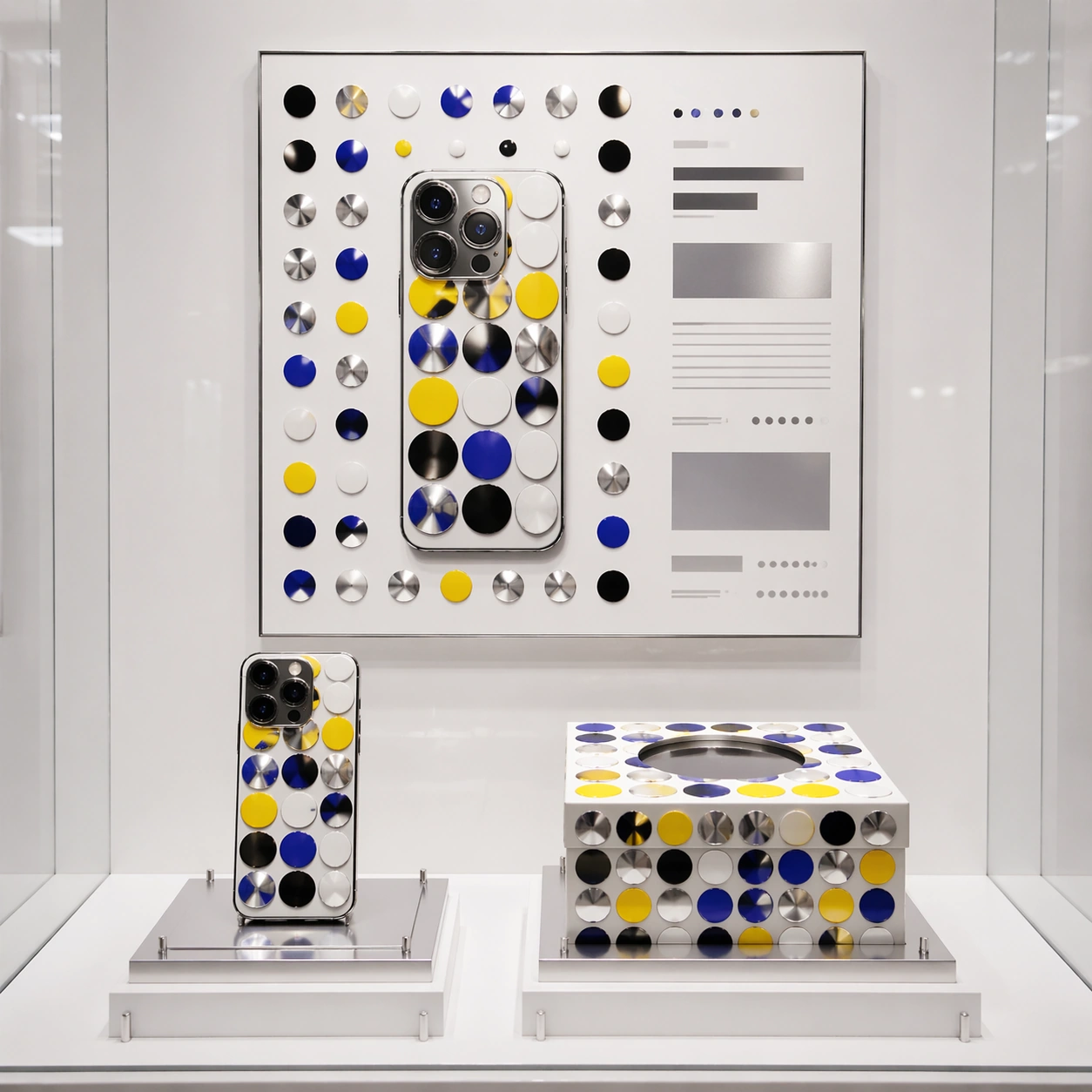
A square premium technology retail mockup displayed inside a minimal gallery case. The camera is frontal with a slight top-down angle, enough to show a smartphone, its rigid magnetic box, and a framed launch poster behind them. Lighting is bright white museum lighting with soft reflections, high key shadows, and immaculate spacing. The background is porcelain white with small chrome risers and clean grid alignment.

Subject:
A fictional smartphone capsule collaboration with an avant-garde dot-and-mirror installation artist language. The phone back uses glossy enamel dots in yellow, black, white, and electric blue, arranged around the camera island without hiding functional details. The box has a repeating dot field wrapping across the lid and sides, plus a circular die-cut insert. The poster is a disciplined product ad: phone silhouette centered in a field of dots, mirrored silver accents, and rectangular non-readable copy blocks placed like a luxury launch campaign.

Important details:
The mockup must prove layout control: product, packaging, and poster share the same dot system while each object remains distinct. Preserve realistic phone proportions, lens rings, glass reflections, box seams, printed ink registration, and gallery-case shadows. The dot pattern should feel intentionally composed, not random confetti. Avoid real operating system icons or interface screens; keep the screen dark and reflective. Typography must be implied by clean placeholder bars and tiny abstract glyph rows.

Use case:
Brand Artist Collab Mockup single study 3/8, focused on a technology product capsule with gallery-grade art direction.

Constraints:
No readable text, no watermark, no logos, preserve exact 1:1 aspect ratio, no real phone brand, no real artist signature, no app icons, no hands, no scattered accessories, no low-resolution poster edges.
Como usar
- Copie o prompt original completo, incluindo os parâmetros.
- Adapte o tema, o texto e a composição aos seus requisitos.
- Use uma ferramenta externa compatível; confira o acesso e o resultado.
Antes de começar
- Verifique se é necessária uma imagem de referência. Compatibilidade não comprova qual modelo gerou o exemplo.
- Confira nomes, números e textos; os resultados variam entre versões do modelo.