Documento original
GPT Image 2 · en
Scene:
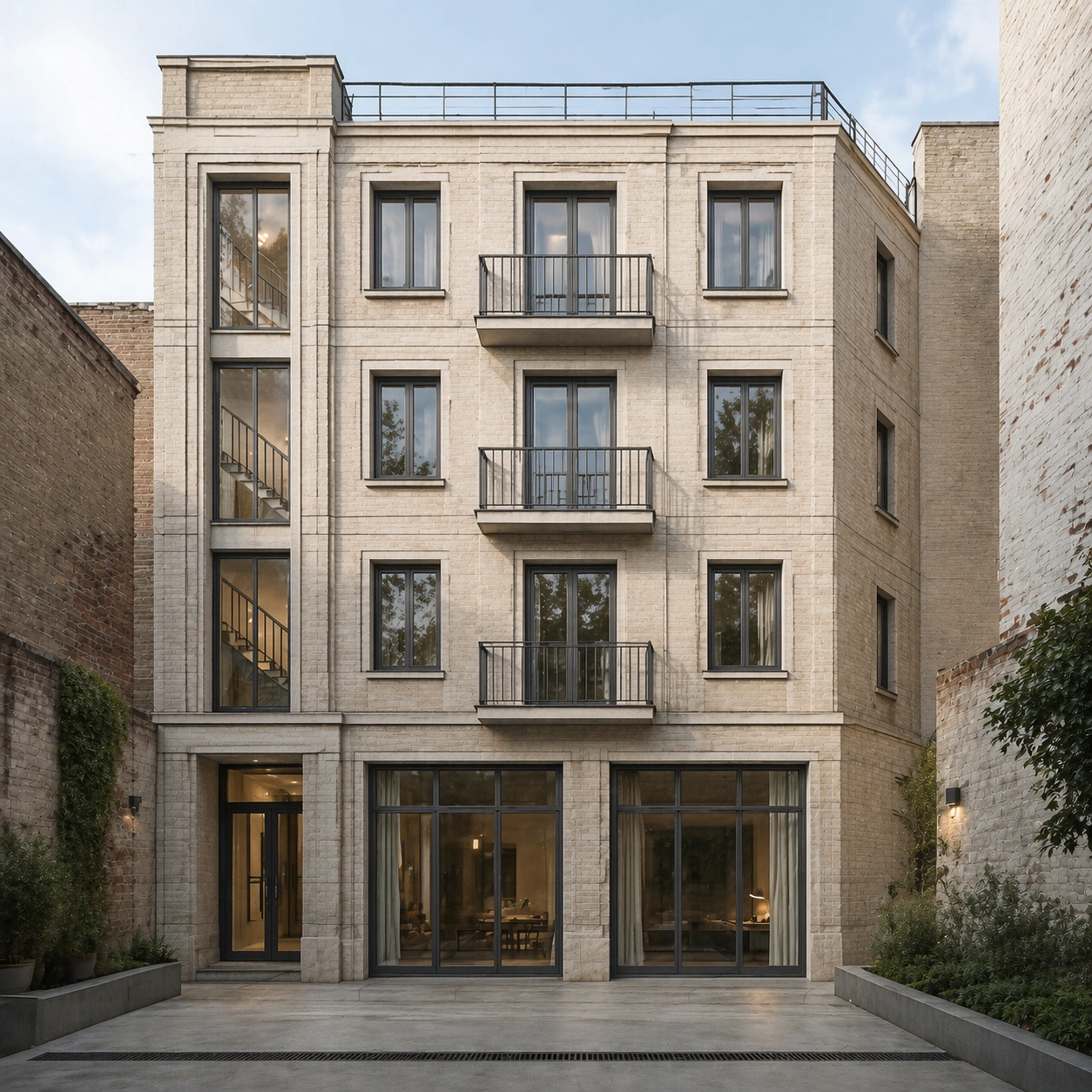
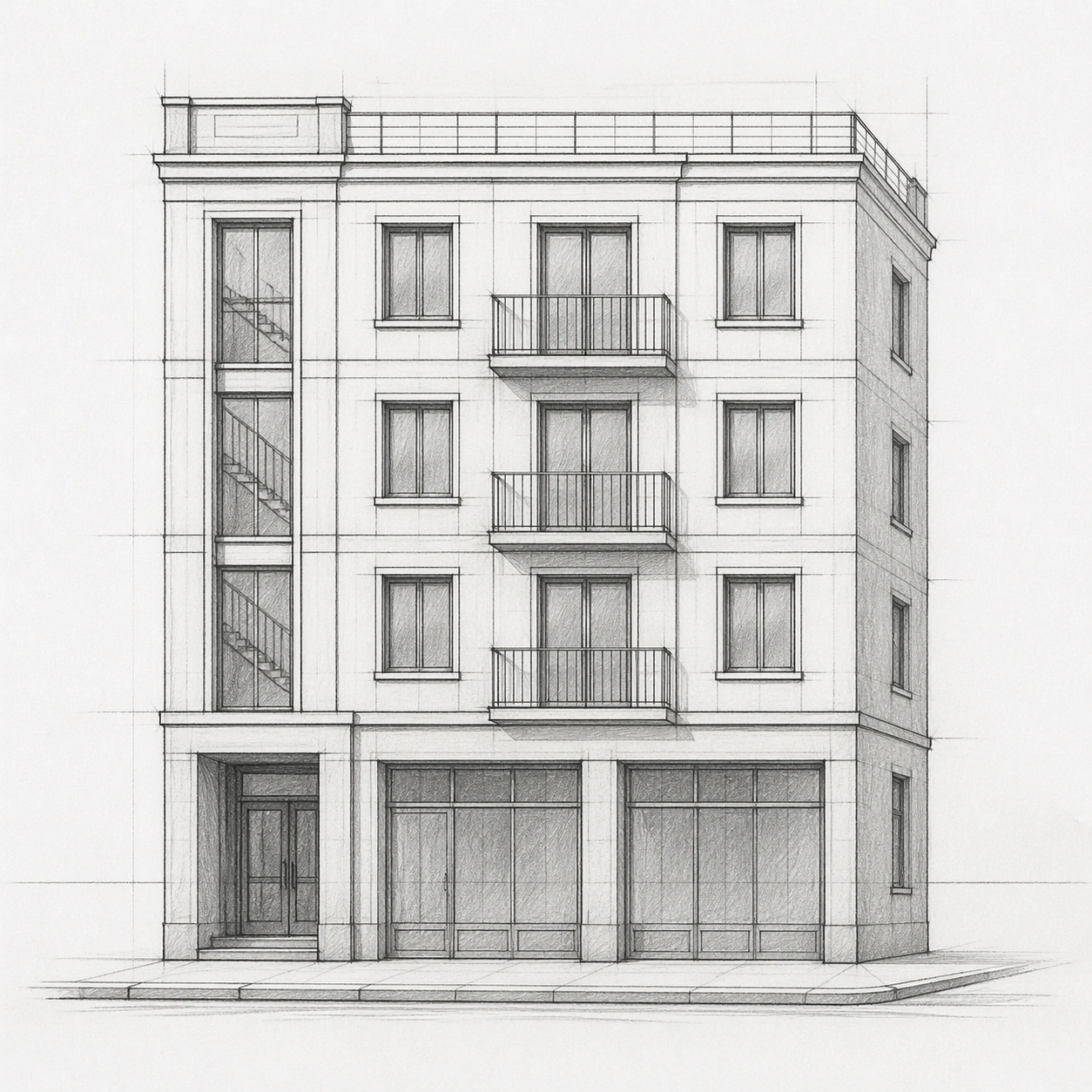
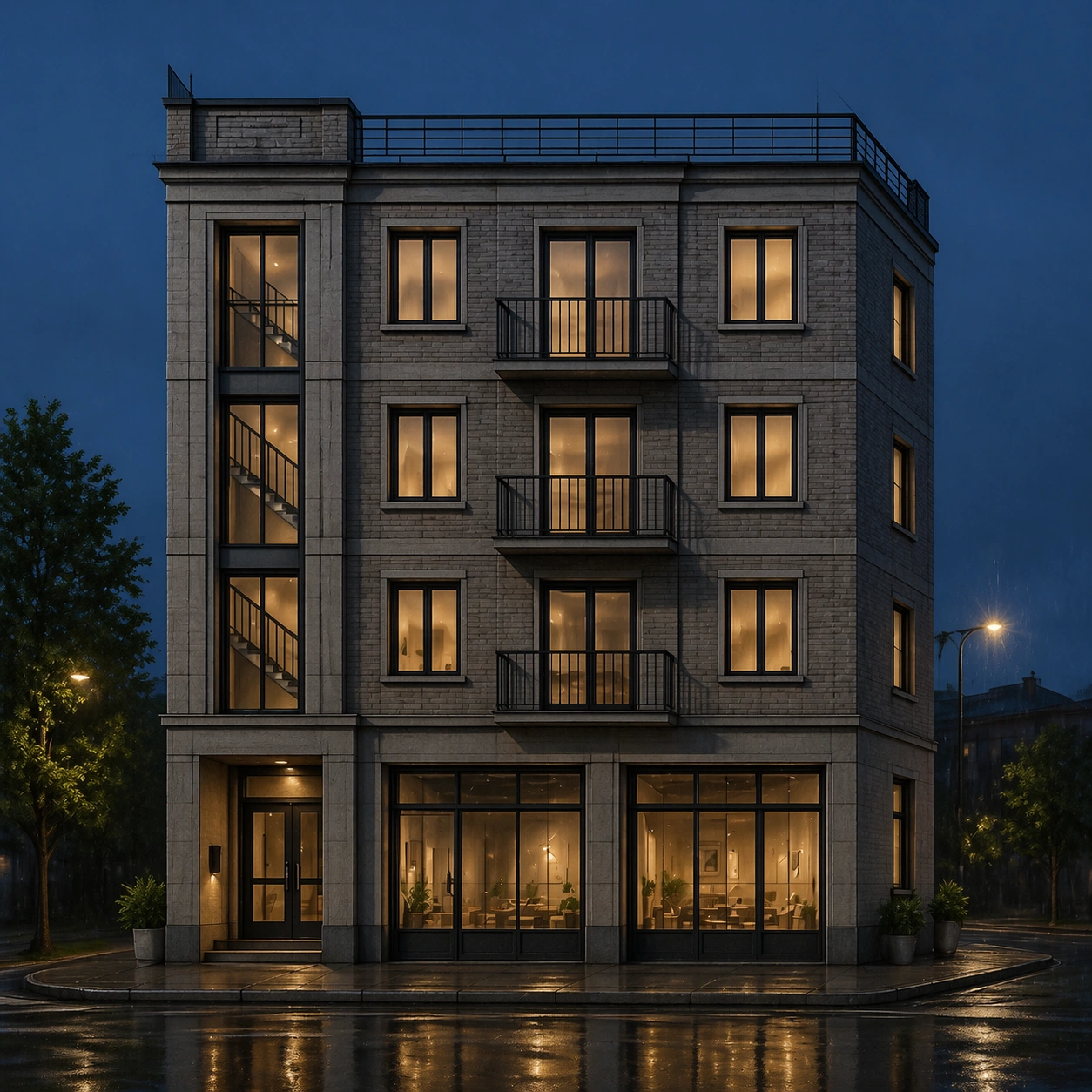
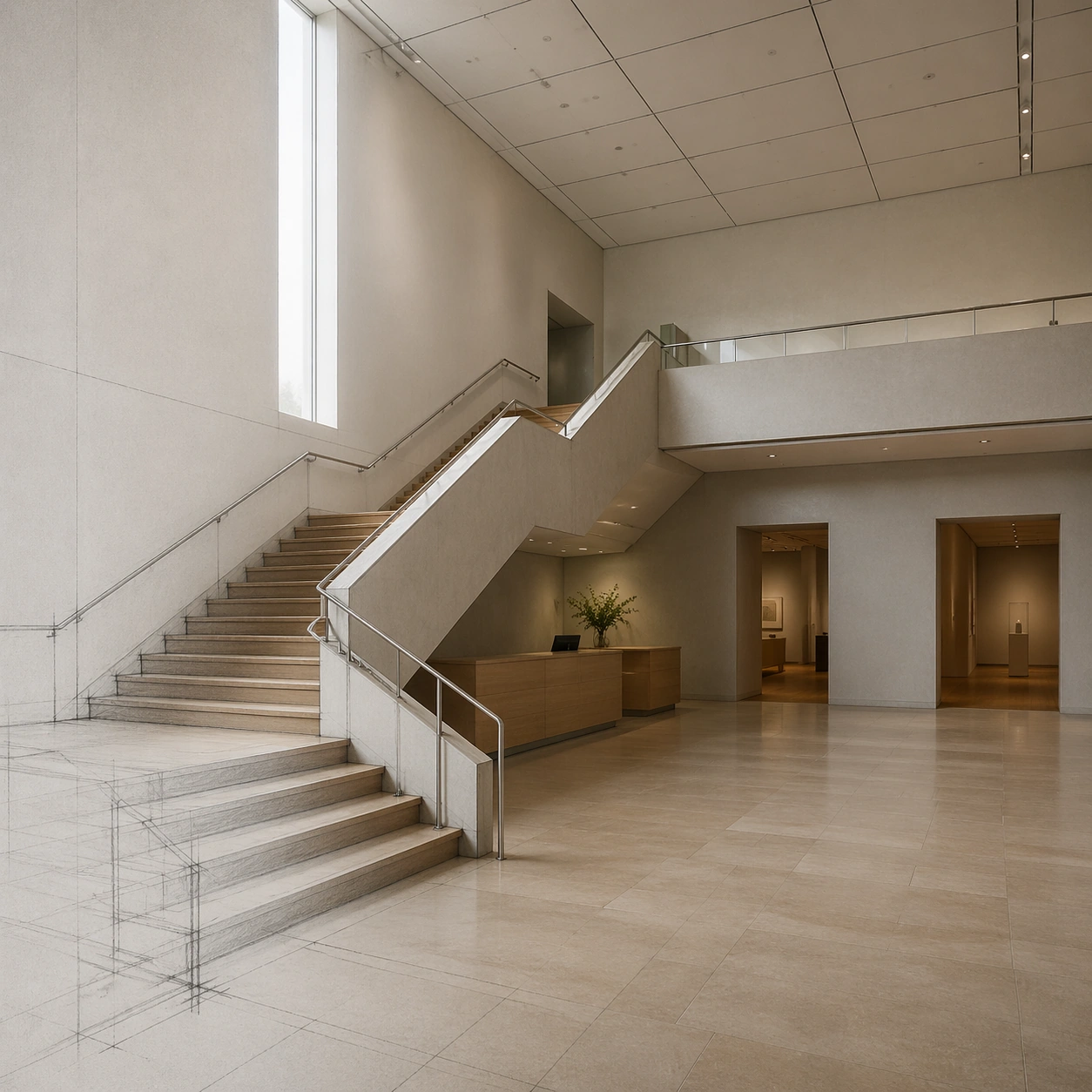
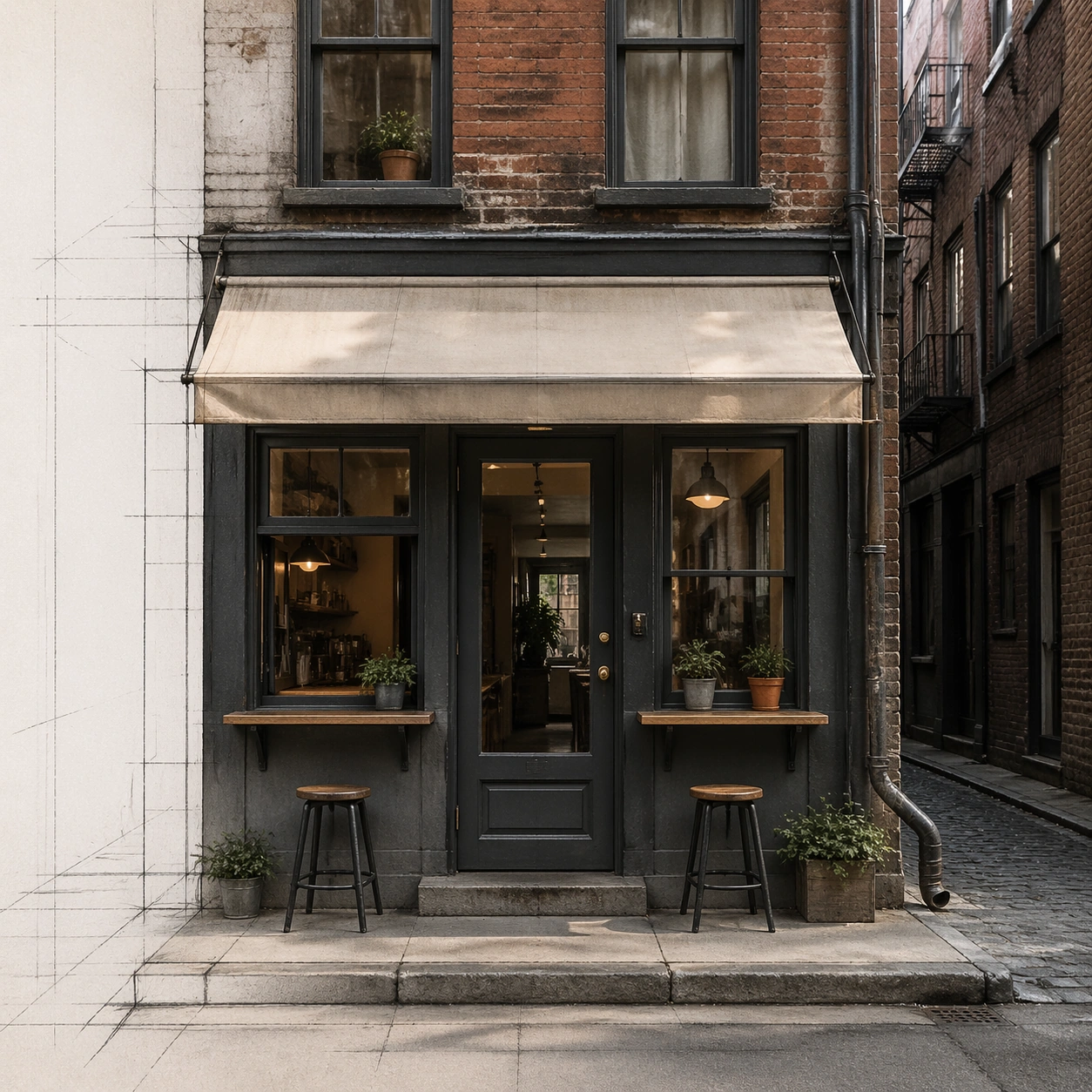
A square street-level photoreal render of a narrow alley cafe facade, visibly transformed from a simple pencil storefront sketch. Faint graphite guidelines remain along the left margin and pavement perspective lines, while the main facade is fully realistic. The lighting is soft late morning in a dense urban side street, with gentle reflections and clear facade inspection.

Subject:
A tiny cafe inserted into an old masonry alley building. The sketch defines a narrow frontage, centered glass door, two flanking windows, a shallow awning, a service hatch, upper residential windows, downspout, curb step, and compact outdoor ledge seating. The photoreal render keeps all these positions and proportions, translating them into aged brick, painted timber frames, translucent fabric awning without text, brass door hardware, stone threshold, rain pipe, and small planters that do not cover openings.

Important details:
Maintain strict storefront fidelity: door centered where drawn, window widths unchanged, awning height fixed, upper window alignment preserved, curb and alley perspective consistent. Use real-world urban details such as uneven brick, practical drainage, safety glass, threshold height, and modest weathering. Do not expand the cafe, add readable signs, invent a second storefront, or turn the alley into a tourist plaza. The image should prove that a modest hand sketch can become a production-quality photoreal facade without layout drift.

Use case:
Sketch to Photoreal Render single study 8/8, testing small-scale storefront rendering with exact sketch-to-photo placement.

Constraints:
No readable text, no watermark, no logos, preserve exact 1:1 aspect ratio, no added signage, no extra doors, no moved windows, no crowded pedestrians, no fantasy lighting, no oversized plants blocking the facade.
Como usar
- Copie o prompt original completo, incluindo os parâmetros.
- Adapte o tema, o texto e a composição aos seus requisitos.
- Use uma ferramenta externa compatível; confira o acesso e o resultado.
Antes de começar
- Verifique se é necessária uma imagem de referência. Compatibilidade não comprova qual modelo gerou o exemplo.
- Confira nomes, números e textos; os resultados variam entre versões do modelo.