Documento original
GPT Image 2 · en
Scene:
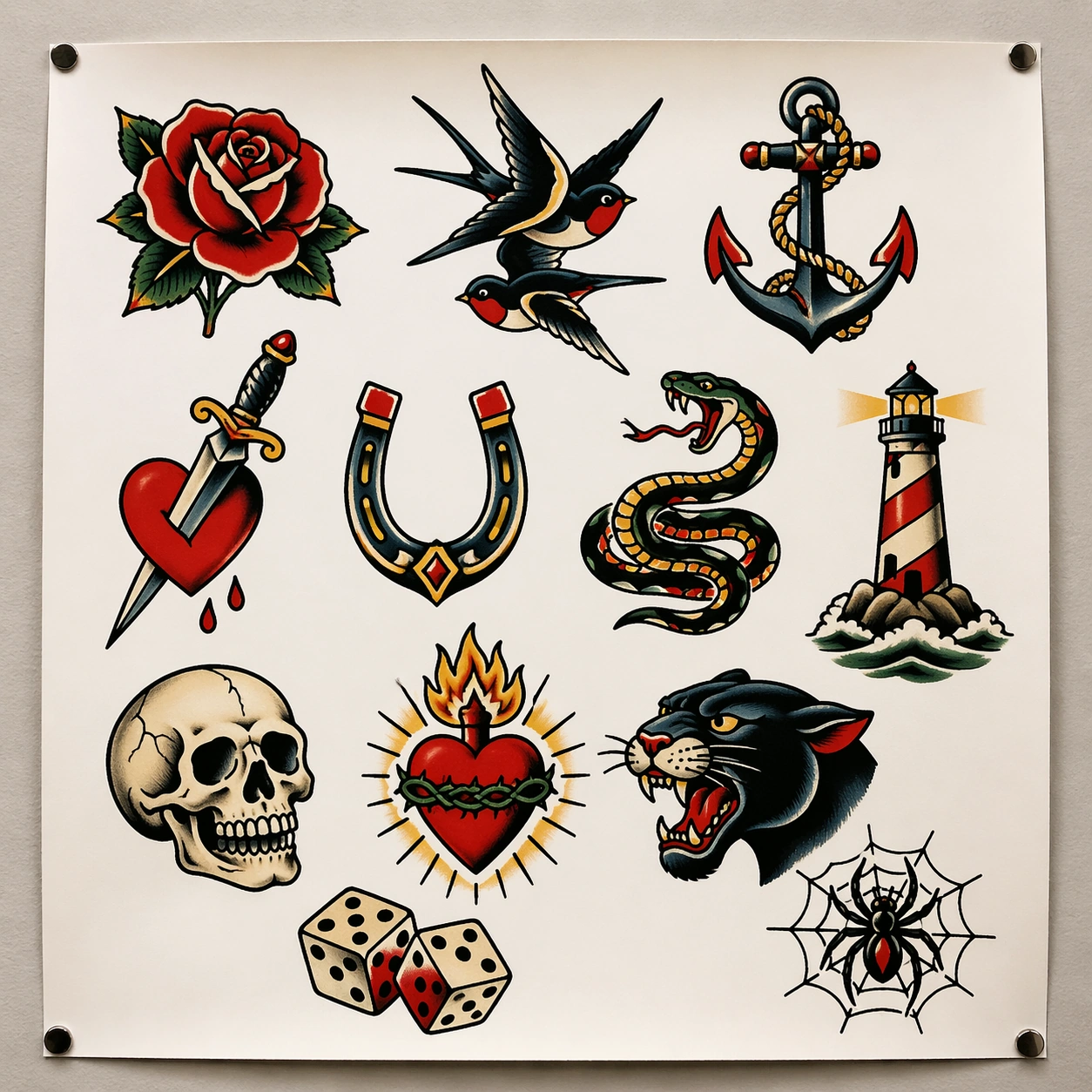
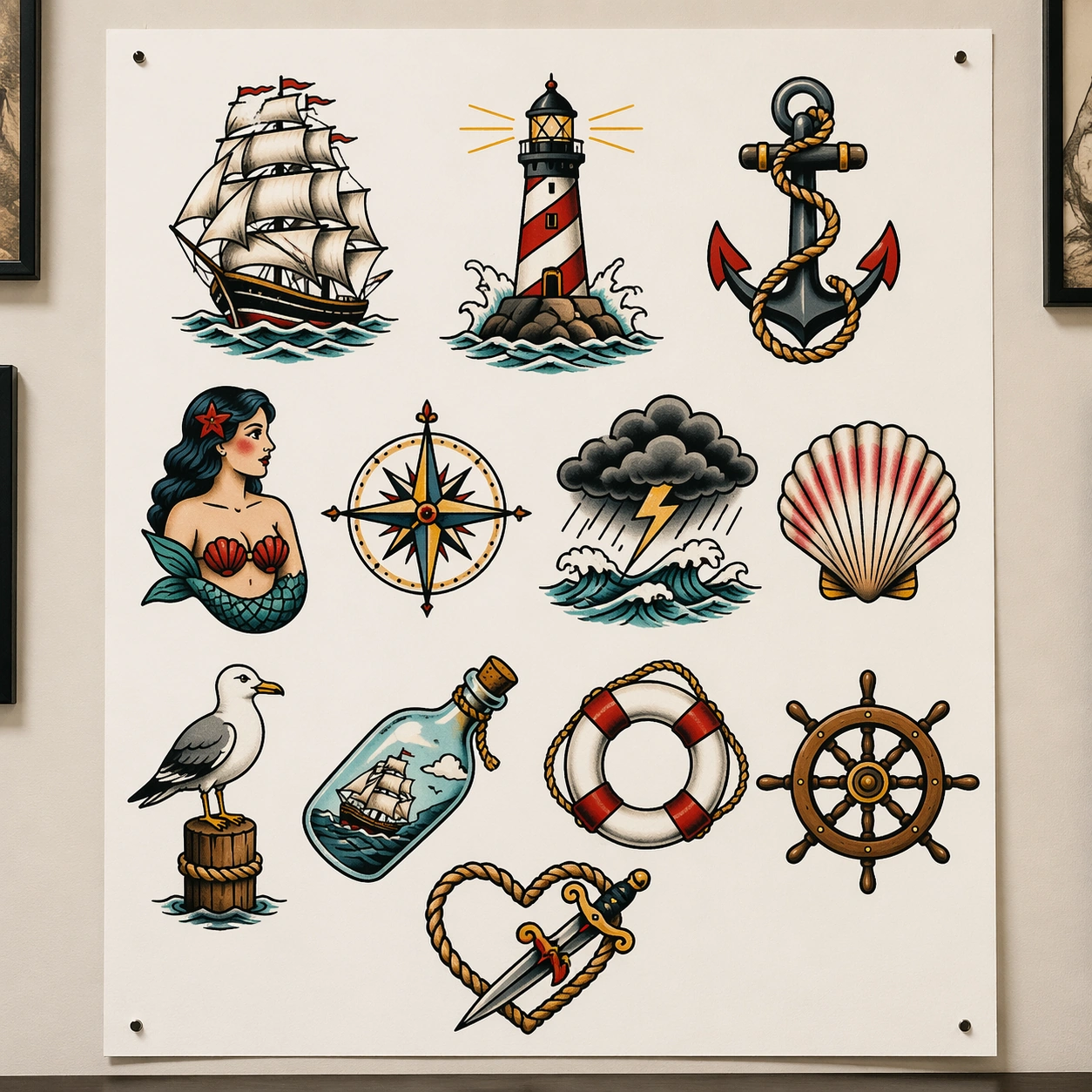
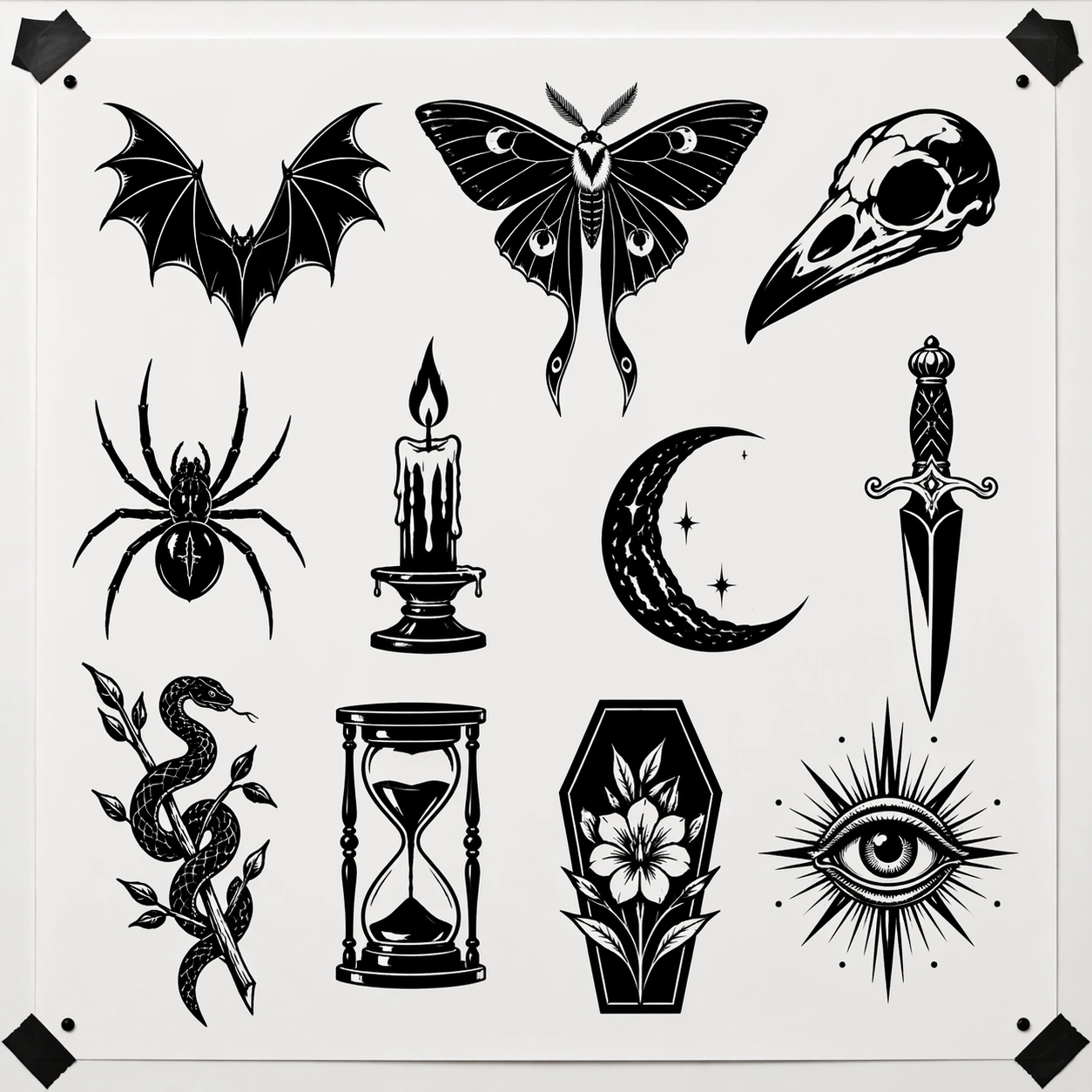
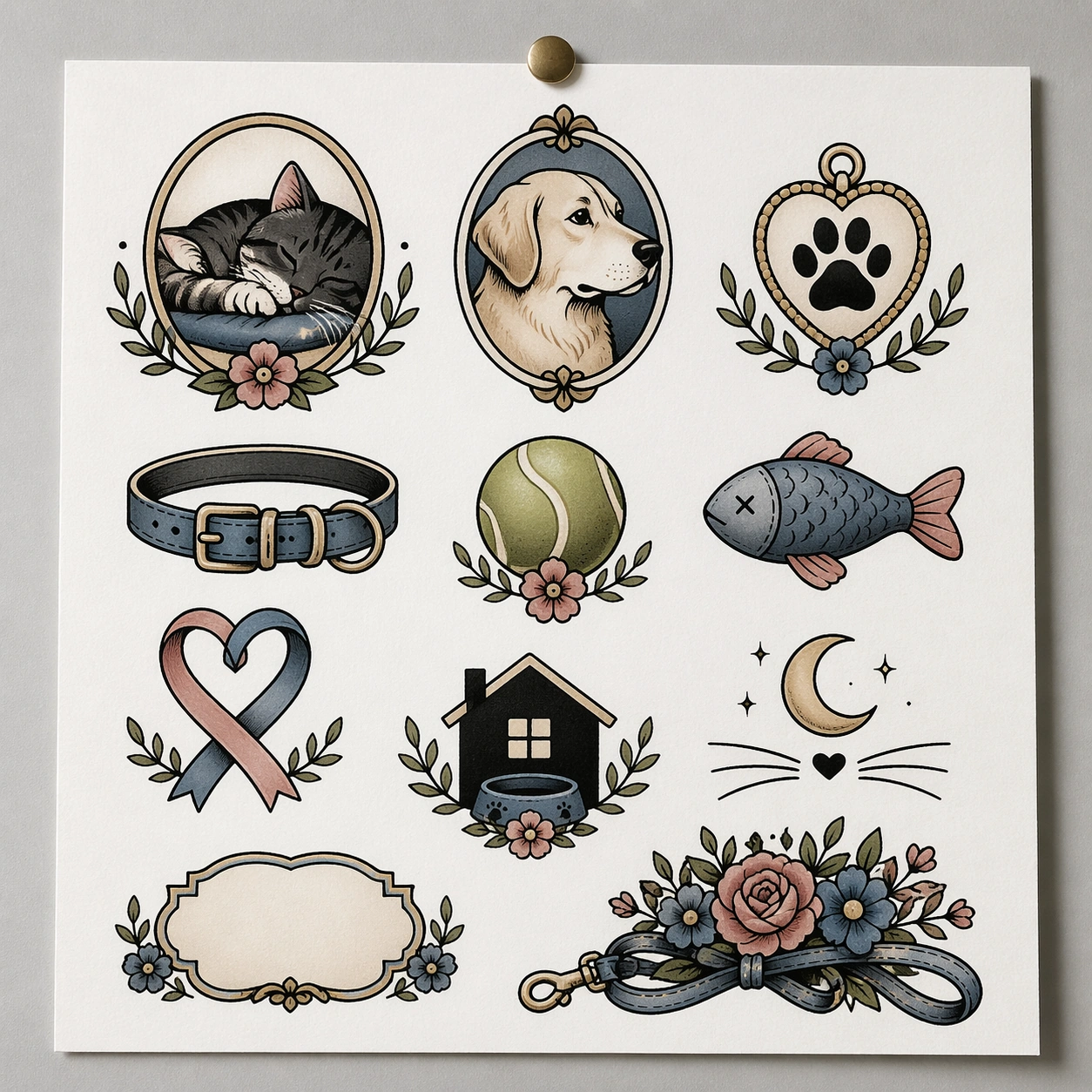
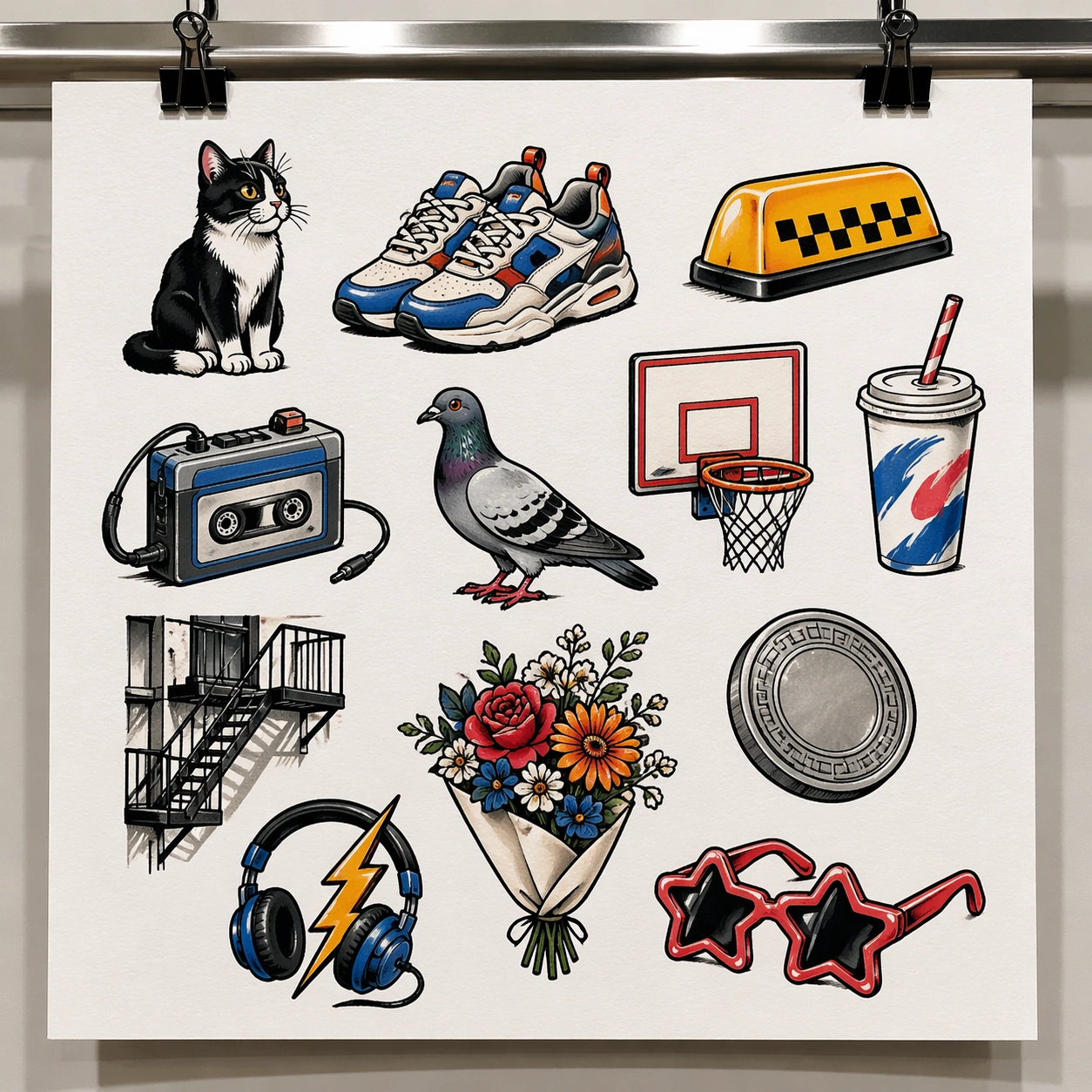
A square straight-on studio image of a white flash sheet clipped to a metal display rail in a modern urban tattoo shop. The wall is neutral and clean, lit by bright gallery-like overhead fixtures that keep colors crisp and the paper texture visible. The frame should feel commercial, contemporary, and body-art specific rather than editorial or lifestyle styled.

Subject:
Design a city-pop tattoo flash sheet with around twelve independent modern urban motifs: bodega cat, sneakers, taxi roof light, soda cup with straw, portable cassette player, pigeon silhouette, basketball hoop, apartment fire escape fragment, deli flower bouquet, subway token-like coin without text, lightning-bolt headphones, and bubble-star sunglasses. The art should bridge tattoo flash conventions with contemporary street retail taste. Each emblem must be bold, separate, and tattoo-ready, using clean outlines, simplified fill blocks, selective highlights, and disciplined empty paper around every design.

Important details:
The sheet should feel current without drifting into sticker-brand illustration. Keep the commercial flash logic first: isolated choices on a white page, consistent line confidence, and balanced spacing. The palette can use cobalt, safety orange, cherry red, mint, black, silver-gray, and cream, but avoid visual noise. The overall impression should be a flash board that a city-based tattoo studio could genuinely hang for walk-in clients who want modern small pieces.

Use case:
Tattoo Flash Sheet single study 8/8, testing a contemporary urban flash collection that stays clean, legible, and commercially believable.

Constraints:
No readable text, no watermark, no logos, preserve exact 1:1 aspect ratio, no full street scene background, no fashion model, no sticker pack overlap, no shiny plastic packaging, no human body, no chaotic graffiti wall behind the sheet.
Como usar
- Copie o prompt original completo, incluindo os parâmetros.
- Adapte o tema, o texto e a composição aos seus requisitos.
- Use uma ferramenta externa compatível; confira o acesso e o resultado.
Antes de começar
- Verifique se é necessária uma imagem de referência. Compatibilidade não comprova qual modelo gerou o exemplo.
- Confira nomes, números e textos; os resultados variam entre versões do modelo.