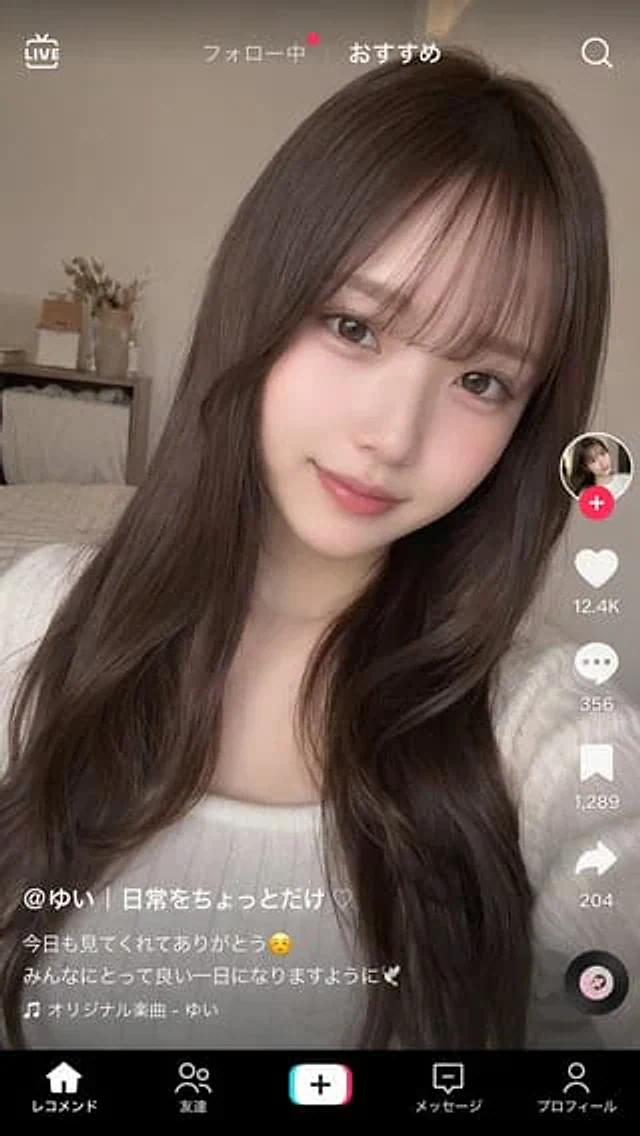
TikTok-Style Video Interface Mockup

TikTok-Style Video Interface Mockup

Documento original

GPT Image 2 · en

{
  "type": "Short video application interface model",
  "background_image": {
    "subject": "{argument name=\"subject description\" default=\"A young Japanese woman with long, wavy, dark brown hair and wispy bangs, wearing a white ribbed top and soft, natural makeup, smiles gently at the camera.\"}",
    "setting": "A cozy bedroom with a backdrop of a bed, wooden shelves, and dried flowers, bathed in soft natural light, perfect for a selfie."
  },
  "ui_overlay": {
    "top_bar": {
      "left": "LIVE icon",
      "center": "Follow |{argument name=\"active tab\" default=\"recommend\"}",
      "right": "Search icon"
    },
    "right_sidebar": {
      "count": 6,
      "elements": [
        "Avatar with a pink plus badge",
        "With{argument name=\"like count\" default=\"12.4K\"} heart icon",
        "Bubble icon with 356",
        "With 1,289 bookmark icons",
        "Share arrow icon with 204 error",
        "Rotating vinyl record icon"
      ]
    },
    "bottom_left_caption": {
      "username": "{argument name=\"username\" default=\"@Yui | Just a little bit of everyday life ♡\"}",
      "description": "{argument name=\"caption text\" default=\"Thank you for watching today! ☺️ Have a wonderful day! 🕊️\"}",
      "audio_track": "🎵 Original Music - Yui"
    },
    "bottom_navigation": {
      "count": 5,
      "labels": [
        "recommend",
        "friend",
        "Create button",
        "information",
        "Personal information"
      ]
    }
  }
}

Como usar

  1. Copie o prompt original completo, incluindo os parâmetros.
  2. Adapte o tema, o texto e a composição aos seus requisitos.
  3. Use uma ferramenta externa compatível; confira o acesso e o resultado.

Antes de começar

  • Verifique se é necessária uma imagem de referência. Compatibilidade não comprova qual modelo gerou o exemplo.
  • Confira nomes, números e textos; os resultados variam entre versões do modelo.
Exemplos semelhantes

Social Media Video App UI Mockup
GPT Image 2en

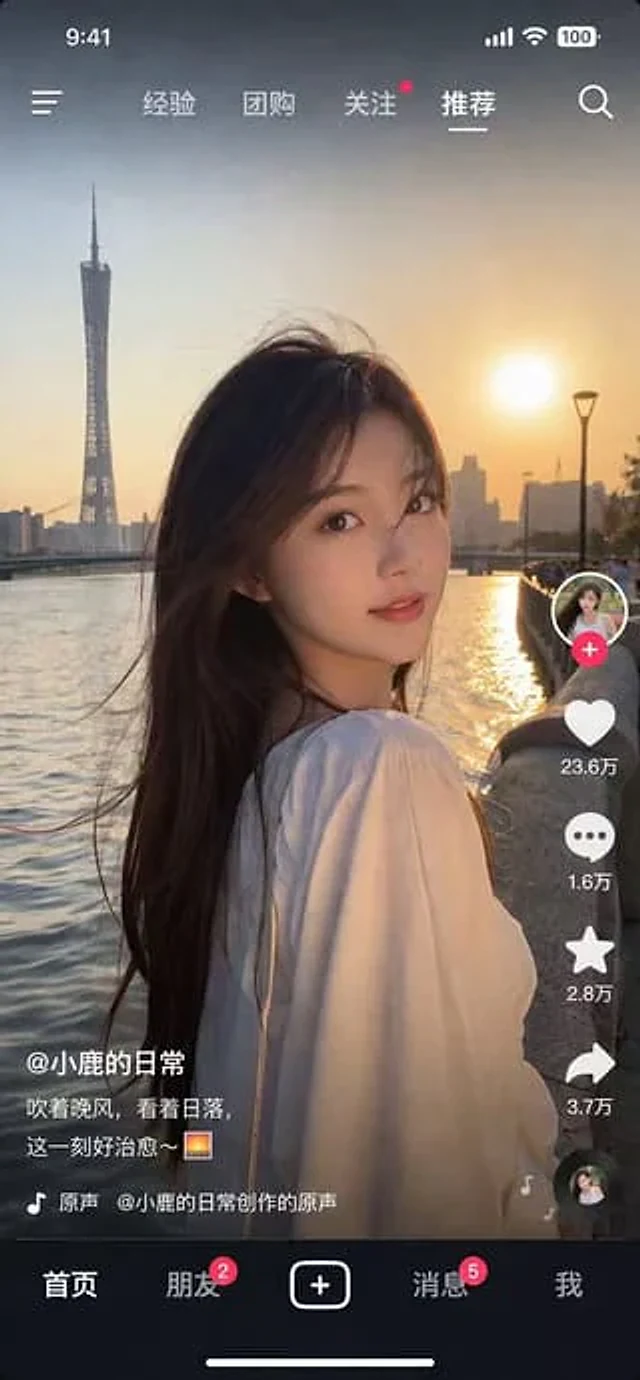
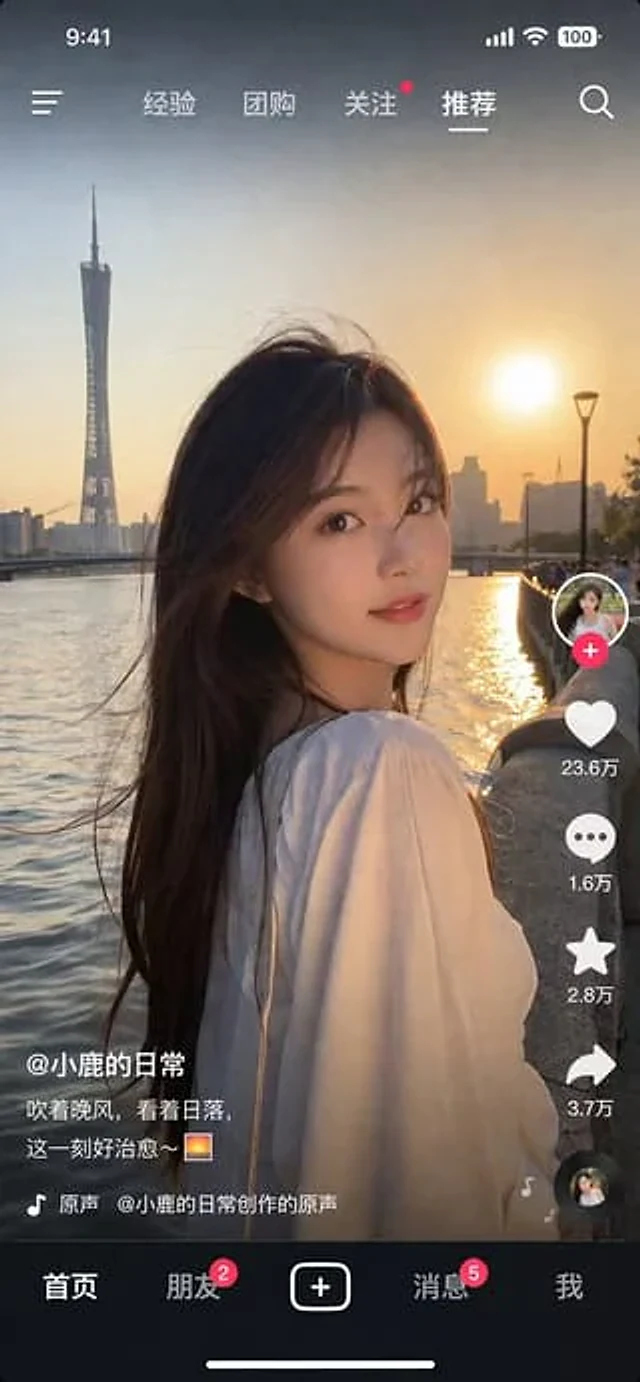
{ "type": "social media short video app interface mockup", "main_image": { "subject": "{argument name=\"subject description\" default=\"young Asian woman with long dark hair wearing a white off-the-shoulder top\"}", "pose": "looking back over her shoulder at the camer

Photorealistic Short Video App Screenshot
GPT Image 2en

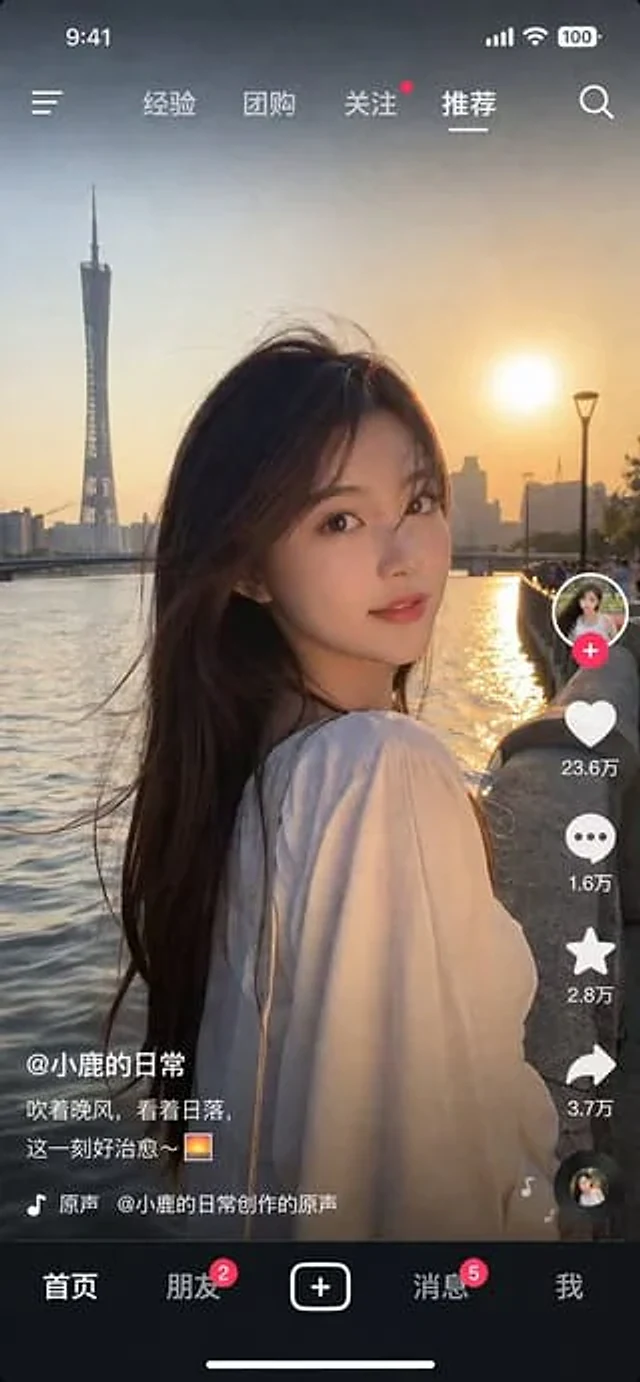
{ "type": "Screenshot of a mobile short video app", "style": "Photorealistic quality, highly detailed", "main_image": { "subject": "{argument name=\"subject description\" default=\"A young Asian woman with long dark hair, wearing a white top, turned to look at the camer

Social Media Video App UI Mockup
GPT Image 2en

{ "type": "Social media short video app interface model", "main_image": { "subject": "{argument name=\"subject description\" default=\"A young Asian woman with long dark hair, wearing a white off-the-shoulder top.\"}", "pose": "She turned to look at the camera, a gent

Short-Video App UI Mockup
GPT Image 2en

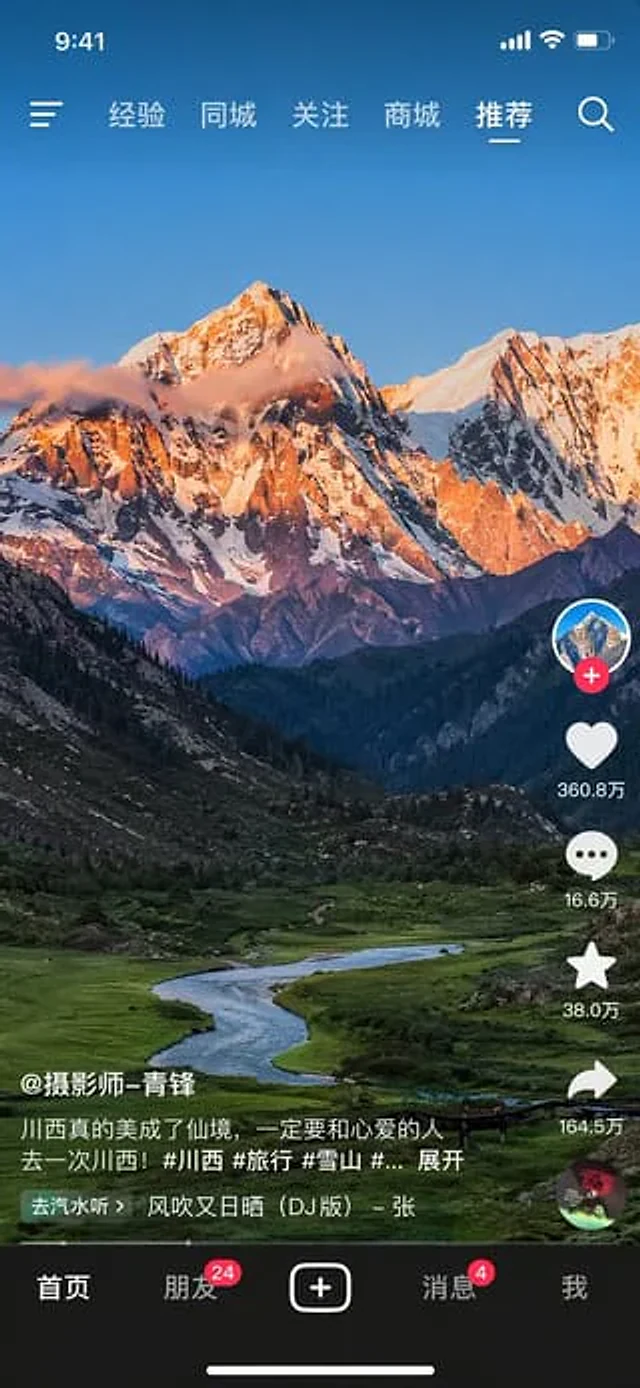
{ "type": "Mobile short video app interface prototype", "background_image": "{argument name=\"landscape subject\" default=\"The majestic snow-capped peaks are bathed in the golden sunlight of the day, while at their foot lie lush valleys and winding rivers.\"}", "layout": {

Short-Video App Interface Mockup
GPT Image 2en

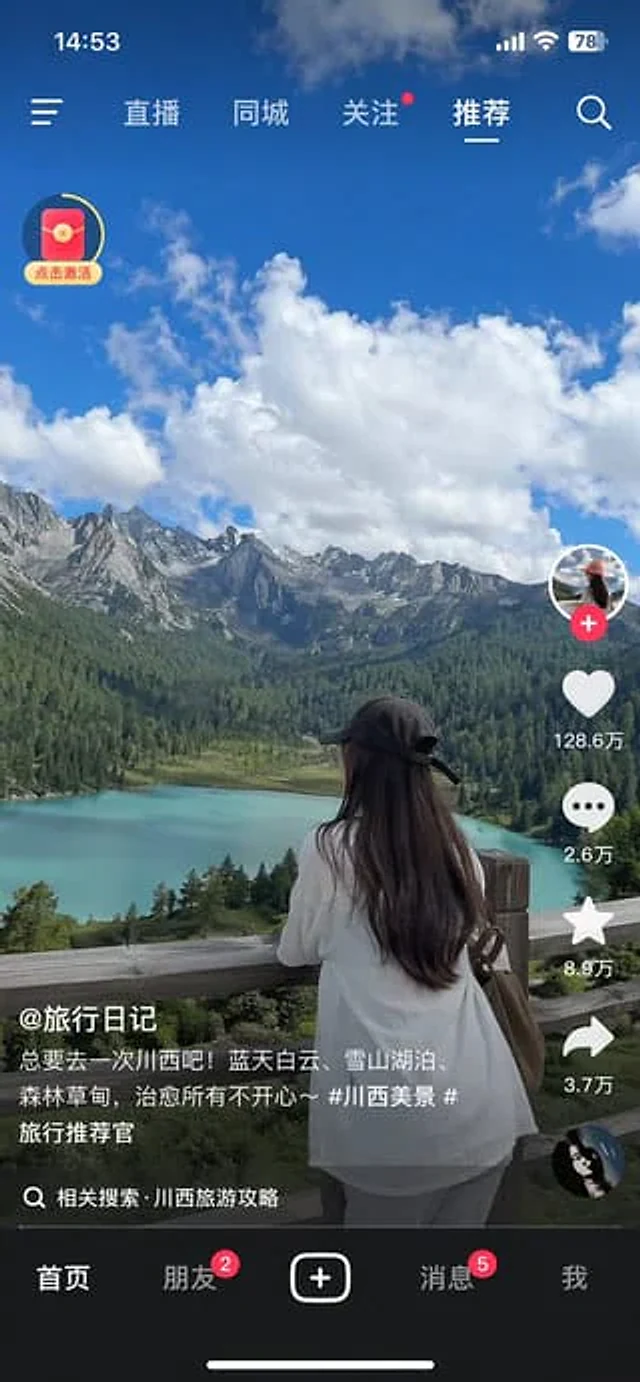
{ "type": "Screenshot of mobile short video app interface", "main_content": { "scene": "{argument name=\"scenic background\" default=\"Turquoise alpine lakes, verdant pine forests, rugged snow-capped mountains, and blue skies with white clouds.\"}", "subject": "{argum

Cinematic Video Game Cutscene with Subtitles
GPT Image 2en

A screenshot from a cinematic video game cutscene, featuring a hyper-realistic 3D graphics style reminiscent of modern open-world games. Two characters are {argument name="setting" default="Sunny tropical city balcony"} A serious conversation is taking place. On the left is a you