Dialogue Room Scene Board — Support One

Dialogue Room Scene Board — Support One

原始文档

GPT Image 2 · en

Scene:
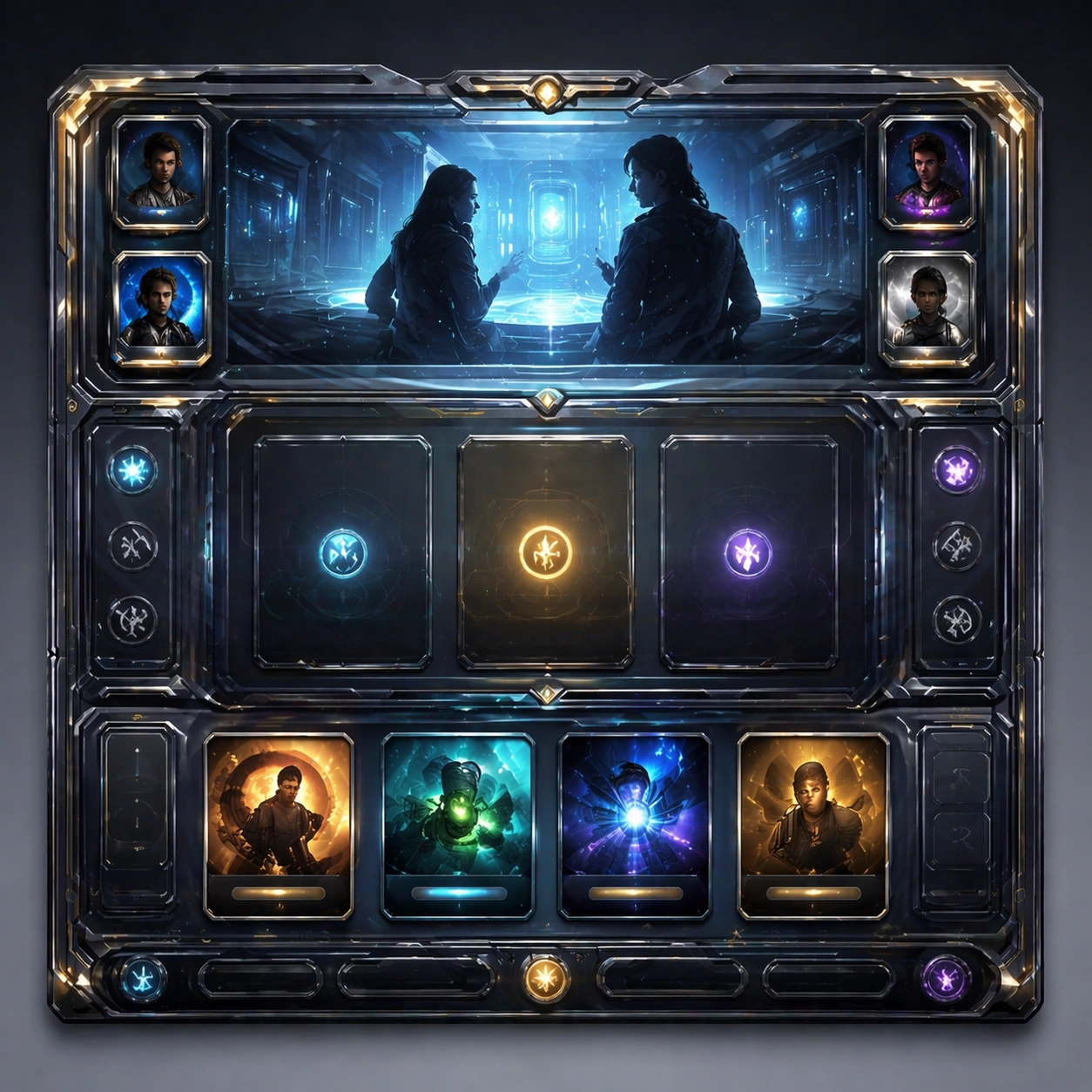
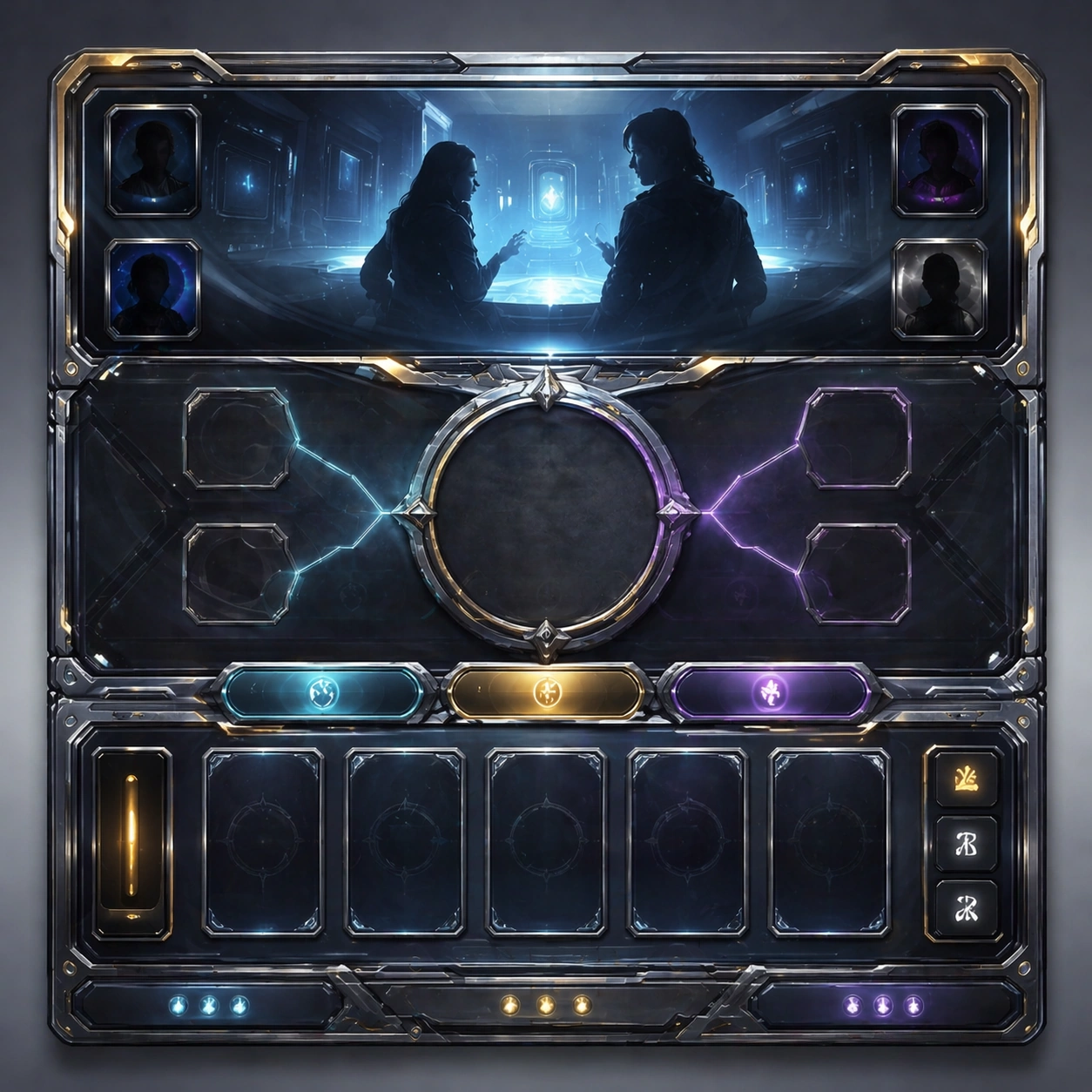
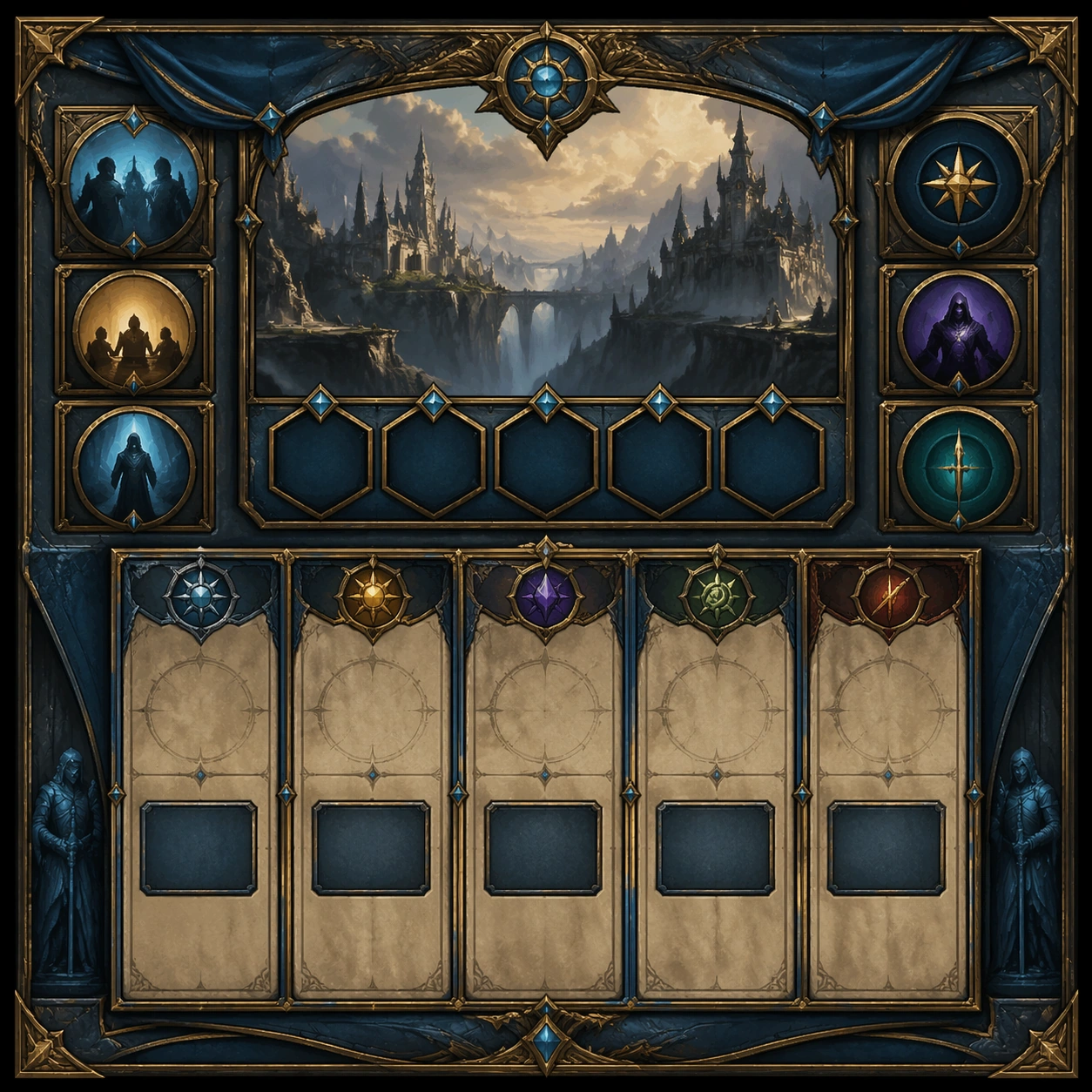
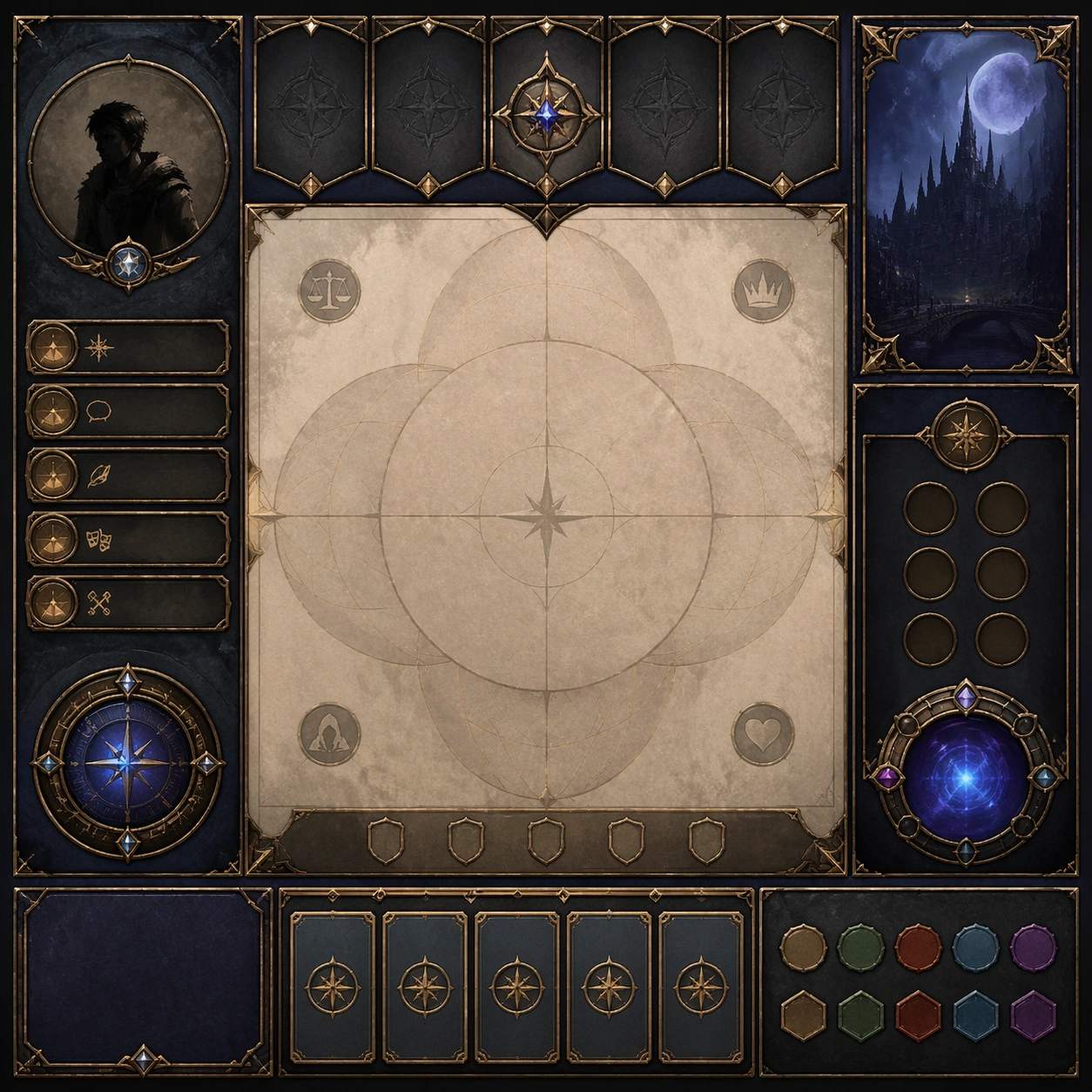
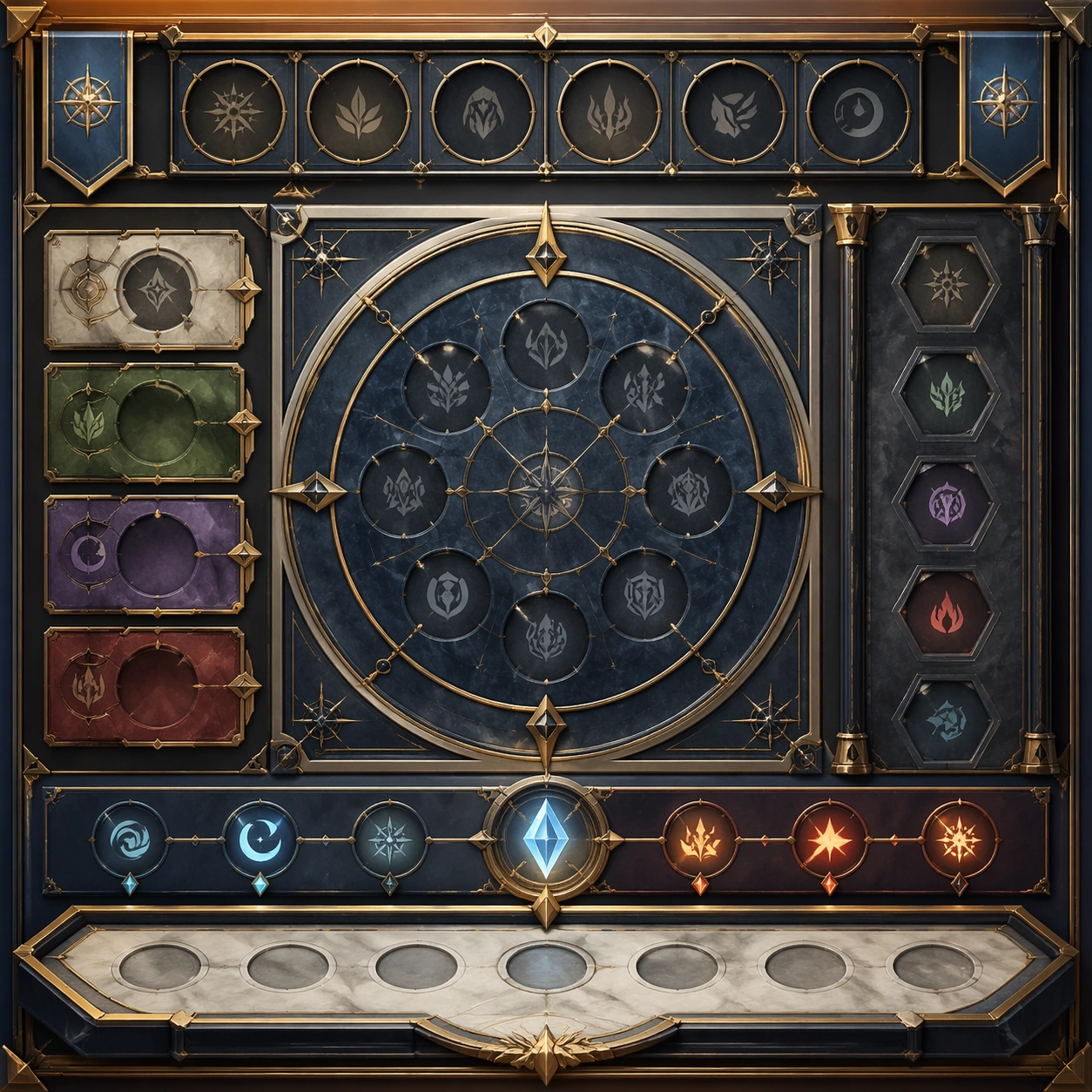
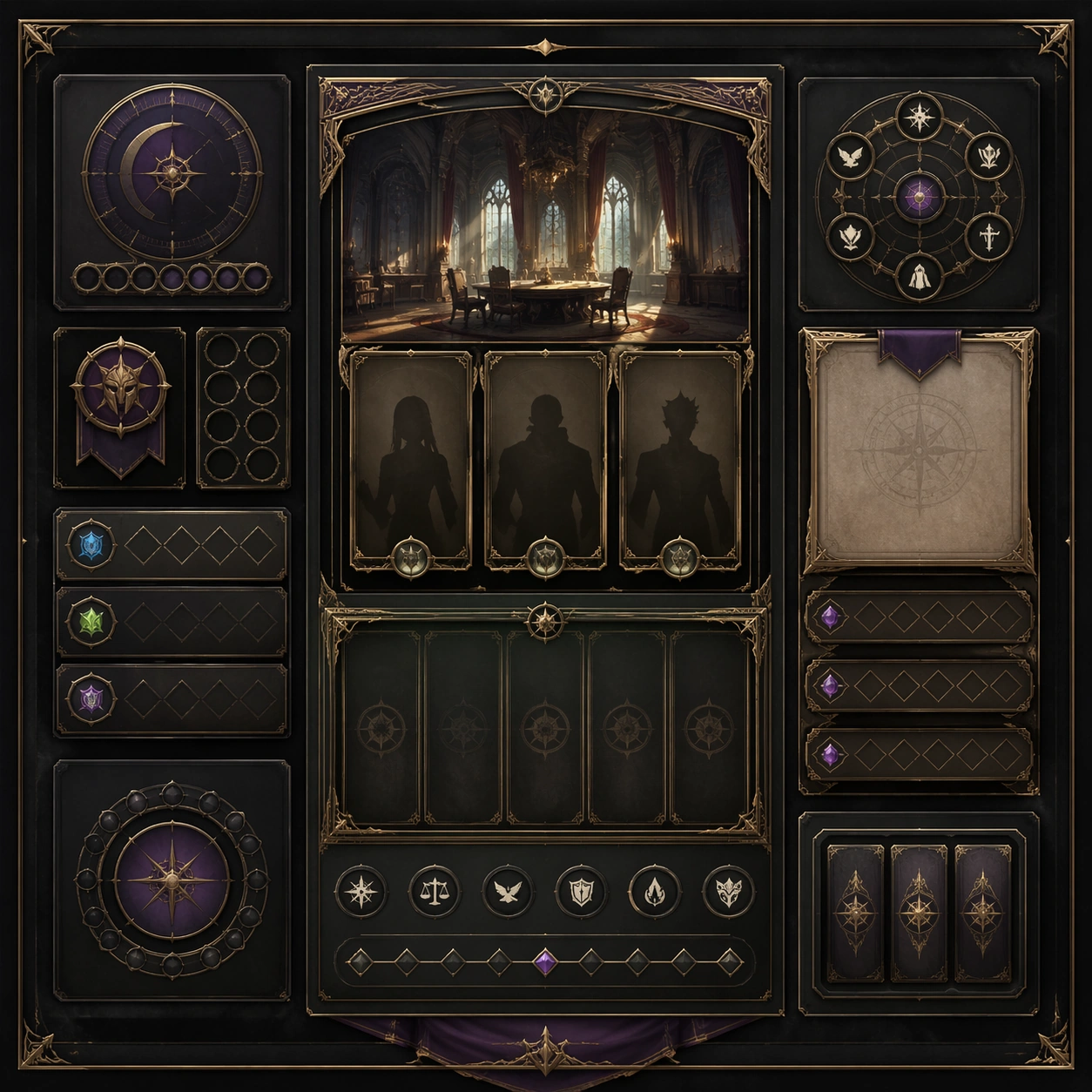
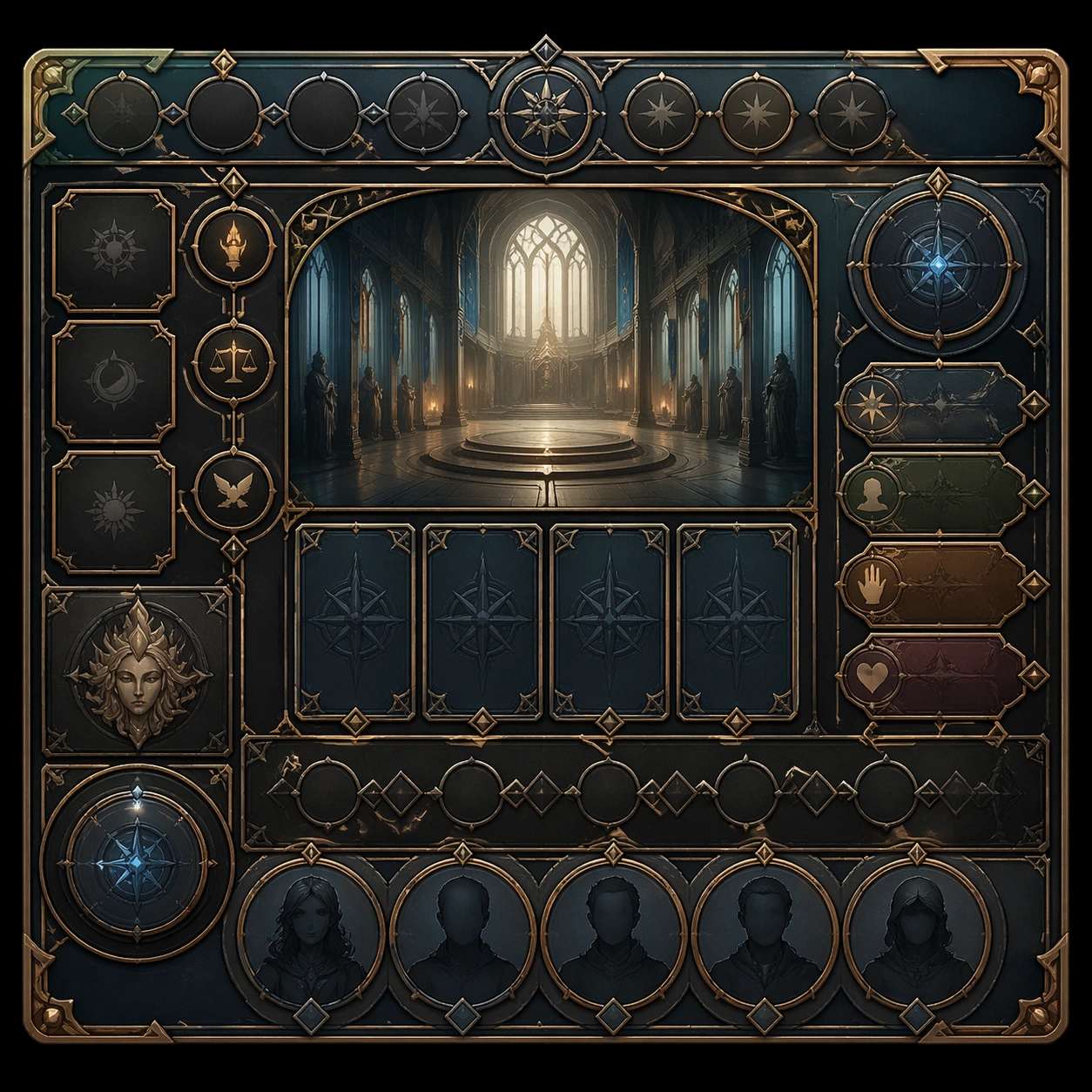
Create a square standalone support image for Dialogue Room Scene Board. Build a support-surface study with a clear focal hierarchy and a finished professional surface. Use a polished modular board or campaign surface with clean spacing, premium game-UI finish, and clear focal hierarchy. The frame should feel self-contained and polished, with enough structure to explain the system even without the reference series, yet still obviously belonging to the same theme and production world.

Subject:
Show a coherent original game-art system built for premium production and marketing surfaces in a way that emphasizes the intended support surface. Keep the same system logic stable across screenshots, cards, banners, and overview boards. Even though this image is independent, the viewer should still recognize the same universe, same commercial logic, and same production intent as the core package.

Important details:
Lock framing, icon grammar, palette blocking, and surface hierarchy so the kit feels production-ready and consistent. Preserve the broader theme language through color, framing, material choices, and modular composition. Use clean panel rhythm, premium asset presentation, and believable detail density. The image should work equally well as a gallery study, research reference, and mock production deliverable.

Use case:
Dialogue Room Scene Board single study 5/9, exploring support one as a support surface.

Constraints:
No readable text, no watermark, no logos, preserve exact 1:1 aspect ratio, no unrelated objects, no broken visual hierarchy, no visual noise that obscures the main surface, no accidental brand resemblance.

使用方法

  1. 复制完整原始提示词,并保留其中的参数。
  2. 按需求替换主体、文字和构图要求。
  3. 在兼容的外部工具中使用,核对当前使用条件并检查结果。

开始前需了解

  • 先确认是否需要参考图。标注兼容模型,不代表该示例由这个模型生成。
  • 核对名称、数字与画面文字;不同模型版本的结果可能不同。

相似案例

Dialogue Room Scene Board — Variant Two
GPT Image 2en

Scene: Create a square dependent image for Dialogue Room Scene Board. Build a second controlled variation in the same system with a premium, production-ready finish. Use a polished modular board or campaign surface with clean spacing, premium game-UI finish, and clear focal hiera

Dialogue Room Scene Board — Variant One
GPT Image 2en

Scene: Create a square dependent image for Dialogue Room Scene Board. Build a first controlled variation in the same system with a premium, production-ready finish. Use a polished modular board or campaign surface with clean spacing, premium game-UI finish, and clear focal hierar

Dialogue Room Scene Board — Support Three
GPT Image 2en

Scene: Create a square standalone support image for Dialogue Room Scene Board. Build a third support-surface study with a clear focal hierarchy and a finished professional surface. Use a polished modular board or campaign surface with clean spacing, premium game-UI finish, and cl

Dialogue Room Scene Board — Support Two
GPT Image 2en

Scene: Create a square standalone support image for Dialogue Room Scene Board. Build a second support-surface study with a clear focal hierarchy and a finished professional surface. Use a polished modular board or campaign surface with clean spacing, premium game-UI finish, and c

Dialogue Room Scene Board — Support Four
GPT Image 2en

Scene: Create a square standalone support image for Dialogue Room Scene Board. Build a fourth support-surface study with a clear focal hierarchy and a finished professional surface. Use a polished modular board or campaign surface with clean spacing, premium game-UI finish, and c

Dialogue Room Scene Board — Support Five
GPT Image 2en

Scene: Create a square standalone support image for Dialogue Room Scene Board. Build a fifth support-surface study with a clear focal hierarchy and a finished professional surface. Use a polished modular board or campaign surface with clean spacing, premium game-UI finish, and cl