原始文档
GPT Image 2 · en
Scene:
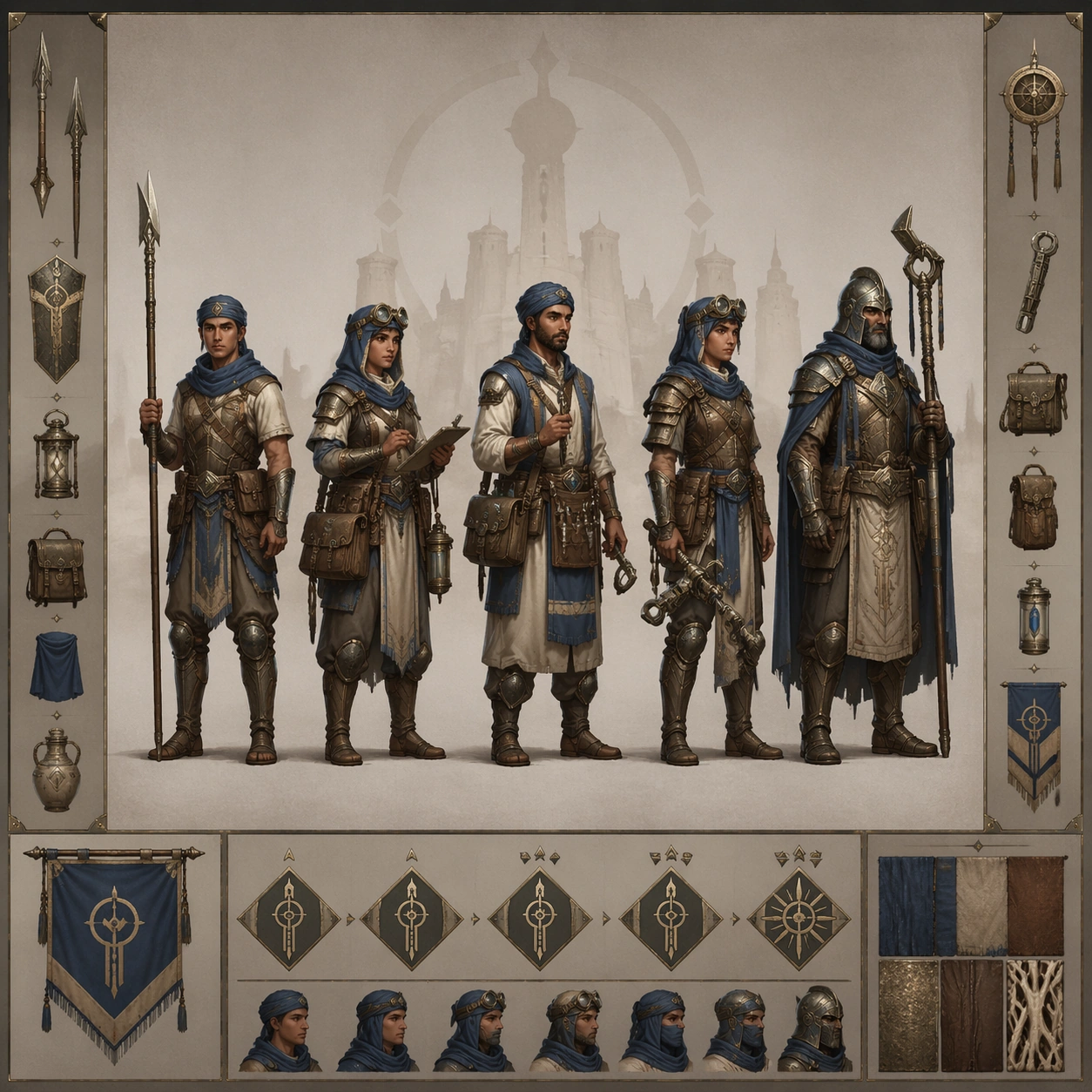
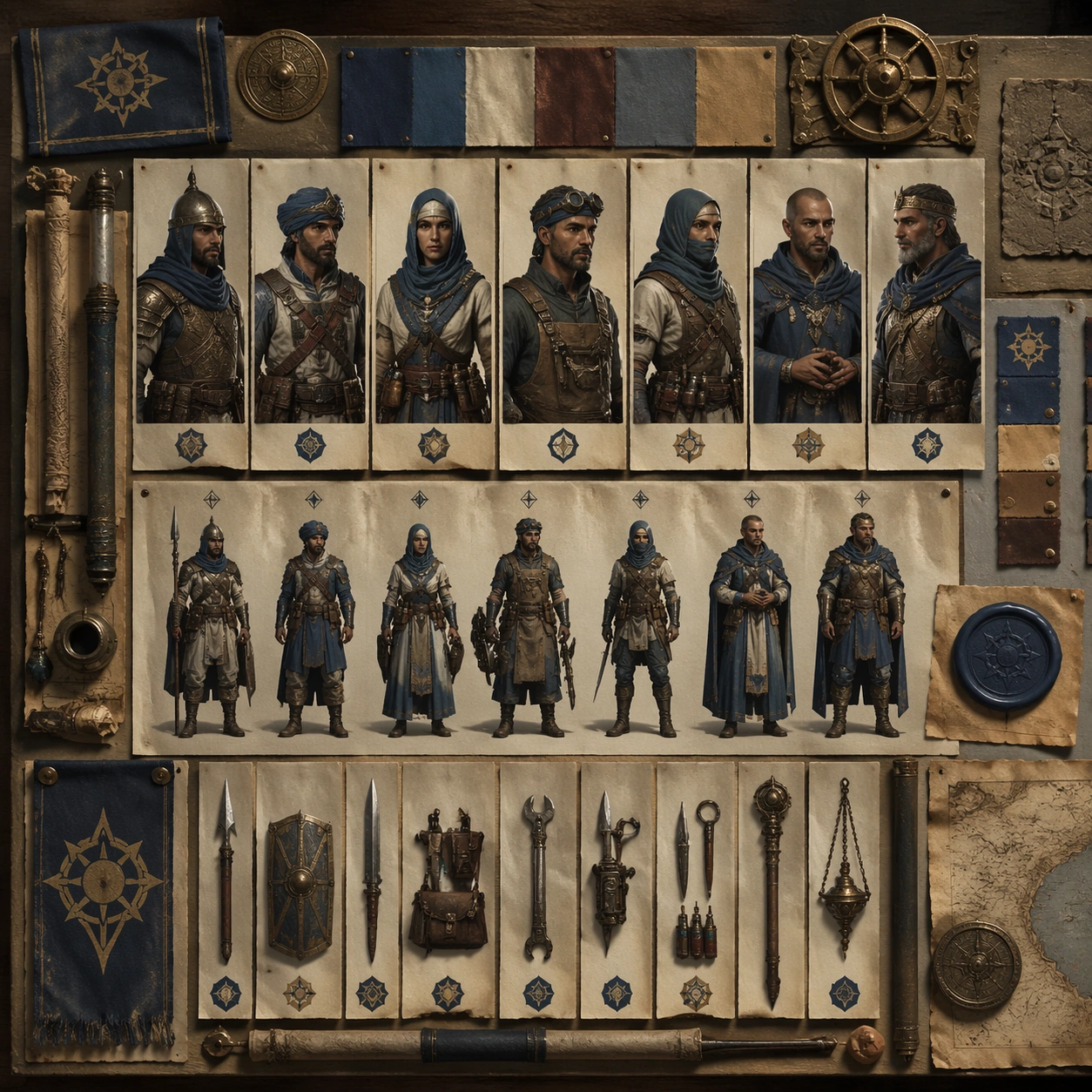
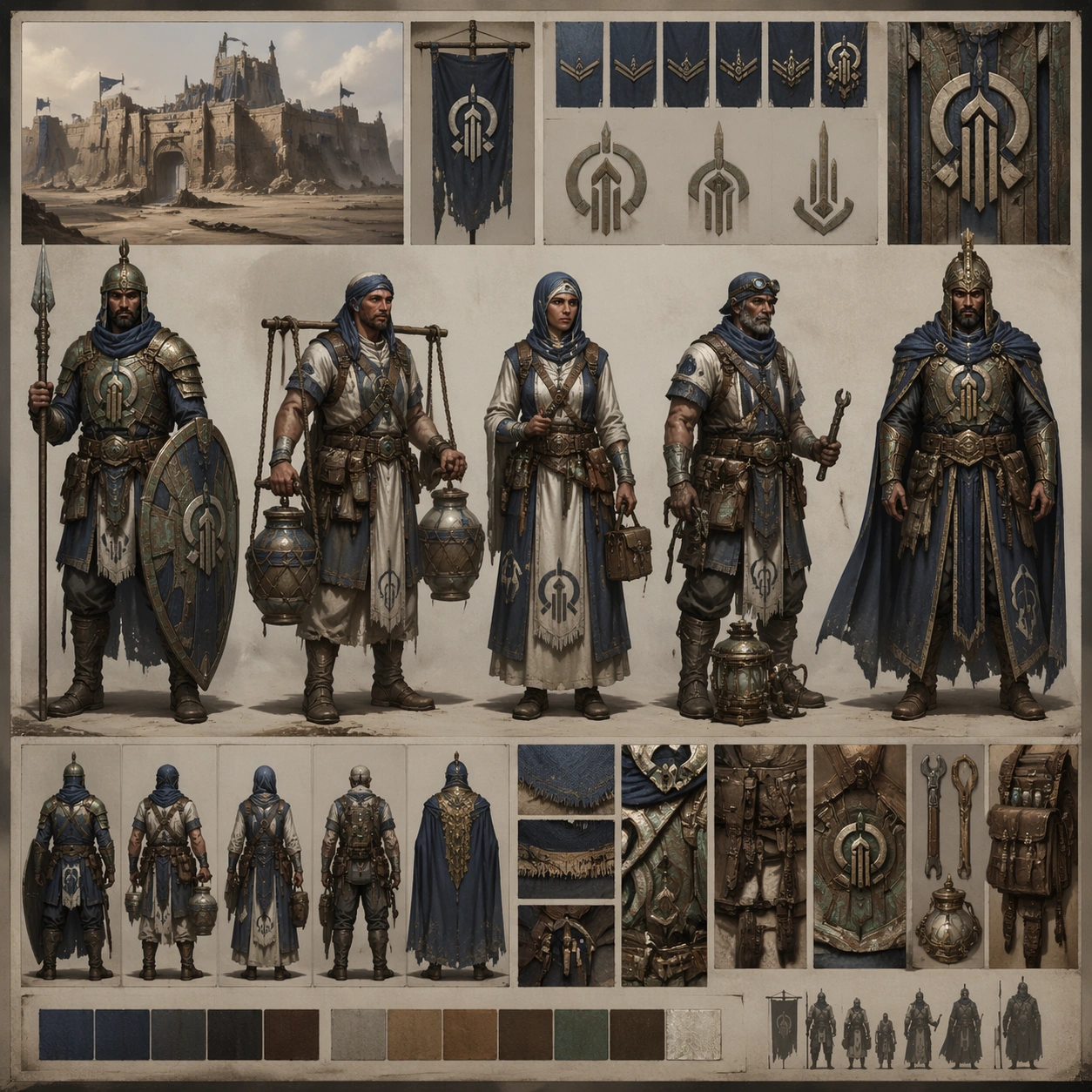
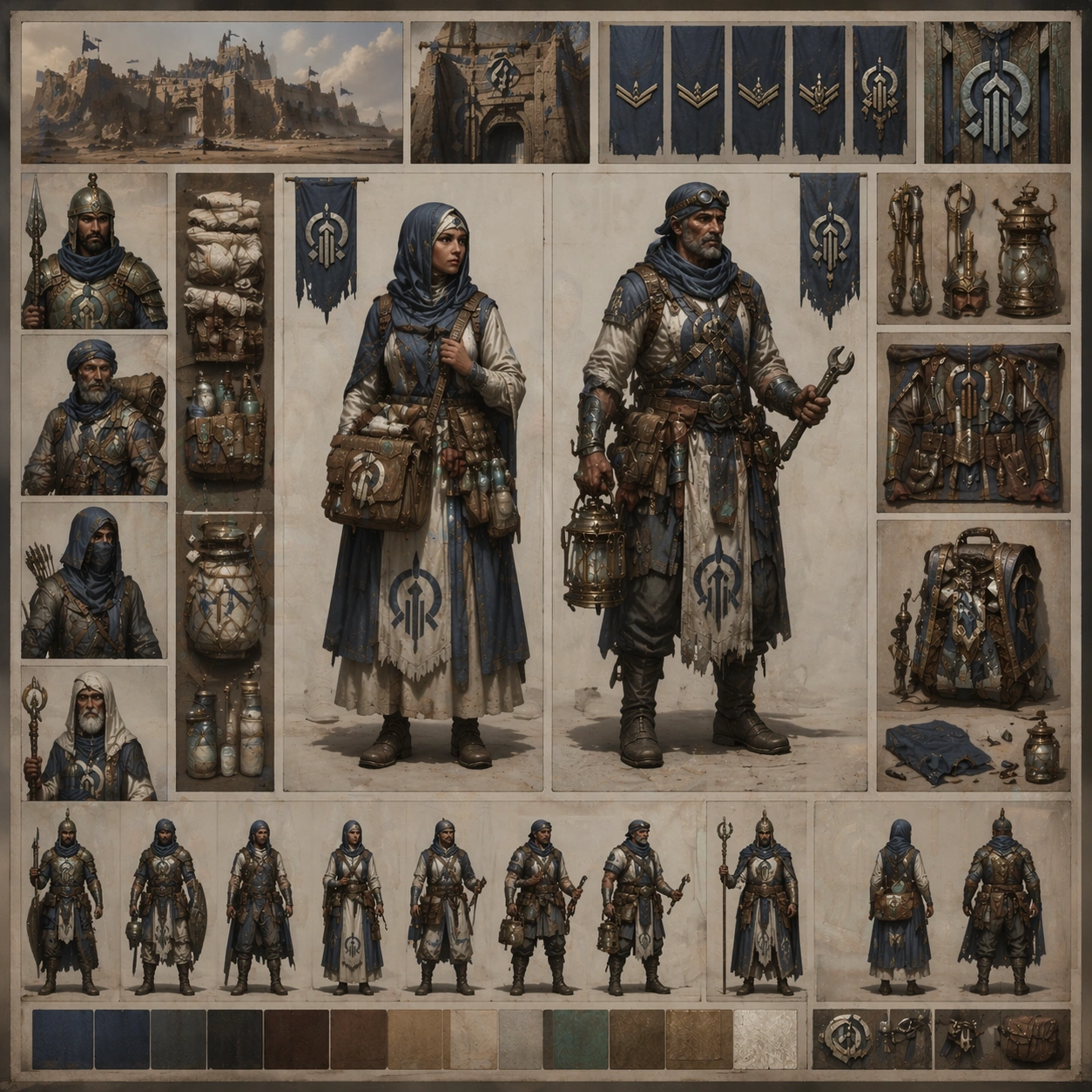
Create a square pairing board with one medic and one engineer framed by modular equipment panels, soft shadowed paper layers, and tidy concept-art organization. Keep the overall frame square, polished, and production-ready game art bible presentation with crisp panel rhythm, believable costume construction, and enough visual hierarchy for downstream UI or documentation reuse. Let materials, lighting, and spacing feel intentional enough for gallery, research, campaign, or approval-board reuse without depending on readable text.

Subject:
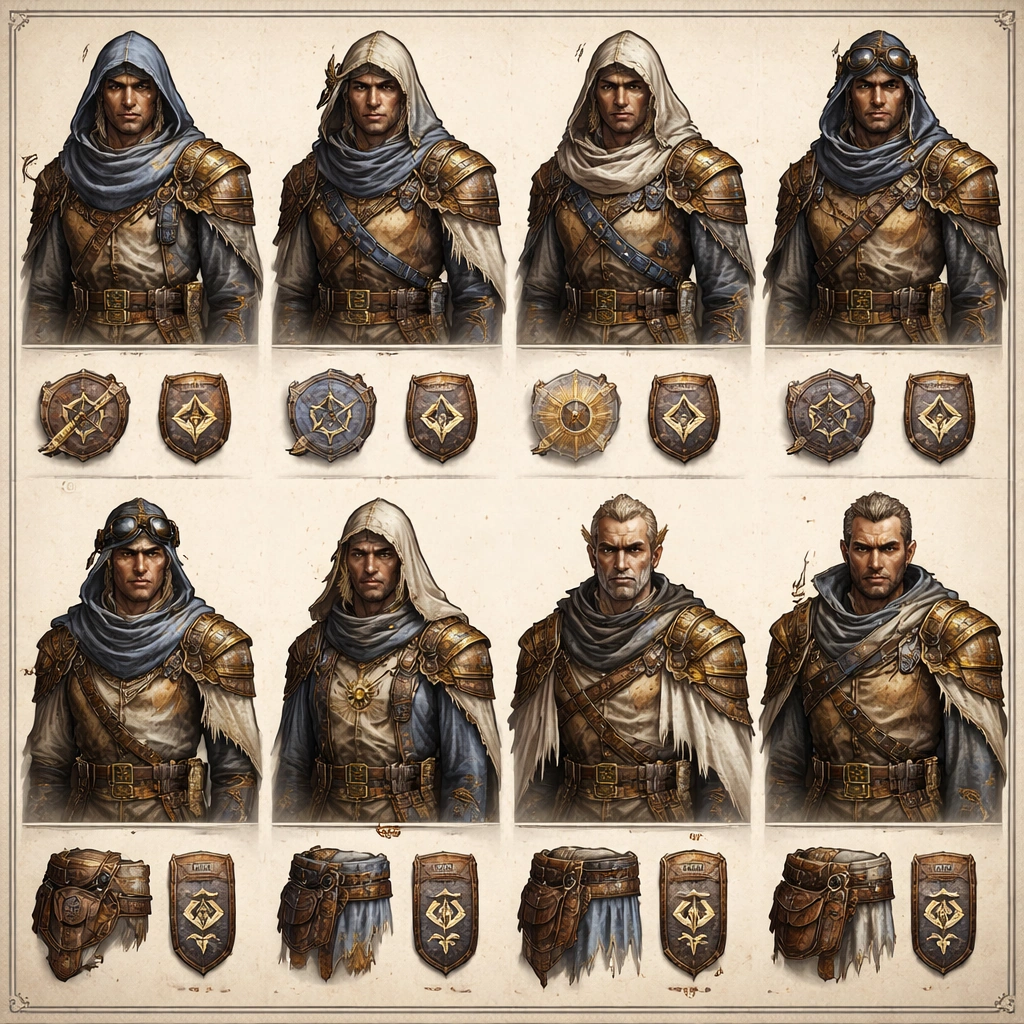
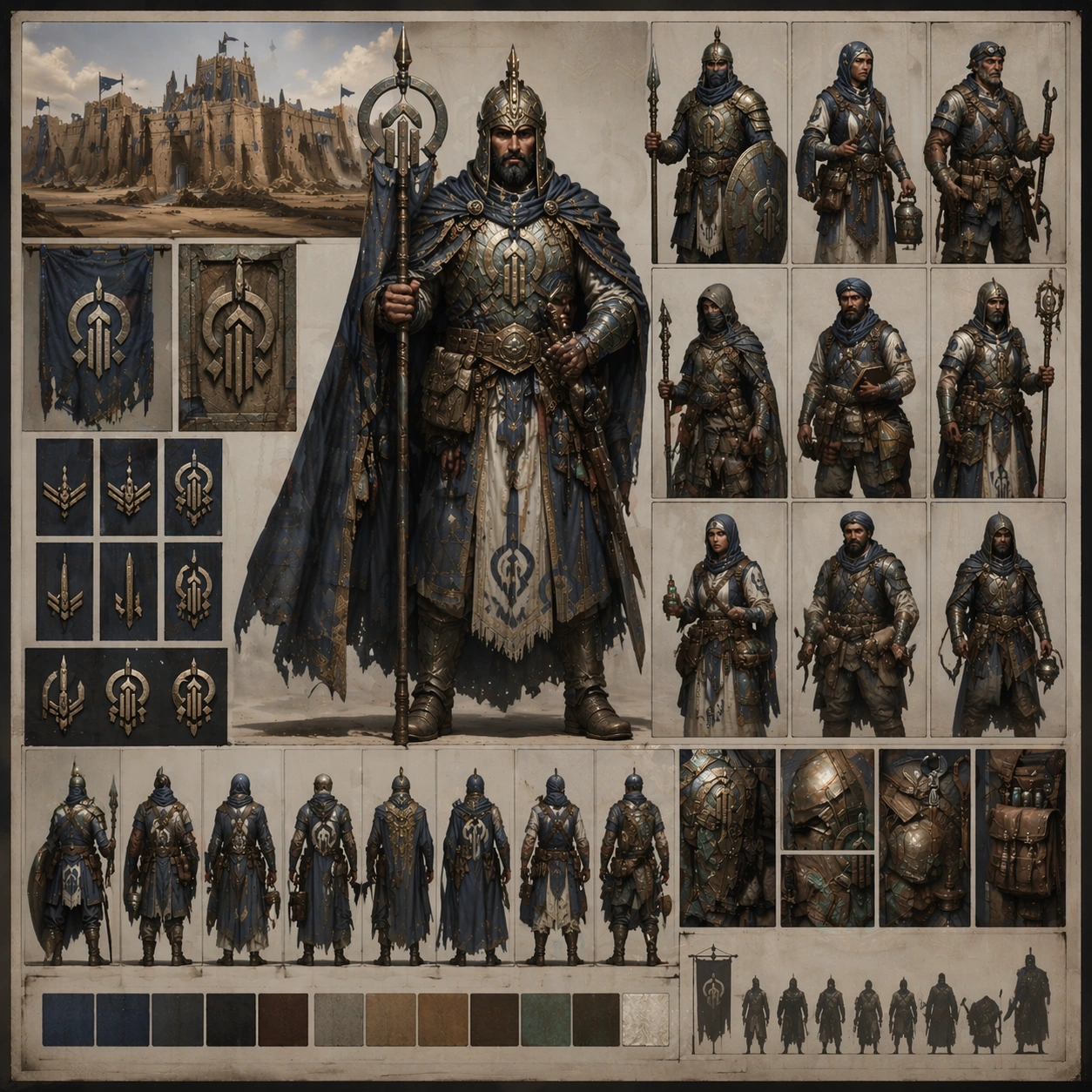
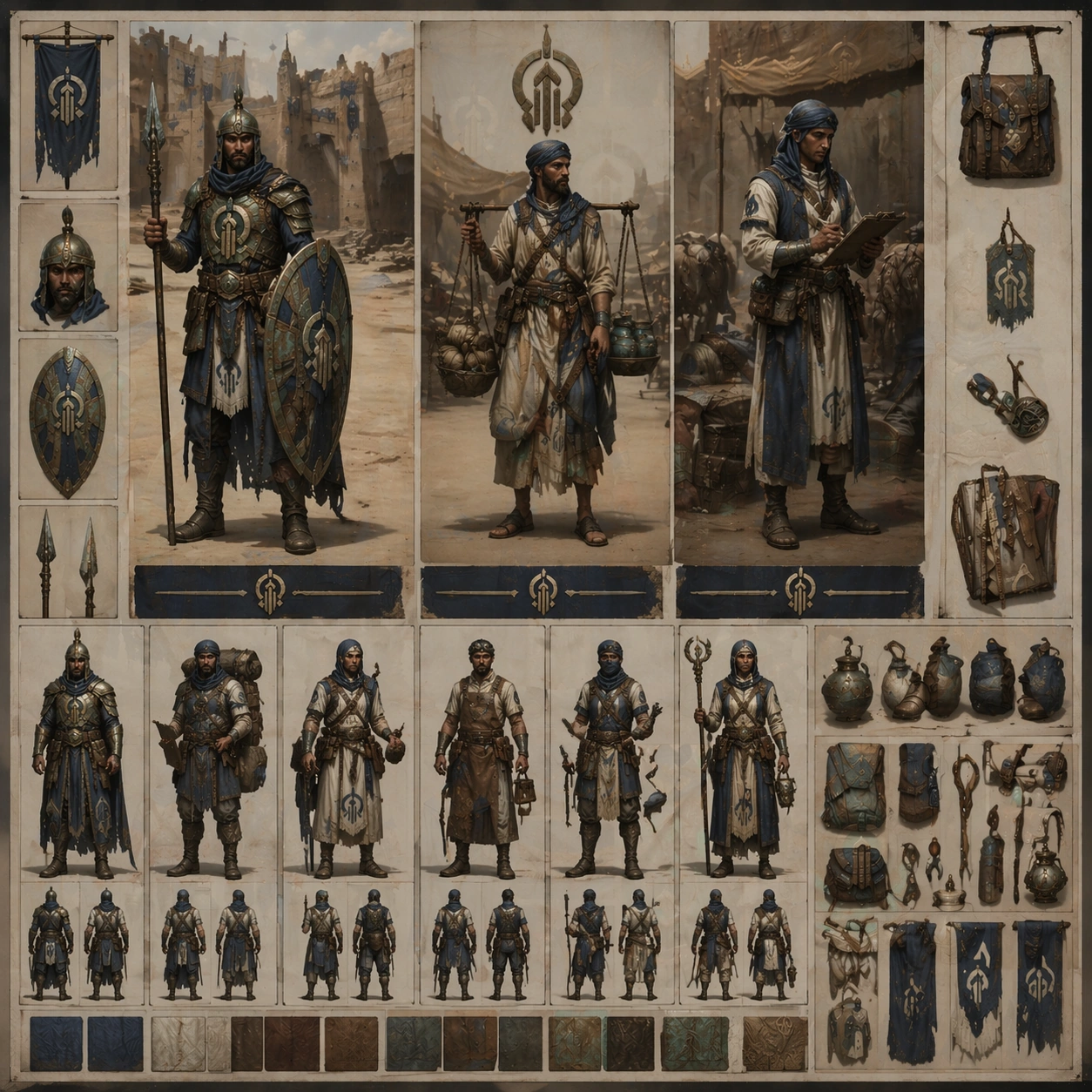
Show how healing and repair roles diverge in tools and posture while still sharing the same citadel identity, cloth palette, rank notation, and survival pragmatism. Ground the image inside a wind-carved desert citadel faction with oxidized bronze, indigo cloth, pale bone accents, practical leather, and a sun-faded military-monastic attitude. Use multiple adult NPC archetypes such as guard, quartermaster, medic, machinist, scout, priest, and captain, but keep them visually linked through the same regional craft language and social hierarchy.

Important details:
Keep insignia geometry, rank markers, cloth layering, tool silhouettes, and color hierarchy coherent across every role so the cast reads like one population rather than unrelated hero concepts. Let the medic carry field bandage gear and distilled-water pouches, while the engineer carries brass repair arms, lantern tools, and sand-resistant mechanics. Treat this frame as reference-dependent on image 01 and preserve the same core system, hierarchy, and visual language. Favor believable production craft, clean hierarchy, and reusable visual logic over empty spectacle or random decoration.

Use case:
NPC Faction Casting Sheet series study 3/9, a support-role pairing sheet for production alignment.

Constraints:
No readable text, no watermark, no logos, preserve exact 1:1 aspect ratio, no sci-fi holograms, no glossy superhero armor, no cute mascot styling, no chaotic diagram clutter.
使用方法
- 复制完整原始提示词,并保留其中的参数。
- 按需求替换主体、文字和构图要求。
- 在兼容的外部工具中使用,核对当前使用条件并检查结果。
开始前需了解
- 先确认是否需要参考图。标注兼容模型,不代表该示例由这个模型生成。
- 核对名称、数字与画面文字;不同模型版本的结果可能不同。