
原始文档
Not disclosed · zh
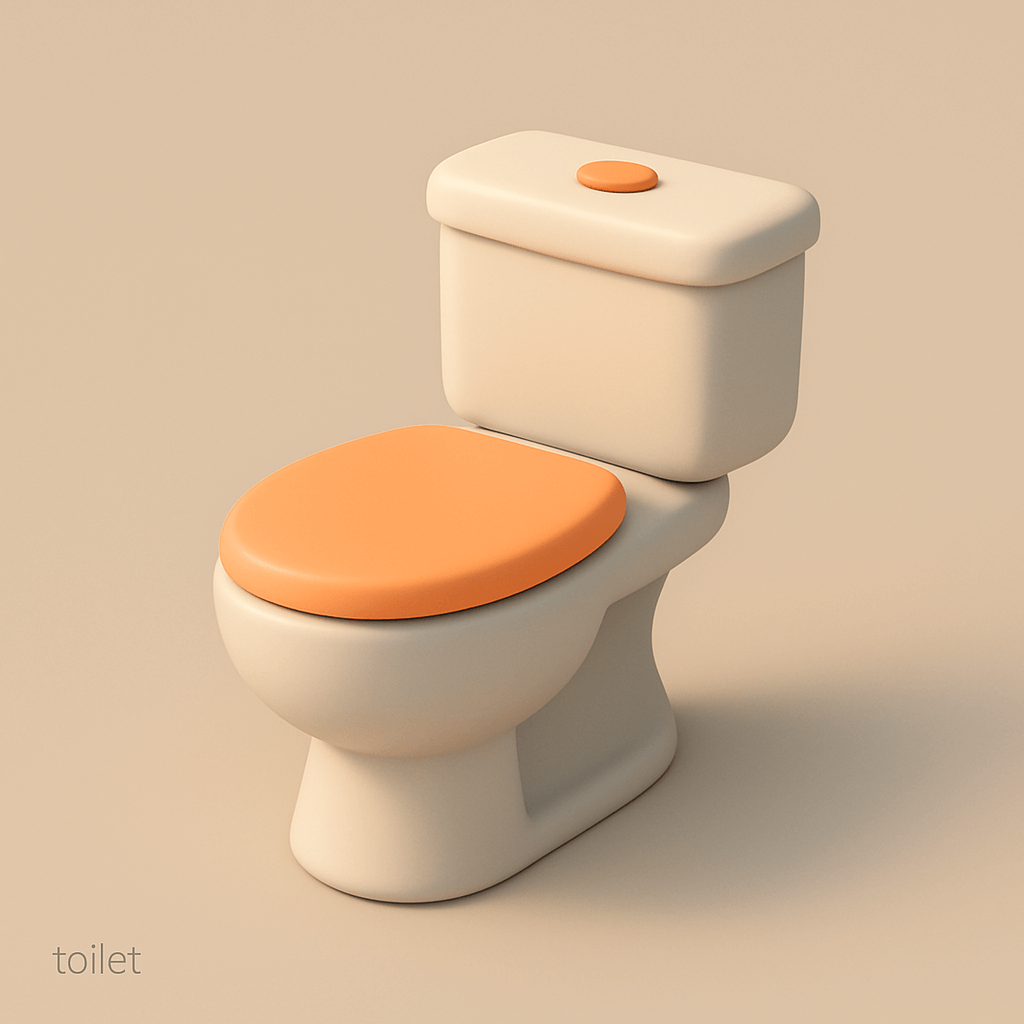
使用以下 JSON 配置文件生成一个马桶:
{
  "art_style_profile": {
    "style_name": "Minimalist 3D Illustration",
    "visual_elements": {
      "shape_language": "Rounded edges, smooth and soft forms with simplified geometry",
      "colors": {
        "primary_palette": ["Soft beige, light gray, warm orange"],
        "accent_colors": ["Warm orange for focal elements"],
        "shading": "Soft gradients with smooth transitions, avoiding harsh shadows or highlights"
      },
      "lighting": {
        "type": "Soft, diffused lighting",
        "source_direction": "Above and slightly to the right",
        "shadow_style": "Subtle and diffused, no sharp or high-contrast shadows"
      },
      "materials": {
        "surface_texture": "Matte, smooth surfaces with subtle shading",
        "reflectivity": "Low to none, avoiding glossiness"
      },
      "composition": {
        "object_presentation": "Single, central object displayed in isolation with ample negative space",
        "perspective": "Slightly angled, giving a three-dimensional feel without extreme depth",
        "background": "Solid, muted color that complements the object without distraction"
      },
      "typography": {
        "font_style": "Minimalistic, sans-serif",
        "text_placement": "Bottom-left corner with small, subtle text",
        "color": "Gray, low-contrast against the background"
      },
      "rendering_style": {
        "technique": "3D render with simplified, low-poly aesthetics",
        "detail_level": "Medium detail, focusing on form and color over texture or intricacy"
      }
    },
    "purpose": "To create clean, aesthetically pleasing visuals that emphasize simplicity, approachability, and modernity."
  }
}
使用方法
- 复制完整原始提示词,并保留其中的参数。
- 按需求替换主体、文字和构图要求。
- 在兼容的外部工具中使用,核对当前使用条件并检查结果。
开始前需了解
- 先确认是否需要参考图。标注兼容模型,不代表该示例由这个模型生成。
- 核对名称、数字与画面文字;不同模型版本的结果可能不同。