
原始文档
GPT Image 2 · en
Scene:
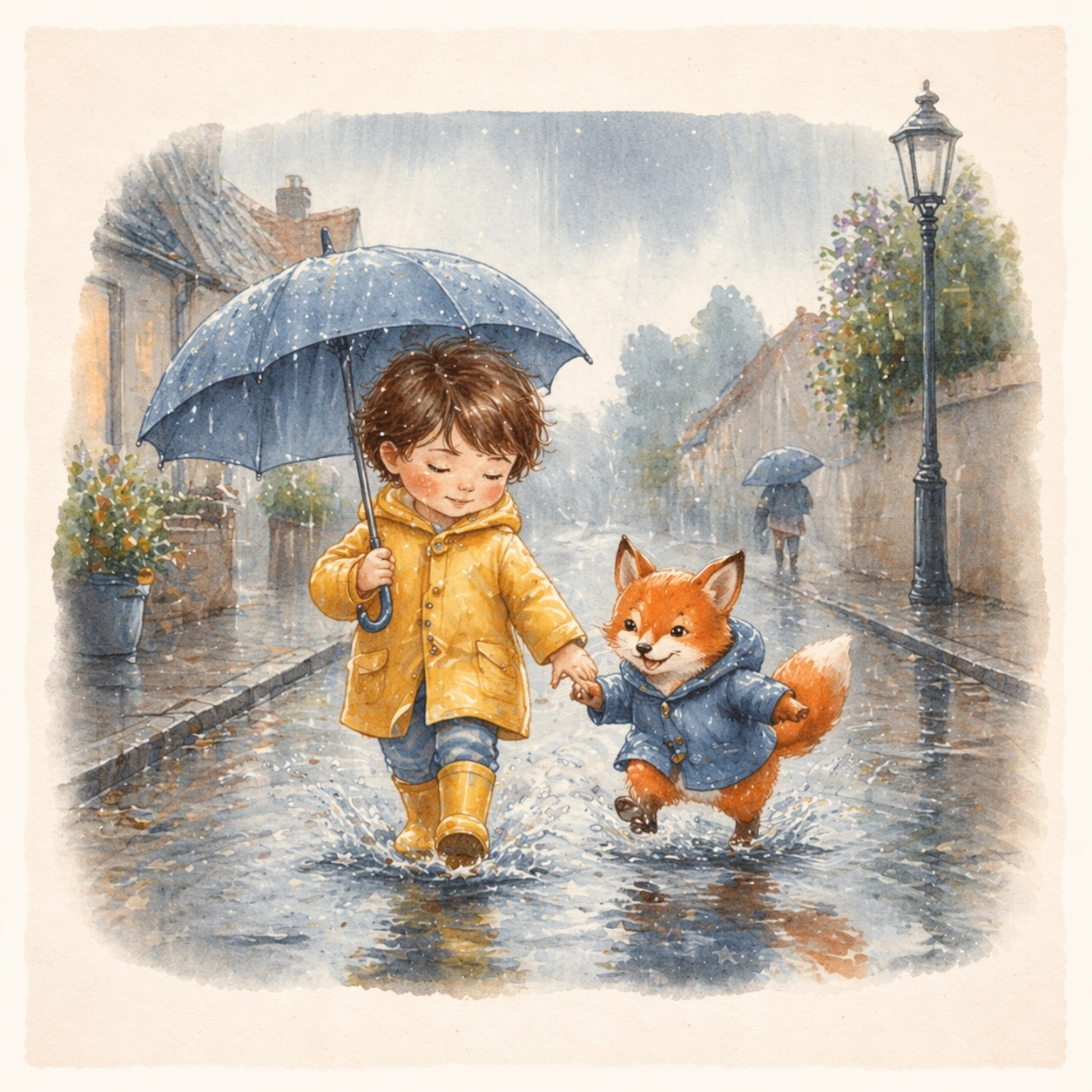
Keep the same square open-book presentation, page framing, painted texture, and gutter proportions from the reference spread, but move the story into a rainy outdoor walk under silver morning light. The image should look like the next page of the same published picture book, not a separate illustration style. Keep the square frame balanced, calm, and production-ready so the asset can serve gallery review, research comparison, and real educational delivery at the same time.

Subject:
Show the same child and fox companion in rain gear splashing through puddles beside low houses, umbrellas, and reflective sidewalks. Their faces, body scale, and core visual identity must remain identical to the bedtime spread, even though the environment, weather, and motion become more active. The subject matter should feel intentionally selected for a coherent curriculum family rather than like a random decorative assortment.

Important details:
Preserve the same brush behavior, color-family logic, and page design system from the reference image. Let change come through weather, movement, and environmental storytelling, while the relationship and illustration language remain stable enough for seamless page-turn continuity. Preserve the same child protagonist, fox companion, brush texture, page framing, color family, and storybook page proportions from the reference spread. Use variation only in the teaching content, supporting props, and scene-specific mood while preserving the core visual system exactly.

Use case:
Children Storybook Scene Page System series study 2/4, raincoat puddle walk.

Constraints:
No readable text, no watermark, no logos, preserve exact 1:1 aspect ratio, no readable story text, no logos, no celebrity resemblance, no harsh horror mood, no hyper-detailed realism, no extra main characters replacing the leads.
使用方法
- 复制完整原始提示词,并保留其中的参数。
- 按需求替换主体、文字和构图要求。
- 在兼容的外部工具中使用,核对当前使用条件并检查结果。
开始前需了解
- 先确认是否需要参考图。标注兼容模型,不代表该示例由这个模型生成。
- 核对名称、数字与画面文字;不同模型版本的结果可能不同。