原始文档
GPT Image 2 · en
Scene:
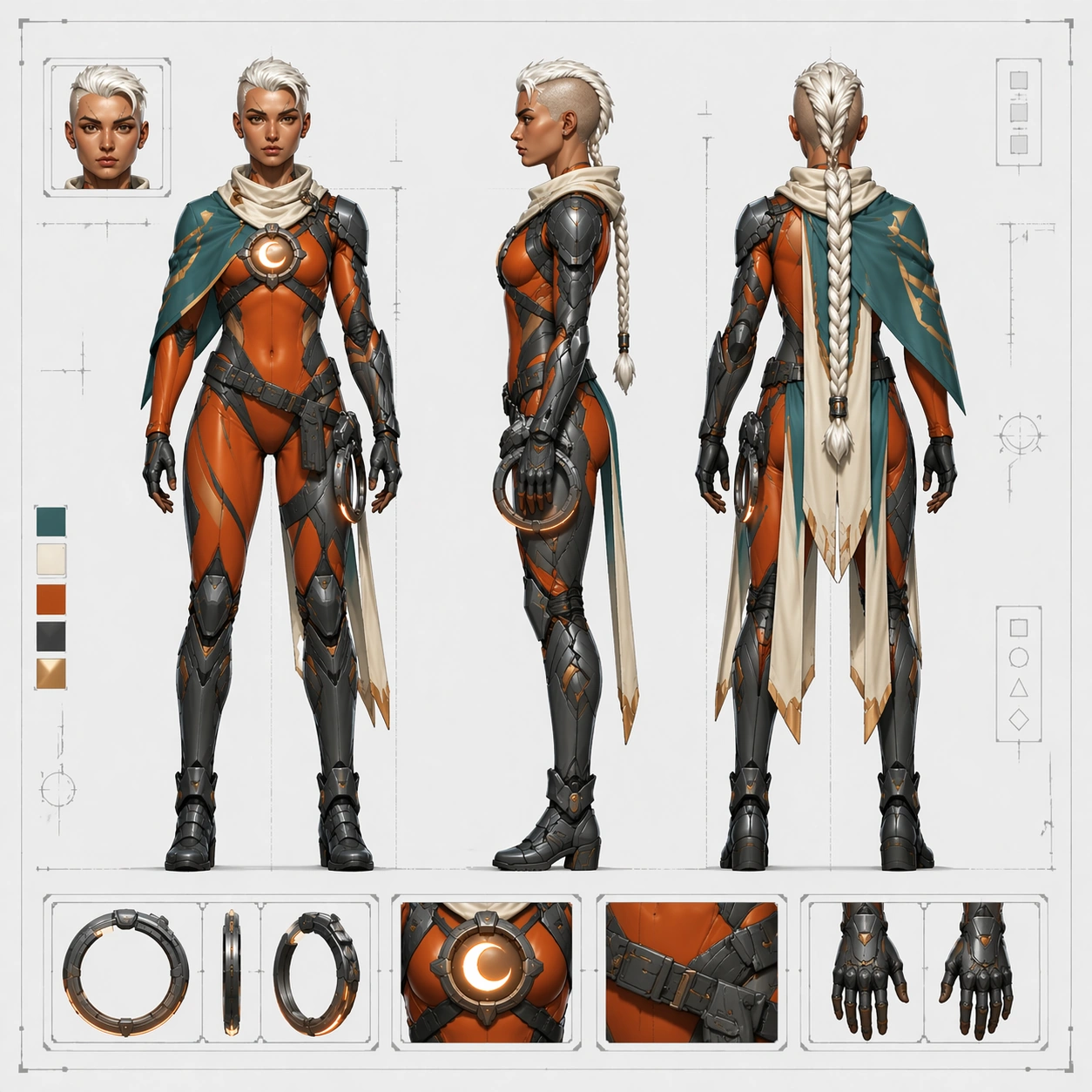
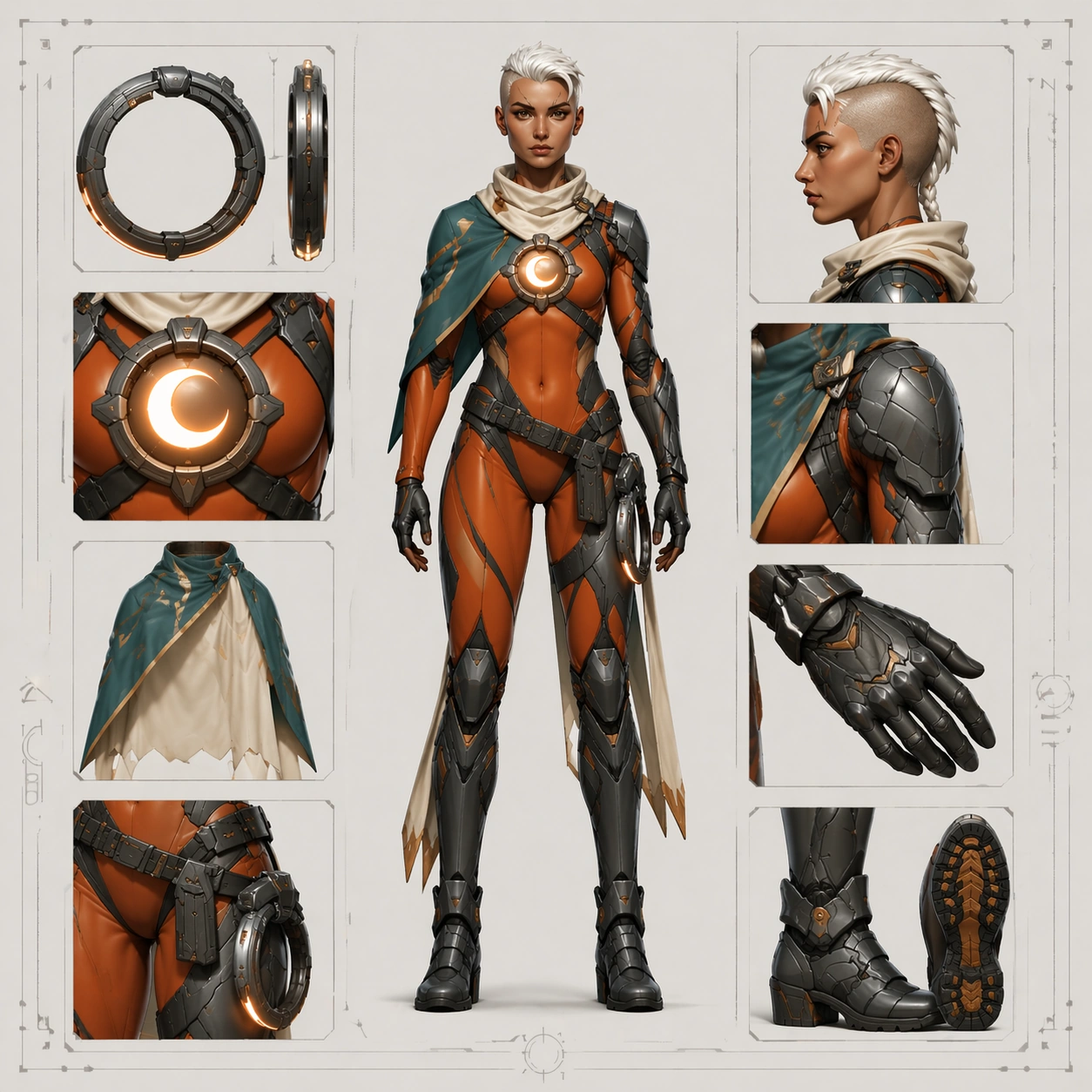
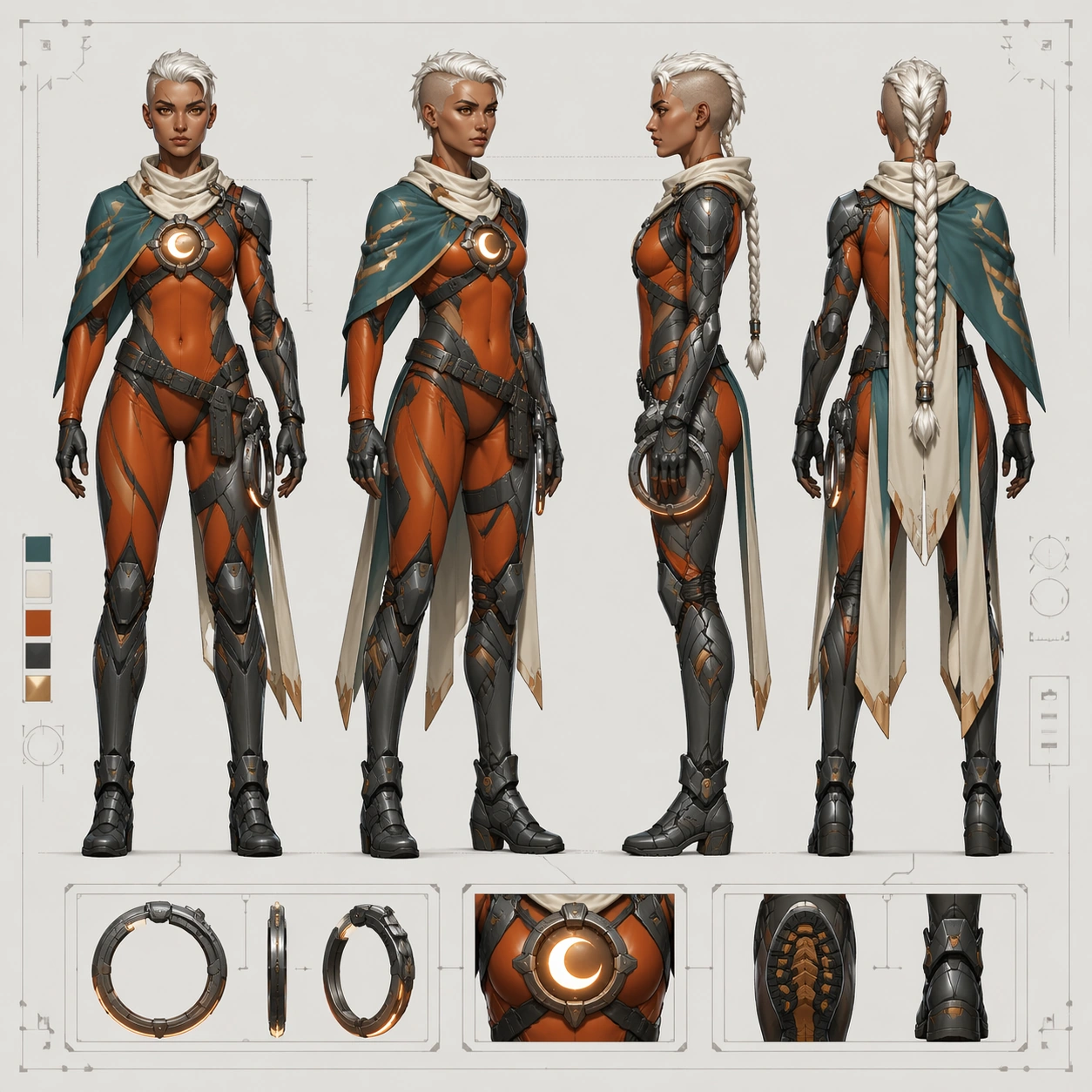
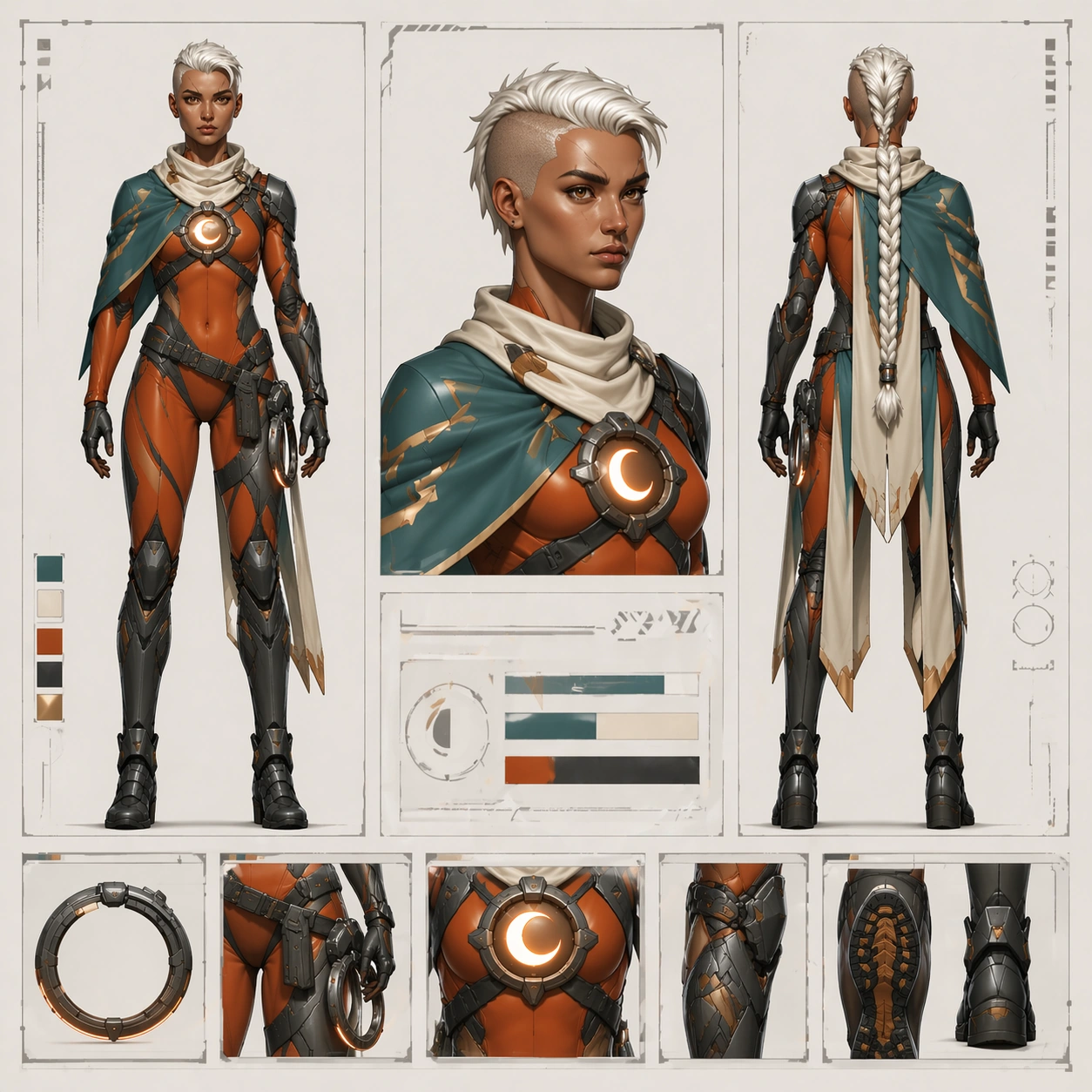
Design a square approval-board layout that feels halfway between a production sheet and a polished wiki deliverable. Use a clean off-white page, modular panel divisions, one prominent full-body figure, one bust crop, one back view, and a row of small costume-detail tiles arranged with precise spacing. Lighting should remain neutral and clear, but the page can feel slightly more polished than a raw turnaround sheet, suitable for publishing to a character encyclopedia or internal presentation deck. Keep the composition balanced, with confident white space and strong grid discipline.

Subject:
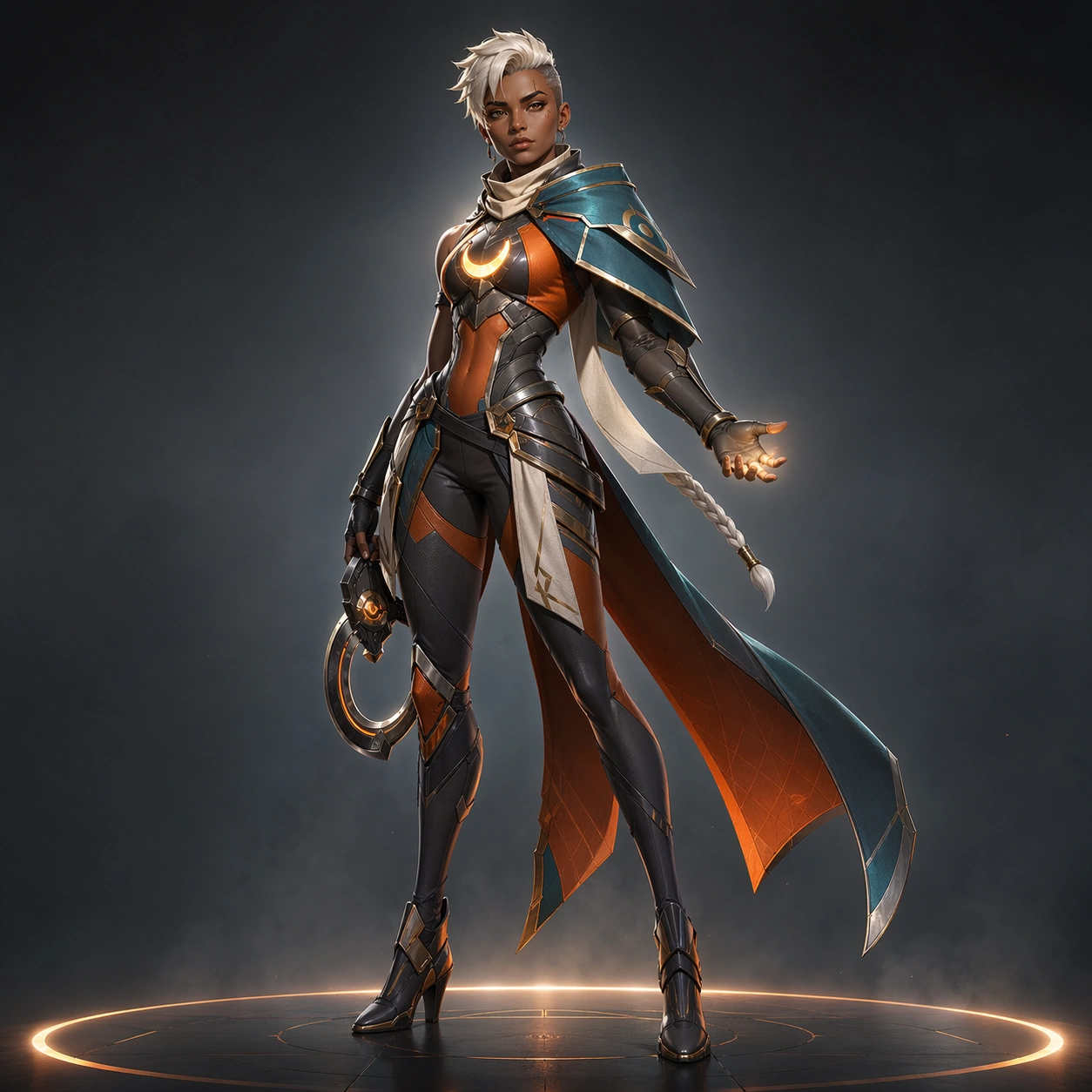
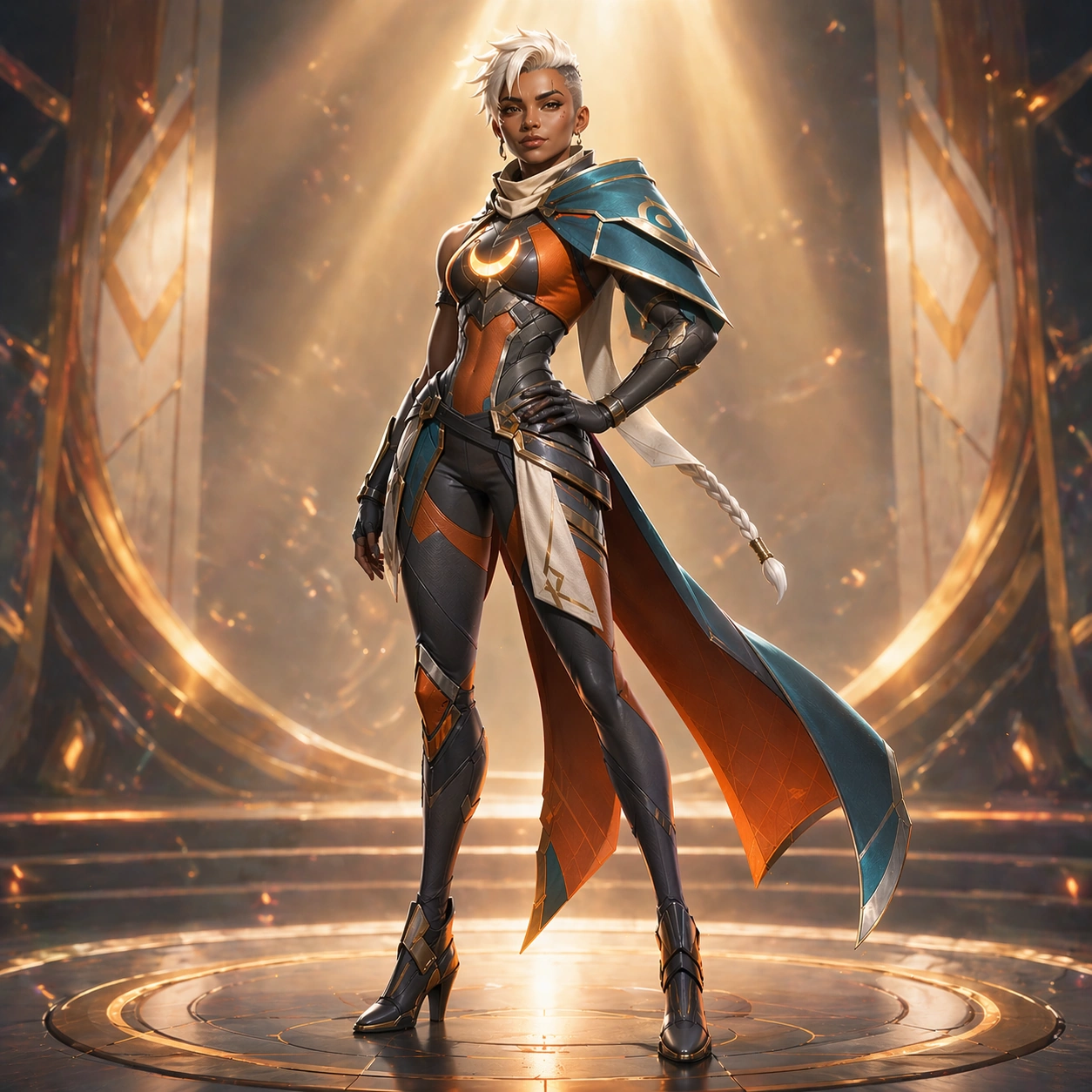
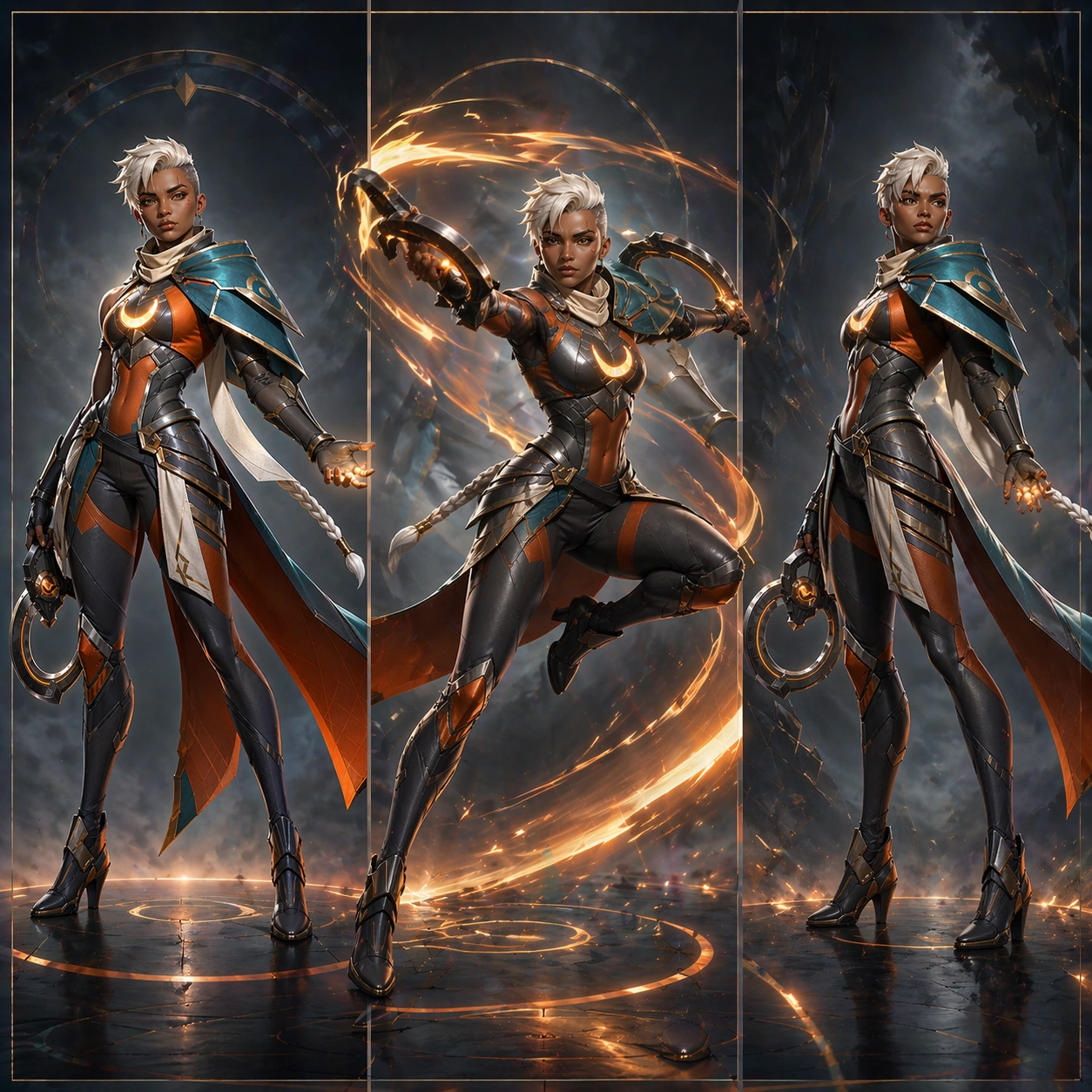
Adapt the exact same heroine from the turnaround reference model into this modular approval layout. Preserve exact face, hair base, body proportions, eyebrow scar, chest reactor, shoulder mantle asymmetry, suit seam logic, holster placement, cape split, glove shapes, and boot structure. Every panel must read as the same person and the same costume family, even though the crop scale varies across full-body, bust, and detail tiles. The bust crop should echo the launch assets while the full-body and back view keep the production clarity.

Important details:
The success condition is coherence across publication and production surfaces. Keep panel spacing orderly, geometry simple, and material rendering believable. Use abstract non-readable bars, ticks, and diagram blocks instead of language. The page should feel ready for a game wiki, approval deck, or internal style guide. Do not let the polished layout introduce new styling drift or decorative clutter.

Use case:
Hero Reveal Turnaround Pack series study 9/9, merging launch polish and production clarity in one wiki-ready approval layout.

Constraints:
No readable text, no watermark, no logos, preserve exact 1:1 aspect ratio, preserve exact face and body proportions from the reference model, no off-model bust crop, no random new accessories, no noisy background pattern, no perspective distortion in the sheet.
使用方法
- 复制完整原始提示词,并保留其中的参数。
- 按需求替换主体、文字和构图要求。
- 在兼容的外部工具中使用,核对当前使用条件并检查结果。
开始前需了解
- 先确认是否需要参考图。标注兼容模型,不代表该示例由这个模型生成。
- 核对名称、数字与画面文字;不同模型版本的结果可能不同。