原始文档
GPT Image 2 · en
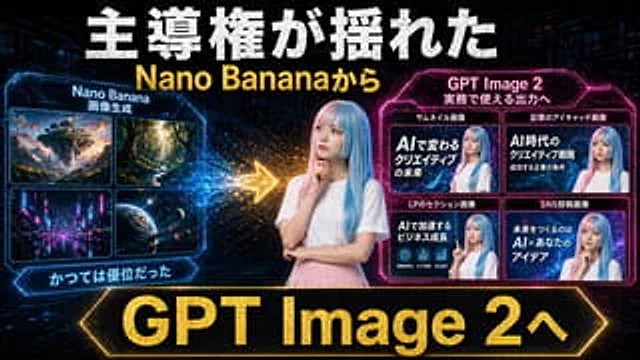
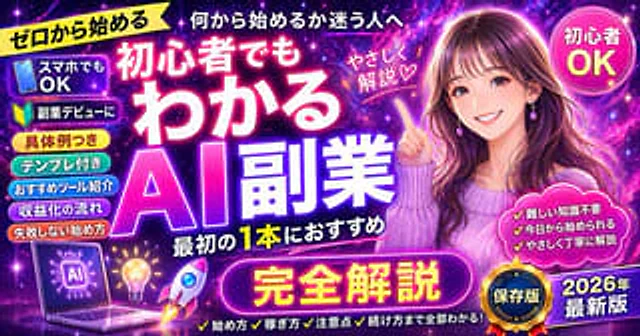
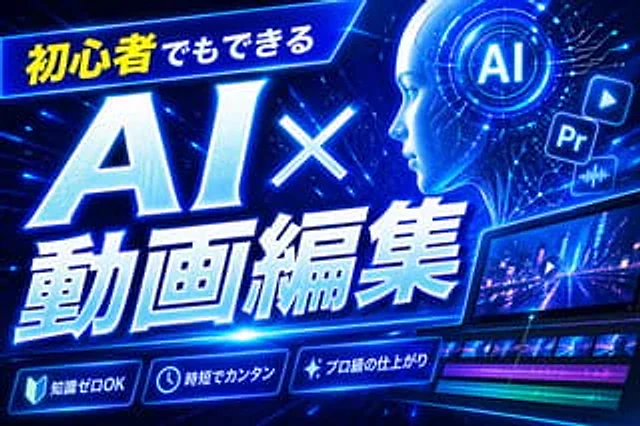
Create a bold Japanese-style YouTube thumbnail with the theme of{argument name="headline text" default="AI-powered video editing for beginners"} The design employs a futuristic neon blue cyberpunk style. It uses a 16:9 widescreen composition with a deep electric blue background filled with glowing circuit lines, digital stripes, lens flares, and high-energy dynamic effects. A tilted, glowing banner containing Japanese text is placed in the upper left corner.{argument name="top banner text" default="Even beginners can do it"} The first part is bright yellow, and the rest is white. The main title should occupy the left and center positions: a huge white glowing text "AI×" sits above the larger white glowing text "Animation Compilation," with a thick blue neon outer glow, a slight forward tilt dynamic, beveled 3D shadows, and a strong perspective effect. In the upper right corner, add a circular holographic interface with the lettering in the center.{argument name="ai badge text" default="AI"} The screen is surrounded by concentric circles and tiny HUD markers. Nearby are three floating application-style icons: a play button icon, a square "Pr" icon, and an audio waveform icon, all glowing blue. In the bottom right corner, a stylish tilted video editing monitor displays a neon city nightscape with a play symbol overlaid; below the preview is a timeline with four visible tracks: two rows of video thumbnails and two colored audio bars in magenta and turquoise. At the bottom, three glowing circular function badges with icons and Japanese text are added: a book icon with "Knowledge Zero OK," a clock icon with "Time is short," and a flashing icon with "Professional Craftsmanship." A tall, solid blue vertical rectangle serves as a placeholder at the top center-right. The overall design is dynamic, high-contrast, sophisticated, and technologically advanced, optimized for the highest click-through rates of modern AI and video editing tutorial thumbnails.使用方法
- 复制完整原始提示词,并保留其中的参数。
- 按需求替换主体、文字和构图要求。
- 在兼容的外部工具中使用,核对当前使用条件并检查结果。
开始前需了解
- 先确认是否需要参考图。标注兼容模型,不代表该示例由这个模型生成。
- 核对名称、数字与画面文字;不同模型版本的结果可能不同。