原始文档
GPT Image 2 · en
Scene:
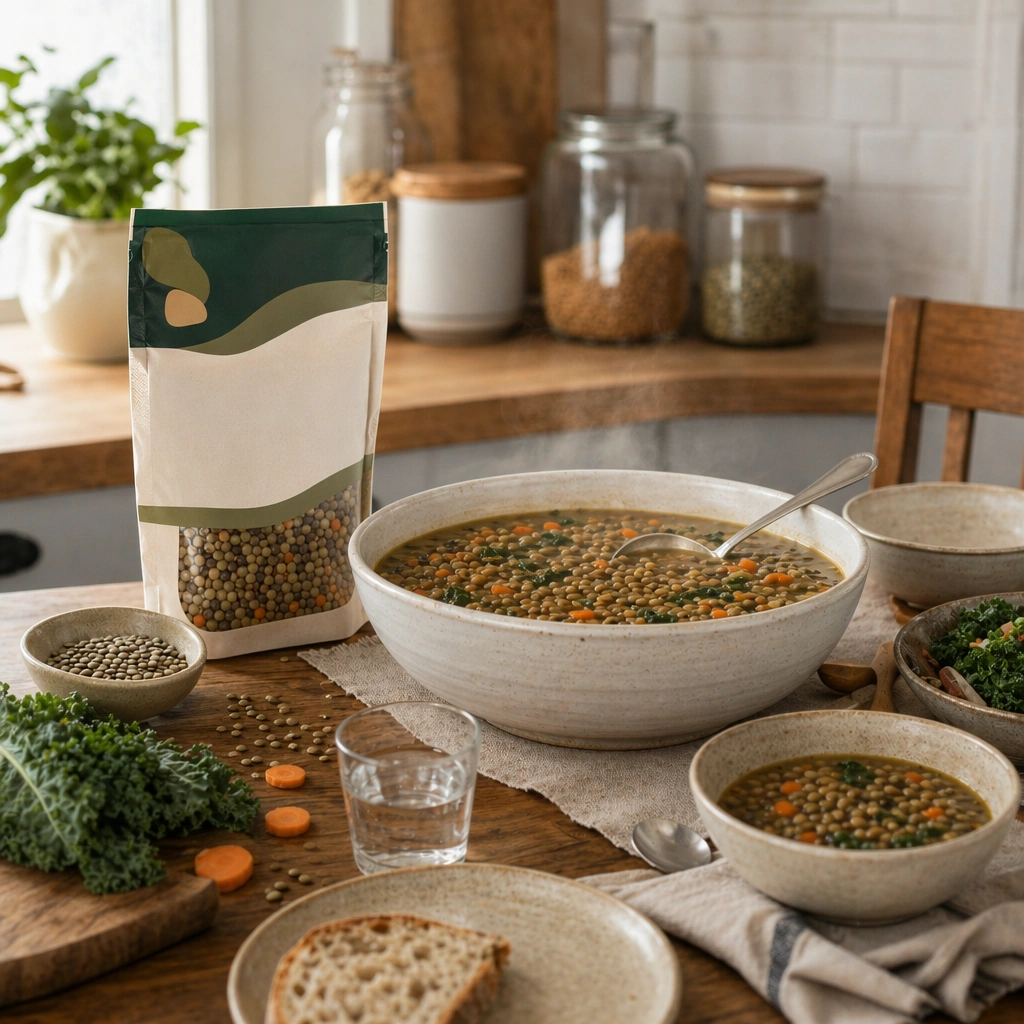
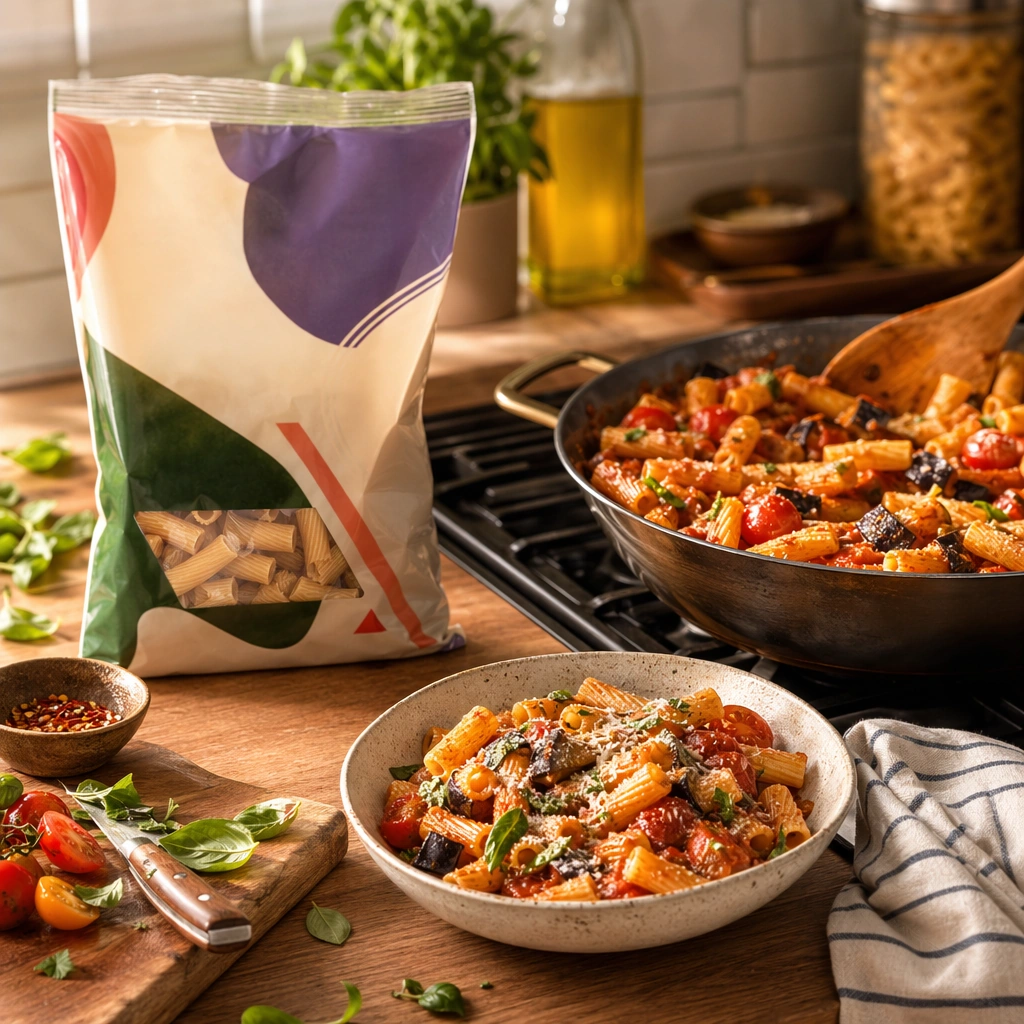
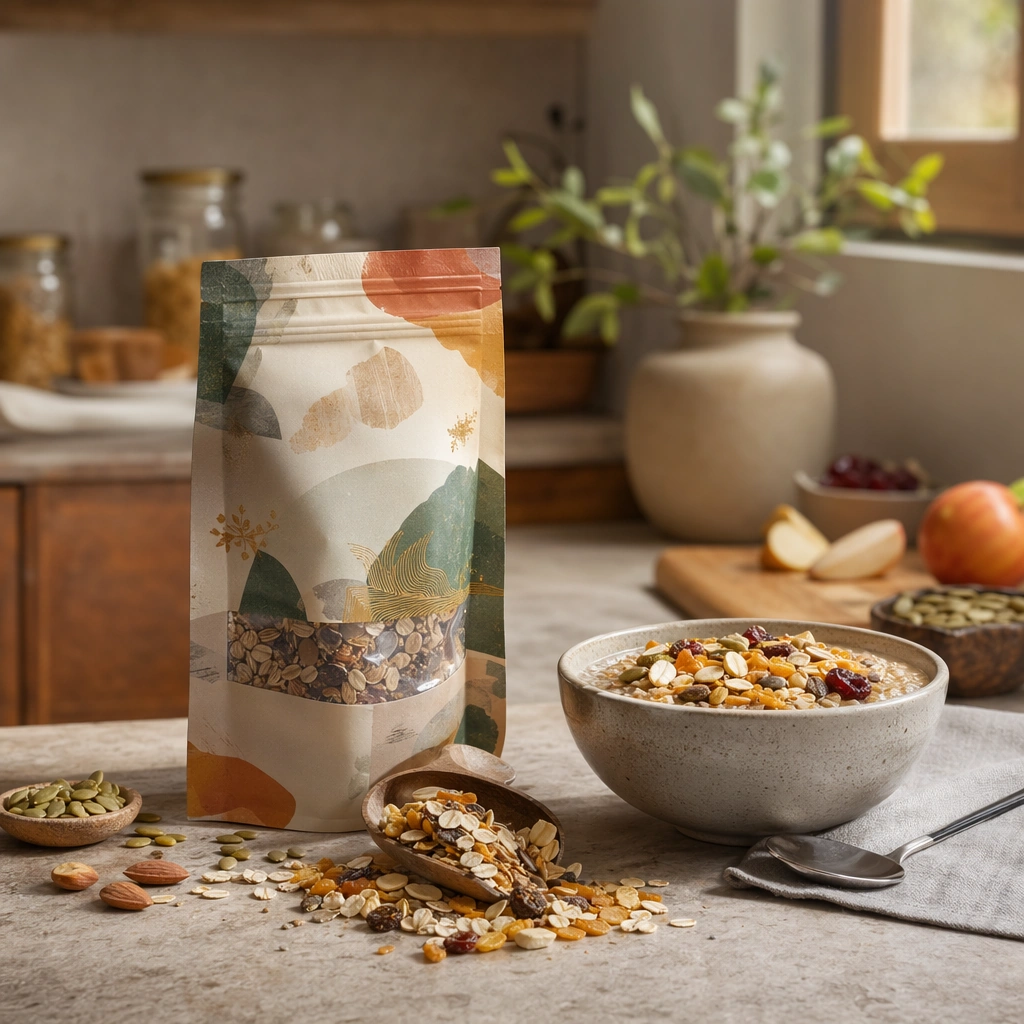
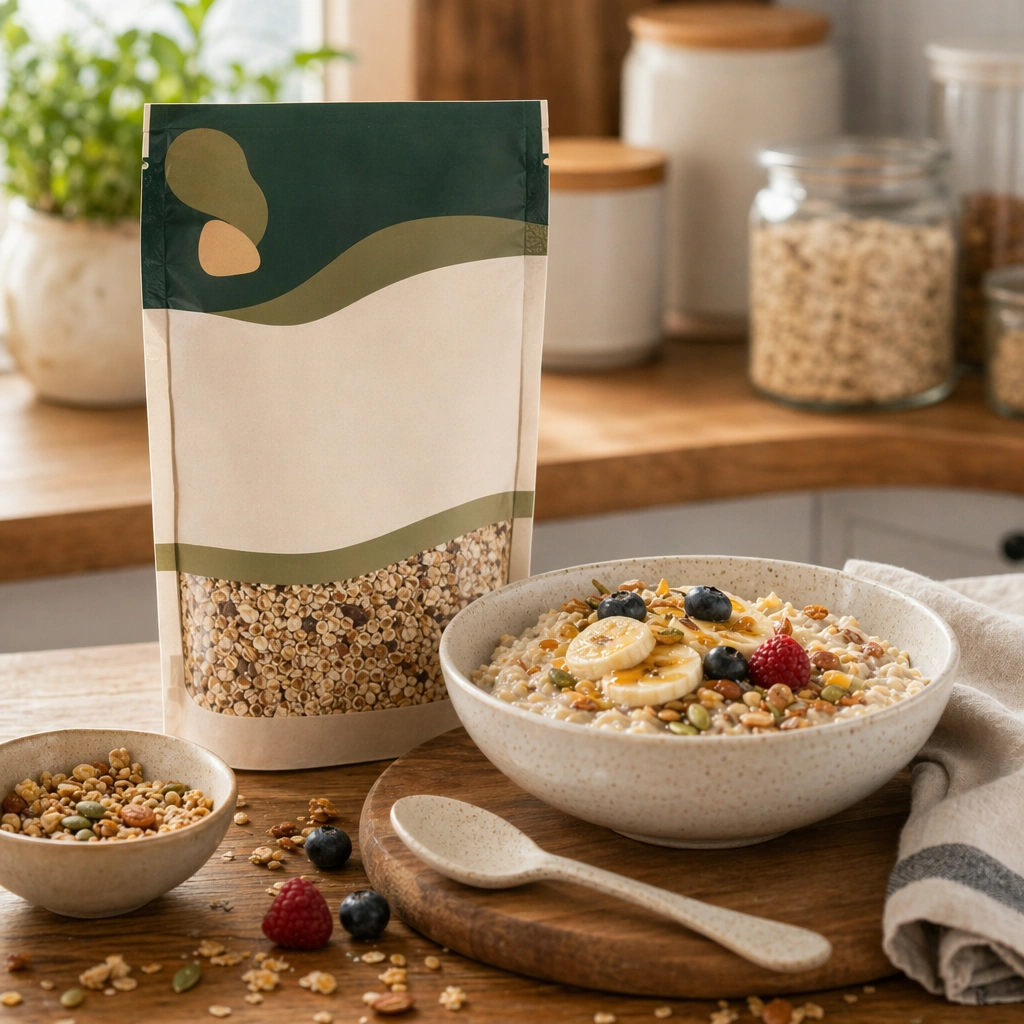
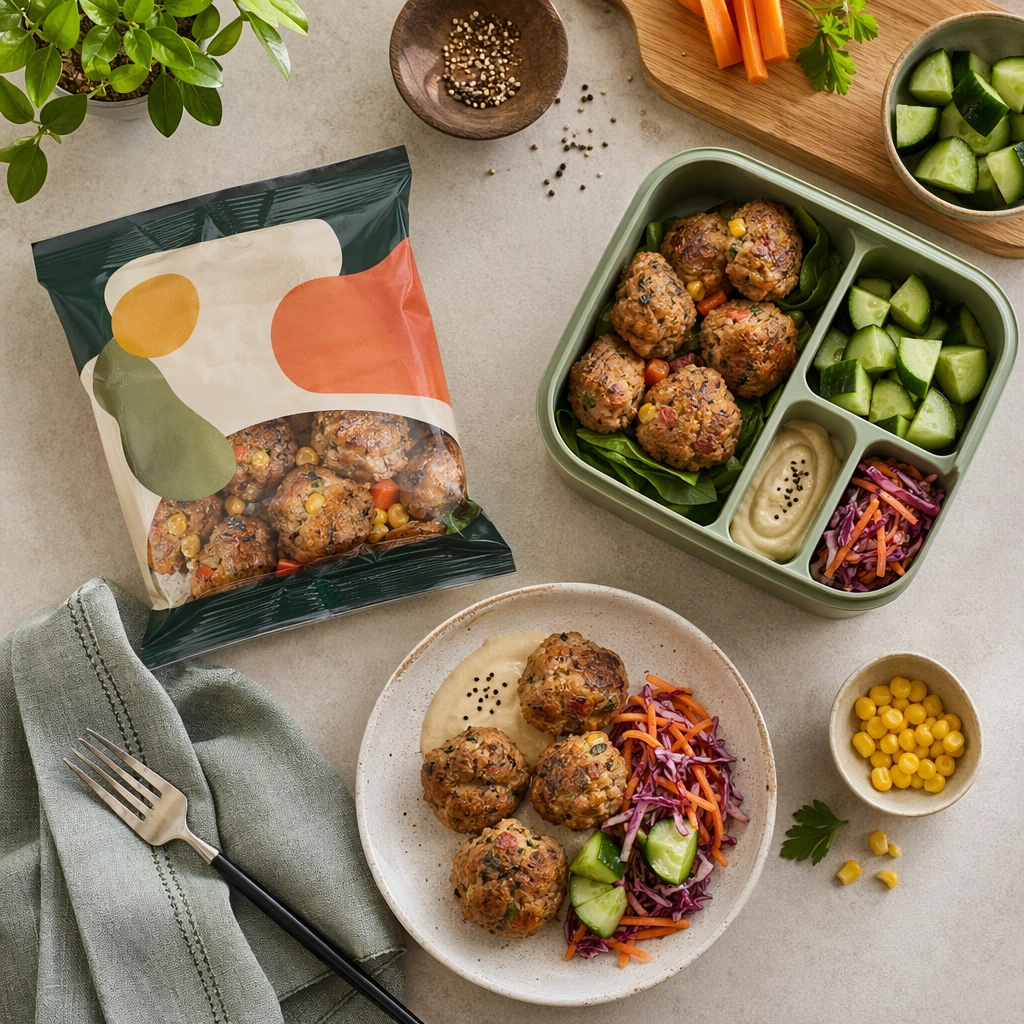
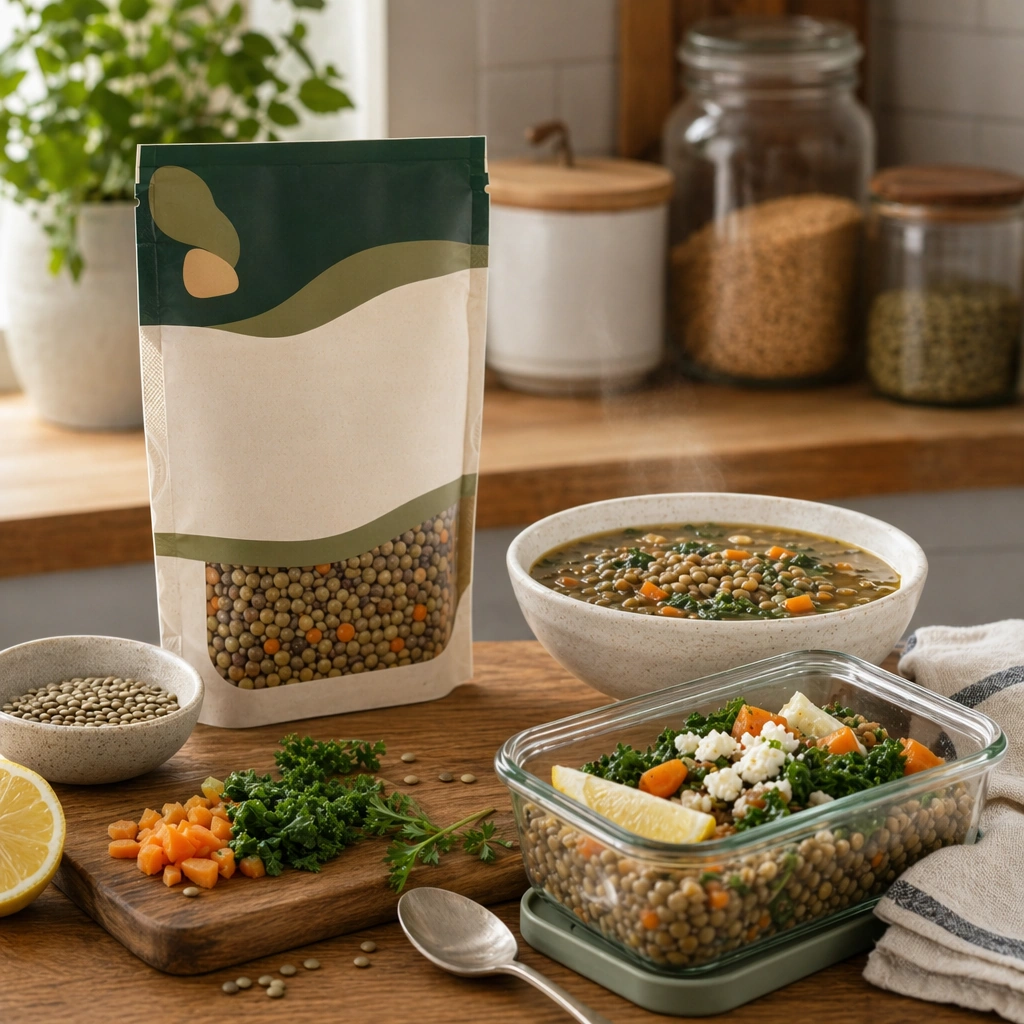
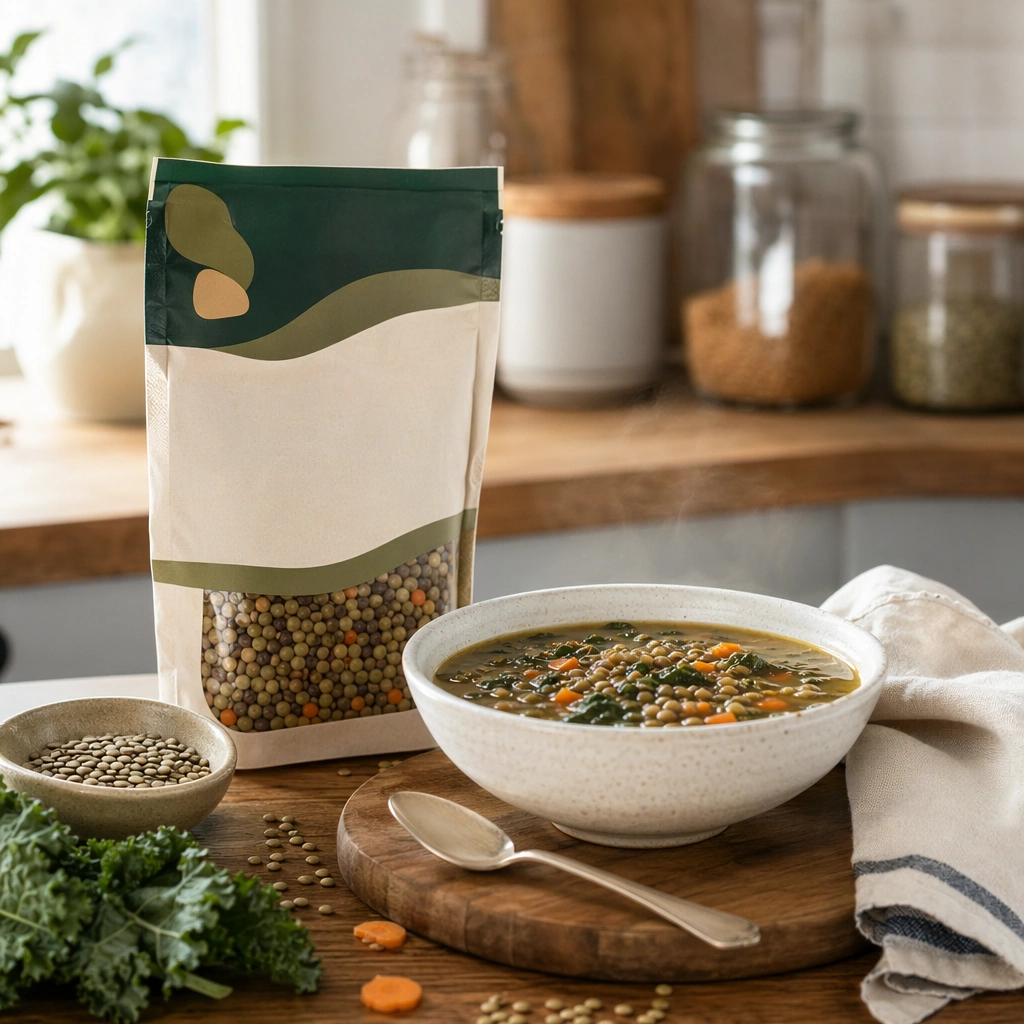
Compose a square packaged-food lifestyle image that connects shelf-ready packaging with actual household use, serving, and meal preparation. The frame should feel commercially precise but lived in, showing how the package belongs inside a believable kitchen, pantry, or dining context rather than isolated white-background product photography. Use a square kitchen-counter composition with soft natural light, visible pantry shelving blur, and a balanced relationship between packaged product and plated food.

Subject:
The package must stay clearly visible and physically plausible, while the prepared food, ingredients, bowls, or serving scene demonstrate real usage and appetite appeal. Show one packaged food item beside a prepared serving in a bowl or plate, with ingredients or utensils suggesting real household use.

Important details:
This topic tests bridge-building between package design and lived food context. Preserve realistic kitchen materials, pantry organization, serving logic, and package handling so the brand feels trustworthy and useful. If abstract label areas appear, they must remain unreadable; trust should come from materials, cooking cues, and scene credibility rather than literal copy. This image establishes the reference system for the series, including camera height, tabletop discipline, prop family, and color control that later images must inherit. This anchor image must define the domestic visual system for the series: package readability without legible text, believable kitchen order, and appetite appeal grounded in everyday use.

Use case:
Food Package Scenes series study 1/9, built for Prompt Atlas coverage of a food and beverage commercial visual system.

Constraints:
No readable text, no watermark, no logos, preserve exact 1:1 aspect ratio, no readable text, no logos, no sterile white studio void, no messy family chaos, no unrealistic packaging scale, no cluttered supermarket shelf wall, no readable nutrition panel, no giant family spread, no messy sink or appliances.
使用方法
- 复制完整原始提示词,并保留其中的参数。
- 按需求替换主体、文字和构图要求。
- 在兼容的外部工具中使用,核对当前使用条件并检查结果。
开始前需了解
- 先确认是否需要参考图。标注兼容模型,不代表该示例由这个模型生成。
- 核对名称、数字与画面文字;不同模型版本的结果可能不同。