原始文档
GPT Image 2 · en
Scene:
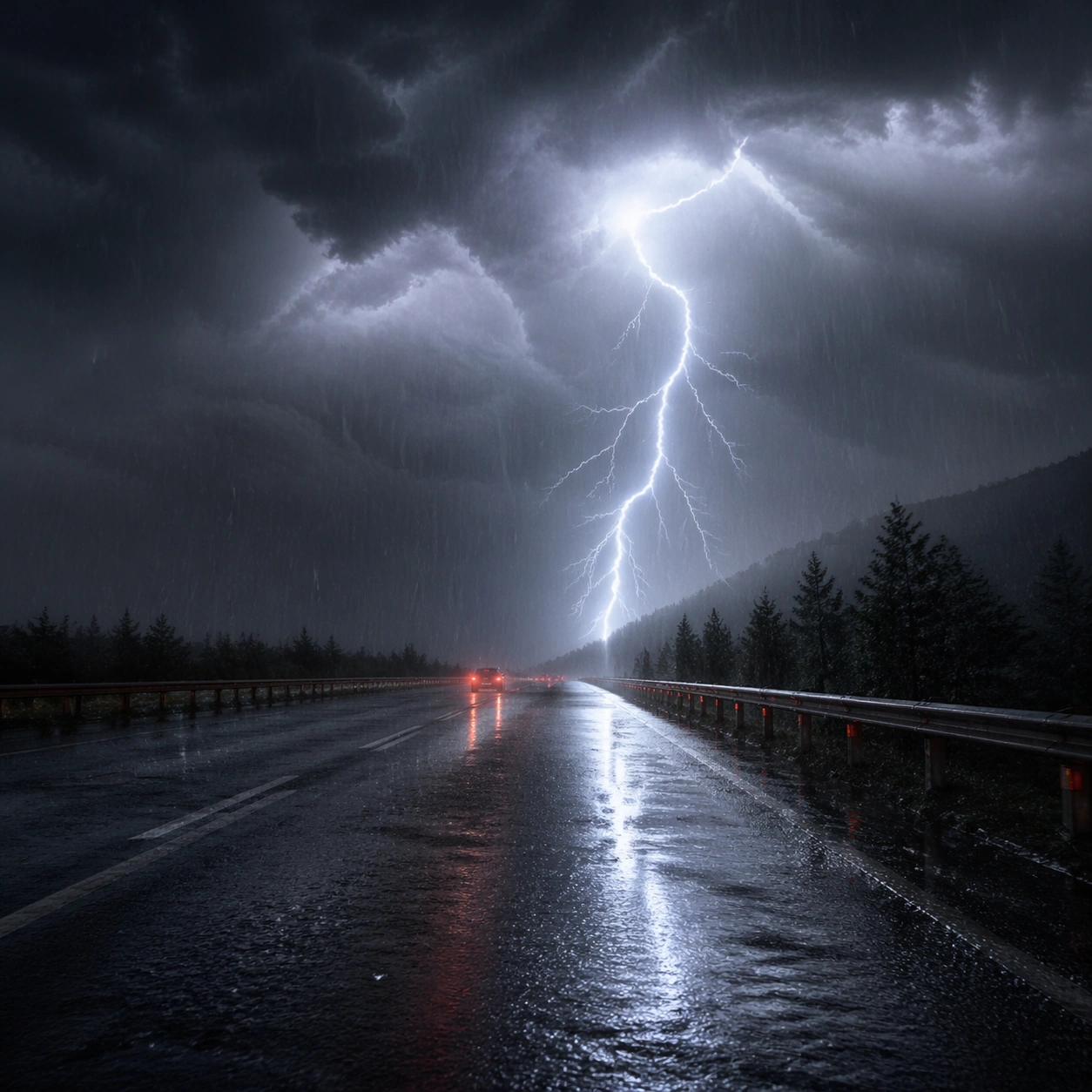
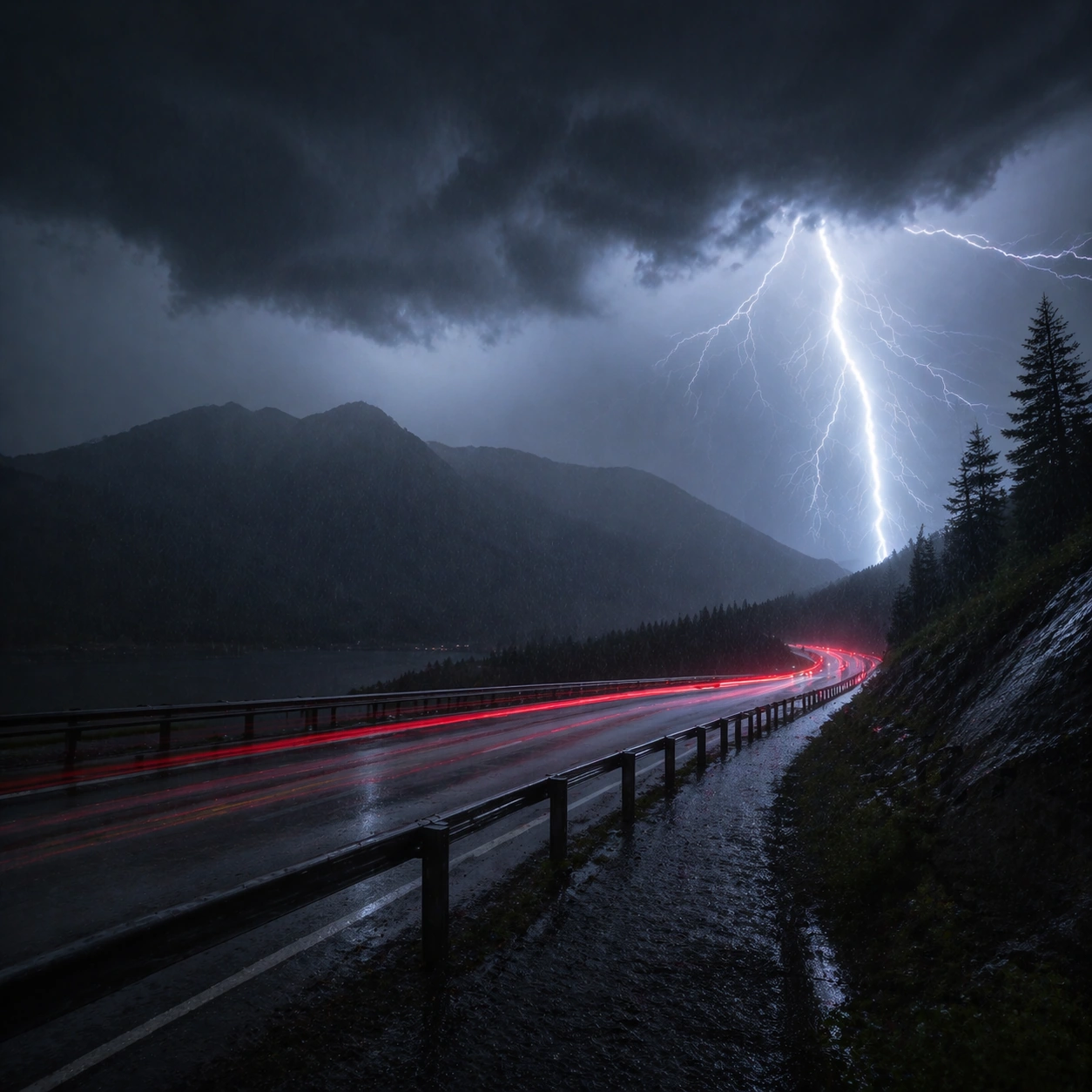
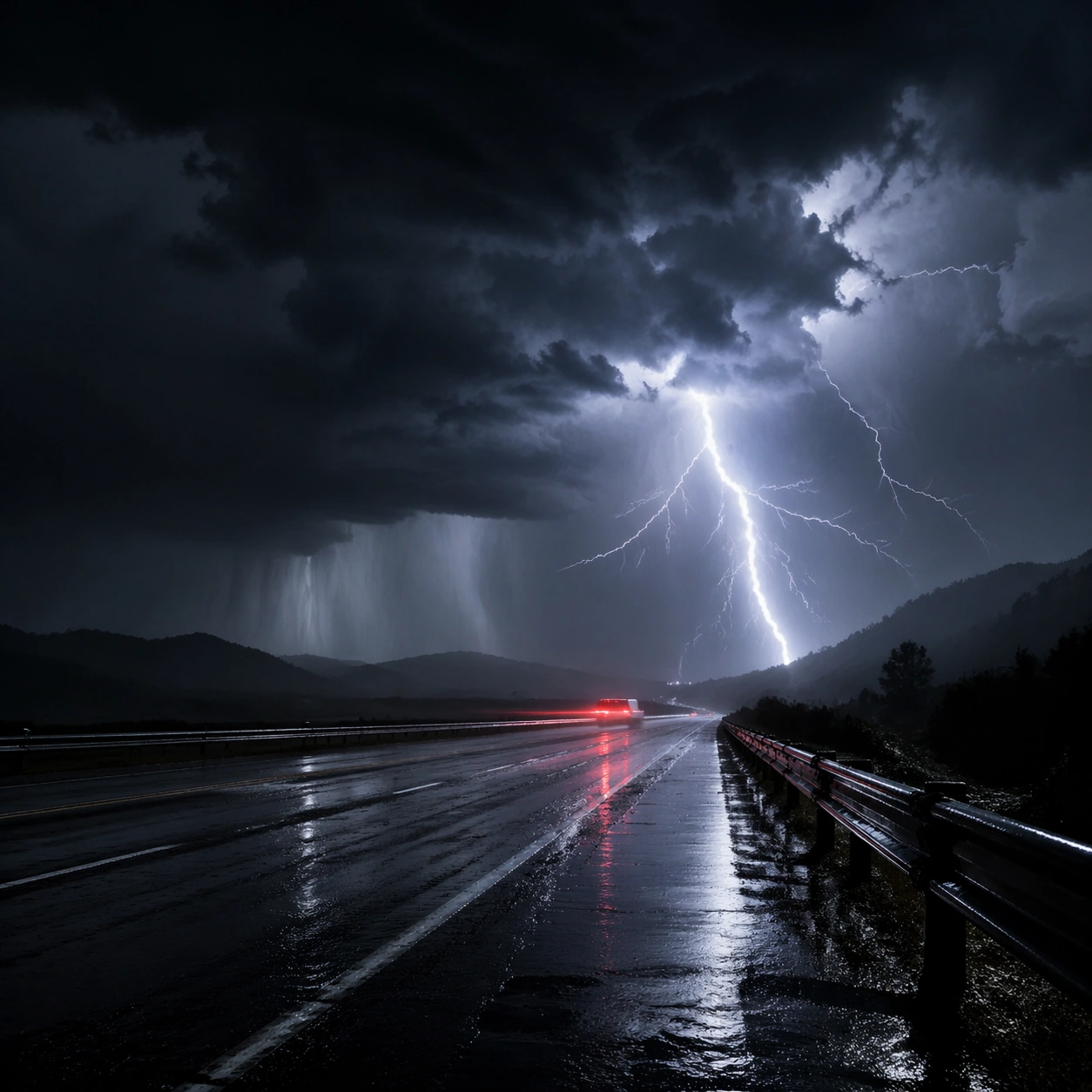
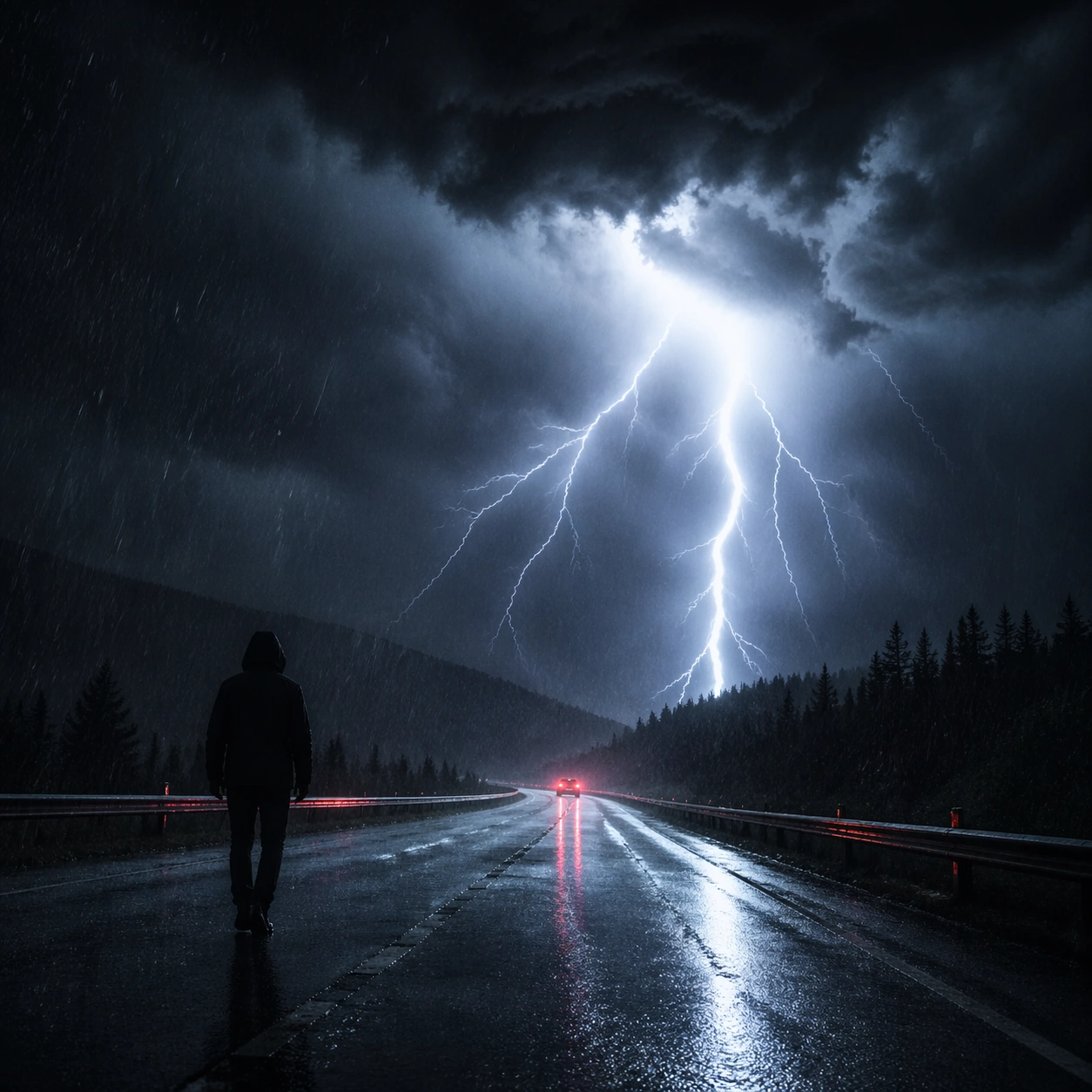
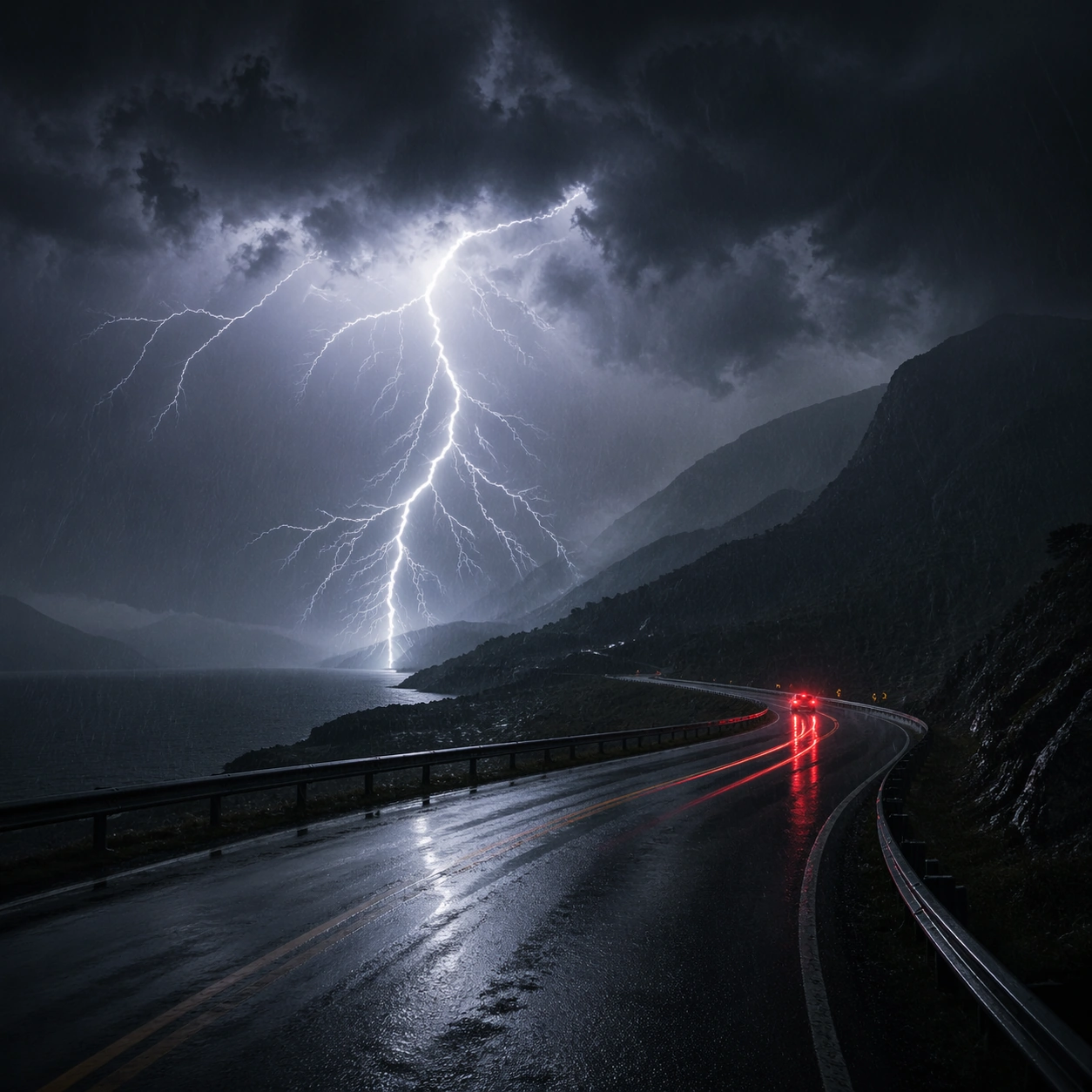
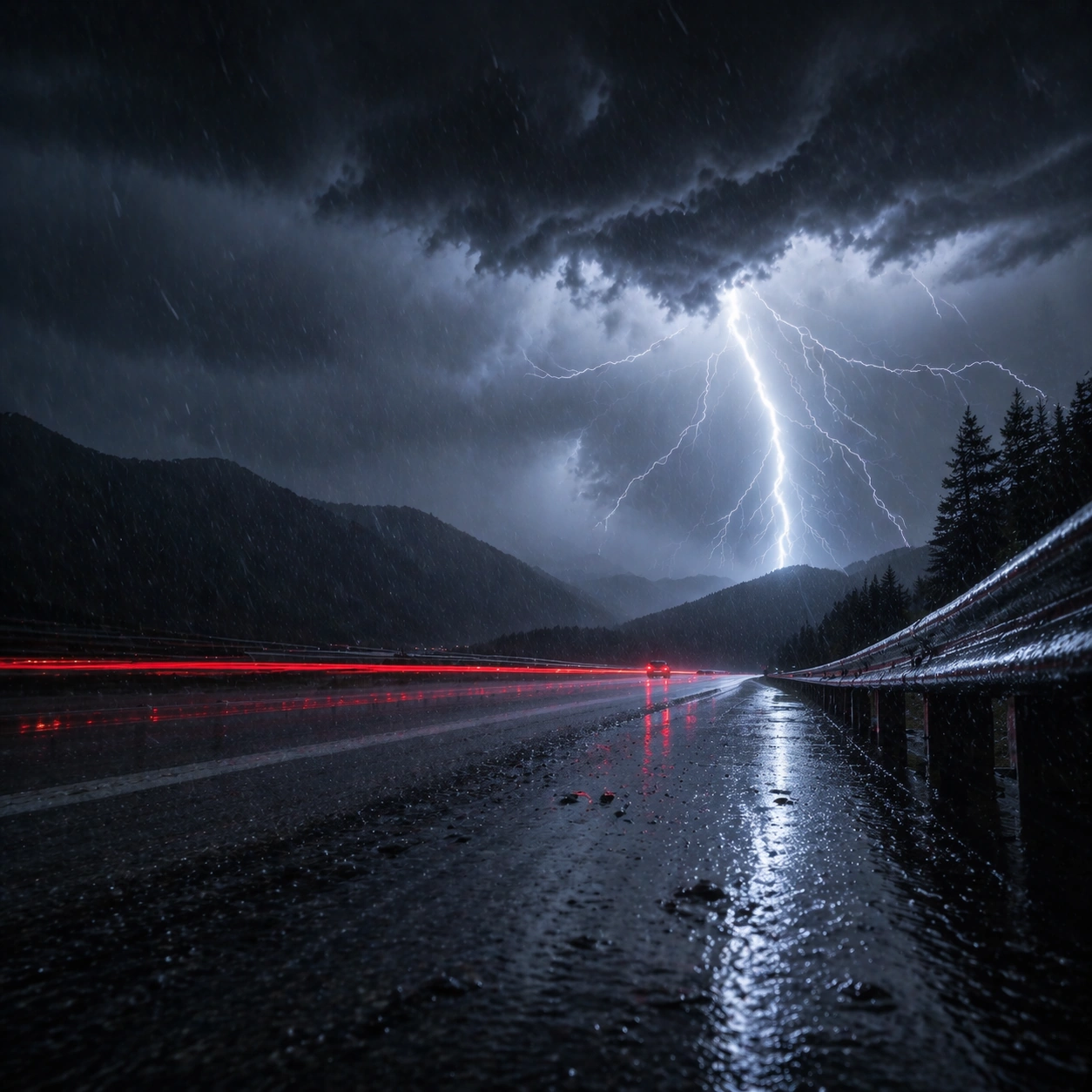
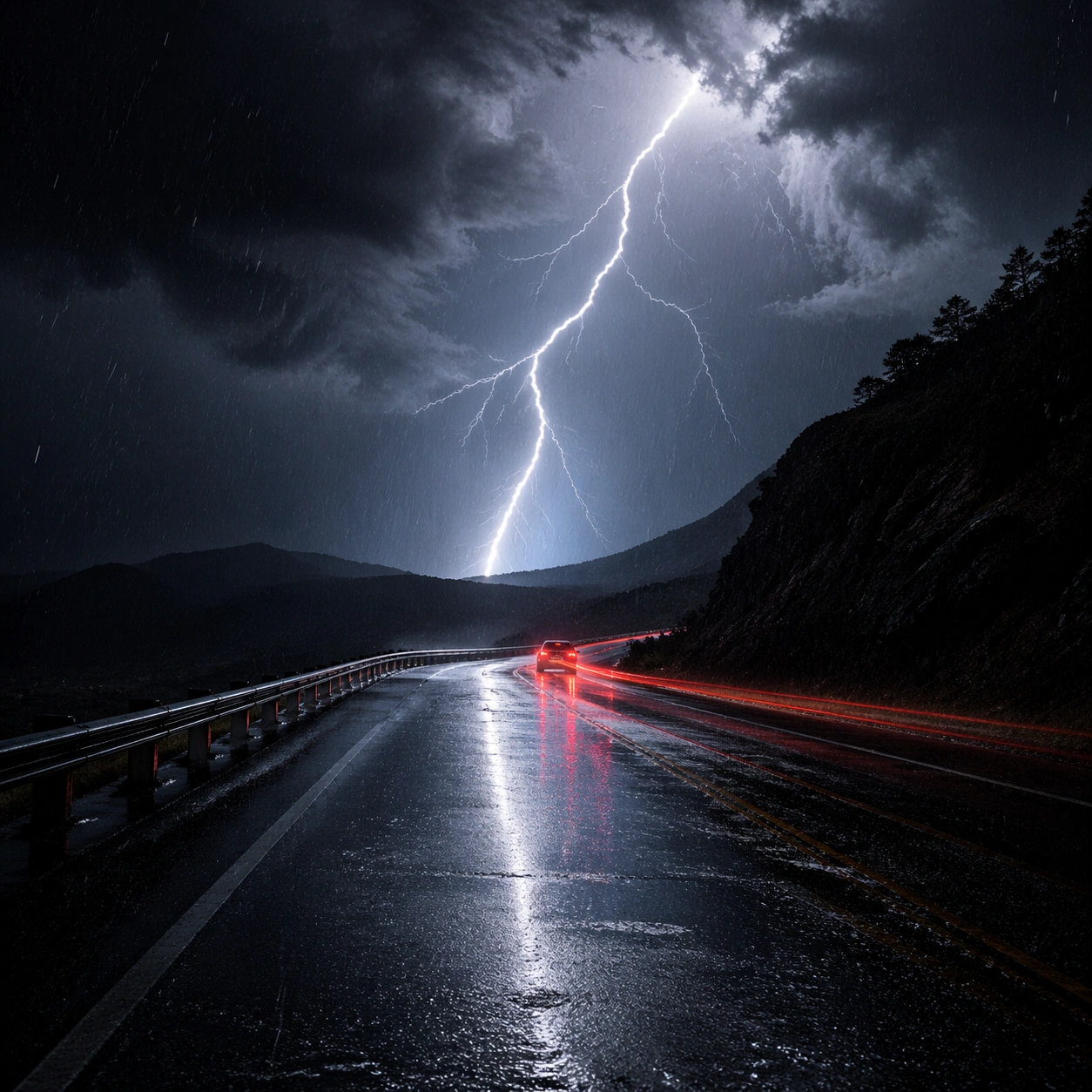
Create a square cinematic still for Thunderstorm Cinematic Strobe. Use production-grade photoreal lighting, disciplined lens behavior, and a composition that feels like a finished key frame from an original film rather than a casual snapshot. A lonely wet highway at night is split open by a lightning flash, with black storm mass above, slick asphalt reflecting cold light, distant taillight streaks cutting red through the rain, and sheets of water visible in the air. Build an independent square study around the way atmosphere interacts with surfaces, keeping enough environmental context for the image to feel finished rather than cropped at random.

Subject:
Build a coherent original scene whose emotional center comes from atmosphere, light physics, and spatial clarity. Avoid relying on celebrity likeness, franchise iconography, or stylized illustration shortcuts. The roadway, the lightning event, and one or two vehicles far enough away to remain anonymous should carry the image, with guardrails, lane geometry, and storm cloud depth staying legible under the strobe. Let textures, reflections, residue, moisture, dust, or particulate response become primary, while the broader setting remains clearly implied.

Important details:
Preserve a believable physical world with strong depth layering, careful color separation, and premium image discipline. Balance the feeling of a frozen lightning moment with believable long-exposure traces, crisp raindrops, internal cloud illumination, and directional reflections on the pavement so the weather feels physically dangerous and immediate. The key is material credibility under dramatic light, with micro-contrast and controlled mood supporting the theme.

Use case:
Thunderstorm Strobe single study 5/9.

Constraints:
No readable text, no watermark, no logos, preserve exact 1:1 aspect ratio, no city skyline, no readable road signs, no disaster-movie debris, no fantasy electric colors, no vehicle close-up hero shot.
使用方法
- 复制完整原始提示词,并保留其中的参数。
- 按需求替换主体、文字和构图要求。
- 在兼容的外部工具中使用,核对当前使用条件并检查结果。
开始前需了解
- 先确认是否需要参考图。标注兼容模型,不代表该示例由这个模型生成。
- 核对名称、数字与画面文字;不同模型版本的结果可能不同。