
原始文档
GPT Image 2 · en
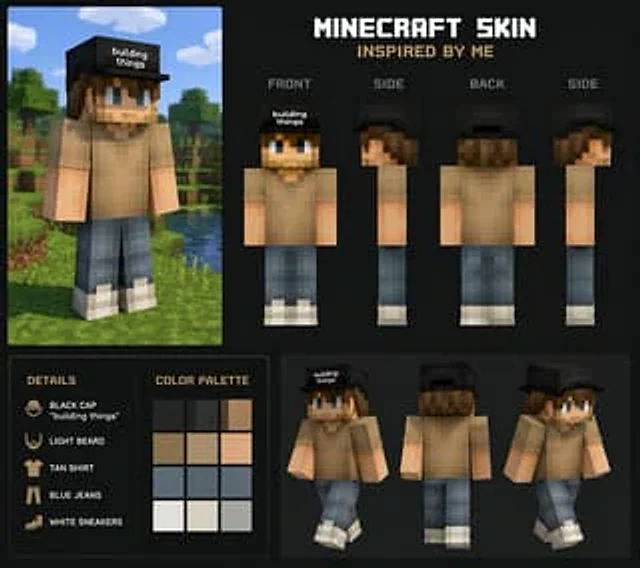
Create a subject{argument name="reference" default="my look"} Inspired Minecraft Skins使用方法
- 复制完整原始提示词,并保留其中的参数。
- 按需求替换主体、文字和构图要求。
- 在兼容的外部工具中使用,核对当前使用条件并检查结果。
开始前需了解
- 先确认是否需要参考图。标注兼容模型,不代表该示例由这个模型生成。
- 核对名称、数字与画面文字;不同模型版本的结果可能不同。
GPT Image 2 · en
Create a subject{argument name="reference" default="my look"} Inspired Minecraft Skins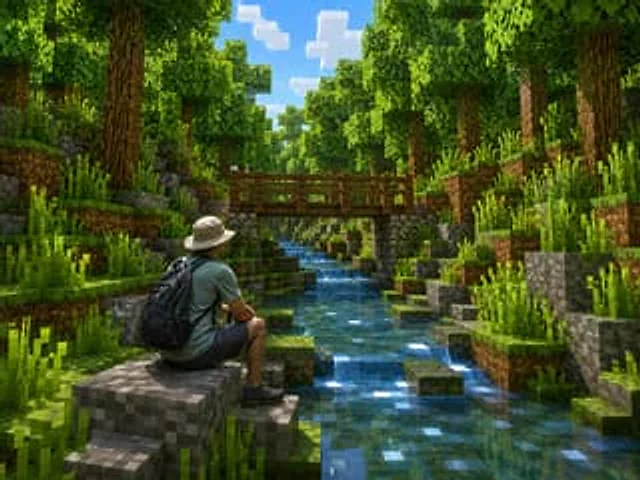
Create a photorealistic Minecraft-style screenshot of {argument name="character description" default="a real adult male hiker seen from behind, wearing a beige bucket hat, muted teal T-shirt, dark shorts, black hiking shoes, and a large black backpack"} sitting on a blocky gray s
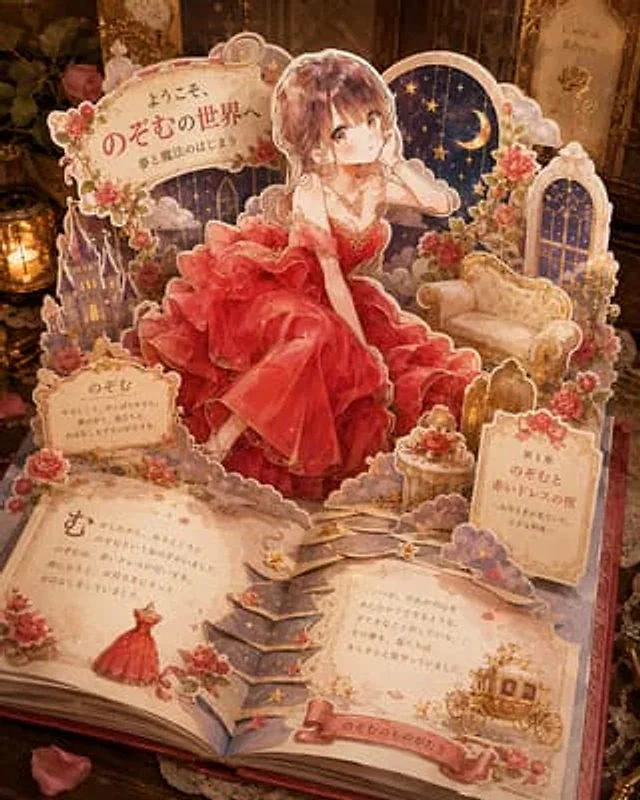
Goal: Create an ornate 3D pop-up storybook scene where {argument name="character name" default="Nozomu"} appears to leap out of an open fairy-tale book, as if a custom character illustration has become a luxurious paper craft diorama. Canvas: Square composition, warm cinematic c
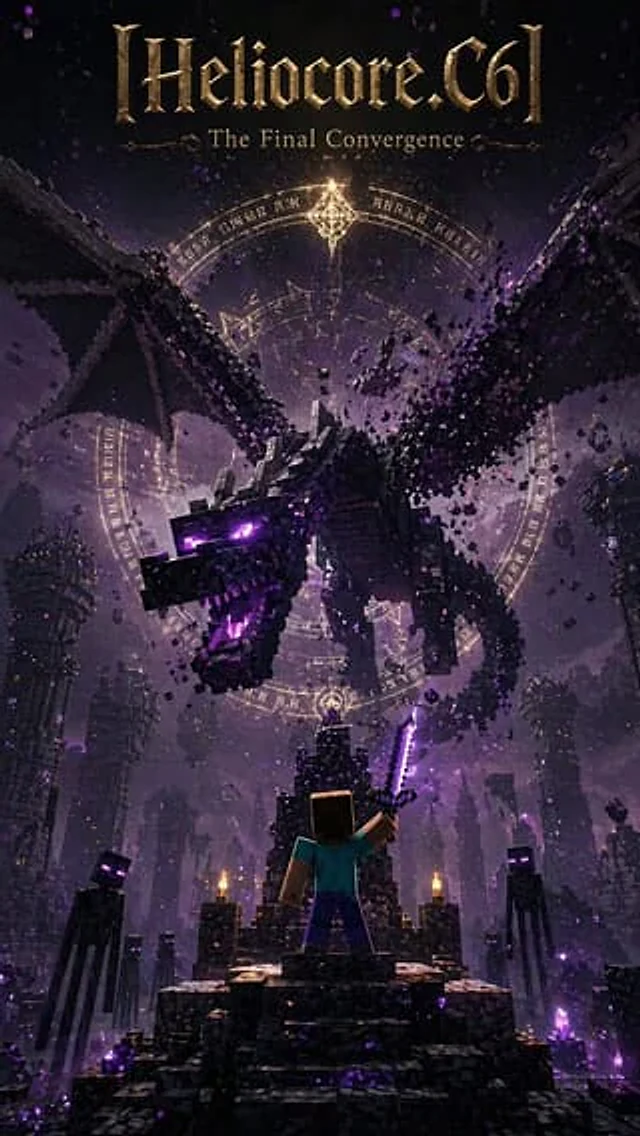
Create a dramatic, vertical dark fantasy poster with a Minecraft-style voxel art style, reminiscent of an epic movie or game cover. At the very top of the poster, place a large, ornate, metallic gold-black title with the following text:{argument name="headline text" default="[Hel
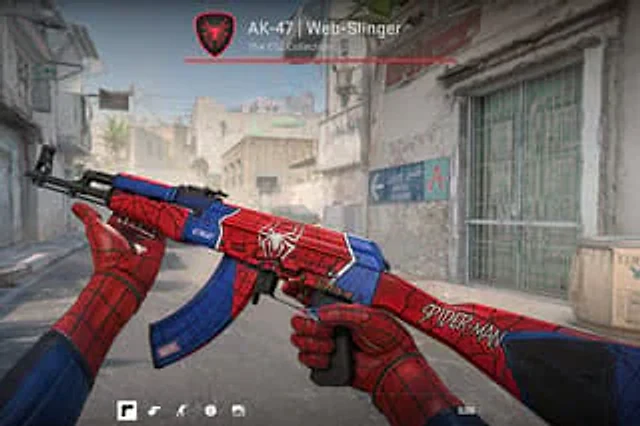
First-person perspective video game screenshots showing people wearing {argument name="glove style" default="Spider-Man suit"} The gloved hands are gripping an AK-47 assault rifle. The weapon is custom-made.{argument name="weapon theme" default="Spider-Man"} The skin features a r
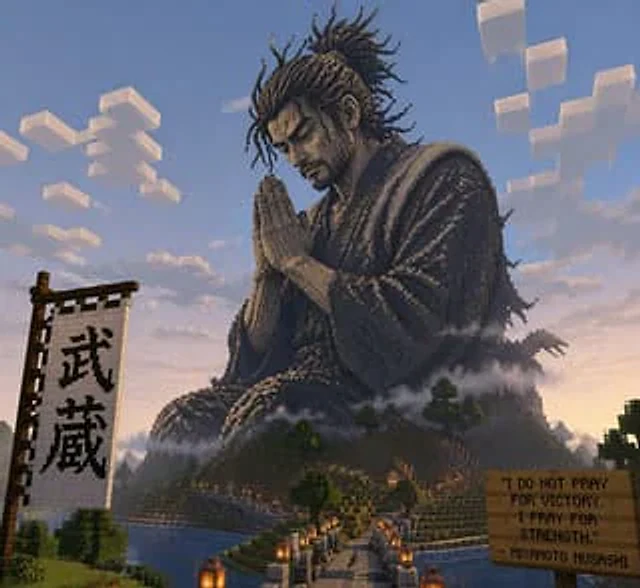
exist{argument name="style" default="minecraft"} Praying in the middle{argument name="subject" default="musashi"} Giant statue