原始文档
GPT Image 2 · en
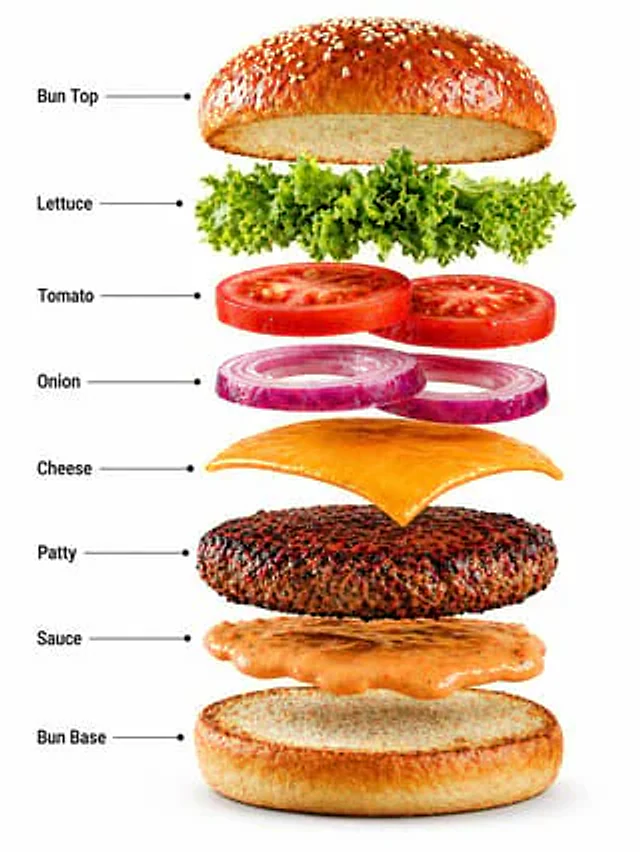
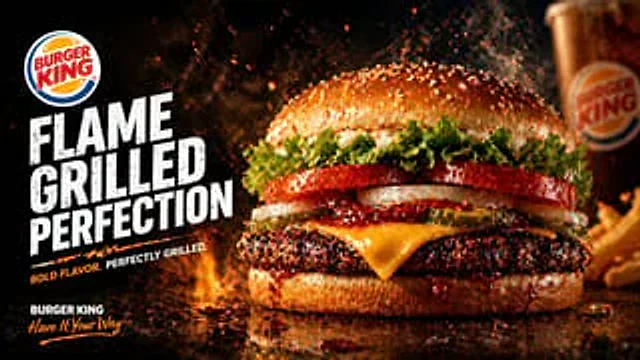
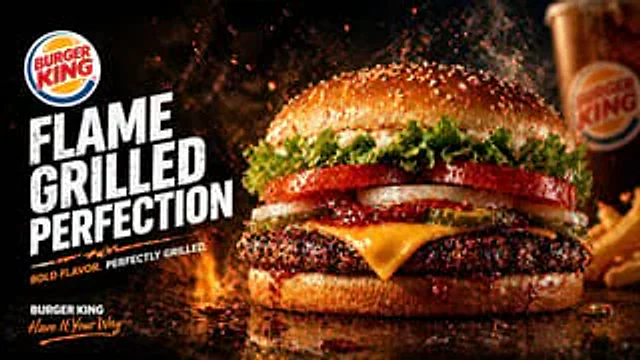
Create a dramatic fast-food advertising poster in a cinematic studio style for {argument name="brand name" default="BURGER KING"}. Use a wide landscape composition with the hero burger dominating the right half of the frame and bold promotional typography stacked on the left. The background should be nearly black with fiery orange flames, glowing embers, smoke, and flying grease droplets to emphasize heat and flame-grilling. The burger should be an extreme close-up, shot at table level on a glossy dark reflective surface with sauce drips and scattered droplets. Show exactly 8 visible burger components from top to bottom: 1 sesame seed top bun, 1 layer of curly green leaf lettuce, 2 thick red tomato slices, 2 white onion rings, 3 pickle slices, 1 slice of melted yellow American cheese, 1 thick charred flame-grilled beef patty, and 1 glossy bottom bun with barbecue sauce dripping over the edge. Make the patty heavily textured with blackened grill-char detail and juicy highlights. Add sparks and steam rising around the burger. On the left side, place a circular fast-food logo near the upper-left corner, then huge distressed bold white block text in three stacked lines reading {argument name="headline text" default="FLAME GRILLED PERFECTION"}. Beneath it, add a short tagline in smaller uppercase text with an orange accent slash or underline, reading {argument name="tagline text" default="BOLD FLAVOR. PERFECTLY GRILLED."}. In the bottom-left corner, add the brand name again in white plus a handwritten script slogan in orange reading {argument name="slogan text" default="Have It Your Way"}. In the blurred background on the far right, include exactly 2 secondary food elements: 1 branded soda cup and 1 portion of fries, both out of focus. High contrast, rich warm tones, glossy food photography, ultra-detailed textures, realistic commercial lighting, shallow depth of field, premium restaurant poster aesthetic, print-ready ad composition.使用方法
- 复制完整原始提示词,并保留其中的参数。
- 按需求替换主体、文字和构图要求。
- 在兼容的外部工具中使用,核对当前使用条件并检查结果。
开始前需了解
- 先确认是否需要参考图。标注兼容模型,不代表该示例由这个模型生成。
- 核对名称、数字与画面文字;不同模型版本的结果可能不同。