原始文档
GPT Image 2 · en
Scene:
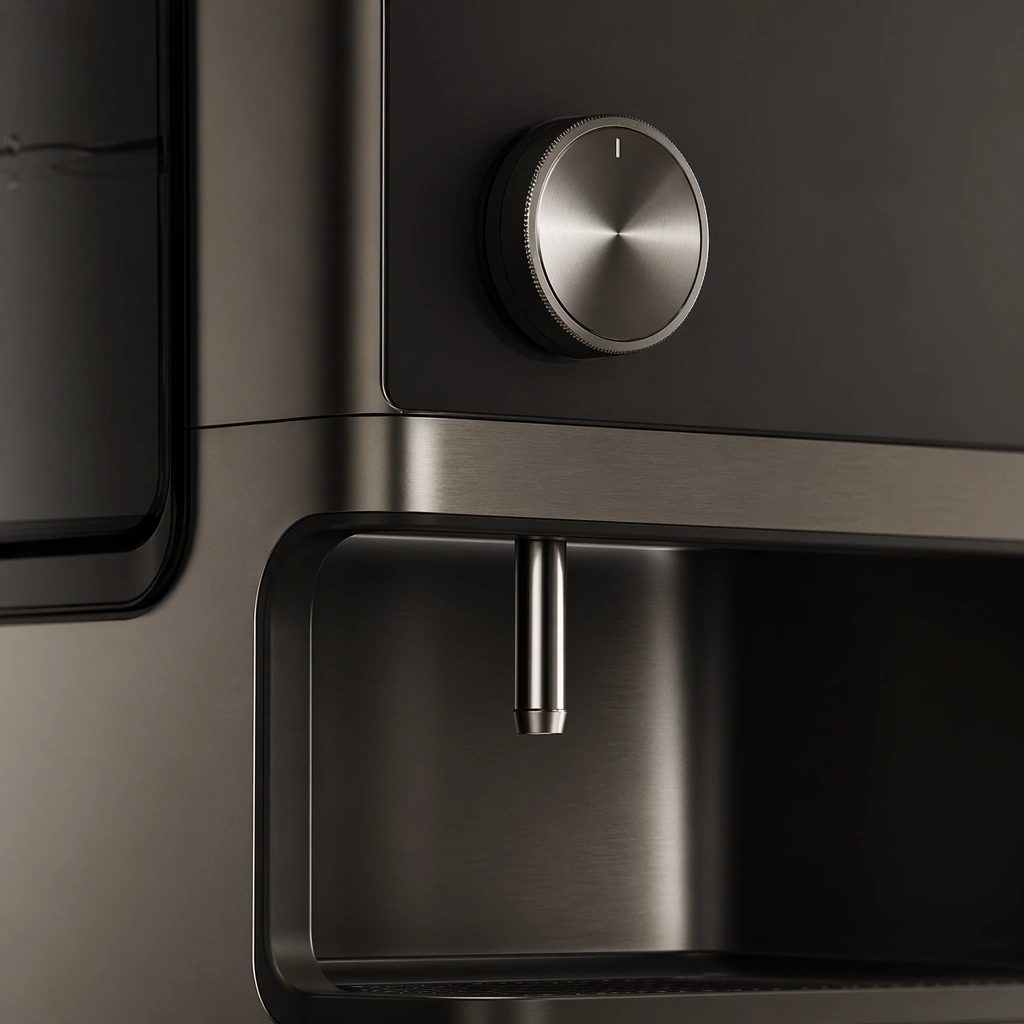
A square macro product shot with soft grazing light, restrained reflections, and a calm luxury tonal range. Compose the frame as a square key visual with disciplined camera placement, premium lighting control, and believable real-world scale. The tonal range should feel polished and intentional, with enough atmosphere to create depth without obscuring form. Keep contrast calibrated for launch, catalog, or research presentation use rather than casual snapshot aesthetics.

Subject:
Center an original appliance detail zone showing a control knob, spout, seam, touch surface, and surrounding finish transitions. Make the subject feel original, production-aware, and clearly grounded in Premium Appliance Lifestyle Launch Set. Treat this as an independent study that must feel complete and coherent without relying on any external reference image. The focal hierarchy should be immediate: primary form first, then material behavior, then supporting environmental cues that clarify use context and difficulty.

Important details:
Stress tactile quality, manufacturable detailing, and subtle use precision. The crop should feel rich and useful, not merely decorative. The visual language should still feel native to Premium Appliance Lifestyle Launch Set, using disciplined industrial or campaign composition instead of generic stock photography. Use believable materials, engineering logic, and professional composition discipline. Reflections, shadows, edge breaks, texture scale, interface density, and small physical joints must all support realism. Avoid filler props, vague mood-board clutter, or any element that weakens the sense of a purpose-built industrial or automotive image.

Use case:
Appliance Launch single study 5/9 for Premium Appliance Lifestyle Launch Set, built as image support-one.

Constraints:
No readable text, no watermark, no logos, preserve exact 1:1 aspect ratio, no logos, no readable labels, no food-brand packaging, no influencer clutter, no unrealistic steam, no decorative overload.
使用方法
- 复制完整原始提示词,并保留其中的参数。
- 按需求替换主体、文字和构图要求。
- 在兼容的外部工具中使用,核对当前使用条件并检查结果。
开始前需了解
- 先确认是否需要参考图。标注兼容模型,不代表该示例由这个模型生成。
- 核对名称、数字与画面文字;不同模型版本的结果可能不同。