Local Edit: Mascot Robot Replacement

Local Edit: Mascot Robot Replacement

原始文档

GPT Image 2 · en

Use the provided reference image for partial editing. Replace the robot character next to the woman with a cute green and white mascot robot version, maintaining the same pose, position, scarf, lighting, and comfortable watercolor anime style, while keeping the rest of the scene unchanged. Add two leaf-shaped ears to the new robot, a bud with three small white bell-shaped flowers on its head, and give it larger, bright blue eyes. It should also have a green heart-shaped badge on its chest. Simultaneously rotate the laptop in the lower left corner so that the back of the screen faces the viewer, and add a simple line art logo of the mascot robot to the center of the laptop lid.

使用方法

  1. 复制完整原始提示词,并保留其中的参数。
  2. 按需求替换主体、文字和构图要求。
  3. 在兼容的外部工具中使用,核对当前使用条件并检查结果。

开始前需了解

  • 先确认是否需要参考图。标注兼容模型,不代表该示例由这个模型生成。
  • 核对名称、数字与画面文字;不同模型版本的结果可能不同。

相似案例

Local Edit: Rotate Laptop and Add Logo
GPT Image 2en

Make some minor edits using the provided reference image: Rotate the laptop in the lower left corner so that the back of its screen faces the viewer instead of the keyboard, and add a cute robot mascot logo to the center of the back. Keep the rest of the illustration unchanged, i

Chibi Mini Versions Photo Edit
GPT Image 2en

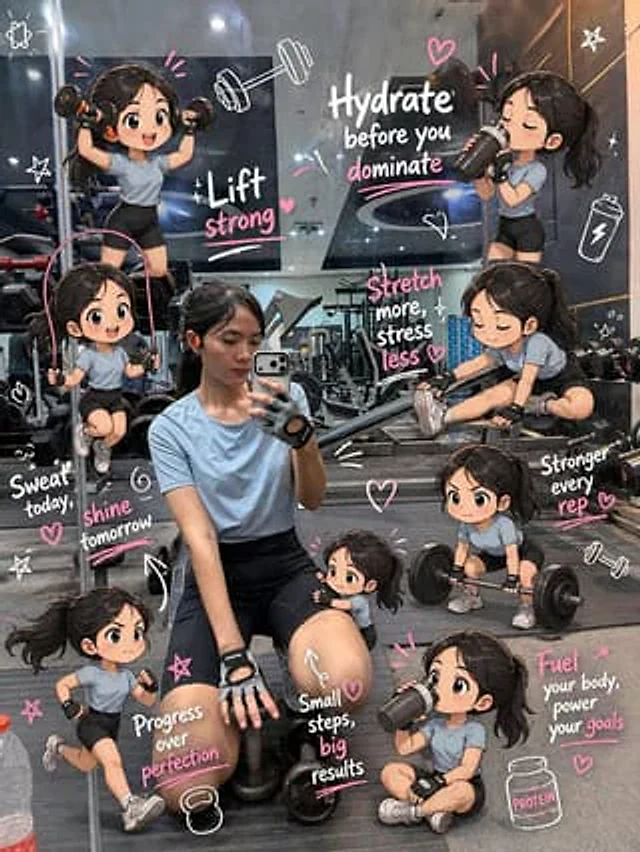
Edit the image while keeping the original photo completely unchanged — including the person, face, body, pose, lighting, and gym background. Add multiple small, cute chibi-style “mini versions” of her around the image. Each mini character should have a big head, expressive facia

Chinese Livestream Rocket Gala Edit
GPT Image 2en

Using the provided reference photo, transform the character into a cool screenshot of a Chinese live stream, while maintaining the head position, cropping proportions, hairstyle, and overall features. Replace the outdoor parasol and street background with a nighttime city skyline

Cyberpunk Cinematic Photo Edit
GPT Image 2en

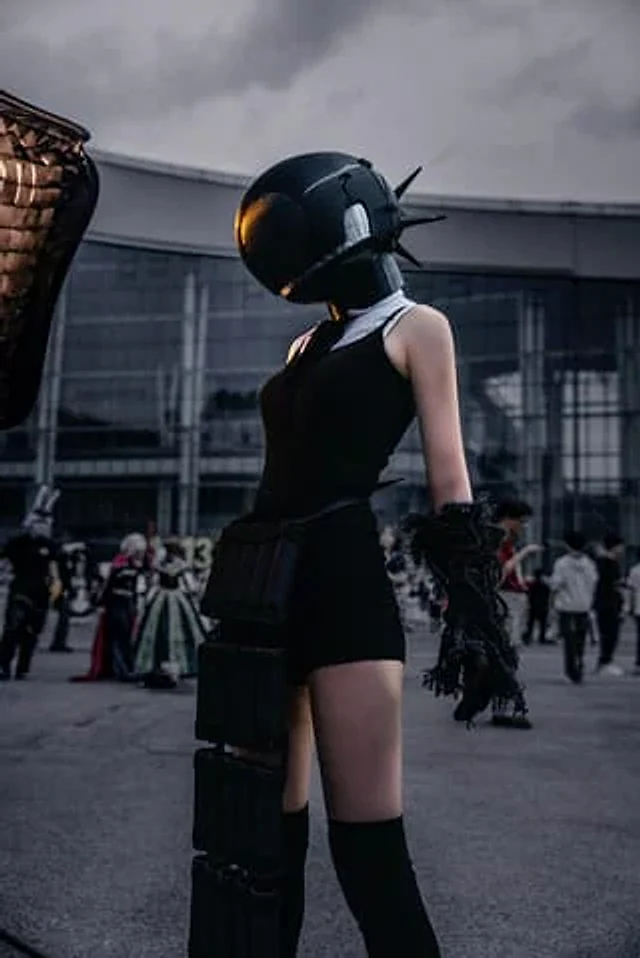
Using the provided reference image, transform the ordinary phone snapshot into a cinematic cyberpunk movie-poster style edit. Keep the same subject, pose, outfit, helmet, foreground composition, and convention-center setting intact, but dramatically relight and color grade the sc

Subject Erasure and Hat Replacement
GPT Image 2en

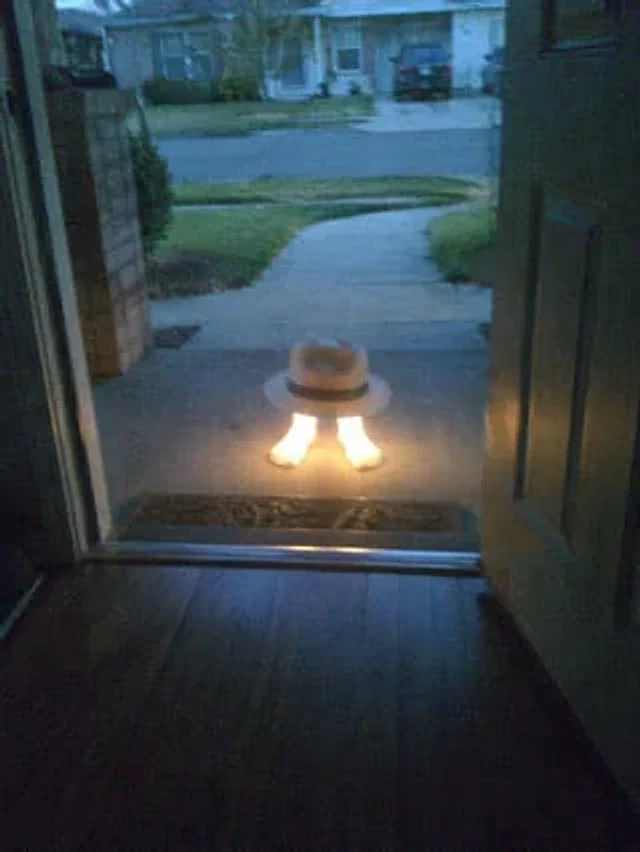
Using the reference image, completely remove the pelican's body. Replace the traffic cones with {argument name="hat style" default="White fedora with black trim"} It is then placed directly above the human foot. A strong glowing effect is added to the foot, making it {argument na