原始文档
GPT Image 2 · zh
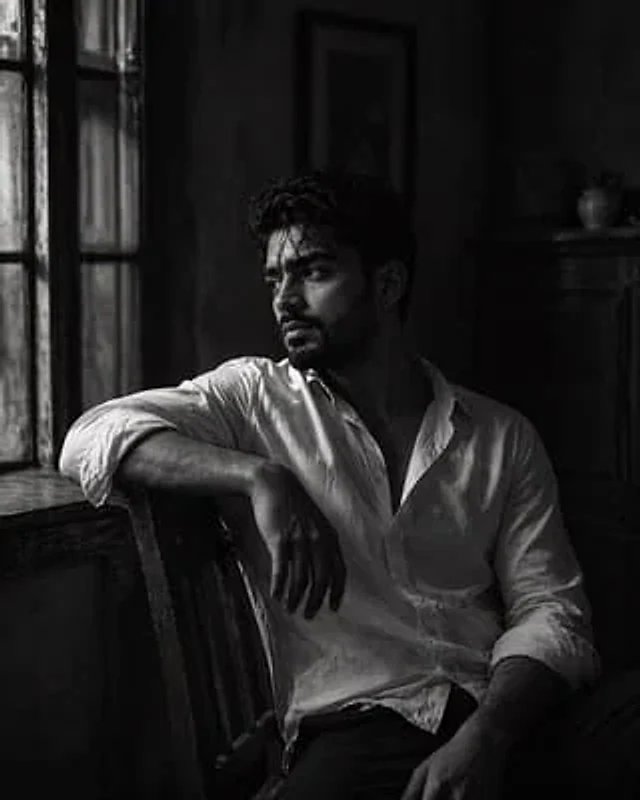
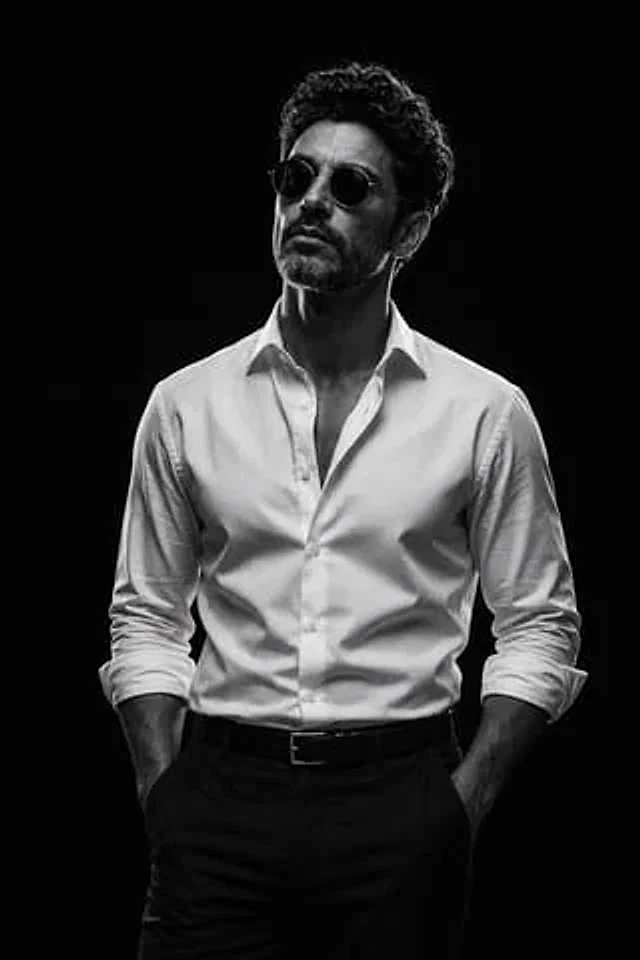
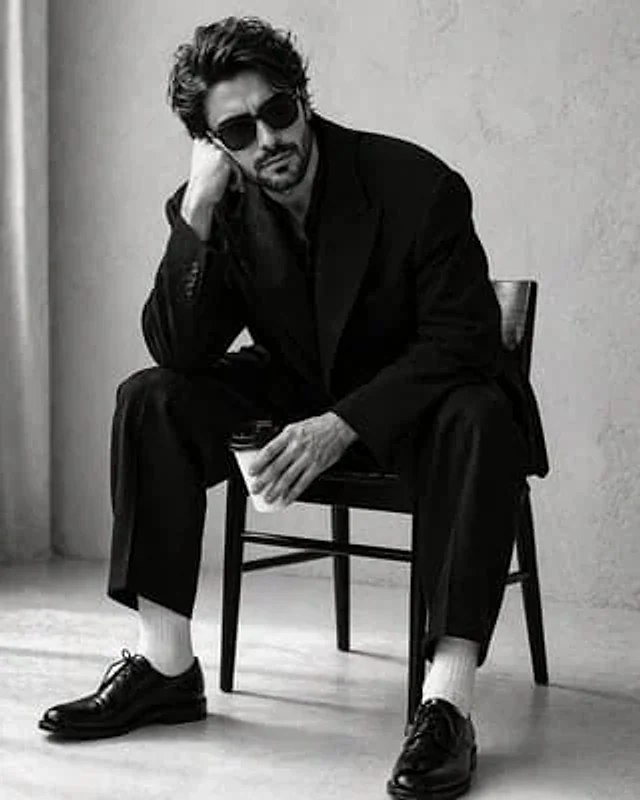
For the uploaded image{argument name="subject" default="handsome men"} Create a high-contrast black and white studio portrait in a 4:5 aspect ratio. He sits in a颓废 (颓废 is a difficult word to translate directly, but it implies a state of decadence, listlessness, or dejection) and 心思 (心思 is a difficult word to translate directly, but it implies a state of being contemplative, detached, and lost in thought) posture.{argument name="furniture" default="Minimalist Dark Wood Chair"} Above. His right elbow rests on his knee, his head is heavily slumped in his hands, and his left hand loosely holds a white disposable coffee cup with a black plastic lid. He wears classic Wayfarer-style black sunglasses, obscuring his eyes and adding to the austere, melancholic atmosphere. Suit: An oversized, structured black suit jacket paired with matching wide-leg trousers. The fabric is thick, matte wool. Four small black buttons are visible at the cuffs. Socks: Crisp, bright white ribbed cotton socks, creating a striking visual contrast between the dark trousers and shoes. Footwear: Highly polished black Oxford shoes with thin laces and a subtle sheen at the toe. Background: A minimalist, clean studio environment with a background of {argument name="background" default="Light gray or off-white textured stucco wall"} Soft vertical shadows or the edge of curtains are visible on the far left. Lighting: Soft, side-diffuse light creates subtle gradations on the man's face and casts deep, dramatic folds on the oversized suit. The lighting emphasizes a high-contrast aesthetic of "black and white." Floor: A light-colored, seamless studio floor complements the soft shadows cast by the chair legs and the man's shoes. Tone: Pure monochrome (black and white) with a wide dynamic range—deep blacks and bright, pure whites. Film Texture: The subject is sharply focused with a very fine film grain, mimicking professional fashion editorial photography (reminiscent of minimalist advertising campaigns from the 1990s).使用方法
- 复制完整原始提示词,并保留其中的参数。
- 按需求替换主体、文字和构图要求。
- 在兼容的外部工具中使用,核对当前使用条件并检查结果。
开始前需了解
- 先确认是否需要参考图。标注兼容模型,不代表该示例由这个模型生成。
- 核对名称、数字与画面文字;不同模型版本的结果可能不同。