原始文档
GPT Image 2 · en
Scene:
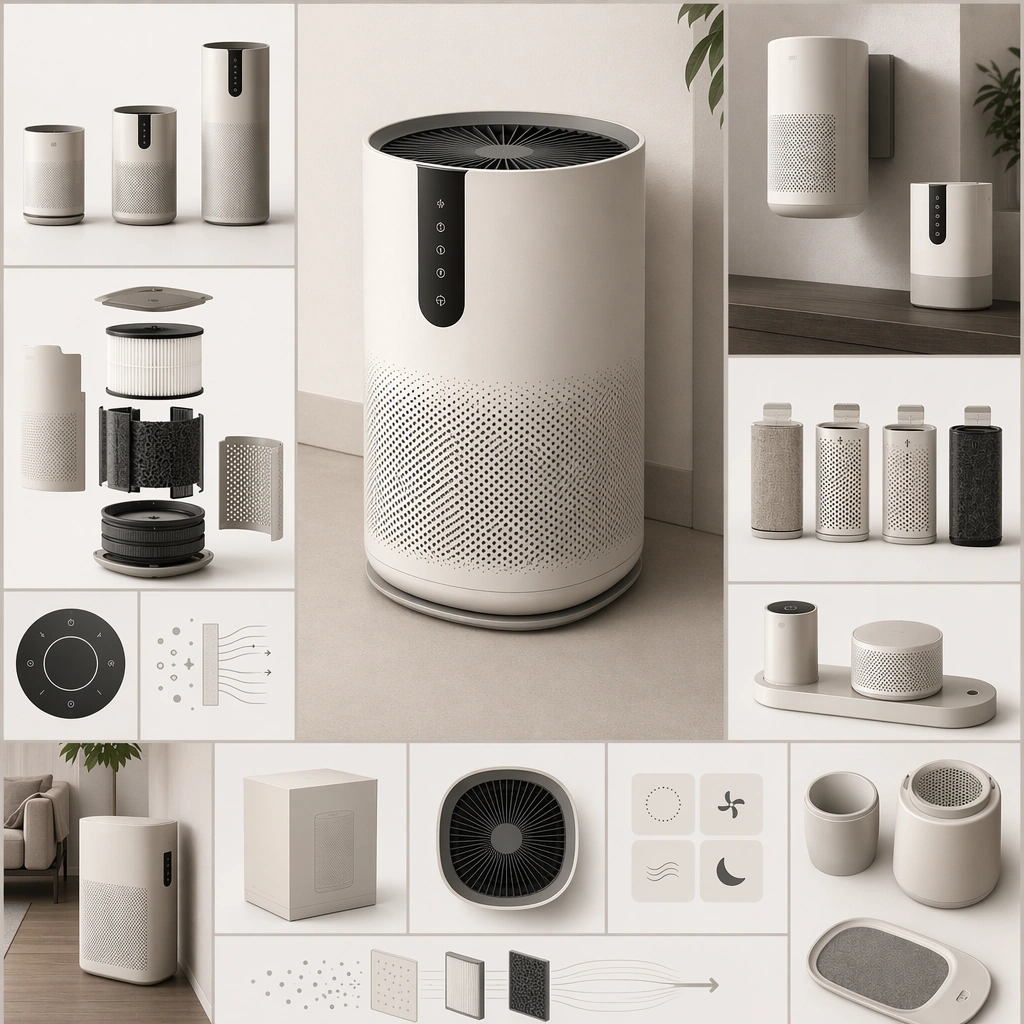
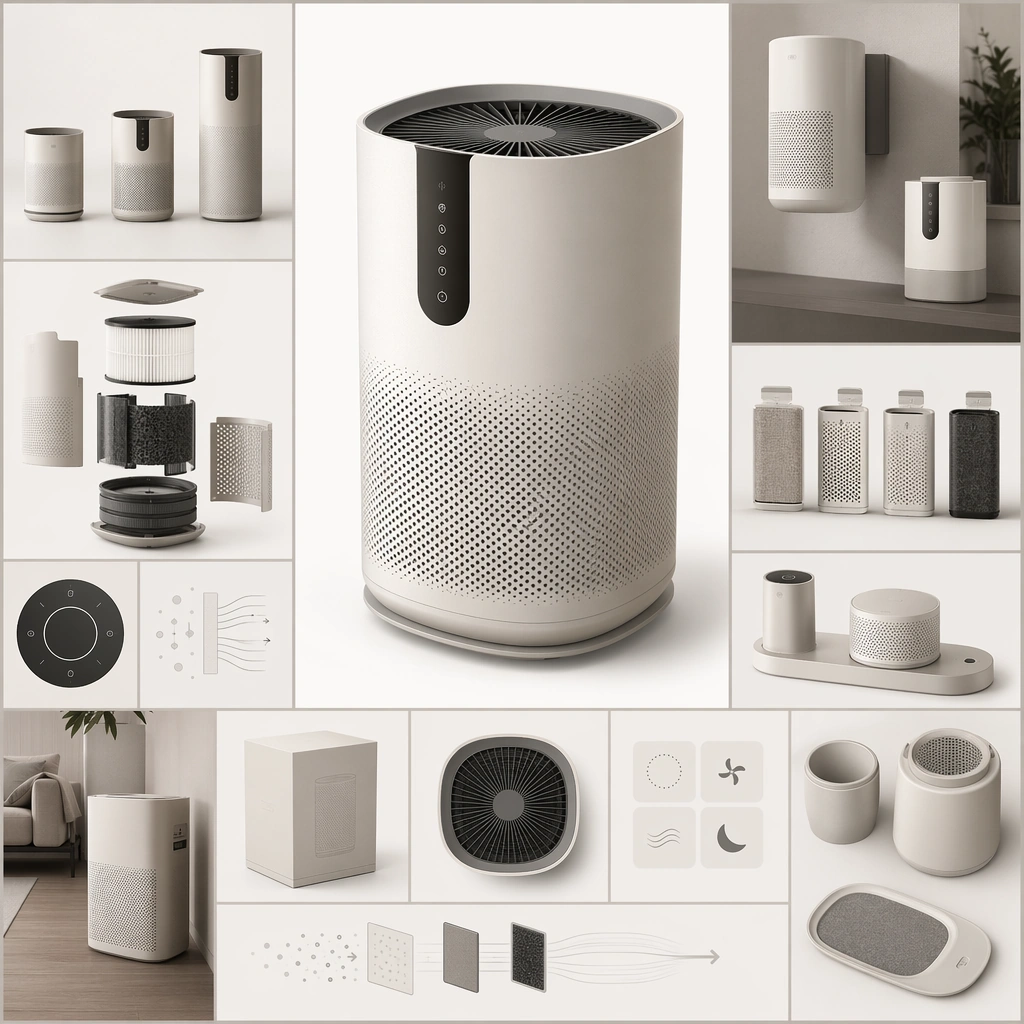
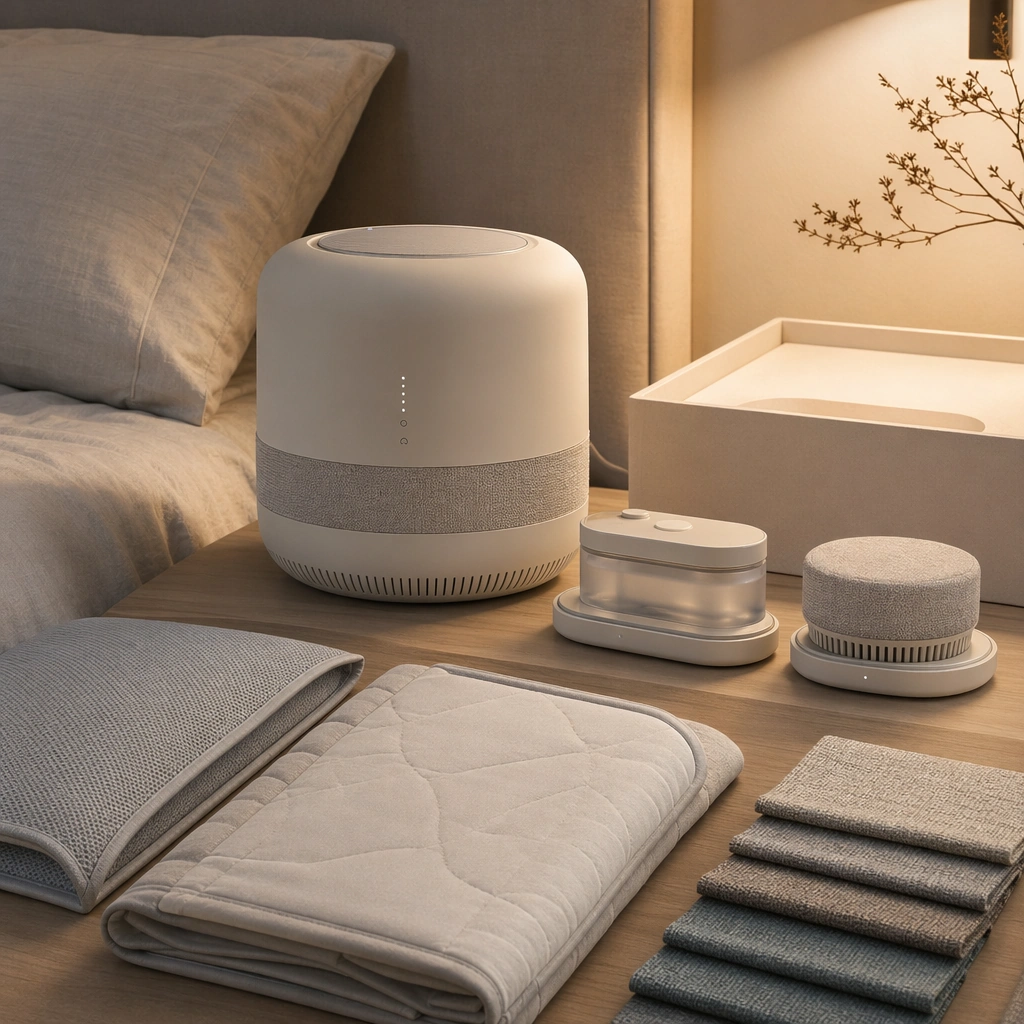
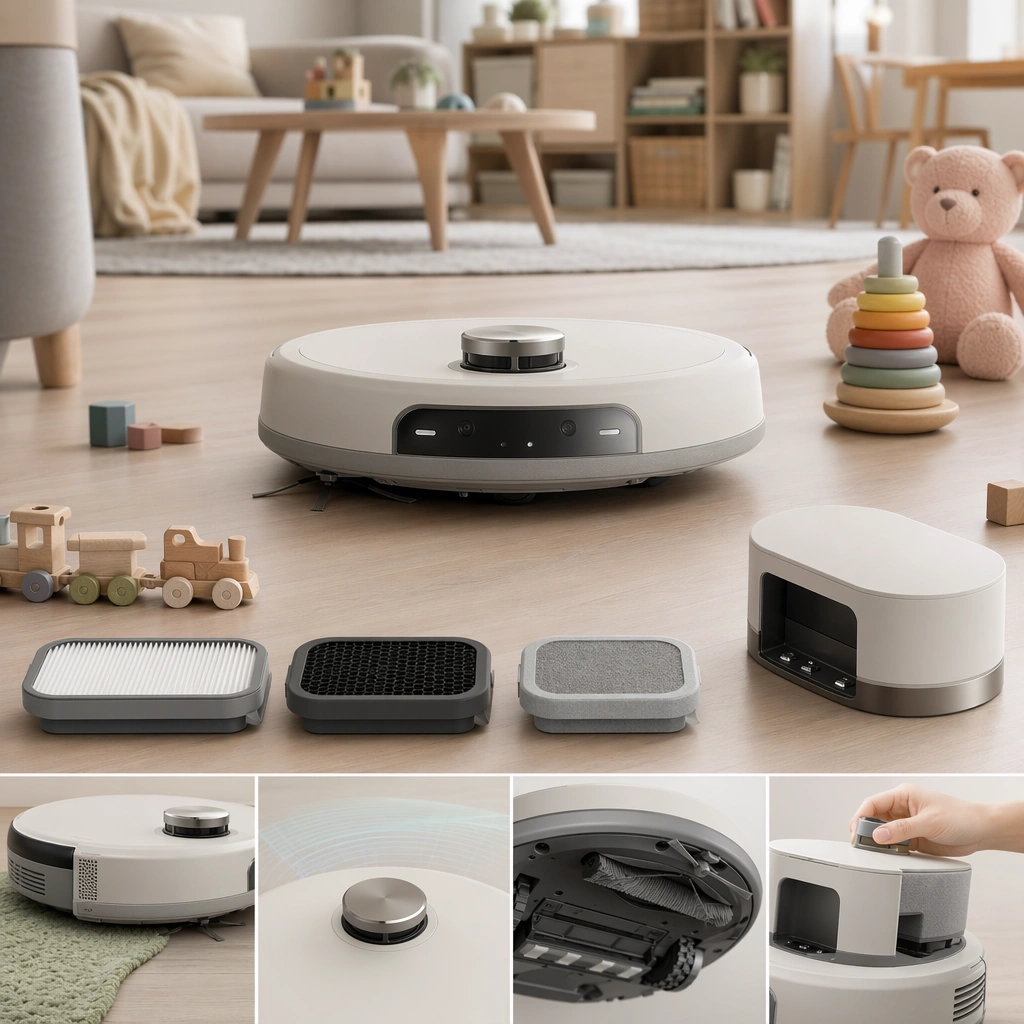
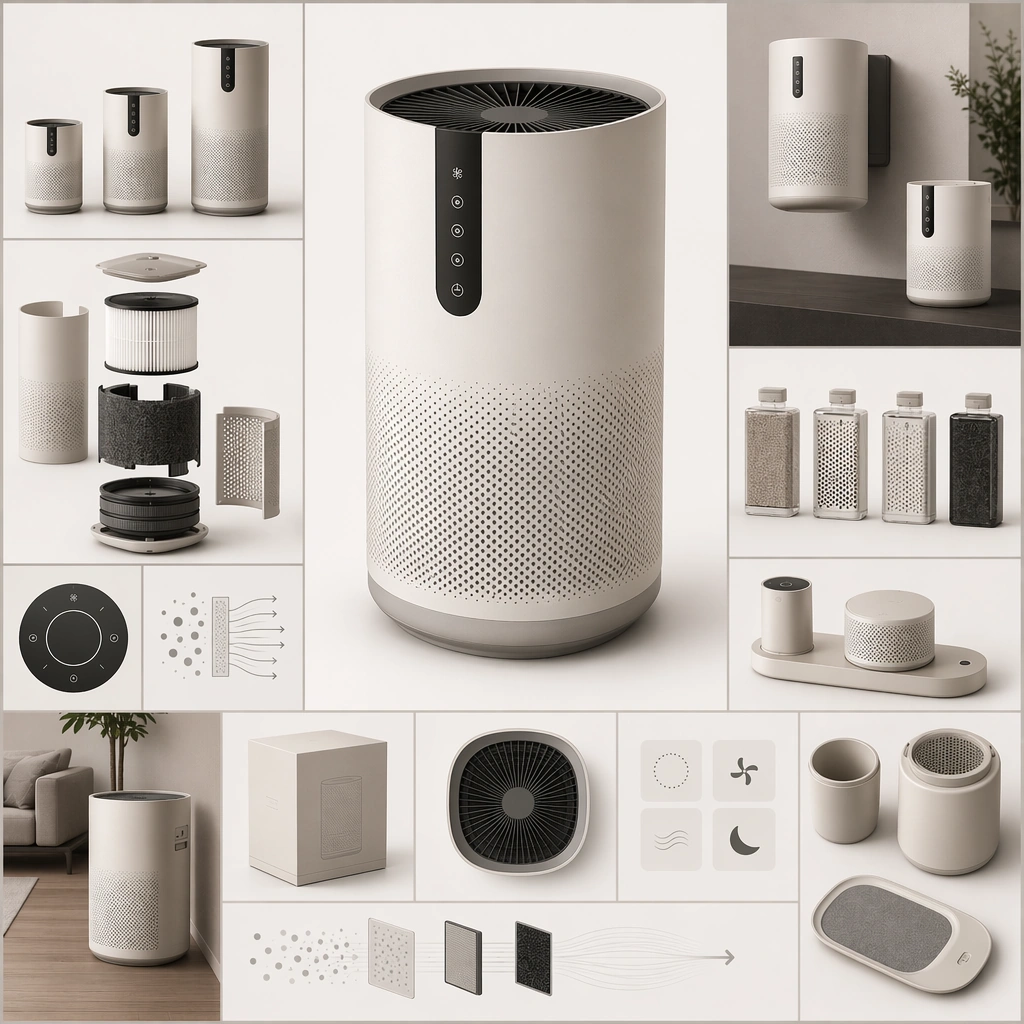
Create a square near-future catalogue board that feels like a premium consumer-product launch sheet without using readable copy. The composition should combine one hero product or family grouping with secondary modules, packaging-like shapes, and abstract information zones arranged in a clean commercial hierarchy. Lighting should be photographic, precise, and product-friendly. Retain the same product family but arrange the board to imply retail display modules, packaging silhouettes, and grouped merchandising without readable copy.

Subject:
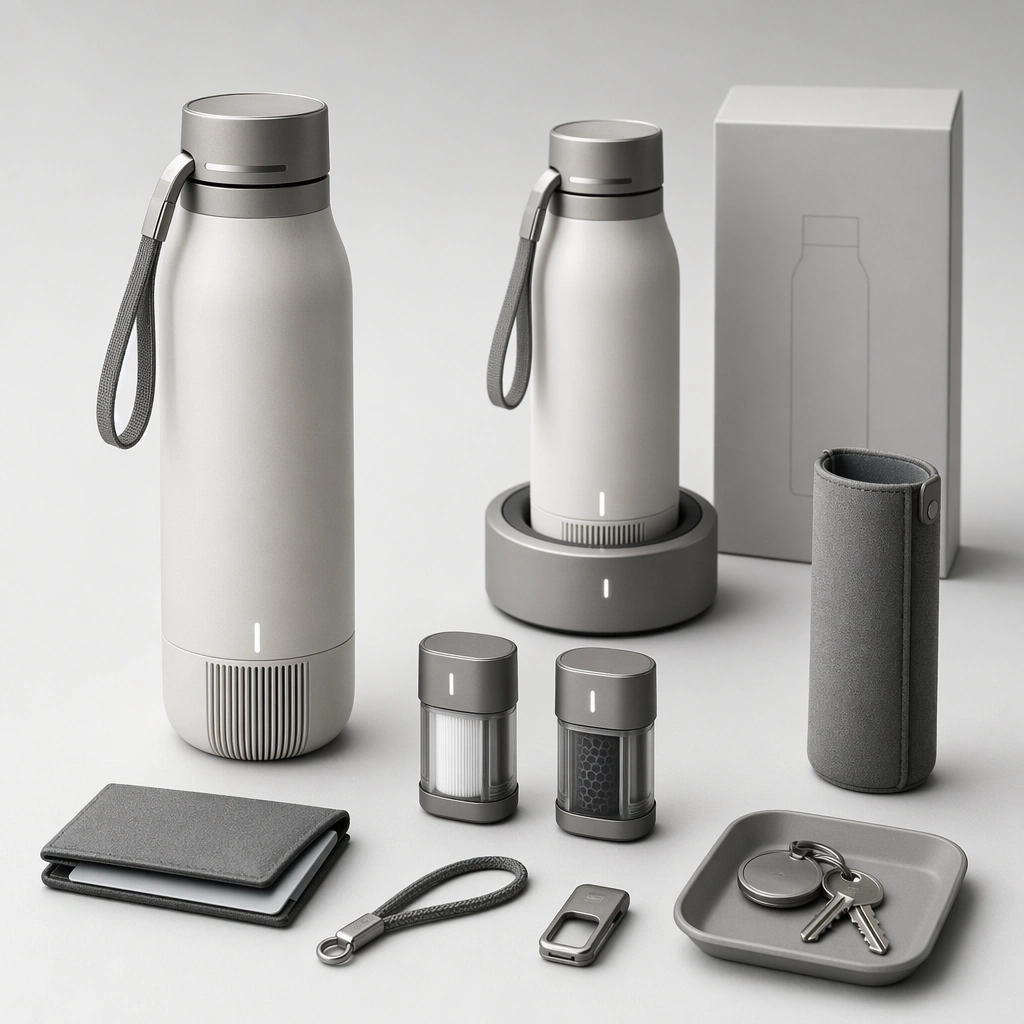
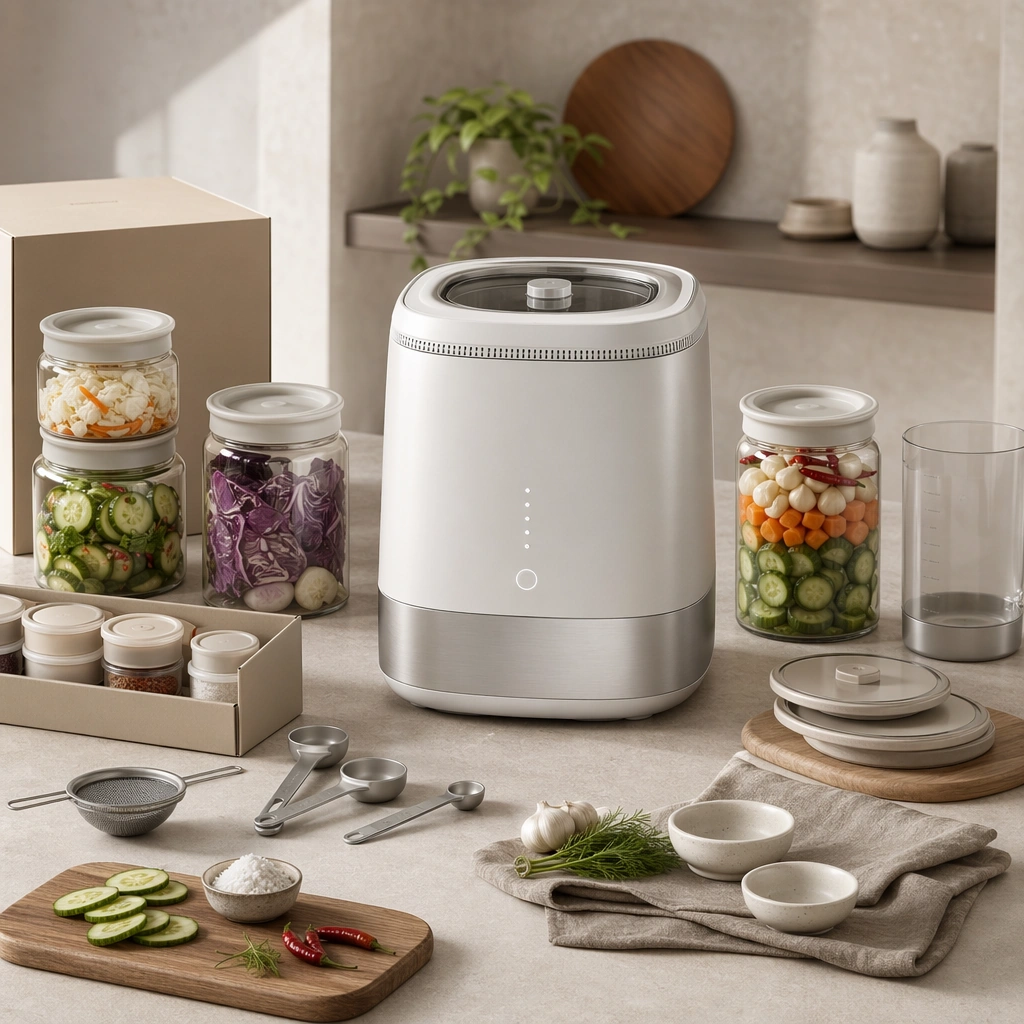
Center the image on a coherent consumer product family whose forms, finishes, interface surfaces, and accessory logic all belong together. The products can be speculative, but they must still feel market-positioned, manufacturable, and suited to a believable household or urban use case. Preserve the anchor industrial design while making retail arrangement, bundle distinctions, and shopper-facing hierarchy more explicit.

Important details:
Think like a product marketer and industrial designer at once. Material choices, scale relationships, accessory combinations, and staged use cues should imply a clear category, audience, and feature set even though no readable text appears. The image should be strong enough for catalog, launch-page, or retail poster use. The image should feel useful for a launch deck or retail poster, not like a generic ecommerce tile mosaic. Preserve the exact structural language established by the reference image, especially the industrial design language, material palette, module family proportions, and catalog layout hierarchy.

Use case:
Spec Product Catalog series study 4/4, designed as a reusable core-system image for this topic.

Constraints:
No readable text, no watermark, no logos, preserve exact 1:1 aspect ratio, no real-world brand marks, no readable product copy, no random luxury nonsense props, no inconsistent industrial design, no supermarket sale chaos.
使用方法
- 复制完整原始提示词,并保留其中的参数。
- 按需求替换主体、文字和构图要求。
- 在兼容的外部工具中使用,核对当前使用条件并检查结果。
开始前需了解
- 先确认是否需要参考图。标注兼容模型,不代表该示例由这个模型生成。
- 核对名称、数字与画面文字;不同模型版本的结果可能不同。