原始文档
GPT Image 2 · en
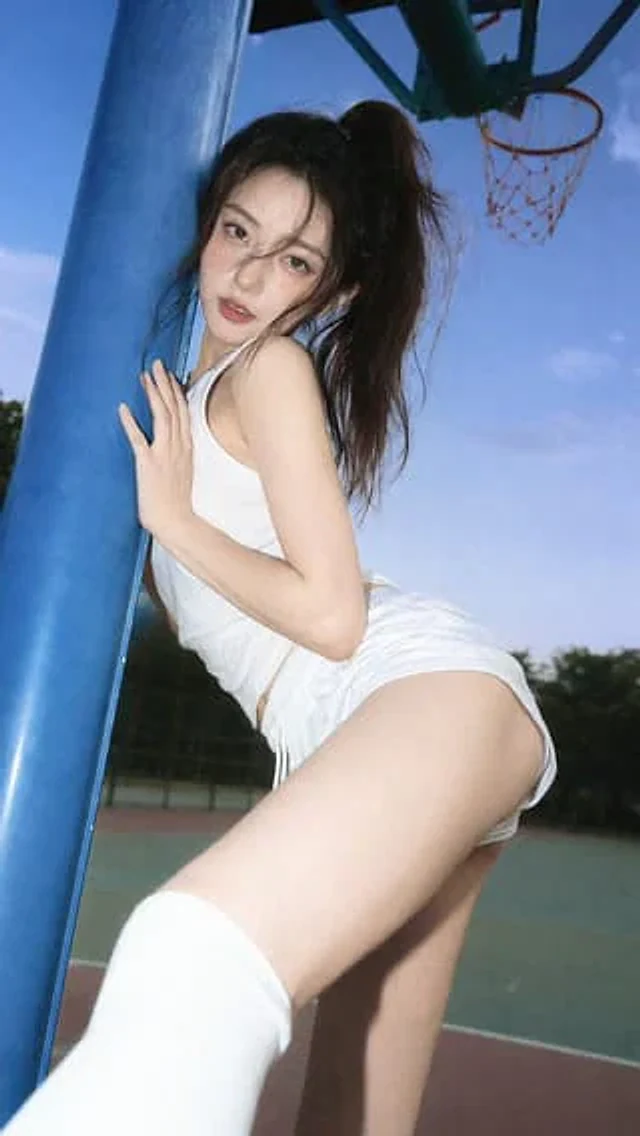
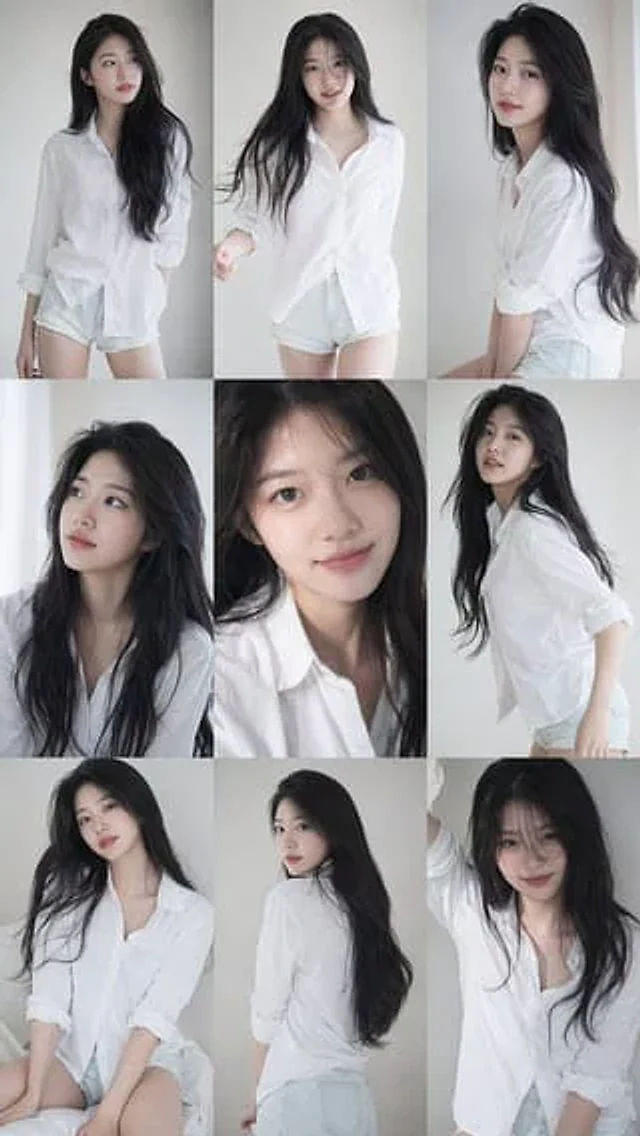
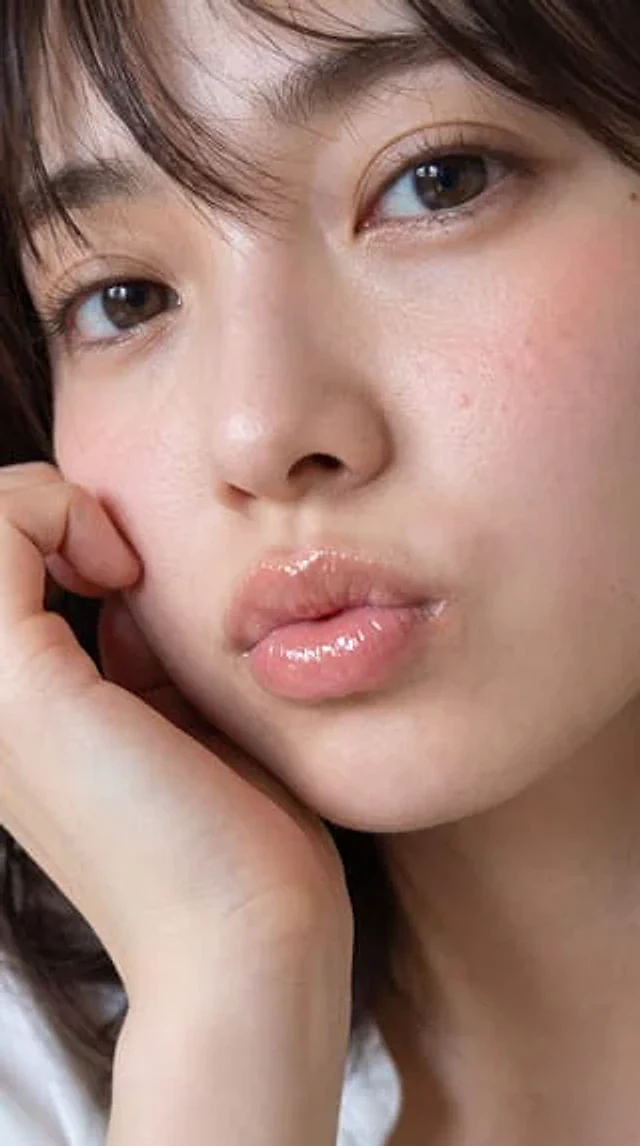
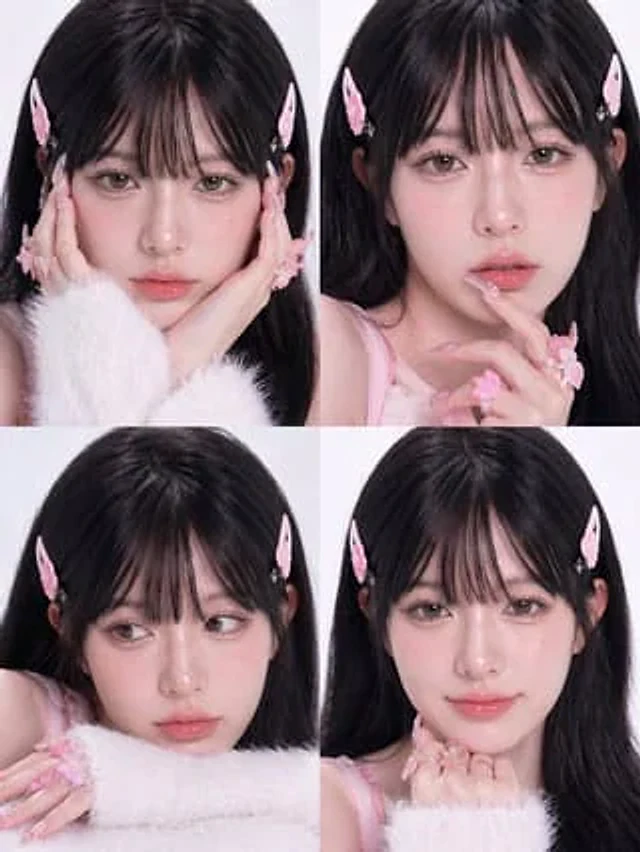
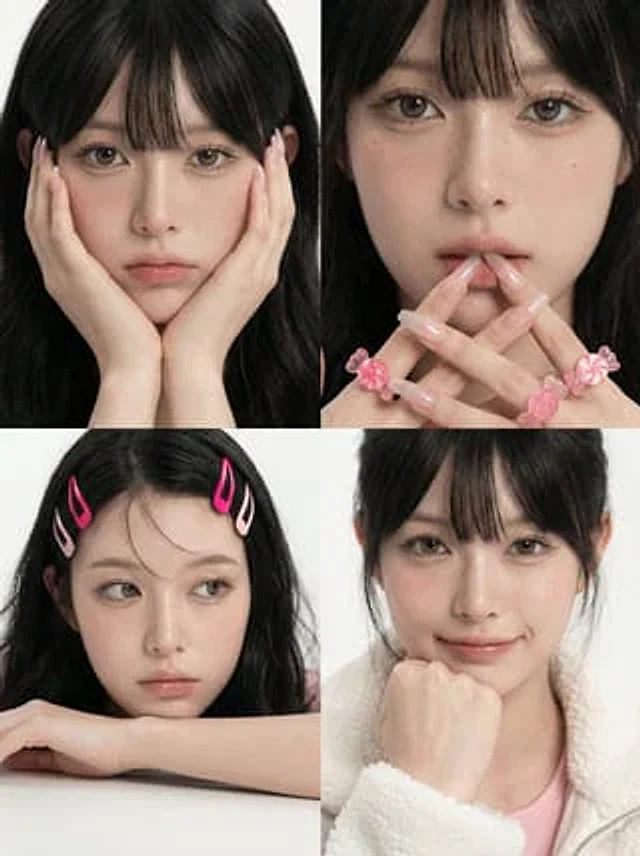
A simple 2x2 portrait puzzle, with the main subject being {argument name="subject" default="A young East Asian woman"} The background is a minimalist, soft white studio setting, shot in a high-end beauty editing style. Each of the four frames is a tight close-up or half-body portrait, with soft, diffused lighting that reveals realistic skin texture, clear pores, delicate natural freckles, dewy eyes, and sharp details in the eyelashes, lips, and hair. The overall tone is elegant, clear, and neutral, with soft pink accents; the subject is kept in a straight line in most frames.{argument name="hair color" default="black"} Her hairstyle features light, wispy bangs. In the top left corner, she faces the camera, her hands resting on her cheeks, elbows outside the frame, creating a cute, symmetrical pose; most of her face is obscured by her hands, only her hair, ears, and the side of her face are visible. The top right corner shows the clearest portrait: she looks directly at the camera, her expression calm and slightly melancholic, her fingers interlaced in front of her lips, sporting long, semi-transparent light pink manicures, and four thick pink plastic flower rings on her fingers; her makeup is exquisite, and her lips are slightly parted. In the bottom left corner, she rests one hand on a white table, two pink hair clips adorning the left side of her hair; her style is casual and youthful, her posture relaxed. The bottom right corner shows a close-up of her upper body with her hair tied up, one hand supporting her chin, wearing a light pink inner layer and a fluffy off-white fleece zip-up jacket; her makeup is minimalist, and her expression is quiet and natural. The composition maintains the editorial style and is balanced, with thin white borders separating each frame, presenting a hyper-realistic beauty photography effect. The image quality is clear, the details are sharp, the skin texture is natural, and the shadows are soft, possessing the quality of a high-end cosmetics advertising film.使用方法
- 复制完整原始提示词,并保留其中的参数。
- 按需求替换主体、文字和构图要求。
- 在兼容的外部工具中使用,核对当前使用条件并检查结果。
开始前需了解
- 先确认是否需要参考图。标注兼容模型,不代表该示例由这个模型生成。
- 核对名称、数字与画面文字;不同模型版本的结果可能不同。