
原始文档
GPT Image 2 · en
Scene:
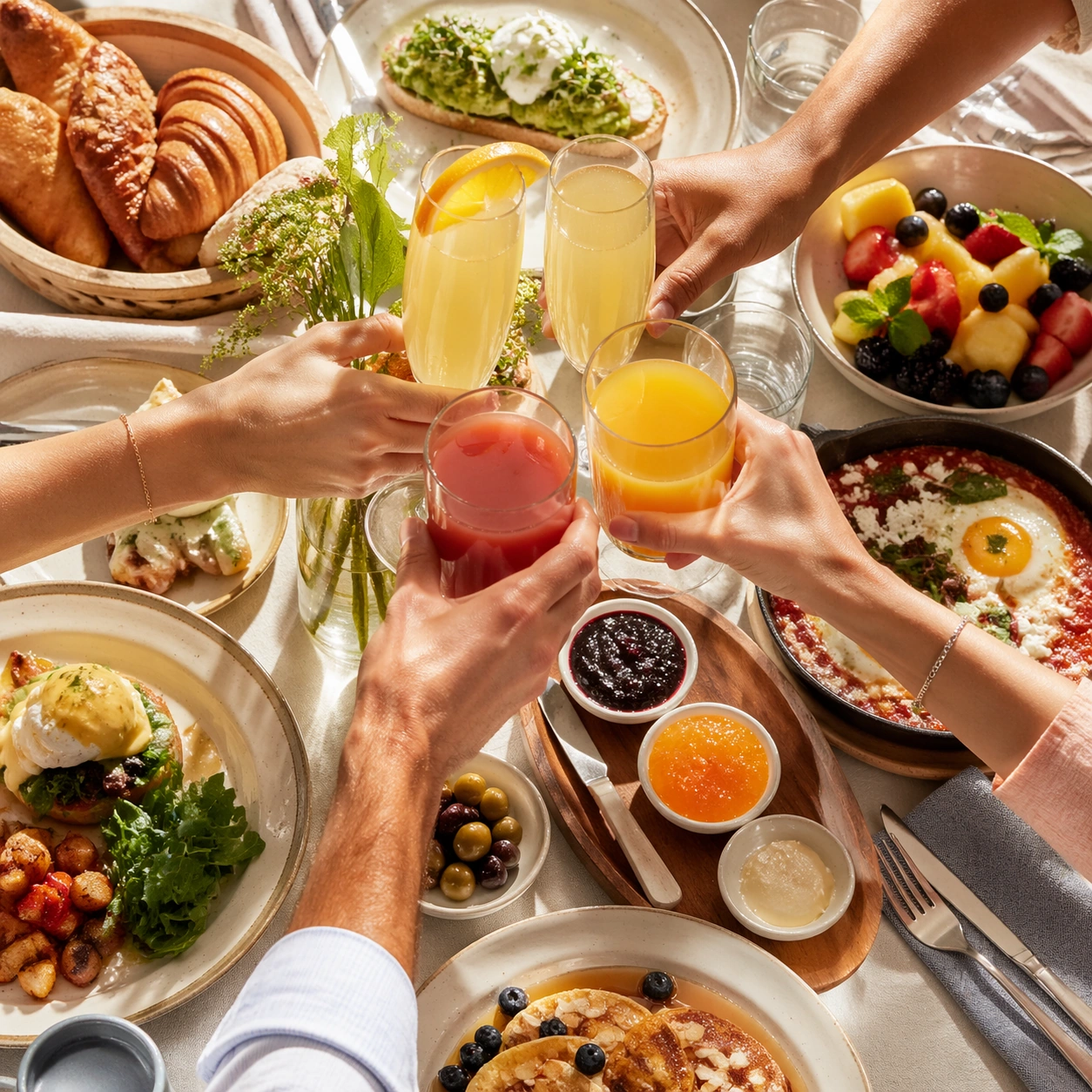
Compose a square brunch tabletop image with layered tableware, generous daylight, and a sense of weekend abundance that still feels organized enough for real hospitality and publishing use. The scene should balance multiple objects without losing the hero focal point, making table choreography and dish relationships a core part of the image. Use a square crop of several hands raising juice or sparkling brunch drinks over a partly visible tabletop, backlit by soft daylight.

Subject:
The food must look fresh, warm, and genuinely shareable: eggs, breads, fruit, spreads, juices, and plated brunch mains should feel cooked and plated for service, not arranged as fake prop food. Keep the drinks and table beneath them crisp and inviting, using the hand gestures only to communicate social brunch energy.

Important details:
Table logic matters. Plates, glasses, linens, and serving utensils need believable spacing, overlap, and hierarchy so the image can support menus, social assets, and campaign layouts. Make the abundance feel intentional rather than chaotic, with appetizing textures and natural daylight carrying the mood. This image should feel fully self-contained while still belonging to the same broader topic and commercial world. Hands, glass reflections, and liquid levels must feel natural. The image should suggest togetherness without collapsing into generic lifestyle stock photography.

Use case:
Brunch Tabletop single study 8/9, built for Prompt Atlas coverage of a food and beverage commercial visual system.

Constraints:
No readable text, no watermark, no logos, preserve exact 1:1 aspect ratio, no buffet chaos, no greasy diner styling unless specifically implied, no visible phone screens, no plastic takeaway packaging, no fake stock-family posing, no unreadable signage, no faces, no wedding vibe, no confetti.
使用方法
- 复制完整原始提示词,并保留其中的参数。
- 按需求替换主体、文字和构图要求。
- 在兼容的外部工具中使用,核对当前使用条件并检查结果。
开始前需了解
- 先确认是否需要参考图。标注兼容模型,不代表该示例由这个模型生成。
- 核对名称、数字与画面文字;不同模型版本的结果可能不同。