A/B Testing Banner Variations

A/B Testing Banner Variations

原始文档

GPT Image 2 · en

{
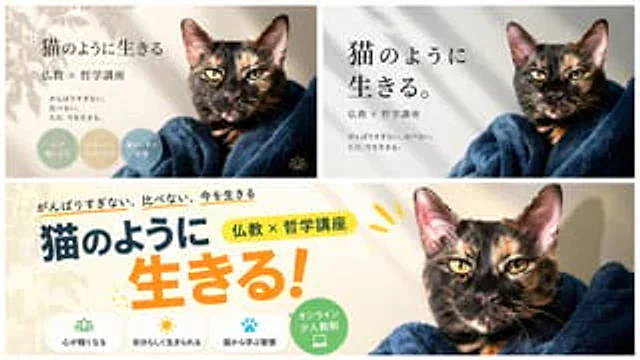
  "type": "banner design variations",
  "subject": "{argument name=\"subject\" default=\"Tortoiseshell cat wrapped in a dark blue blanket\"}",
  "copywriting": {
    "headline": "{argument name=\"main headline\" default=\"Live like a cat\"}",
    "subheadline": "{argument name=\"sub headline\" default=\"Buddhism × Philosophy Lecture\"}",
    "body": "{argument name=\"body text\" default=\"Don't overwork. Don't blindly compare yourself to others. Live in the present.\"}"
  },
  "layout": {
    "sections": [
      {
        "title": "Elegant variant",
        "position": "top-left",
        "style": "Tranquil, soft colors, leaf shadows, serif fonts",
        "count": 3,
        "labels": [
          "Let your heart become lighter",
          "Live your true self",
          "Learn wisdom from cats"
        ],
        "badge_style": "Soft color circle"
      },
      {
        "title": "Minimalist Variations",
        "position": "top-right",
        "style": "Simple, modern, white background, soft shadows, large serif font",
        "count": 0,
        "labels": []
      },
      {
        "title": "Popular variations",
        "position": "bottom",
        "style": "Vibrant, colorful, bold sans-serif font, accented with yellow and orange.",
        "count": 4,
        "labels": [
          "Let your heart become lighter",
          "Live your true self",
          "Learn wisdom from cats",
          "Online small class"
        ],
        "badge_style": "A white rounded rectangle with an icon and a green circle"
      }
    ]
  }
}

使用方法

  1. 复制完整原始提示词,并保留其中的参数。
  2. 按需求替换主体、文字和构图要求。
  3. 在兼容的外部工具中使用,核对当前使用条件并检查结果。

开始前需了解

  • 先确认是否需要参考图。标注兼容模型,不代表该示例由这个模型生成。
  • 核对名称、数字与画面文字;不同模型版本的结果可能不同。

相似案例

A/B Testing Banner Variations
GPT Image 2en

{ "type": "banner design variations", "subject": "{argument name=\"subject\" default=\"tortoiseshell cat wrapped in a dark blue blanket\"}", "layout": { "description": "A composite image displaying 3 different banner design variations for the same course, arranged with

4-Panel SaaS Ad Banner Variations
GPT Image 2en

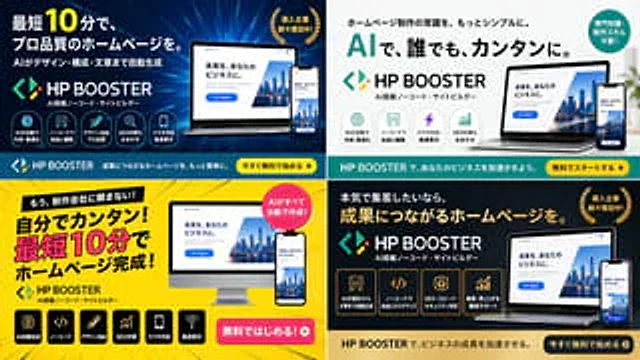
{ "type": "4-sided advertising banner variant grid", "product": { "name": "{argument name=\"product name\" default=\"HP BOOSTER\"}", "subtitle": "AI-driven no-code website builder", "logo": "Blue and green angle brackets with diamond shapes" }, "common_element

Business Online Summit Ad Banner
GPT Image 2en

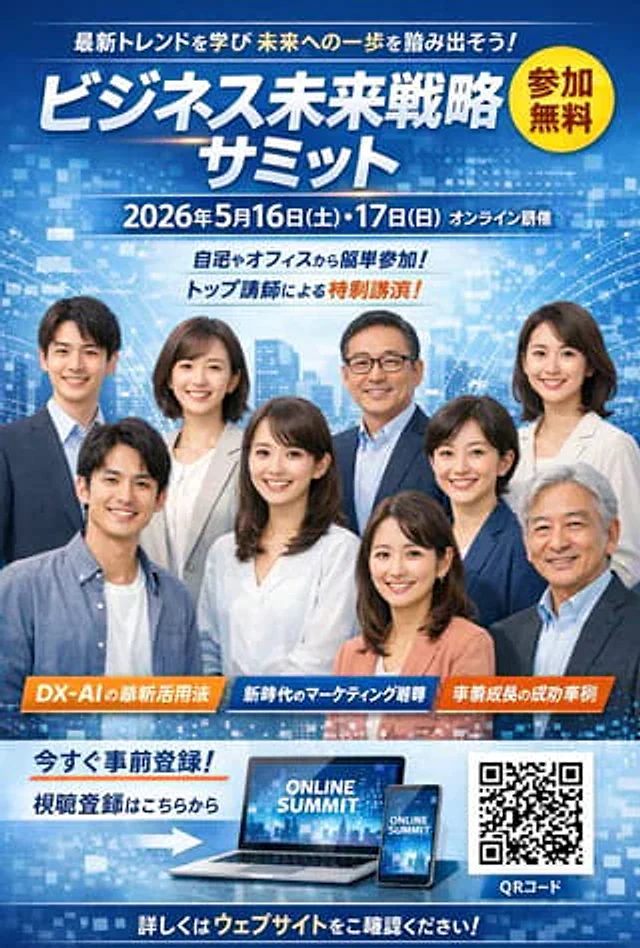
{ "type": "Commercial event advertising banners", "background": "An abstract blue digital grid with glowing nodes and silhouettes of a modern city.", "layout": { "header": { "catchphrase_top": "Learn the latest trends and take a step towards the future!", "m

Japanese AI Coding Training Banner
GPT Image 2zh

Create a simple Japanese corporate training banner, using a wide banner webpage header format, a white background, and a dark navy blue brand color. The layout should resemble a consistent AI programming course promotion banner. On the left, place a prominent bold Japanese subhea

Japanese AI App Promo Banner
GPT Image 2en

Create a beautifully designed Japanese tech ad banner for a mobile app, in a 16:9 widescreen aspect ratio. The background features a futuristic blue-purple gradient, filled with glowing network lines, connecting nodes, soft lens flares, and delicate digital particles. At the top

Cosmetics Promotional Web Banner
GPT Image 2en

{ "type": "Cosmetics promotional webpage banner", "subject": { "description": "A smiling young East Asian woman, with radiant, glowing skin, wore a simple white tank top, her hair tied up with a few loose strands. She gently touched her right cheek with her right hand, an