
原始文档
GPT Image 2 · en
Scene:
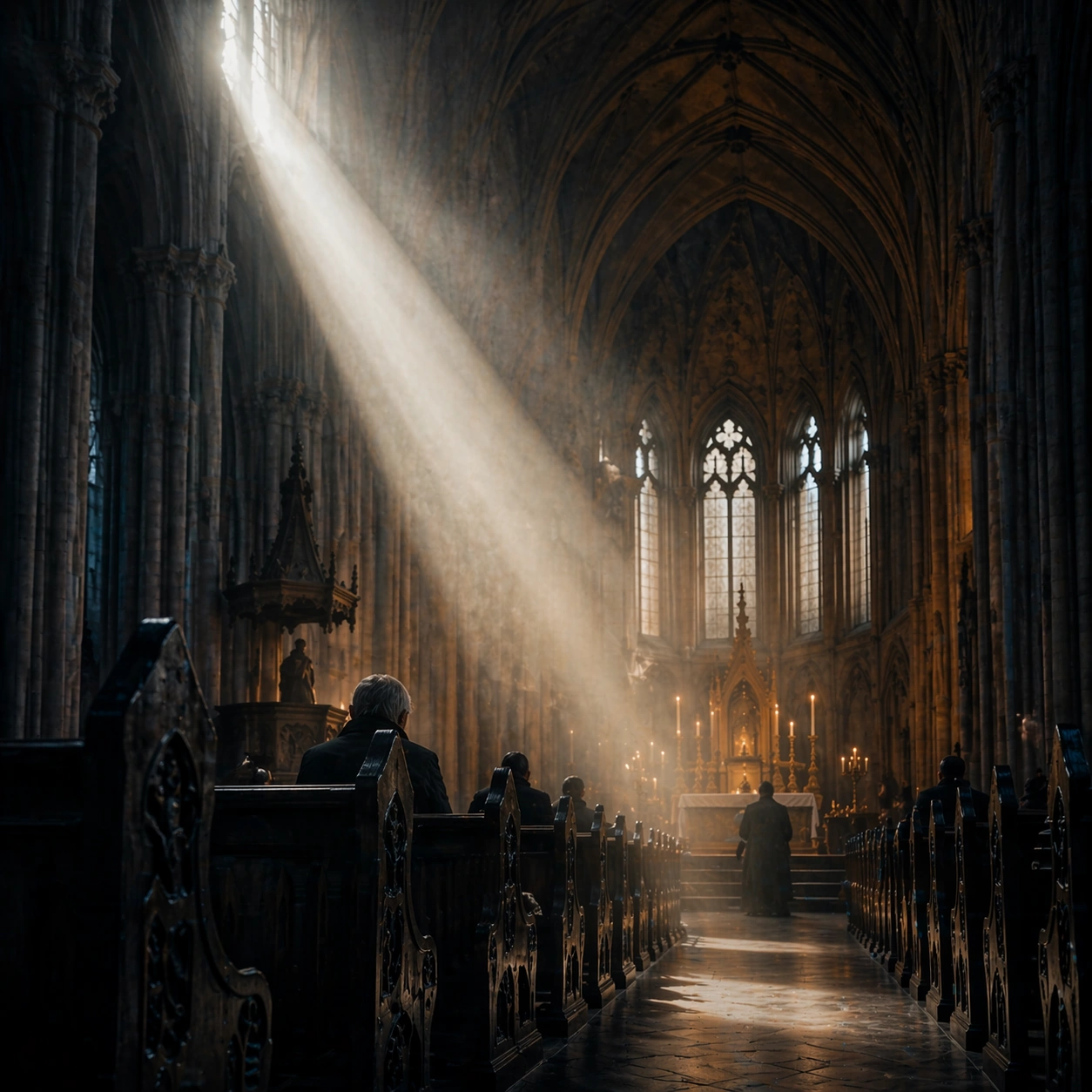
Create a square cinematic still for Cathedral Light Beam of Worship. Use production-grade photoreal lighting, disciplined lens behavior, and a composition that feels like a finished key frame from an original film rather than a casual snapshot. A vast Gothic nave is carved by one sharply defined shaft of early sun entering from high clerestory windows on the left, with cold blue shadows in the aisles, faint amber heat around the altar, and visibly suspended dust or incense in the air. Move the camera closer or lower so the viewer feels more embedded inside the atmosphere while the same light direction and environment remain intact.

Subject:
Build a coherent original scene whose emotional center comes from atmosphere, light physics, and spatial clarity. Avoid relying on celebrity likeness, franchise iconography, or stylized illustration shortcuts. Stone columns, ribbed vaults, carved pews, a restrained altar glow, and a few worshippers or attendants in silhouette should define the human scale without turning the image into a crowd scene or ceremony spectacle. Preserve the same world logic from the reference and let one human-scale or material-scale element become more prominent without stealing focus from the atmosphere.

Important details:
Preserve a believable physical world with strong depth layering, careful color separation, and premium image discipline. Treat the volumetric beam as the true protagonist, with physically coherent light falloff, believable bounce on worn stone, clean separation between shadow layers, and a solemn emotional register that feels sacred rather than theatrical. Keep the palette family, structural read, and light behavior from image 01 while increasing immediacy and tactile presence.

Use case:
Cathedral Beam series study 2/9.

Constraints:
No readable text, no watermark, no logos, preserve exact 1:1 aspect ratio, no fantasy creatures, no electric stage lights, no readable scripture, no tourist clutter, no exaggerated stained-glass rainbows.
使用方法
- 复制完整原始提示词,并保留其中的参数。
- 按需求替换主体、文字和构图要求。
- 在兼容的外部工具中使用,核对当前使用条件并检查结果。
开始前需了解
- 先确认是否需要参考图。标注兼容模型,不代表该示例由这个模型生成。
- 核对名称、数字与画面文字;不同模型版本的结果可能不同。