原始文档
GPT Image 2 · en
Scene:
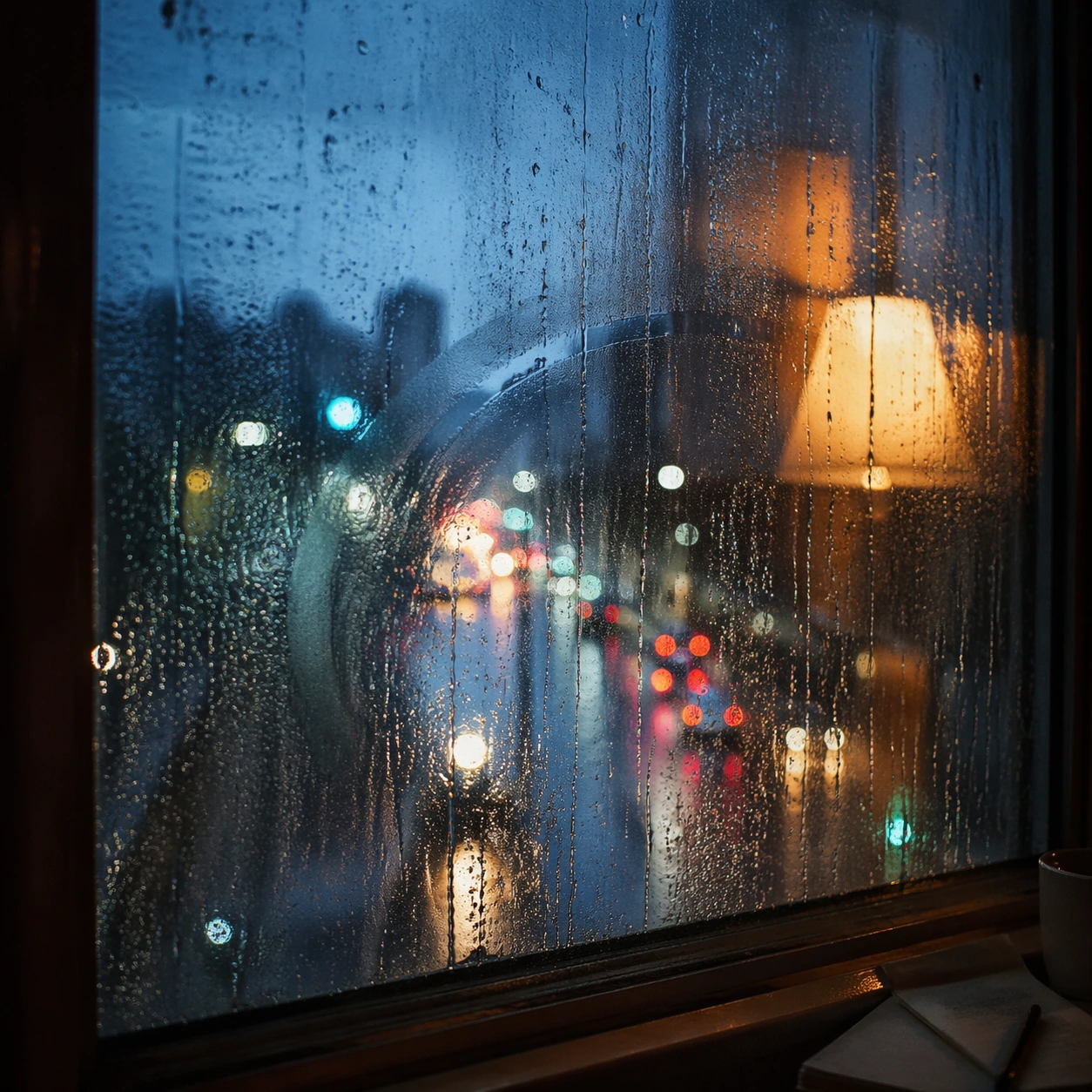
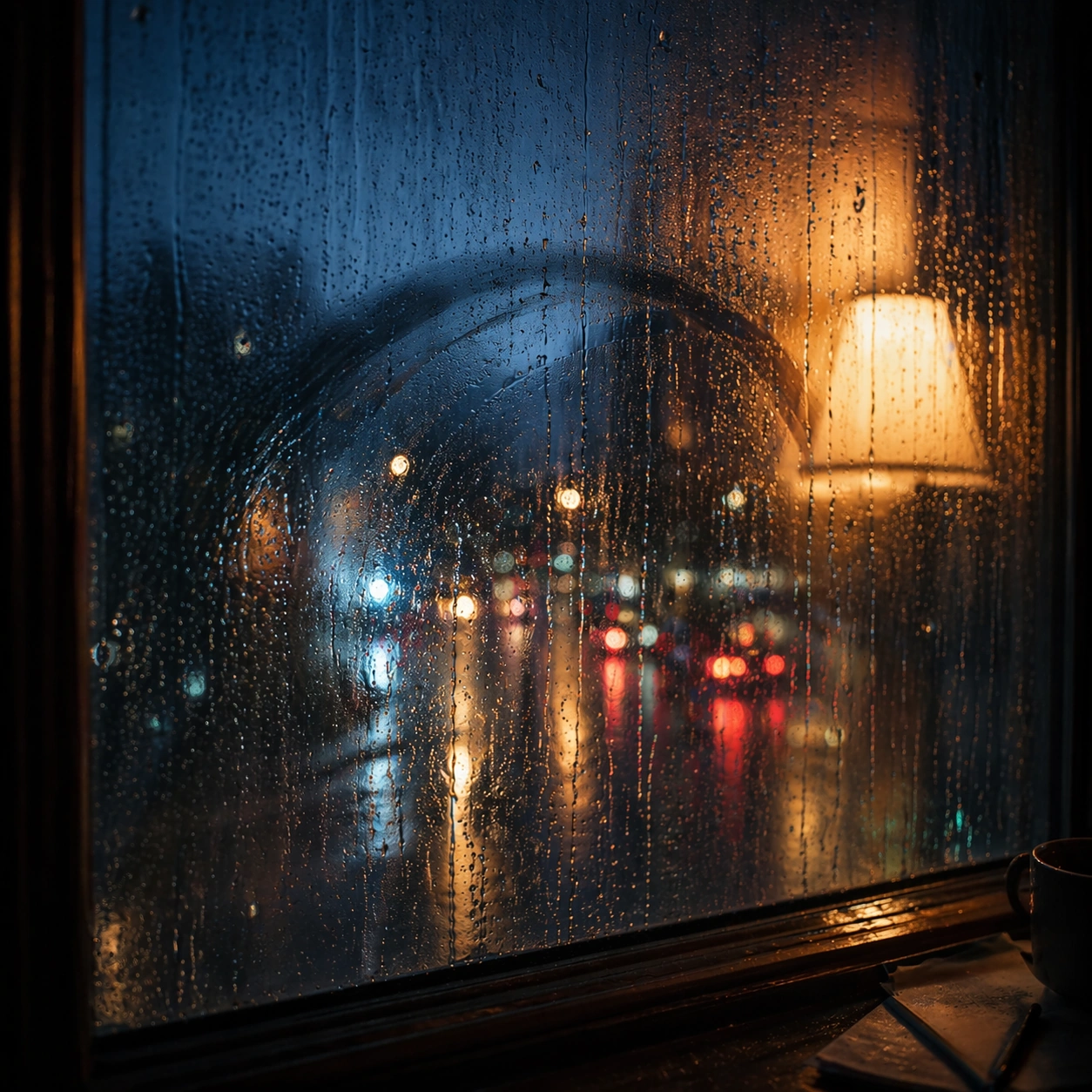
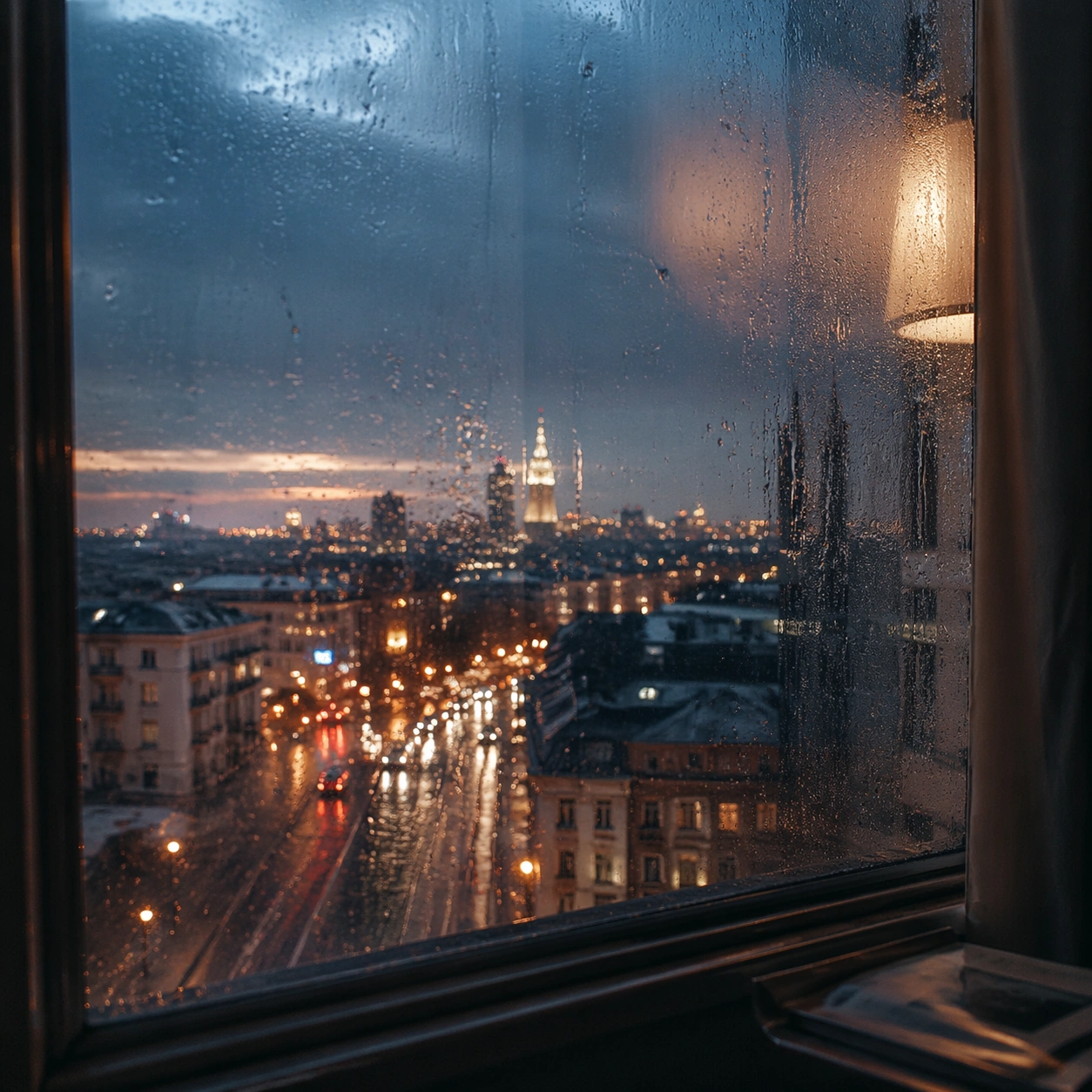
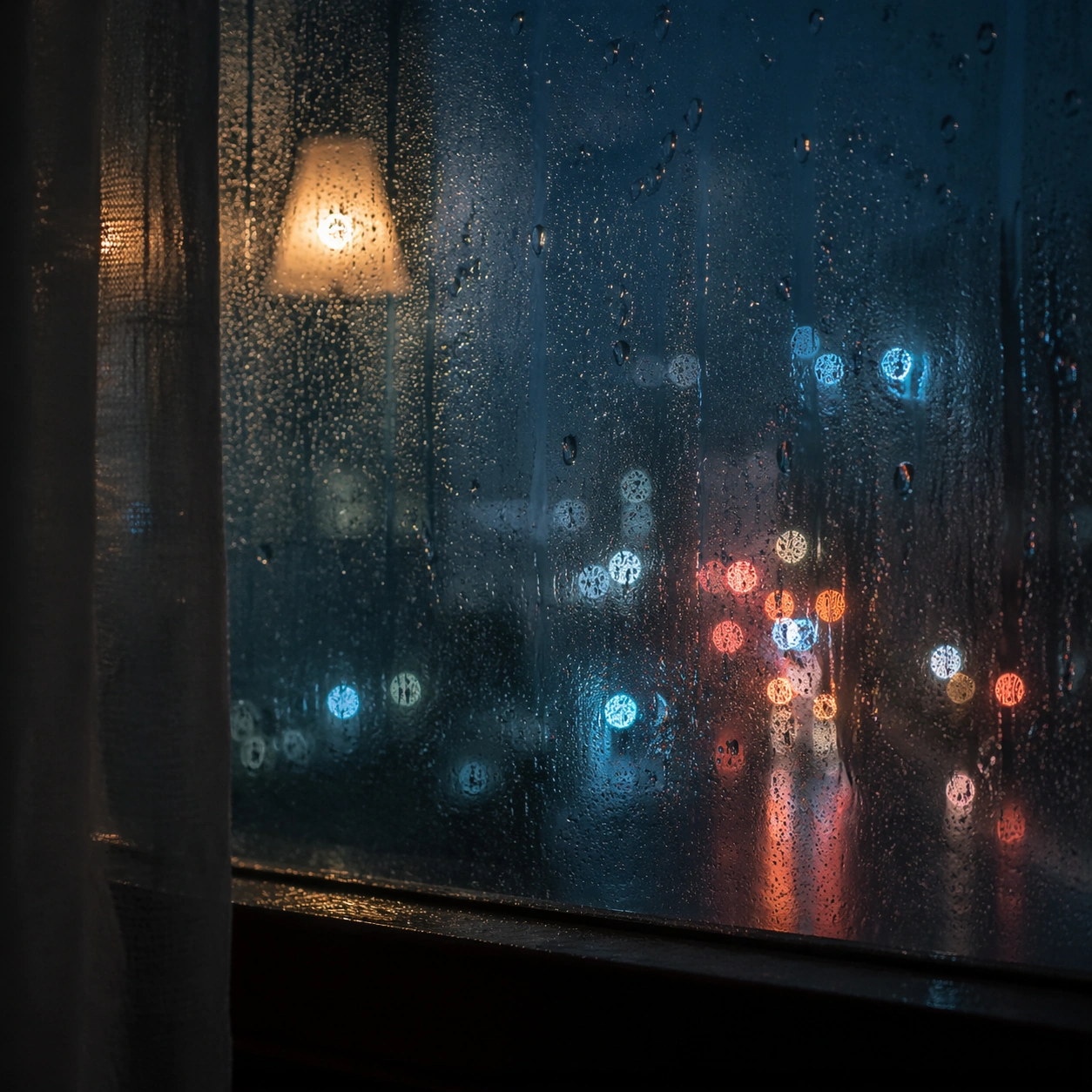
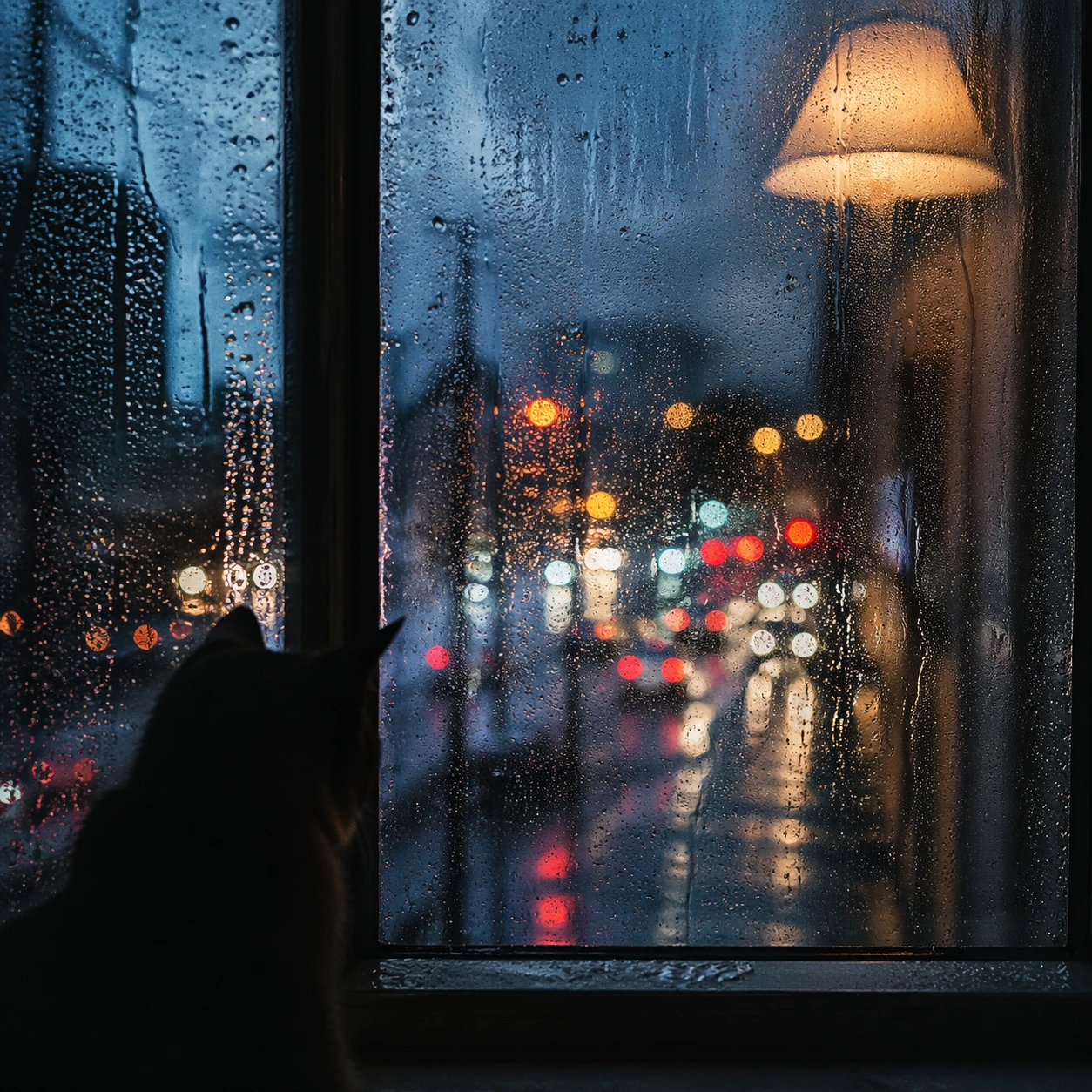
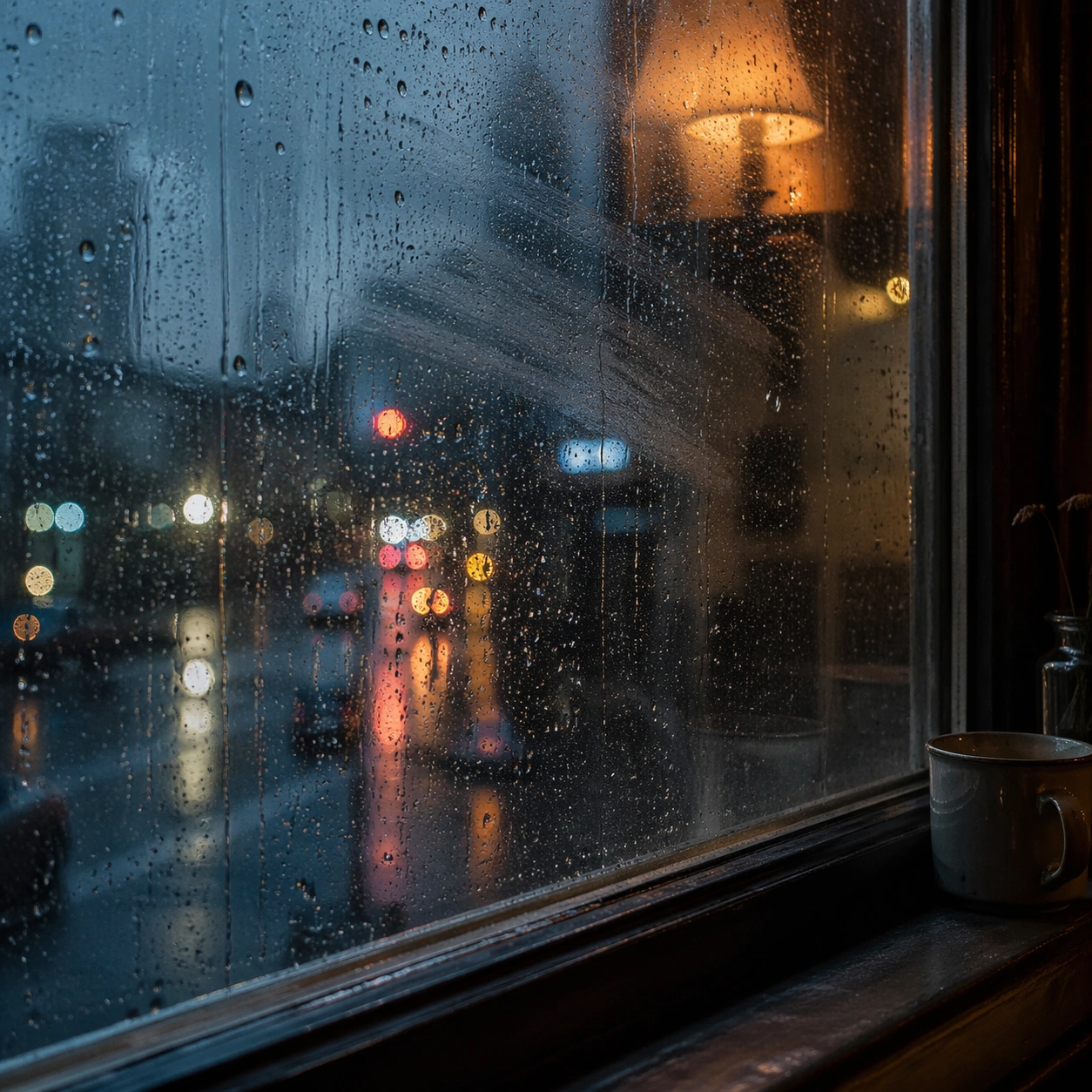
Create a square cinematic still for Rain Window Memory. Use production-grade photoreal lighting, disciplined lens behavior, and a composition that feels like a finished key frame from an original film rather than a casual snapshot. A rain-covered window fills much of the frame while the city outside dissolves into cool bokeh circles and smeared light trails, and a warm interior lamp reflection hovers on the glass without overpowering the weathered surface. Build an independent square study around the way atmosphere interacts with surfaces, keeping enough environmental context for the image to feel finished rather than cropped at random.

Subject:
Build a coherent original scene whose emotional center comes from atmosphere, light physics, and spatial clarity. Avoid relying on celebrity likeness, franchise iconography, or stylized illustration shortcuts. The subject is the interaction of droplets, finger-smear traces, condensation, reflected room light, and soft urban color beyond the pane, with any human presence implied indirectly rather than shown as a posed portrait. Let textures, reflections, residue, moisture, dust, or particulate response become primary, while the broader setting remains clearly implied.

Important details:
Preserve a believable physical world with strong depth layering, careful color separation, and premium image discipline. Render droplet scale, gravity-driven streaking, condensation edges, and double reflections with high fidelity, preserving a restrained emotional intimacy that feels personal and cinematic instead of sentimental or glossy. The key is material credibility under dramatic light, with micro-contrast and controlled mood supporting the theme.

Use case:
Rain Window single study 5/9.

Constraints:
No readable text, no watermark, no logos, preserve exact 1:1 aspect ratio, no readable street signs, no brand logos, no full face pressed to the glass, no cartoon heart iconography, no perfect symmetrical droplets.
使用方法
- 复制完整原始提示词,并保留其中的参数。
- 按需求替换主体、文字和构图要求。
- 在兼容的外部工具中使用,核对当前使用条件并检查结果。
开始前需了解
- 先确认是否需要参考图。标注兼容模型,不代表该示例由这个模型生成。
- 核对名称、数字与画面文字;不同模型版本的结果可能不同。