Originaldokument
GPT Image 2 · en
Scene:
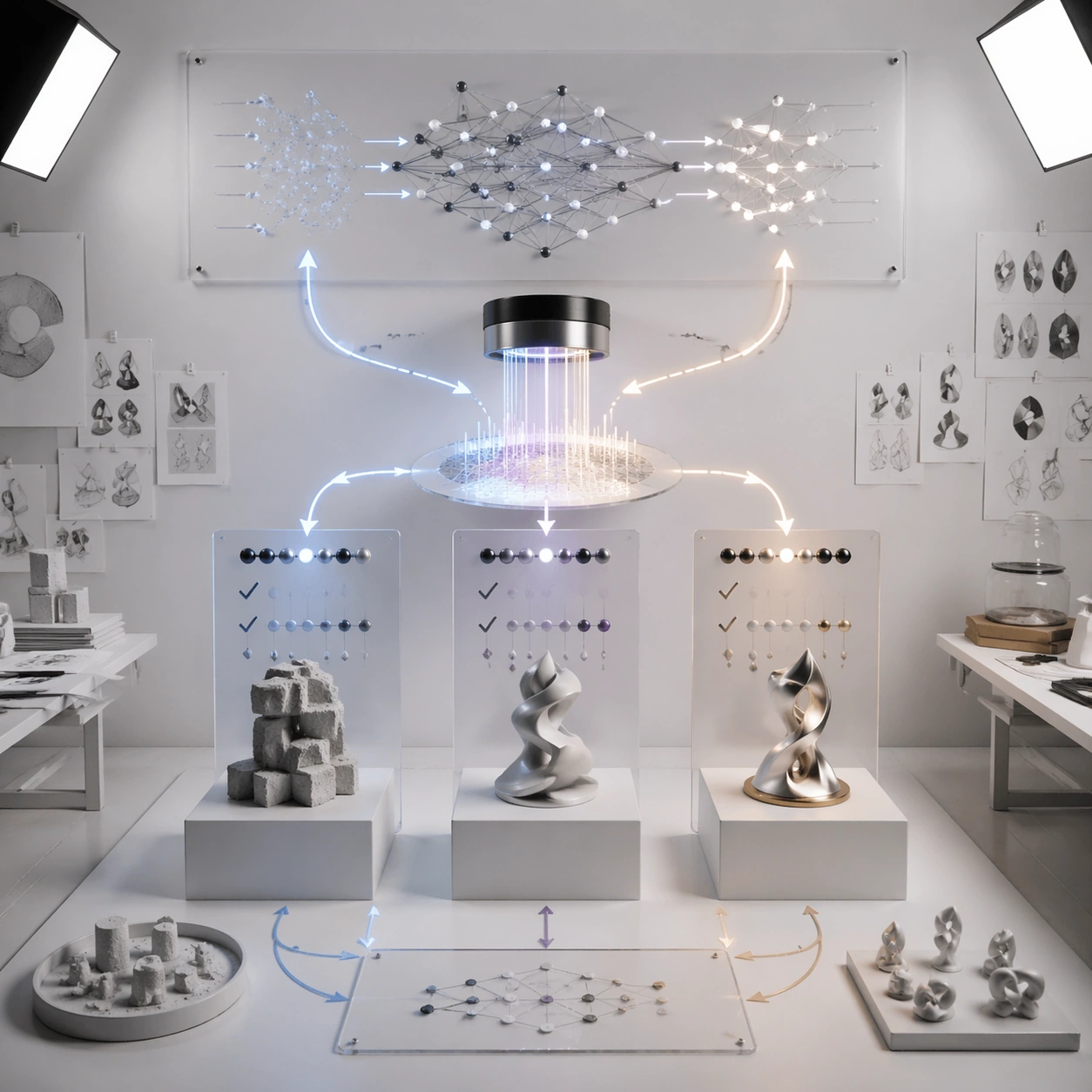
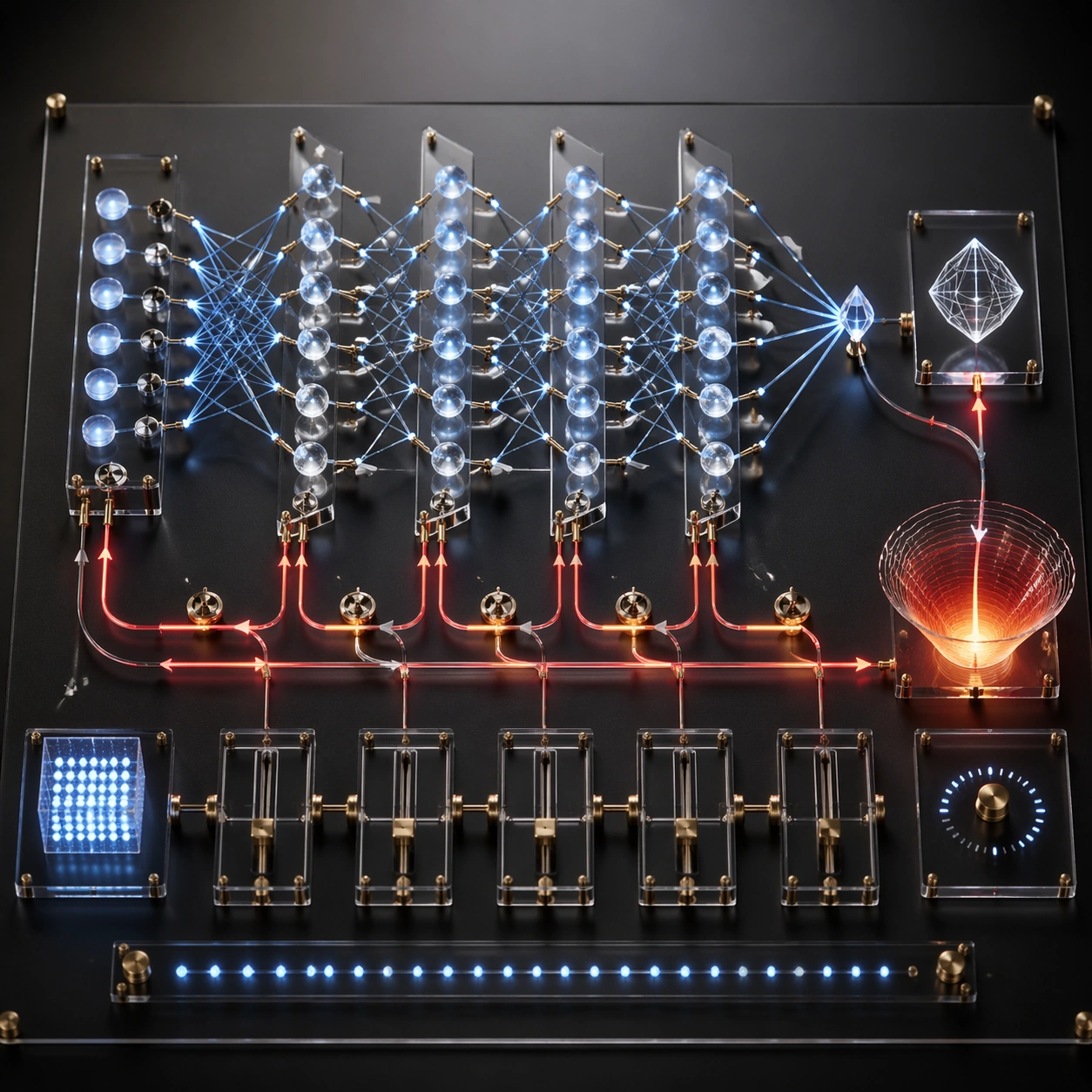
A square photoreal studio photograph of a technical workbench where a neural network explains how it learns. The surface is matte black with transparent acrylic layers, brass pins, fiber-optic lines, and precise shadows. Use controlled lab lighting, shallow depth of field, and a top-down three-quarter angle that keeps the full training loop visible.

Subject:
A physical backpropagation diagram built from miniature components. Forward activations travel left to right through stacked glass layers of nodes, producing a small output crystal. A red error signal returns right to left through thinner reverse paths, splitting into gradient arrows that adjust tiny weight dials between layers. Show loss as an abstract glowing basin, parameter updates as calibrated sliders, and learning progress as clean non-readable tick marks. The entire workbench should feel like the model has assembled a tabletop explanation of its own training cycle.

Important details:
The flow must be directional and coherent: inputs activate layers, output is compared to a target-like abstract shape, error propagates backward, gradients touch weights, and the next forward pass is implied. Use contrasting line styles for forward signal and backward correction. Keep nodes aligned in layers, avoid decorative circuitry, and make the weight adjustments physically attached to connections. The result should look rigorous but visually striking.

Use case:
Neural Network Self-Explanation single study 2/8, testing backpropagation as a physical workbench with forward activations and backward gradient flow.

Constraints:
No readable text, no watermark, no logos, preserve exact 1:1 aspect ratio, no real equations, no code, no brand hardware, no random circuit-board texture, no tangled arrows, no private chain-of-thought, no human hands, no disconnected update dials.
Verwendung
- Den vollständigen Original-Prompt einschließlich Parametern kopieren.
- Motiv, Text und Komposition an die eigenen Anforderungen anpassen.
- Ein kompatibles externes Werkzeug nutzen; Zugangsbedingungen und Ergebnis prüfen.
Vor dem Start
- Prüfen, ob ein Referenzbild nötig ist. Kompatibilität belegt nicht das tatsächlich verwendete Modell.
- Namen, Zahlen und Bildtexte prüfen; Modellversionen können andere Ergebnisse liefern.