Originaldokument
GPT Image 2 · en
Scene:
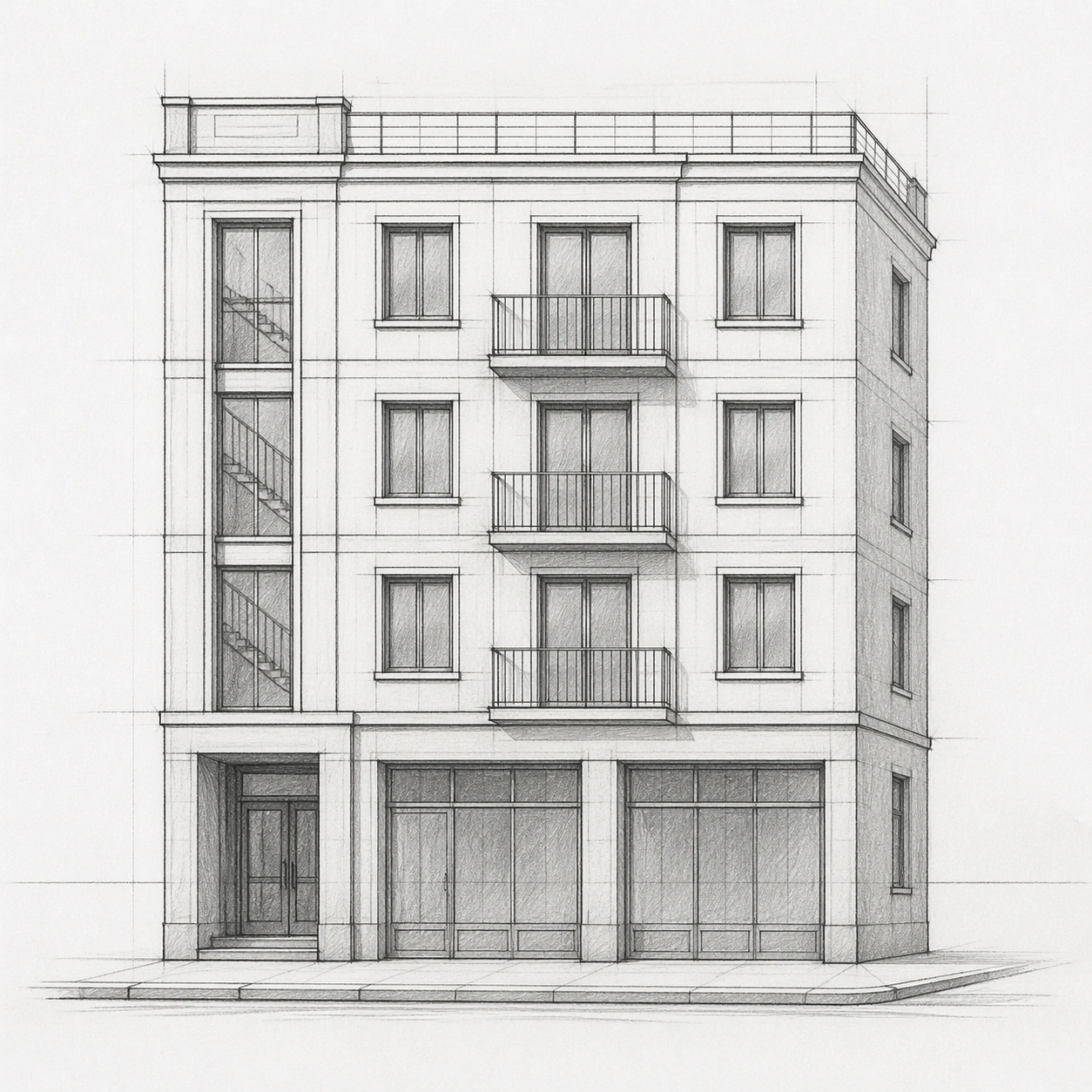
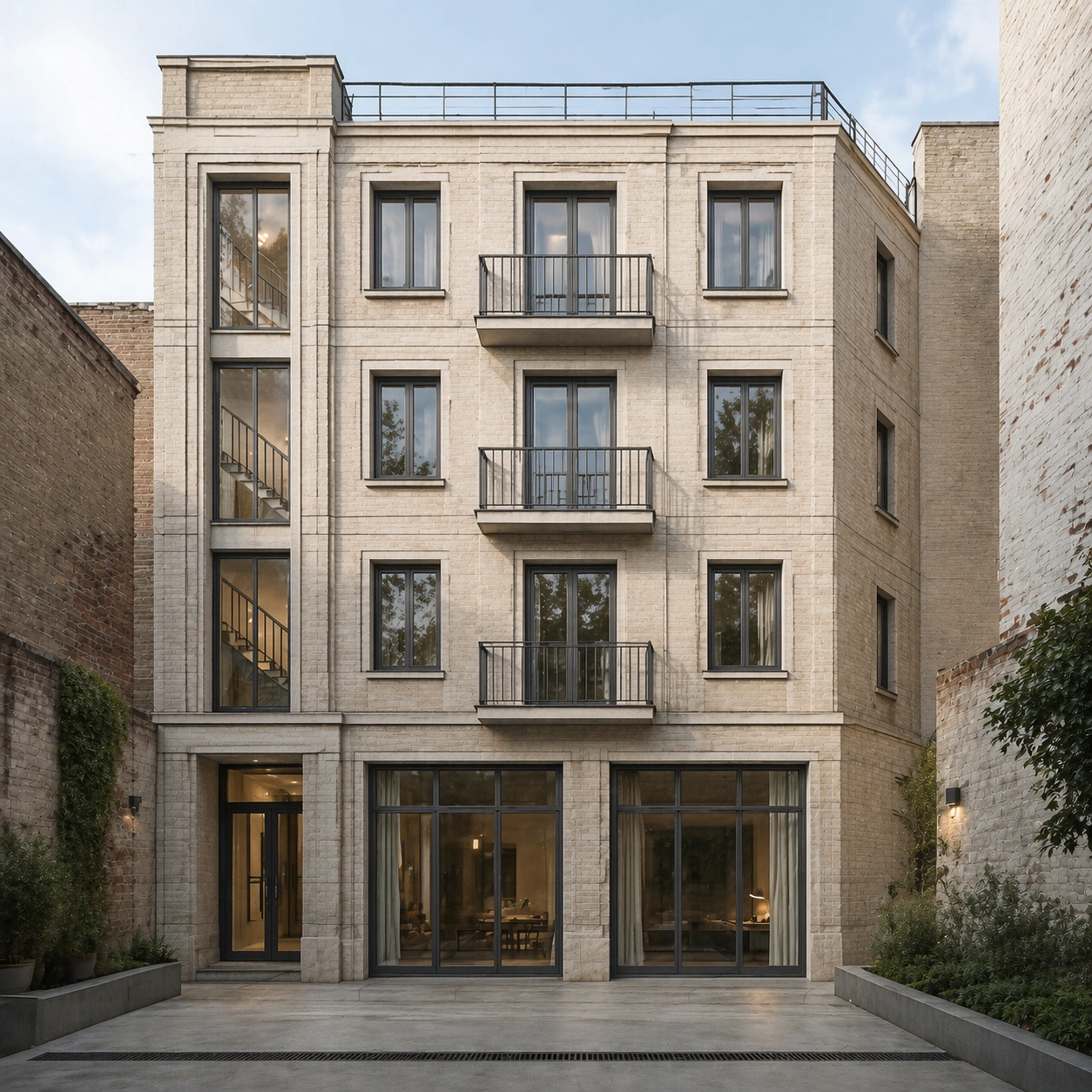
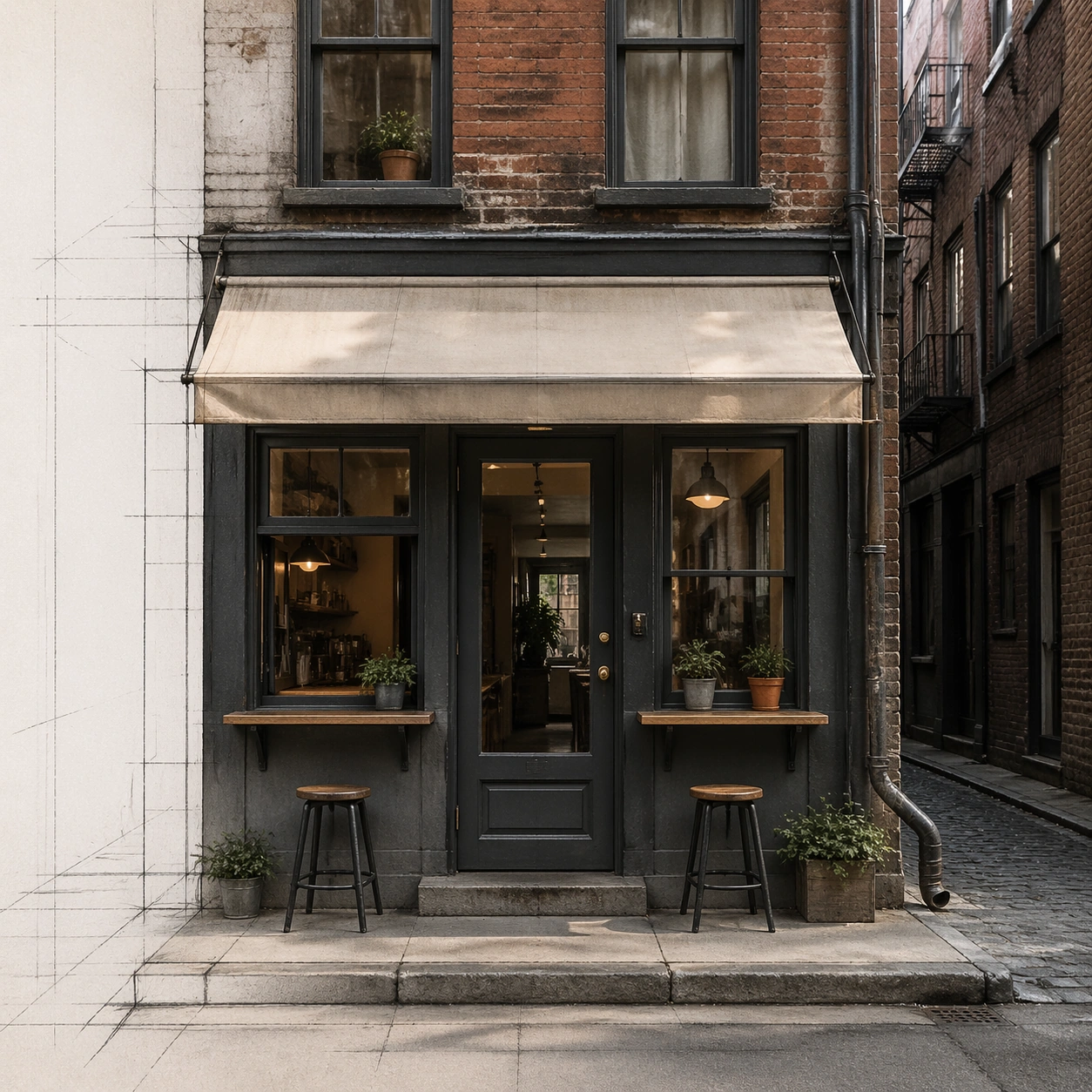
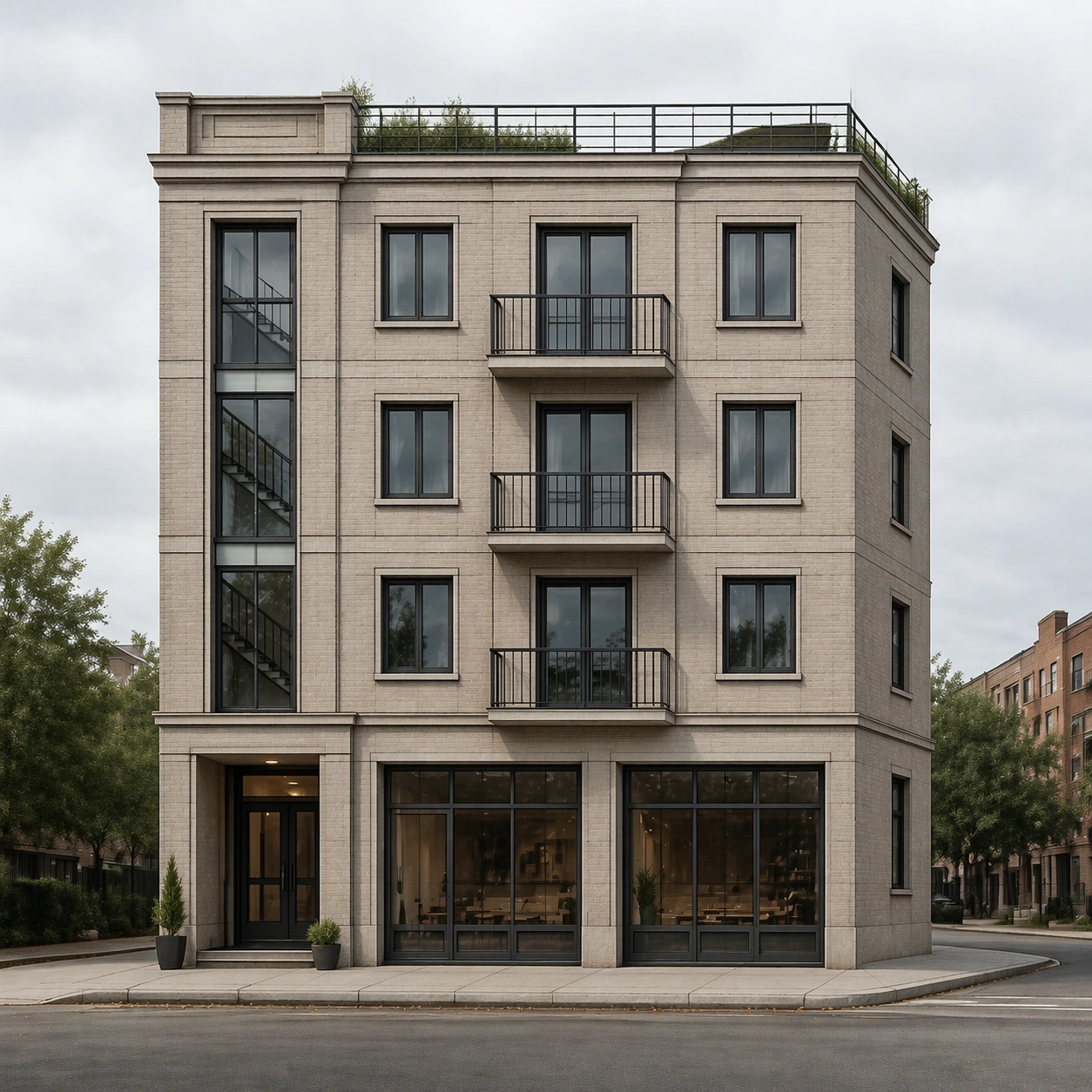
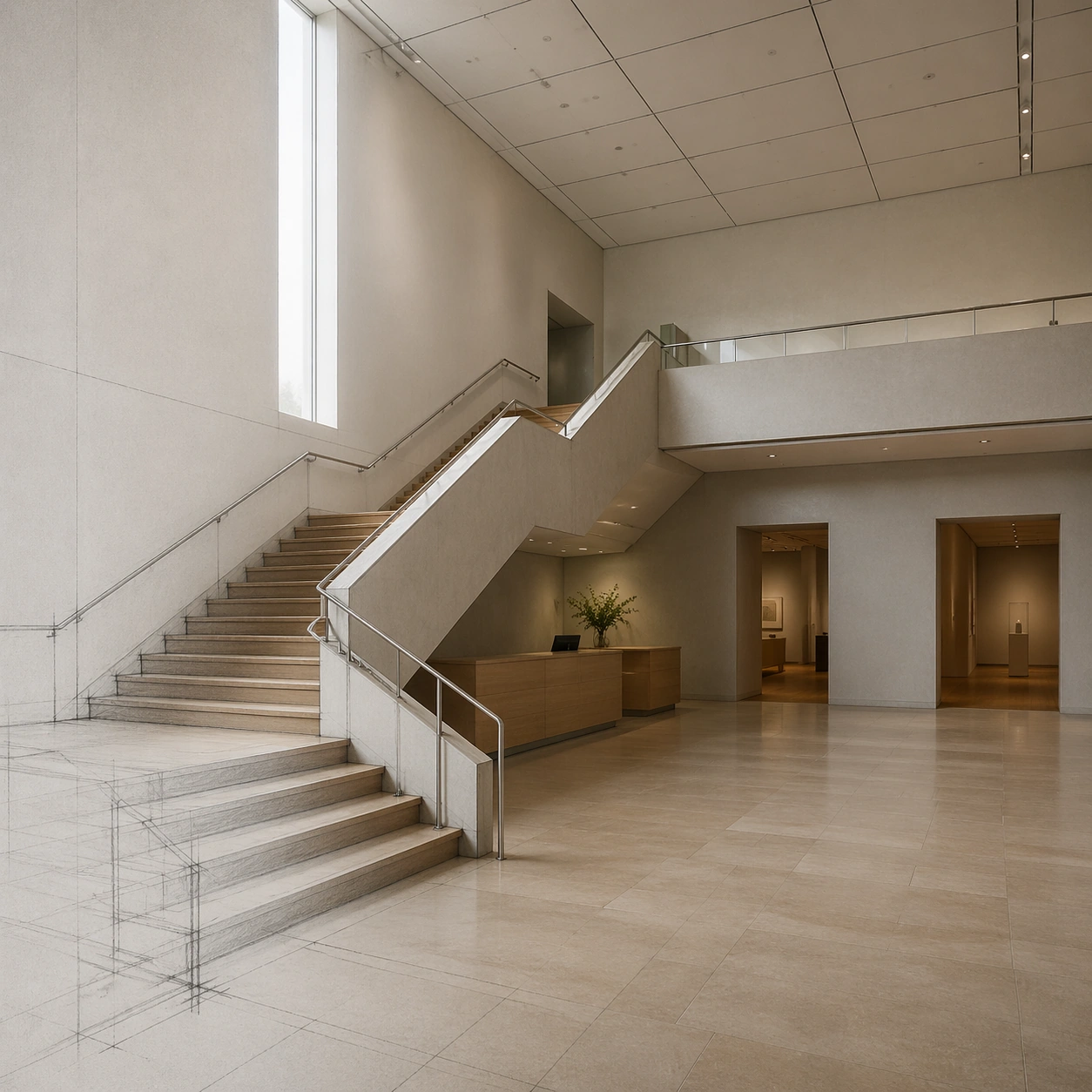
A square photoreal museum interior render derived from a visible architectural pencil sketch. The lower-left corner retains faint graphite guide lines and stair outlines, while the rest of the scene resolves into a realistic atrium. The camera looks diagonally across the ground floor toward a central stair, with high clerestory light, neutral museum tones, and clear spatial depth.

Subject:
A small contemporary museum atrium from a concept sketch: a broad switchback stair, a floating landing, a tall north-facing light slot, two gallery doorways on the back wall, a reception desk tucked under the stair, and a grid of acoustic ceiling panels. The photoreal version keeps the same stair geometry, landing height, doorway positions, wall openings, and ceiling grid. Materials include honed limestone floor, pale plaster walls, brushed metal handrails, oak stair treads, and diffuse daylight.

Important details:
The key challenge is geometric coherence. Stair risers must align, guardrails must connect properly, the landing must be structurally plausible, and the sketch's doorway positions must not drift. Use realistic museum scale, accessibility clearance, clean construction joints, and natural light behavior. Do not add large artwork with readable text, dramatic sculptures, or extra stairs. The final scene should look like a faithful one-step render from a design sketch, not a new interior concept.

Use case:
Sketch to Photoreal Render single study 7/8, testing whether an interior circulation sketch can become a photoreal museum atrium while preserving stair logic.

Constraints:
No readable text, no watermark, no logos, preserve exact 1:1 aspect ratio, no impossible stair connections, no floating railings, no extra gallery doors, no decorative text panels, no crowds, no fisheye distortion.
Verwendung
- Den vollständigen Original-Prompt einschließlich Parametern kopieren.
- Motiv, Text und Komposition an die eigenen Anforderungen anpassen.
- Ein kompatibles externes Werkzeug nutzen; Zugangsbedingungen und Ergebnis prüfen.
Vor dem Start
- Prüfen, ob ein Referenzbild nötig ist. Kompatibilität belegt nicht das tatsächlich verwendete Modell.
- Namen, Zahlen und Bildtexte prüfen; Modellversionen können andere Ergebnisse liefern.