Originaldokument
GPT Image 2 · en
Scene:
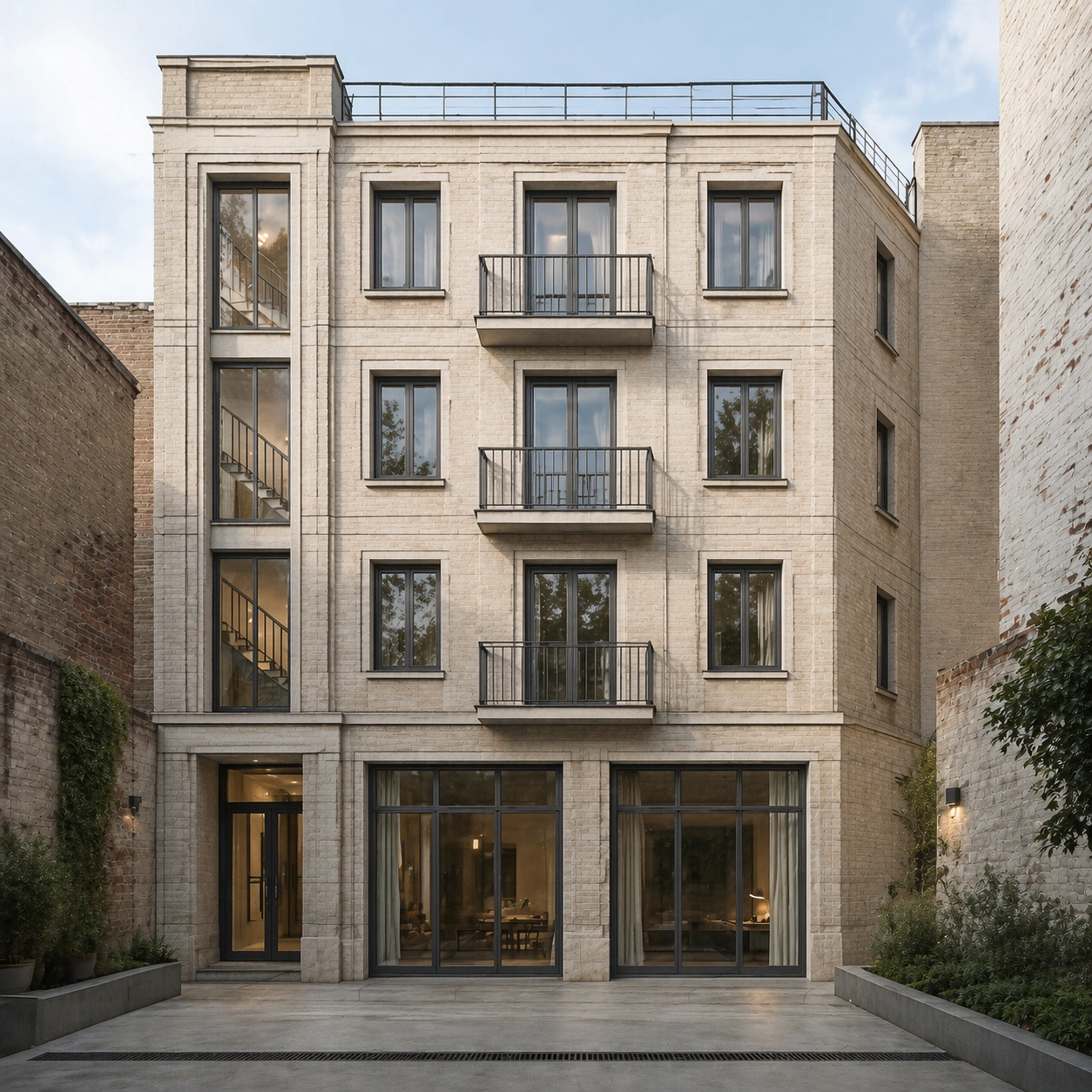
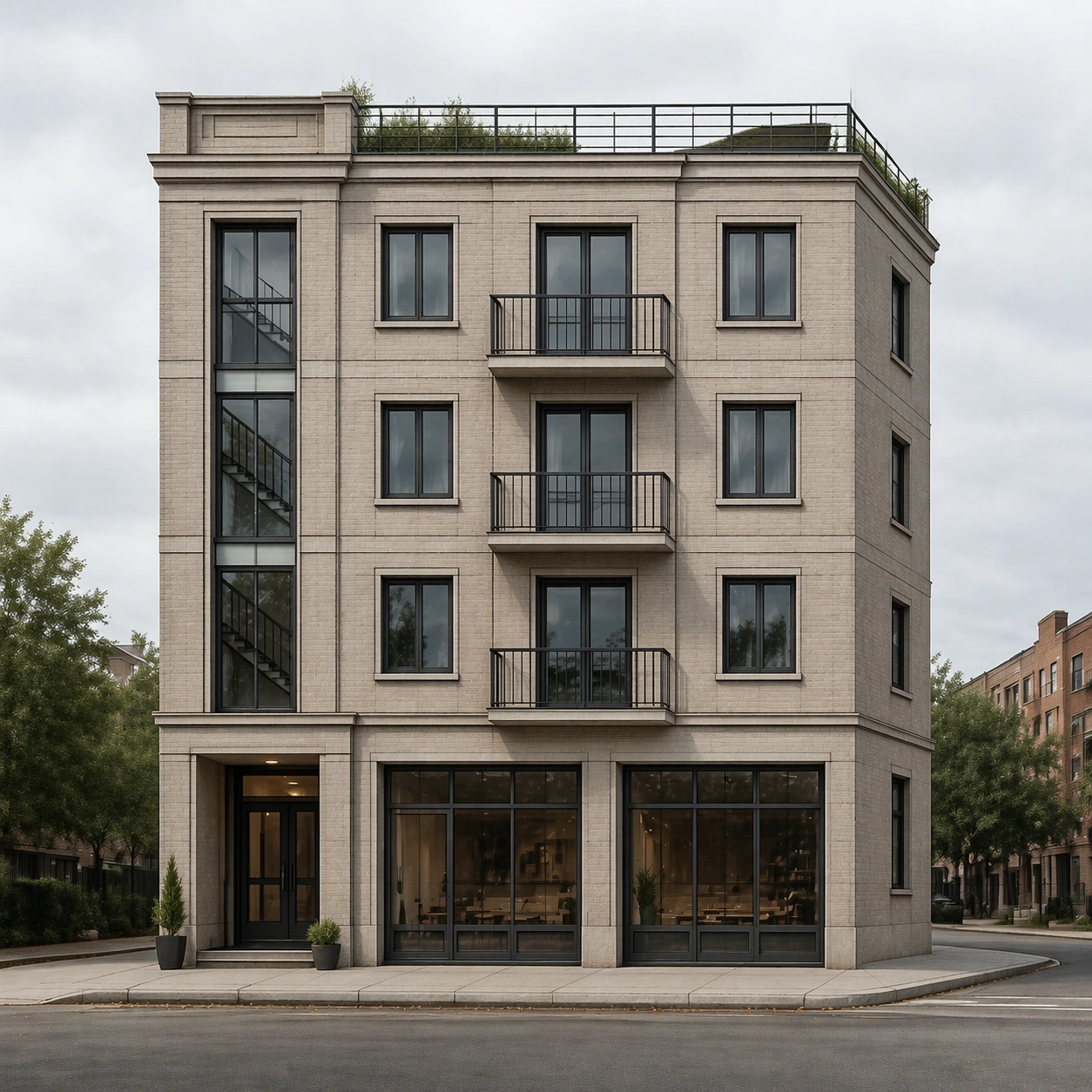
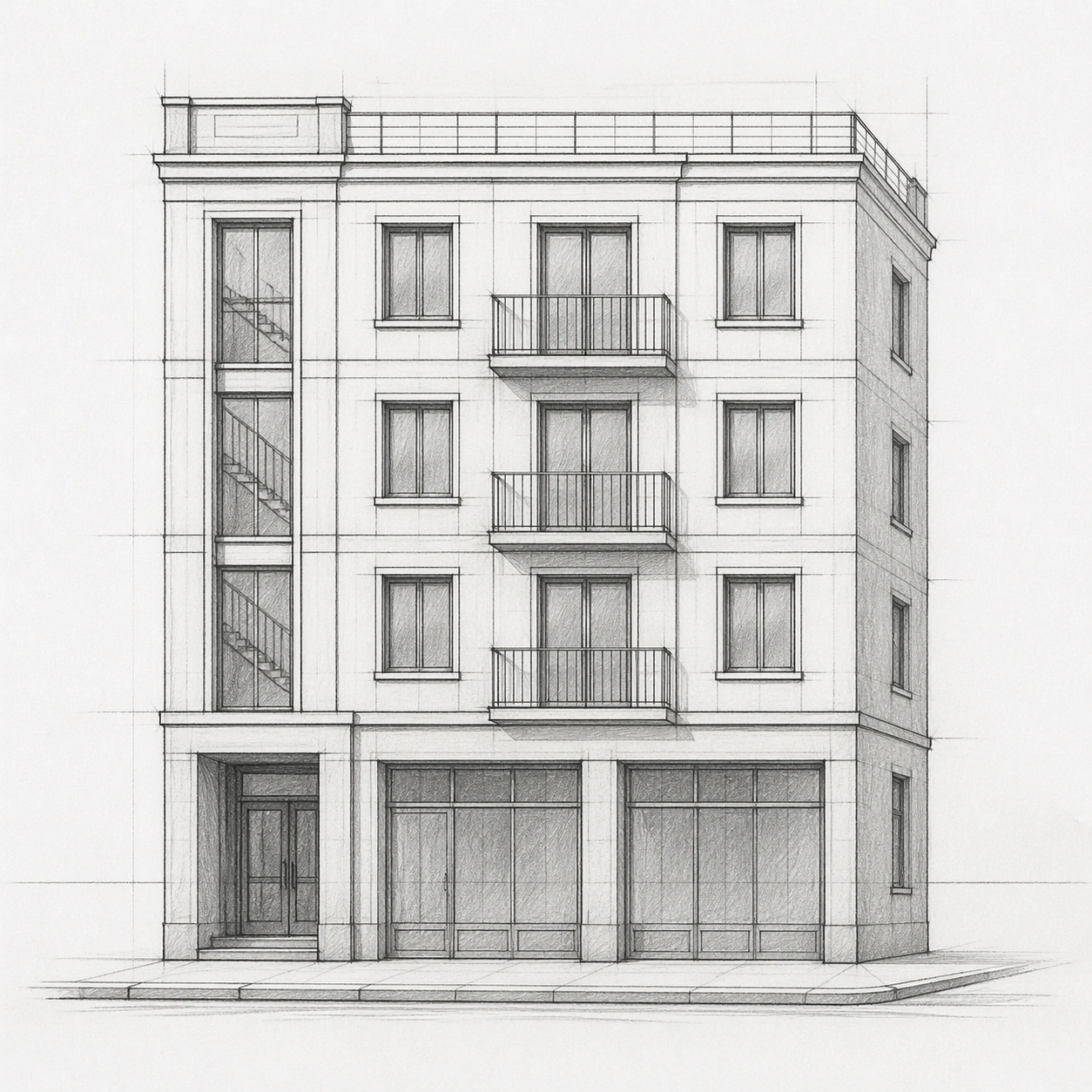
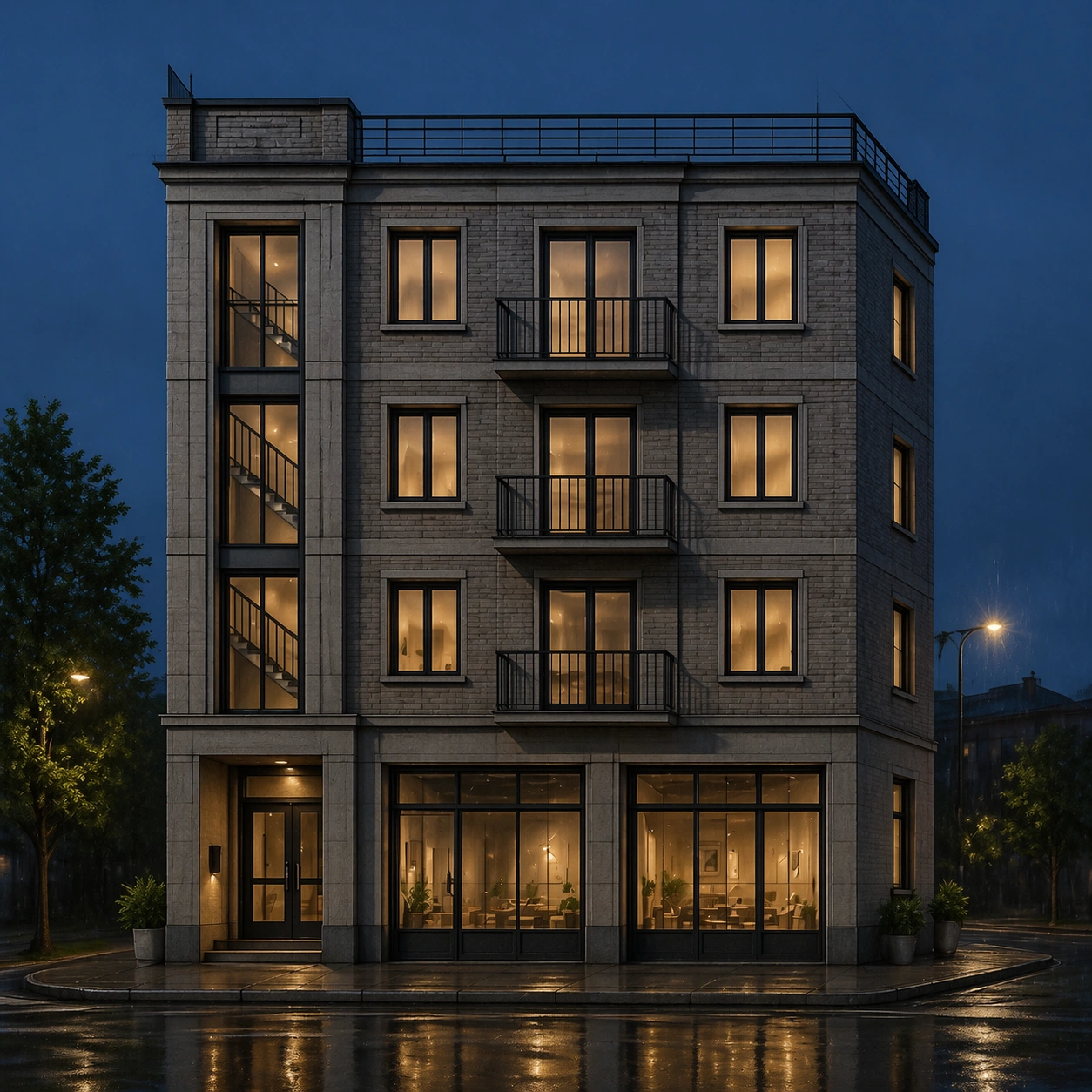
A square photoreal architectural render at rainy blue-hour night, generated from the provided pencil facade sketch as the primary reference. The camera remains near the original street-level horizon, with a controlled corner view and no wide-angle distortion. Wet pavement reflects window light and shopfront glow, but the composition stays clear enough to inspect the facade.

Subject:
The same compact four-story corner apartment building from the reference appears after rain. Keep the recessed lower-left entry, two ground-floor shopfront bays, three upper residential floors, shallow roof terrace, right-side return, regular window grid, slender balconies, vertical stairwell slot, and masonry panel rhythm. Render believable night materials: damp warm-gray brick, dark metal railings, softly lit interiors behind glass, subtle water streaks on sill edges, and shallow puddle reflections on the sidewalk.

Important details:
The hard part is preserving the sketch while changing lighting. Window centers, balcony edges, floor slab heights, roofline, stairwell slot, and shopfront bay widths must remain in the same relative positions as the reference. Night effects must not hide structural fidelity. Add only realistic context: rain sheen, muted streetlight spill, a curb, and sparse planters. Avoid cinematic overdecoration; the building should read like a real architectural visualization for review.

Use case:
Sketch to Photoreal Render series study 3/8, testing whether a reference sketch can become a rainy photoreal night render without layout drift.

Constraints:
No readable text, no watermark, no logos, preserve exact 1:1 aspect ratio, no neon signs, no extra windows, no changed floor count, no vehicles covering the facade, no crowds, no gothic or futuristic redesign.
Verwendung
- Den vollständigen Original-Prompt einschließlich Parametern kopieren.
- Motiv, Text und Komposition an die eigenen Anforderungen anpassen.
- Ein kompatibles externes Werkzeug nutzen; Zugangsbedingungen und Ergebnis prüfen.
Vor dem Start
- Prüfen, ob ein Referenzbild nötig ist. Kompatibilität belegt nicht das tatsächlich verwendete Modell.
- Namen, Zahlen und Bildtexte prüfen; Modellversionen können andere Ergebnisse liefern.