Originaldokument
GPT Image 2 · en
Scene:
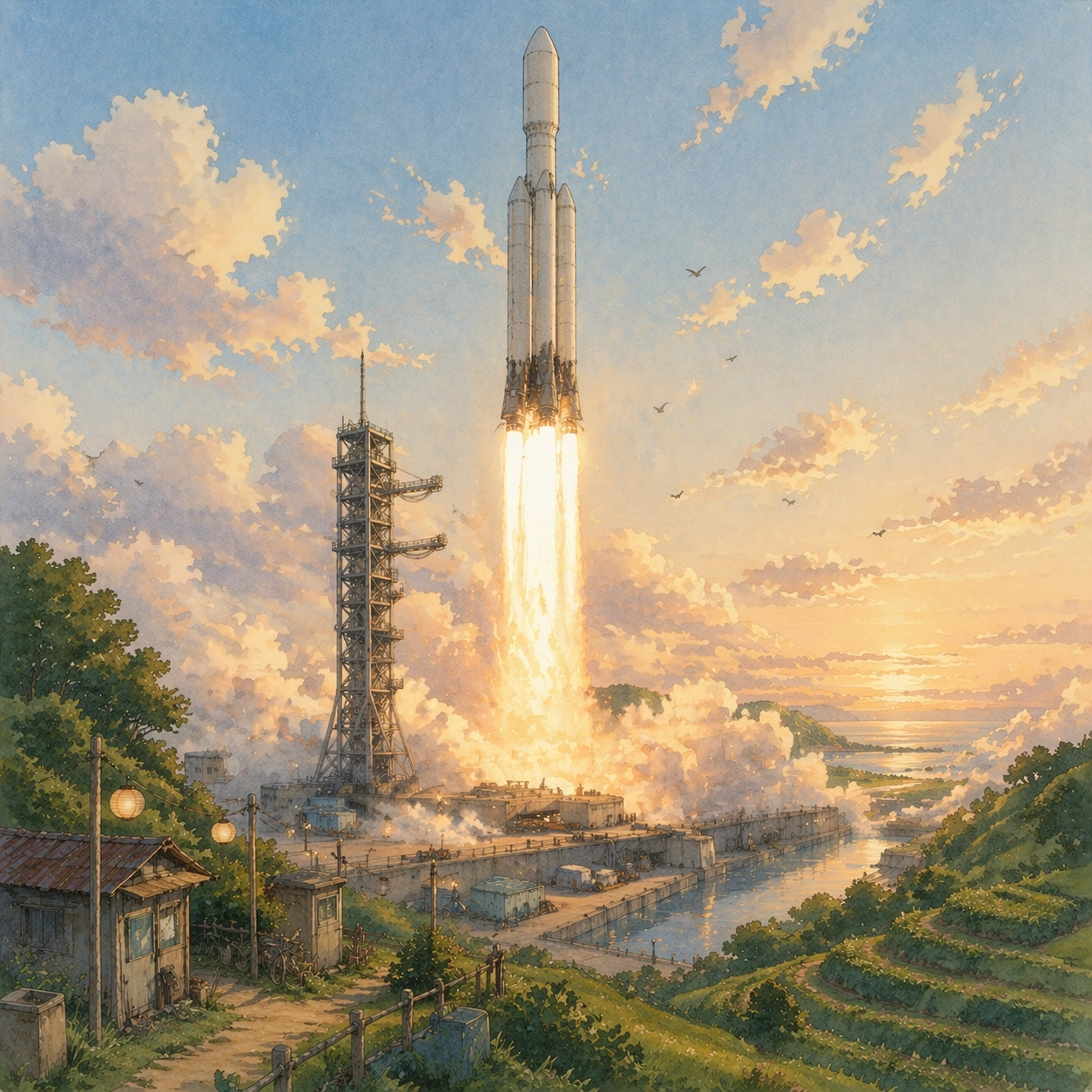
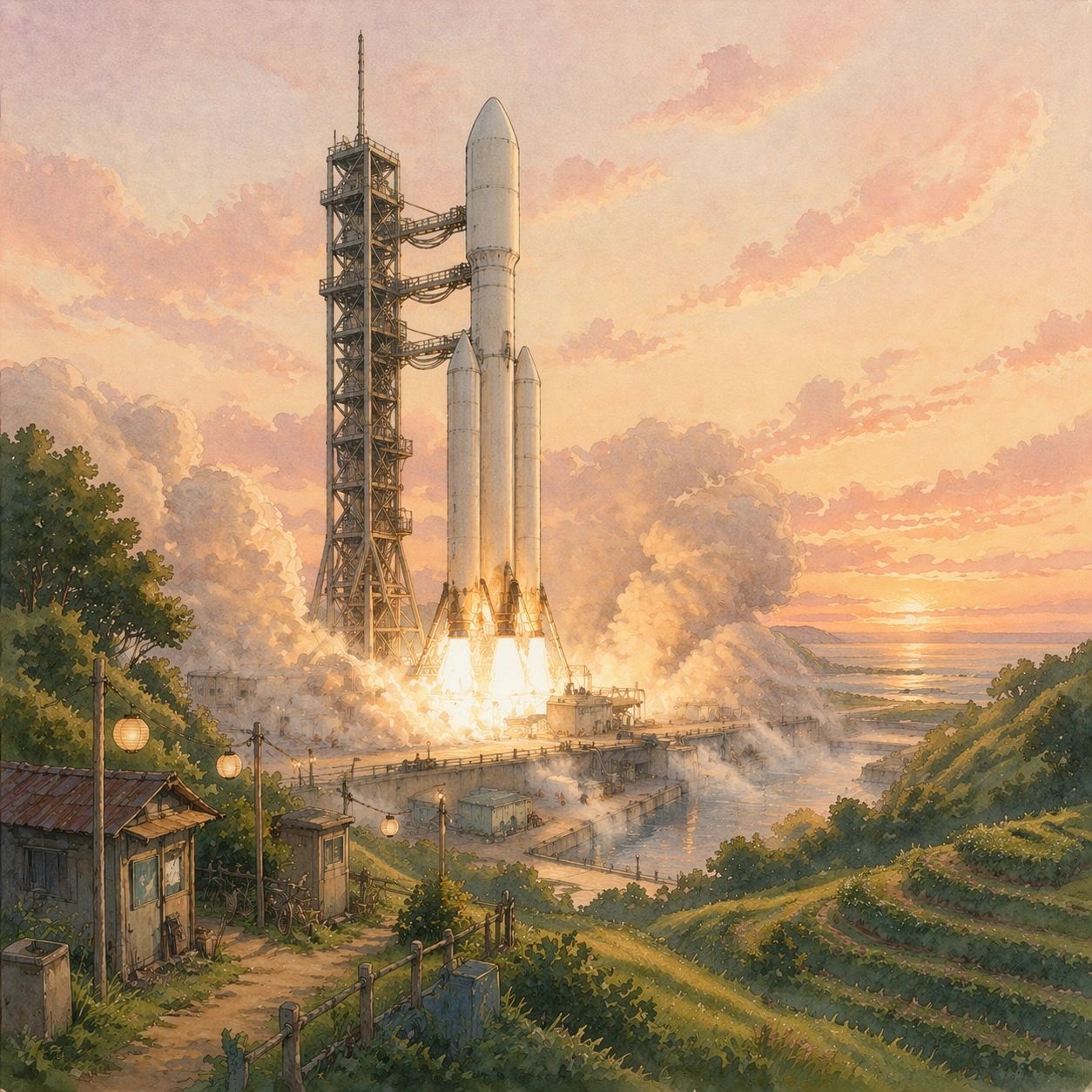
A square composition from the same hill-facing camera position as the first two images, now at first light during ignition. The sky is pale cream and dusty rose, layered like thin paper wash, while the valley grasses bend away from the pad. The rocket and gantry keep the same framing and scale, with the pad still fully visible and the hills wrapping around the launch site.

Subject:
Show the same rocket at the instant engines have started but before the vehicle has cleared the tower. Dense exhaust expands across the trench and spills over the concrete like rolling storm surf, with orange-white engine glow under the base and water deluge bursting upward. Small service buildings, railings, pipes, and the irrigation channel should still be recognizable through the haze. The contrast of the theme is essential: the scene must depict true launch power and heavy machinery, yet the overall feeling should still be humane, lyrical, and painterly, as if a dangerous industrial ritual has been translated into a compassionate animated world.

Important details:
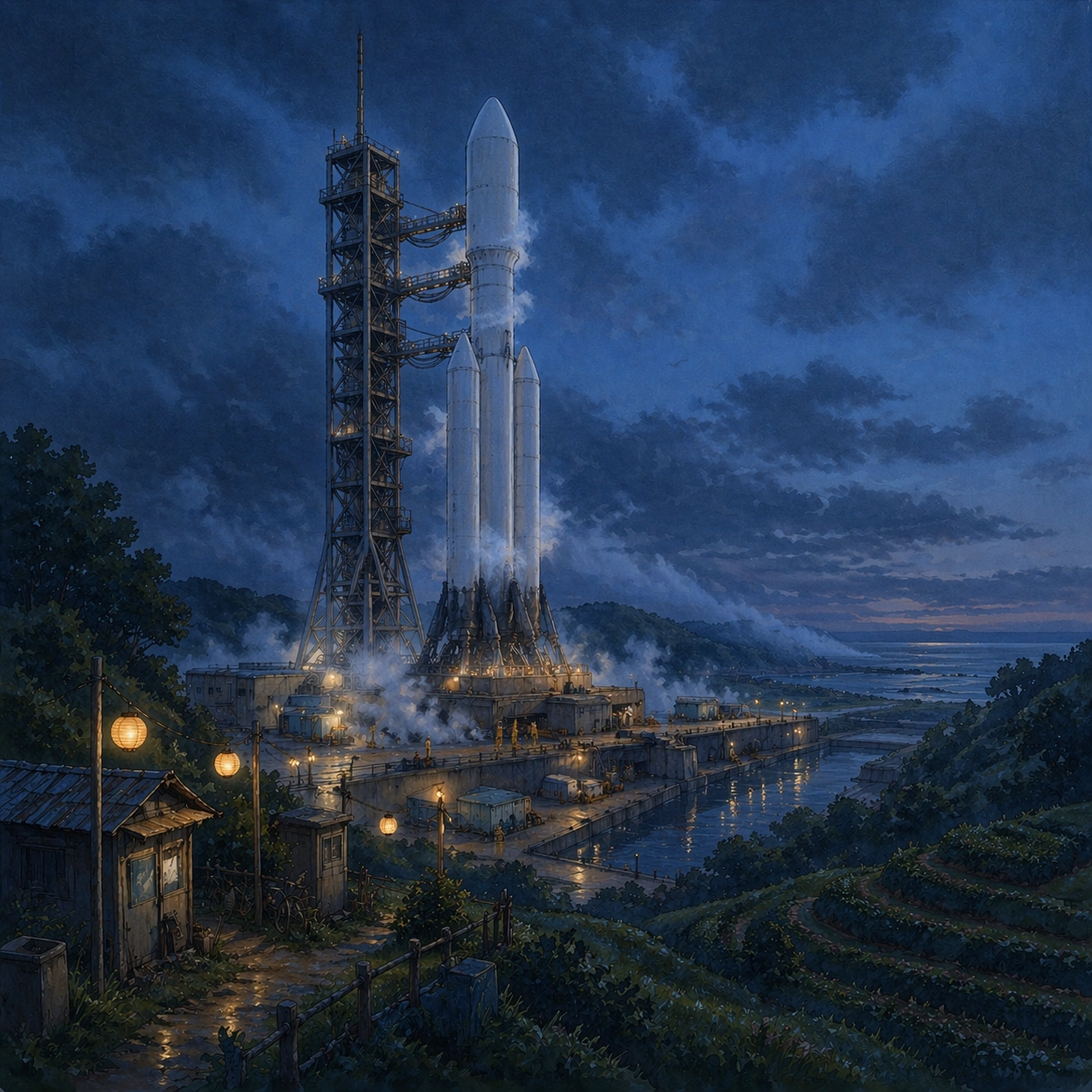
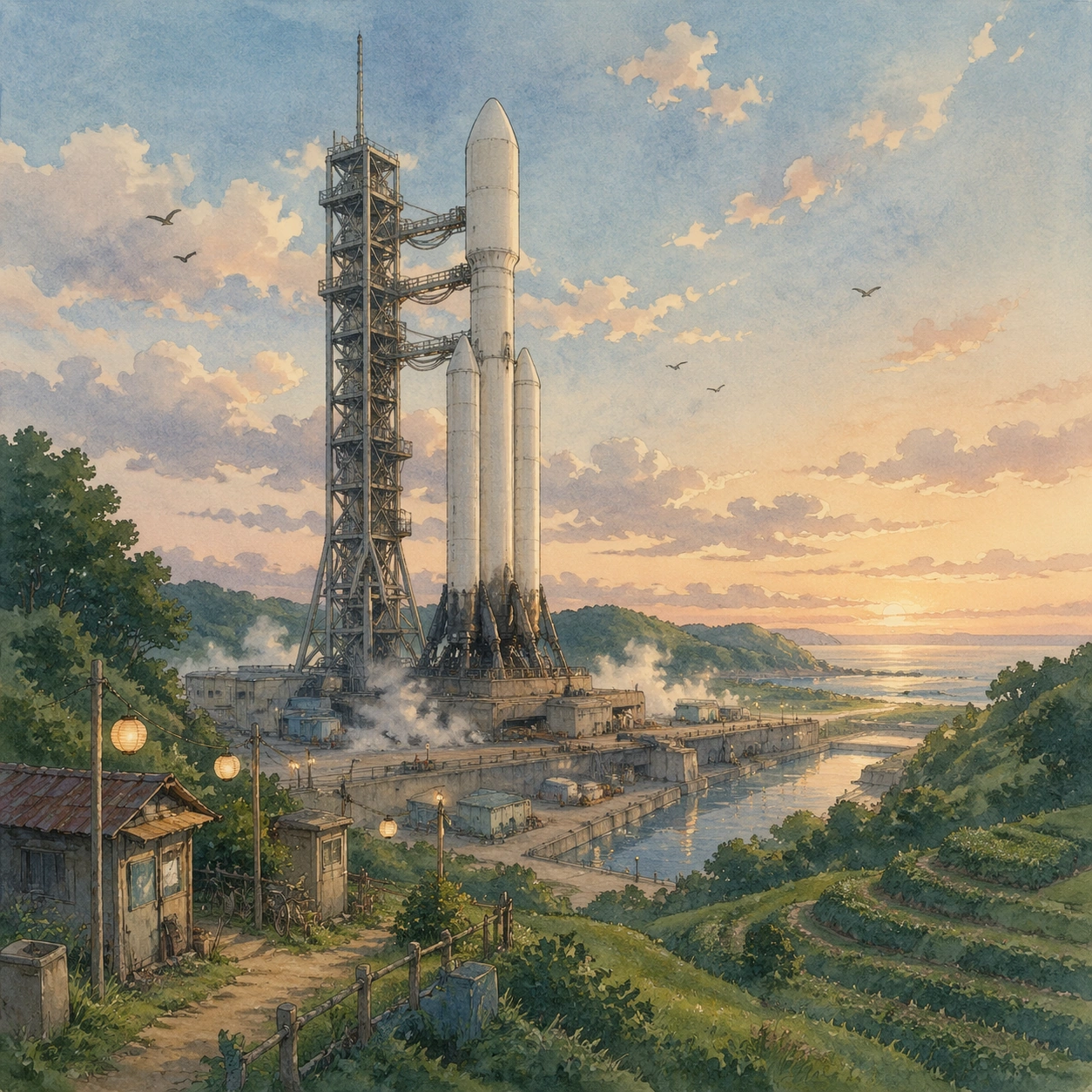
Preserve the exact identity from image 01: same rocket proportions, same tower geometry, same pad layout, same hillside silhouette, same camera height. The exhaust should feel physical and weighty, not abstract cotton. Keep the palette controlled: warm cream flame, soot gray, pale coral sky, muted green hills, and amber highlights in windows and lantern remnants. The image must remain readable as a launch pad, not a fantasy bonfire or volcanic eruption.

Use case:
Ghibli Countergenre series study 3/8, testing continuity through the hardest phase change: ignition without losing either engineering clarity or the tender visual language.

Constraints:
No readable text, no watermark, no logos, preserve exact 1:1 aspect ratio, no multiple towers, no mushroom-cloud apocalypse, no spacecraft in orbit, no stylized magical aura, no giant human figure in the foreground.
Verwendung
- Den vollständigen Original-Prompt einschließlich Parametern kopieren.
- Motiv, Text und Komposition an die eigenen Anforderungen anpassen.
- Ein kompatibles externes Werkzeug nutzen; Zugangsbedingungen und Ergebnis prüfen.
Vor dem Start
- Prüfen, ob ein Referenzbild nötig ist. Kompatibilität belegt nicht das tatsächlich verwendete Modell.
- Namen, Zahlen und Bildtexte prüfen; Modellversionen können andere Ergebnisse liefern.