Originaldokument
GPT Image 2 · en
Scene:
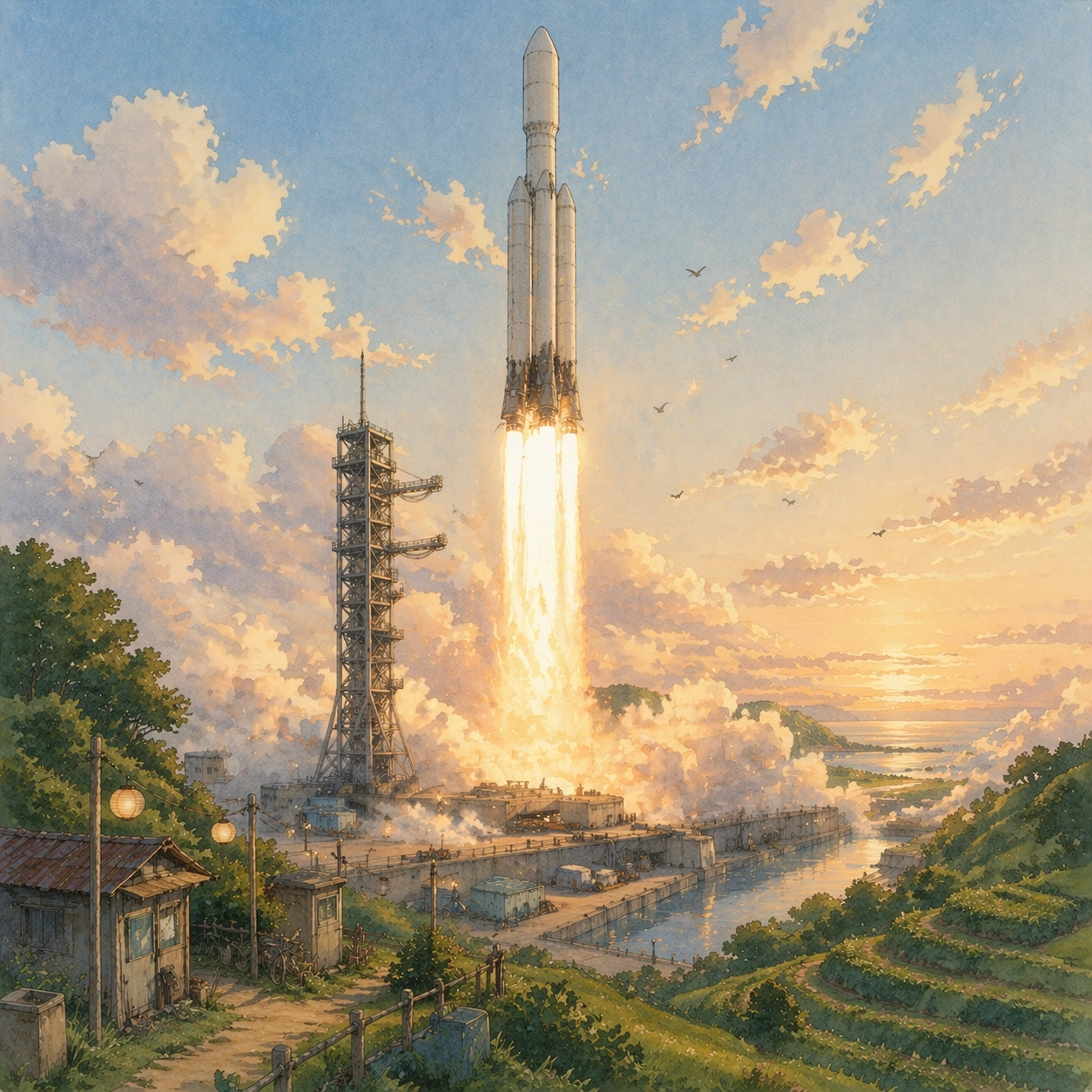
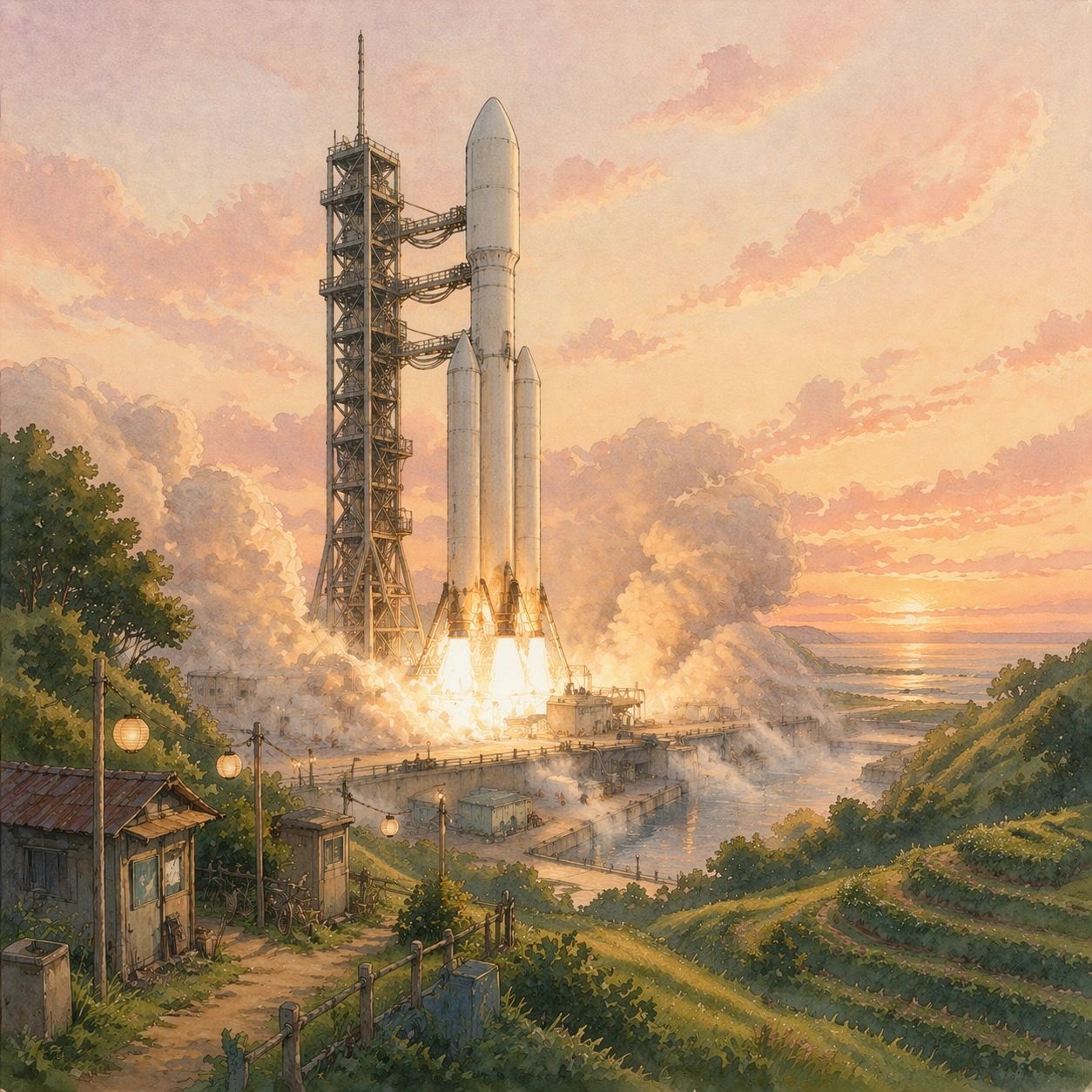
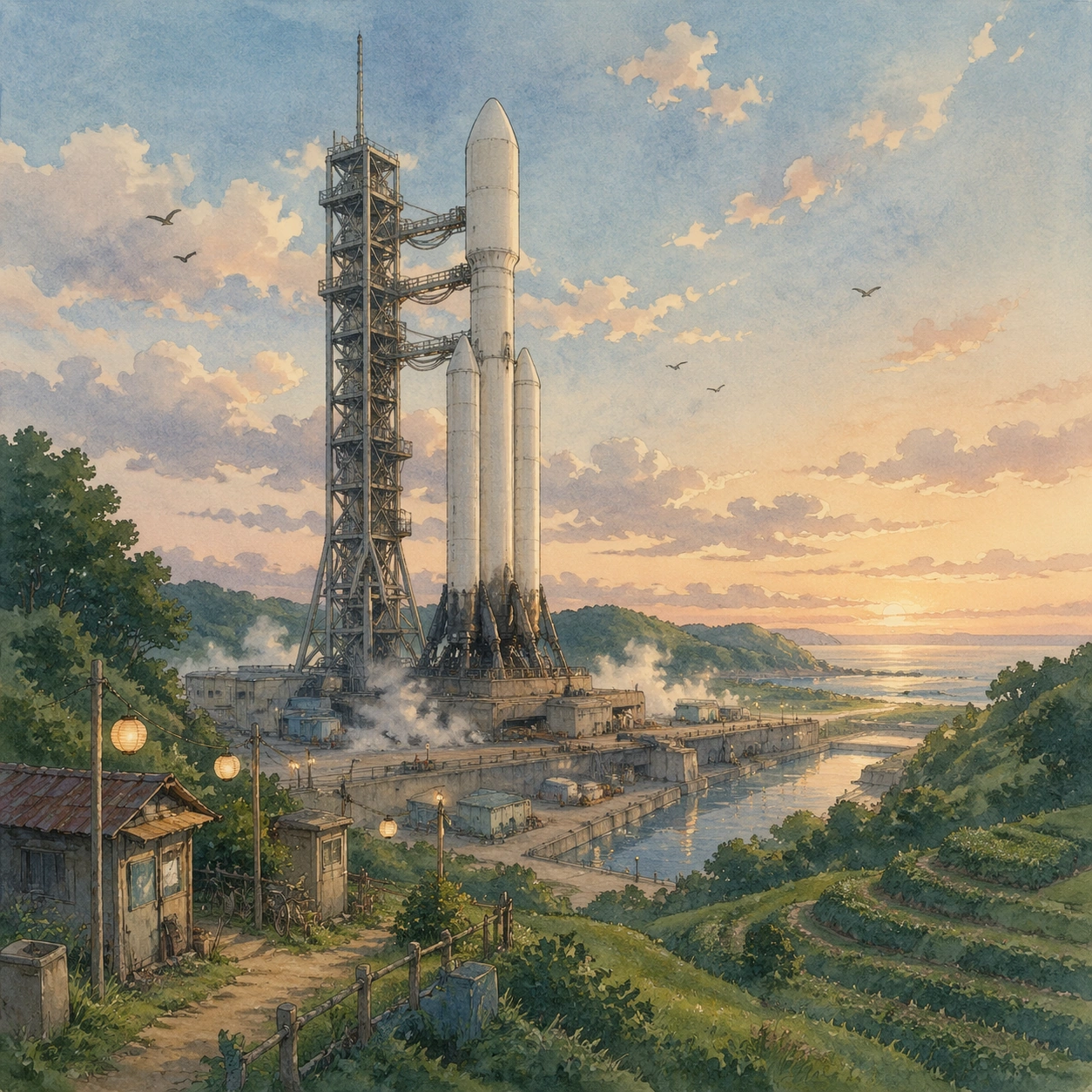
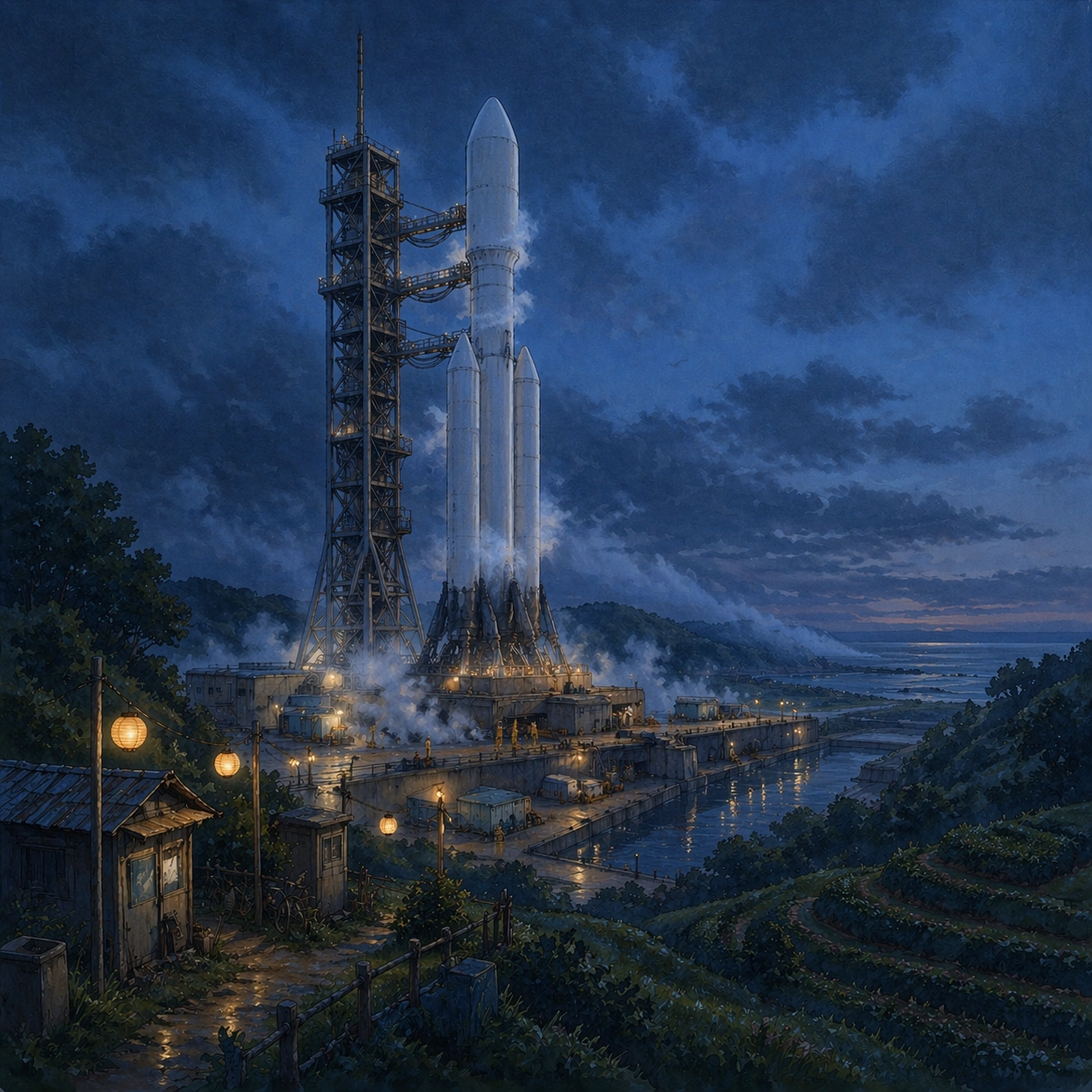
A square frame from the same hillside viewpoint and distance as the reference image, now set in blue hour just after sunset. The launch valley is dimmer, lanterns and sodium work lights glow softly through mist, and the rocket stands in the same position beside the same gantry, reflected in wet concrete and narrow irrigation channels. Low clouds hang over the hills, and the scene should feel hushed rather than dramatic.

Subject:
Show the same orbital rocket during cryogenic fueling. White vapor spills slowly around the lower tank and pad deck, the umbilical arm is connected in the same place, frost bands build on the body, and a few tiny technicians in rain capes move near tool carts and hoses. The facility must remain the same one established in the reference: same tower silhouette, same service buildings, same ridge lines, same drainage canal, same patched stair railings. The emotional twist is that a technically intense fueling operation reads like an evening village ritual, with lanterns, puddles, and patient preparation.

Important details:
Preserve identity continuity from image 01: same rocket diameter, nose shape, engine skirt, gantry spacing, camera angle, and valley layout. The style should remain hand-painted and tactile, with watercolor skies, soft edge control, and subtle cel shading, but the hardware cannot become vague. Use cool indigo, moss green, cream, and warm amber accents. Keep the fueling vapor dense and believable near the ground, not stylized into magical clouds.

Use case:
Ghibli Countergenre series study 2/8, testing whether a realistic fueling scene can retain reference identity inside a soft animated-film atmosphere.

Constraints:
No readable text, no watermark, no logos, preserve exact 1:1 aspect ratio, no second launch vehicle, no fireworks, no military spectacle, no fantasy creatures, no cockpit close-up, no hard-edged neon cyberpunk lighting.
Verwendung
- Den vollständigen Original-Prompt einschließlich Parametern kopieren.
- Motiv, Text und Komposition an die eigenen Anforderungen anpassen.
- Ein kompatibles externes Werkzeug nutzen; Zugangsbedingungen und Ergebnis prüfen.
Vor dem Start
- Prüfen, ob ein Referenzbild nötig ist. Kompatibilität belegt nicht das tatsächlich verwendete Modell.
- Namen, Zahlen und Bildtexte prüfen; Modellversionen können andere Ergebnisse liefern.