Originaldokument
GPT Image 2 · en
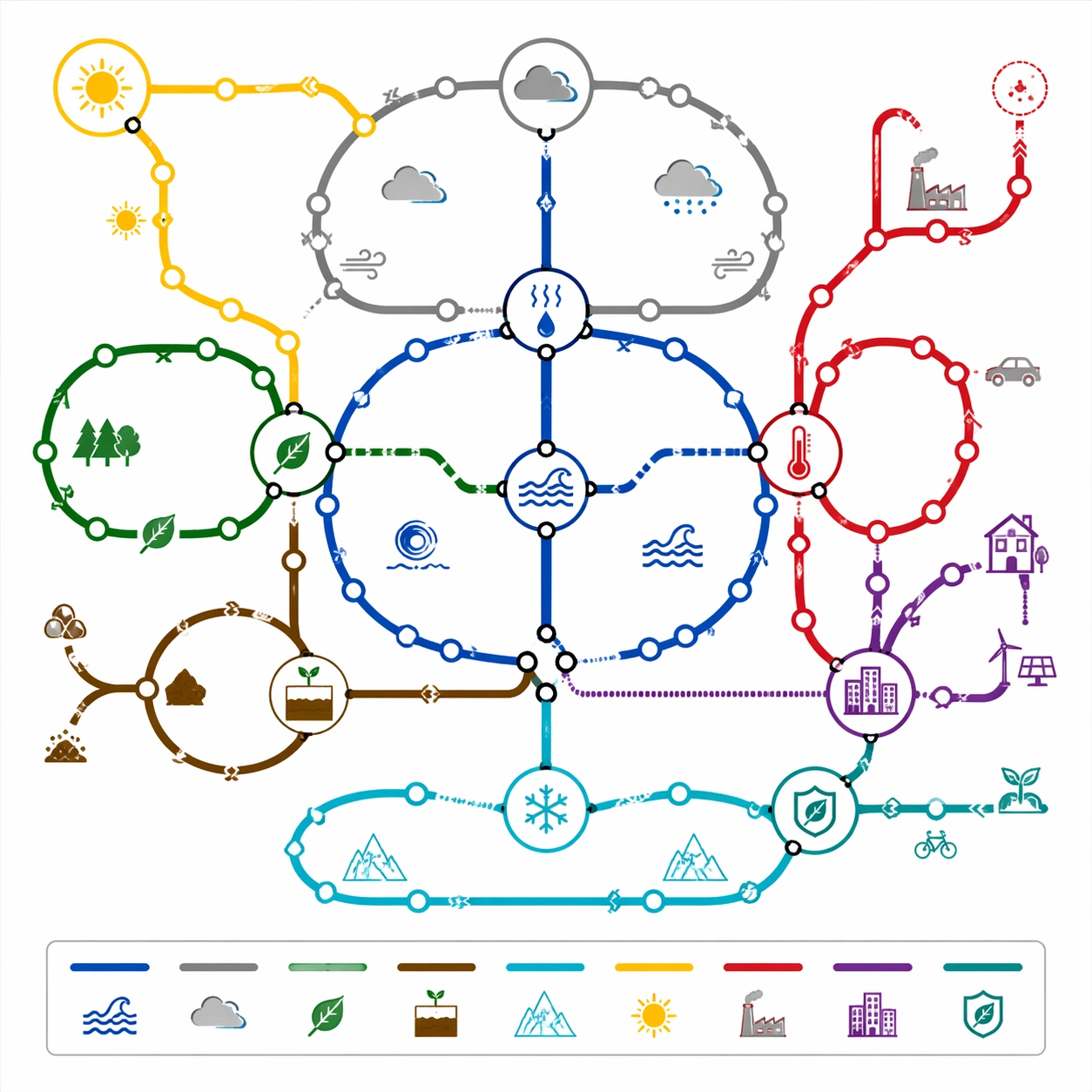
Scene:
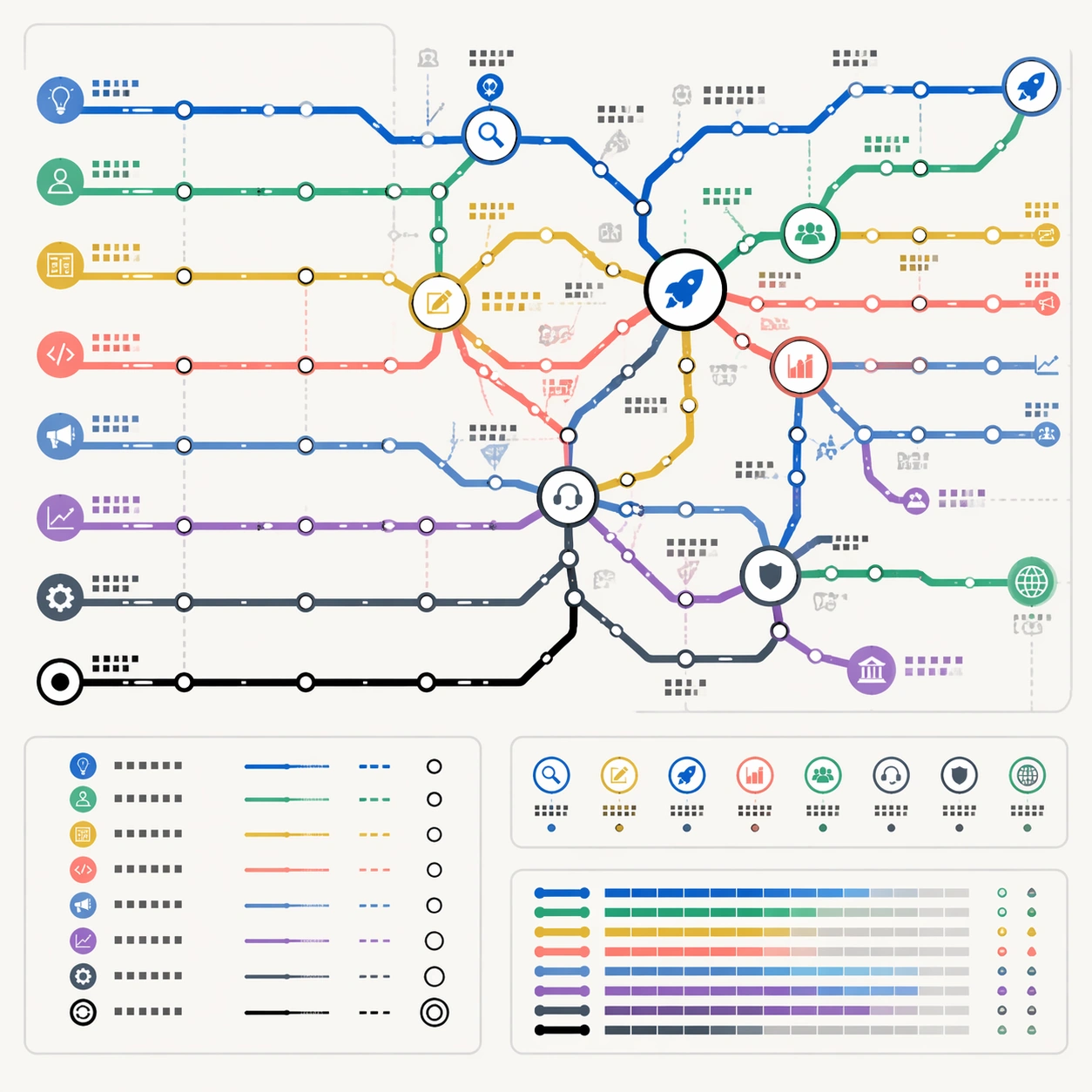
A square business workshop poster designed as a polished subway route map on light gray-white paper. The map is front-facing, clean, and highly structured, with a restrained SaaS palette: cobalt blue, mint green, amber, coral, slate, violet, and black. It should look like a premium product-strategy canvas or conference wall graphic without using any real company identity.

Subject:
A thematic subway map of startup growth. Route lines represent idea discovery, customer research, product design, engineering, go-to-market, fundraising, operations, and retention. The network begins at a small origin loop, expands through validation stations, splits at product-market-fit, and becomes denser around scale-up interchanges. Transfer hubs show major decision points: problem clarity, prototype, launch, revenue, hiring, compliance, support, and international expansion. Small icons suggest lightbulbs, users, gears, charts, tickets, shields, rockets, and support headsets.

Important details:
The map should function like a reasoning diagram for business stages. Use line density and hub size to show complexity increasing over time. Keep all station labels as non-readable glyph blocks, with no actual startup jargon text. Lines must be clean, layered, and traceable; avoid crossing chaos. Include a small legend and a route-status inset using colored bars and station symbols. The result should feel commercially useful, not like a decorative motivational poster.

Use case:
Thematic Subway Map single study 8/8, testing business-process abstraction, structured-layout control, and commercial transit-map mockup quality.

Constraints:
No readable text, no watermark, no logos, preserve exact 1:1 aspect ratio, no real company names, no stock-market ticker, no motivational slogan, no messy flowchart arrows, no fake UI dashboard, no random spreadsheet blocks.
Verwendung
- Den vollständigen Original-Prompt einschließlich Parametern kopieren.
- Motiv, Text und Komposition an die eigenen Anforderungen anpassen.
- Ein kompatibles externes Werkzeug nutzen; Zugangsbedingungen und Ergebnis prüfen.
Vor dem Start
- Prüfen, ob ein Referenzbild nötig ist. Kompatibilität belegt nicht das tatsächlich verwendete Modell.
- Namen, Zahlen und Bildtexte prüfen; Modellversionen können andere Ergebnisse liefern.