Originaldokument
GPT Image 2 · en
Scene:
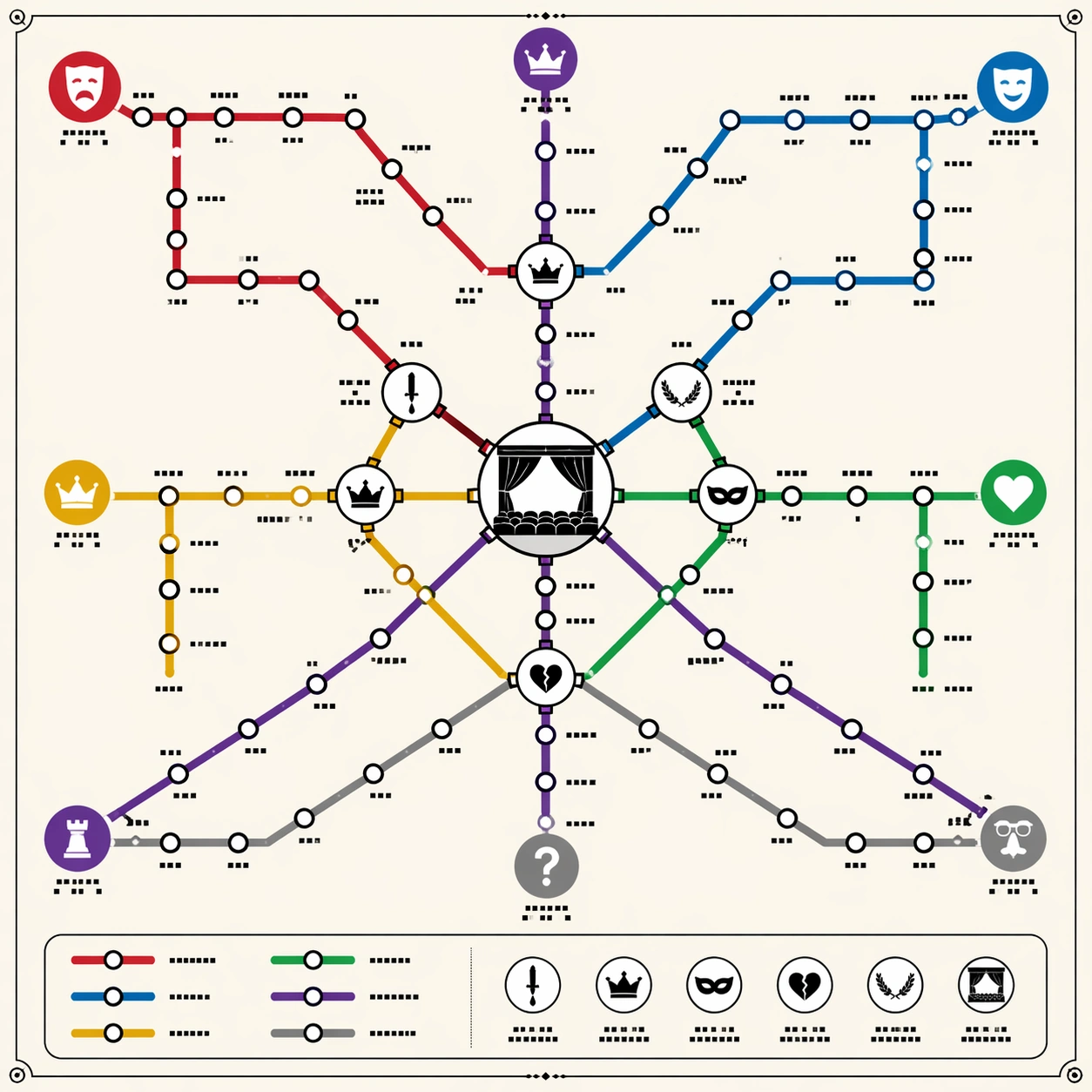
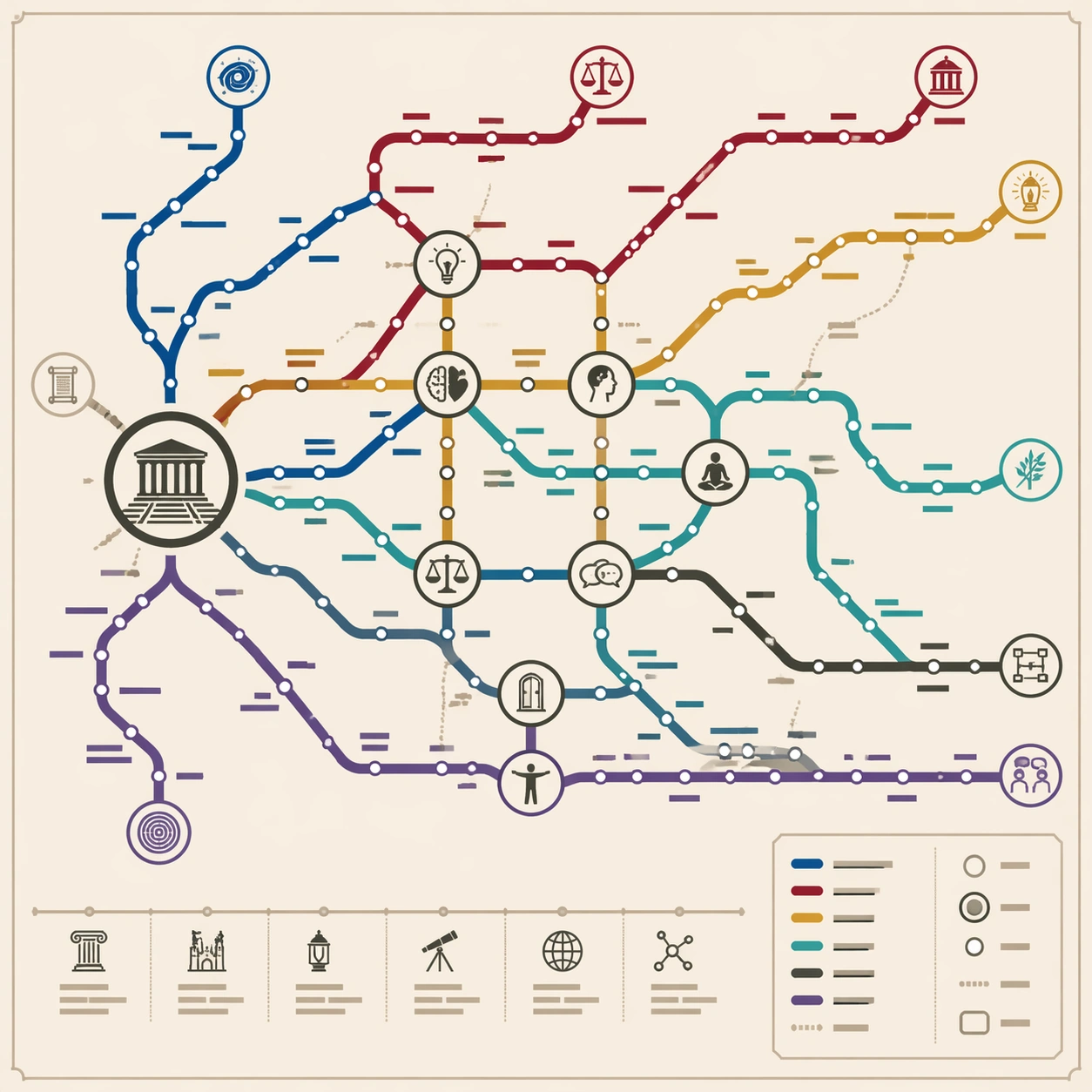
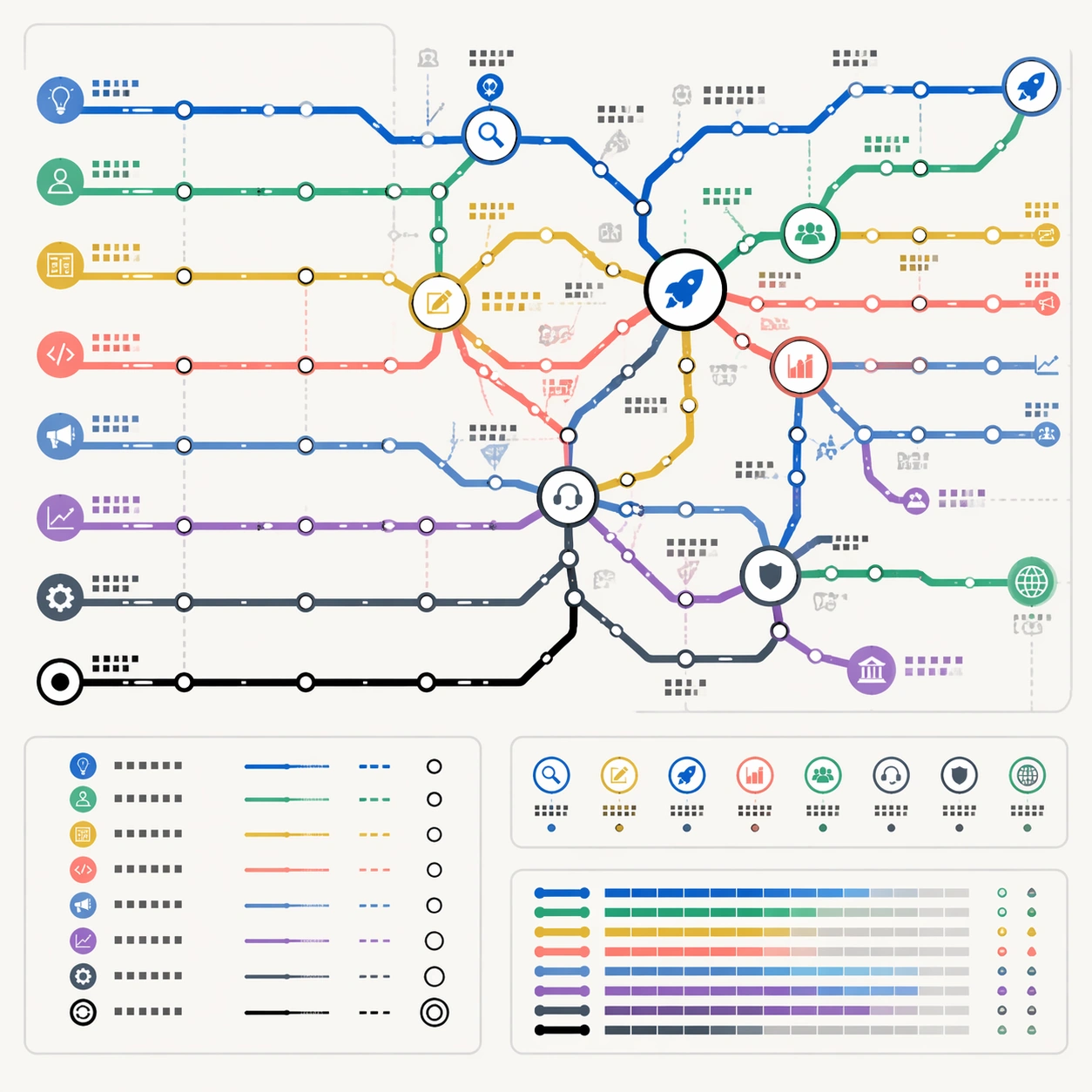
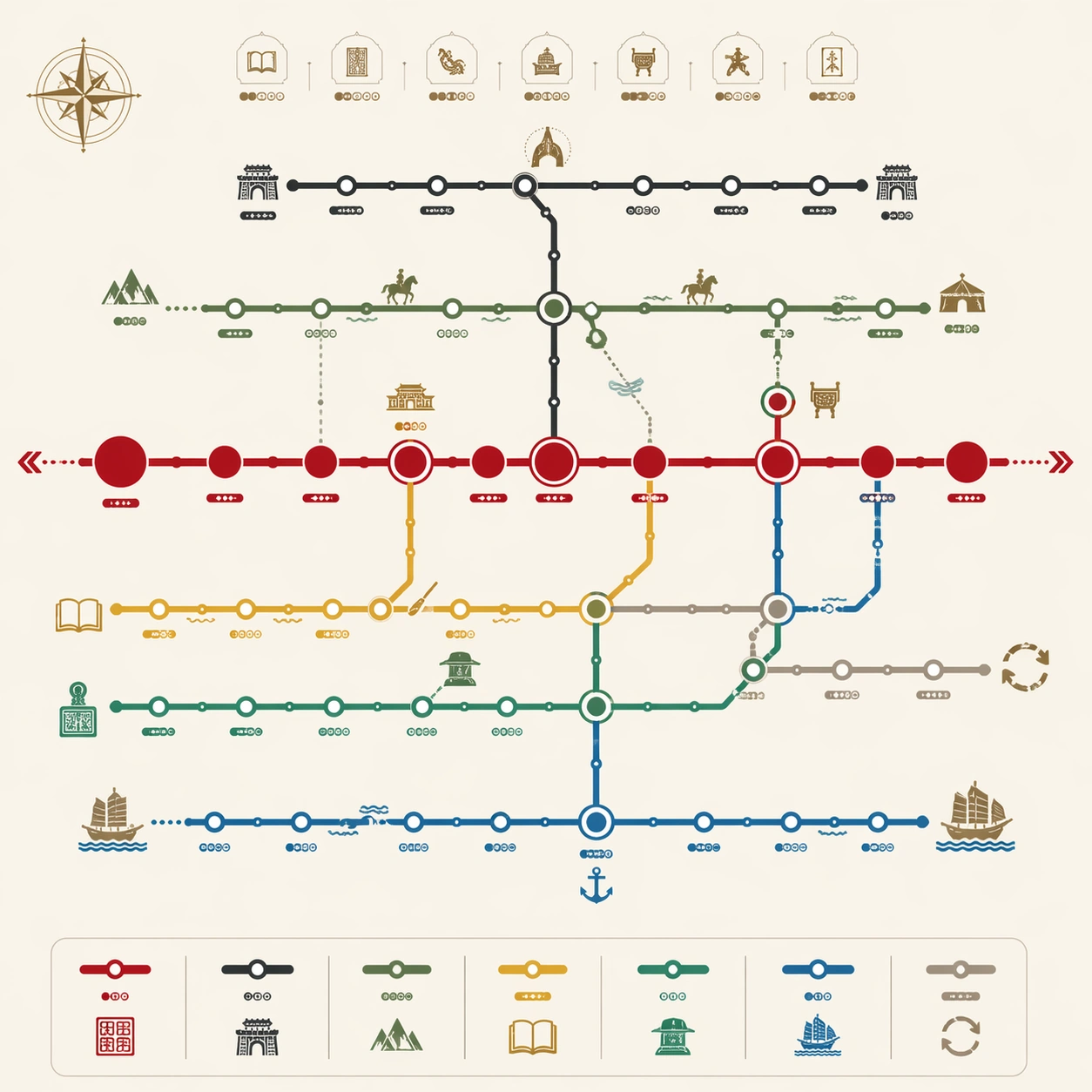
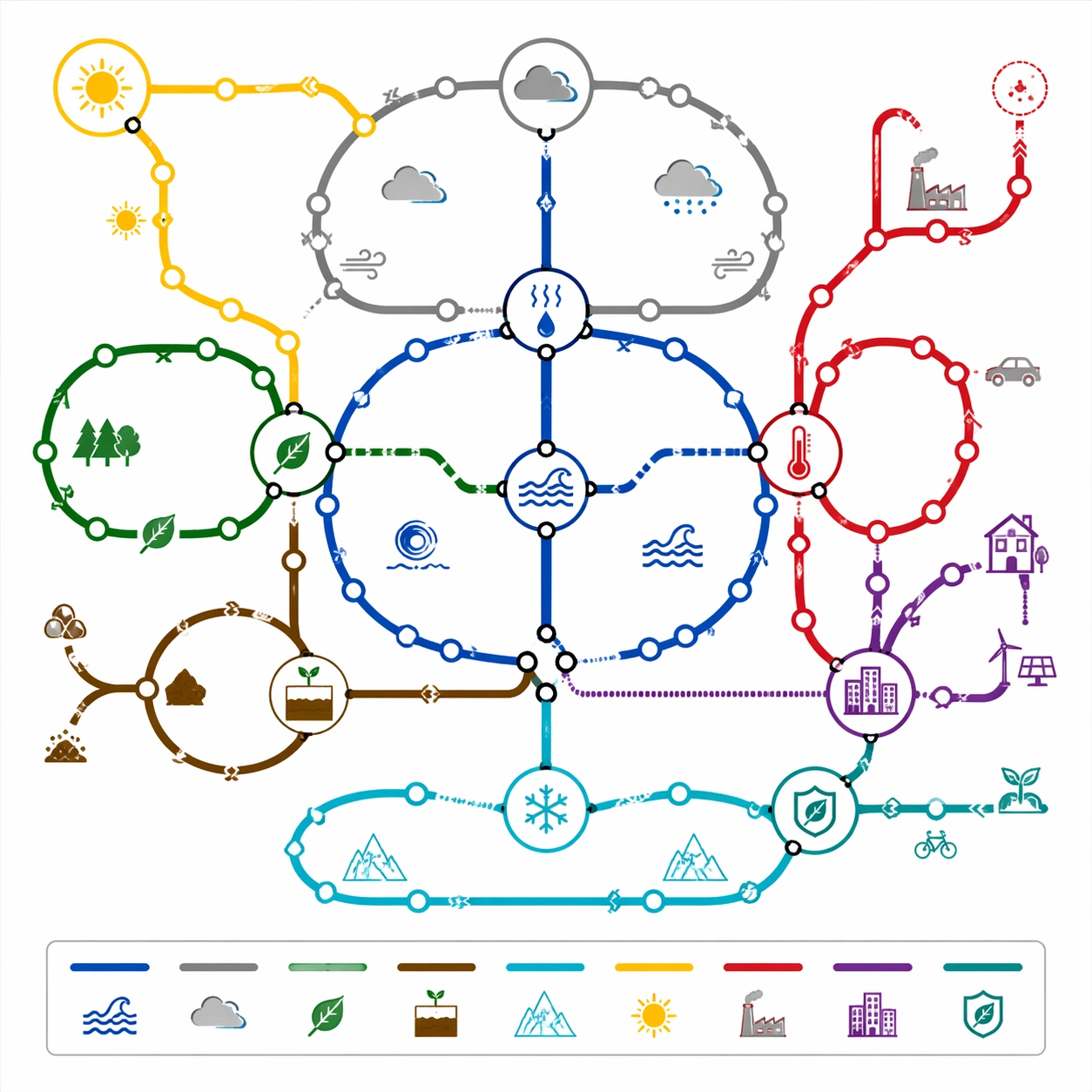
A square science communication poster styled as a technical subway map on clean white board stock. Use a calm environmental palette: ocean blue, forest green, cloud gray, solar yellow, heat red, ice cyan, and soil brown. The diagram is front-facing and vector-crisp, with a compact legend panel and small icon system. The design should feel suitable for an exhibition wall or educational product.

Subject:
A thematic subway map of Earth's climate system. Circular and looping route lines represent atmosphere, ocean circulation, carbon cycle, water cycle, ice-albedo feedback, biosphere, human emissions, and adaptation pathways. Large transfer stations show interaction points: evaporation, cloud formation, heat exchange, photosynthesis, runoff, warming feedback, urban infrastructure, and mitigation. Some lines form closed loops, while others branch outward to show pressures and responses. Tiny icons suggest sun, cloud, leaf, wave, glacier, factory silhouette, city block, and soil layers.

Important details:
The network should communicate system dynamics through route topology. Feedback loops must be visually distinct from one-way branches; transfer hubs must be clear and not buried under overlapping lines. Use arrows sparingly as small direction markers, but avoid readable labels. Keep station spacing consistent, line weights uniform, and crossings clean. The map should look like a rigorous climate-systems diagram translated into transit language, not a decorative eco poster.

Use case:
Thematic Subway Map single study 6/8, testing system-loop reasoning, scientific structured layout, and commercial educational map design.

Constraints:
No readable text, no watermark, no logos, preserve exact 1:1 aspect ratio, no political slogans, no real agency branding, no disaster photo collage, no messy infographic paragraphs, no random arrows, no globe clip art background.
Verwendung
- Den vollständigen Original-Prompt einschließlich Parametern kopieren.
- Motiv, Text und Komposition an die eigenen Anforderungen anpassen.
- Ein kompatibles externes Werkzeug nutzen; Zugangsbedingungen und Ergebnis prüfen.
Vor dem Start
- Prüfen, ob ein Referenzbild nötig ist. Kompatibilität belegt nicht das tatsächlich verwendete Modell.
- Namen, Zahlen und Bildtexte prüfen; Modellversionen können andere Ergebnisse liefern.