Originaldokument
GPT Image 2 · en
Scene:
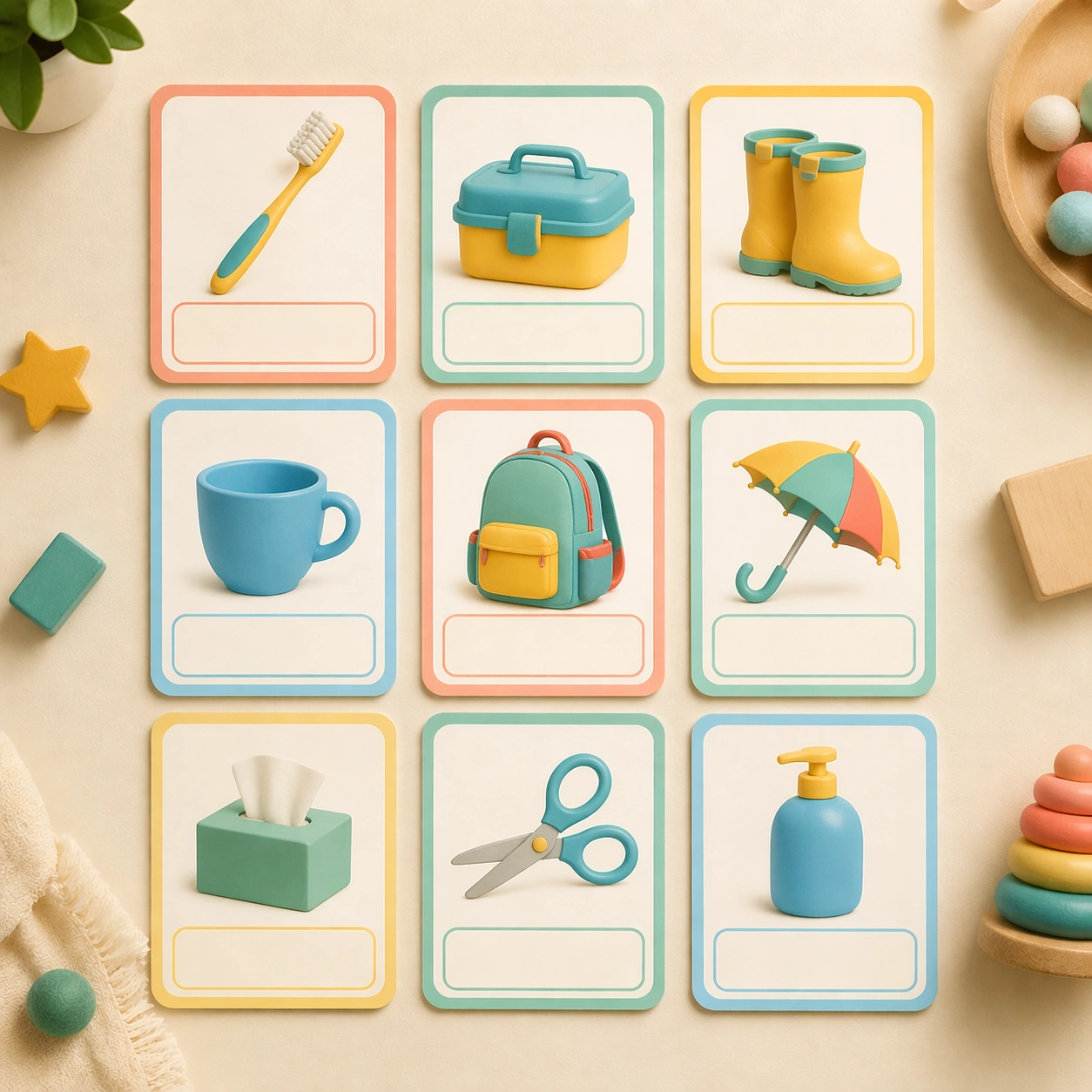
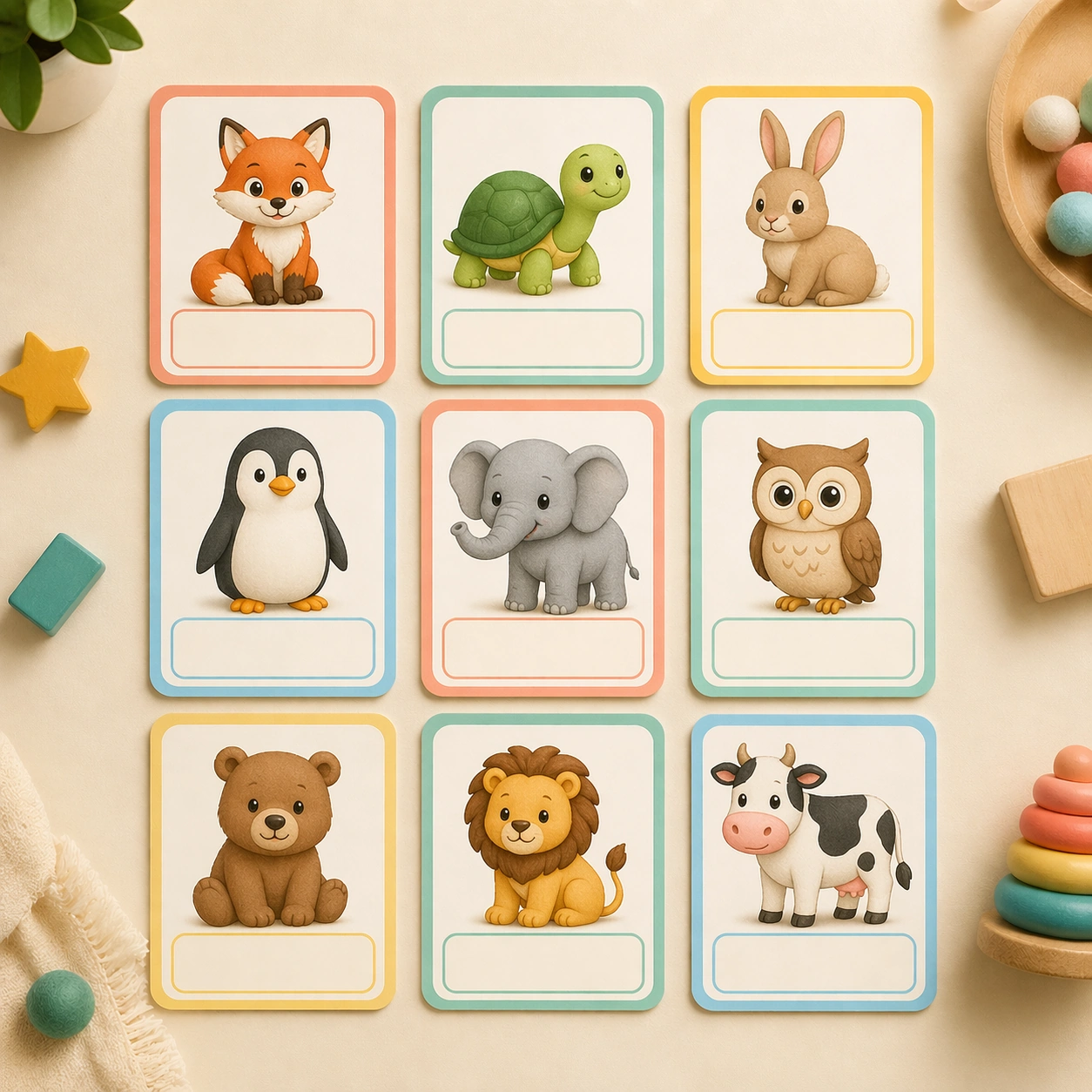
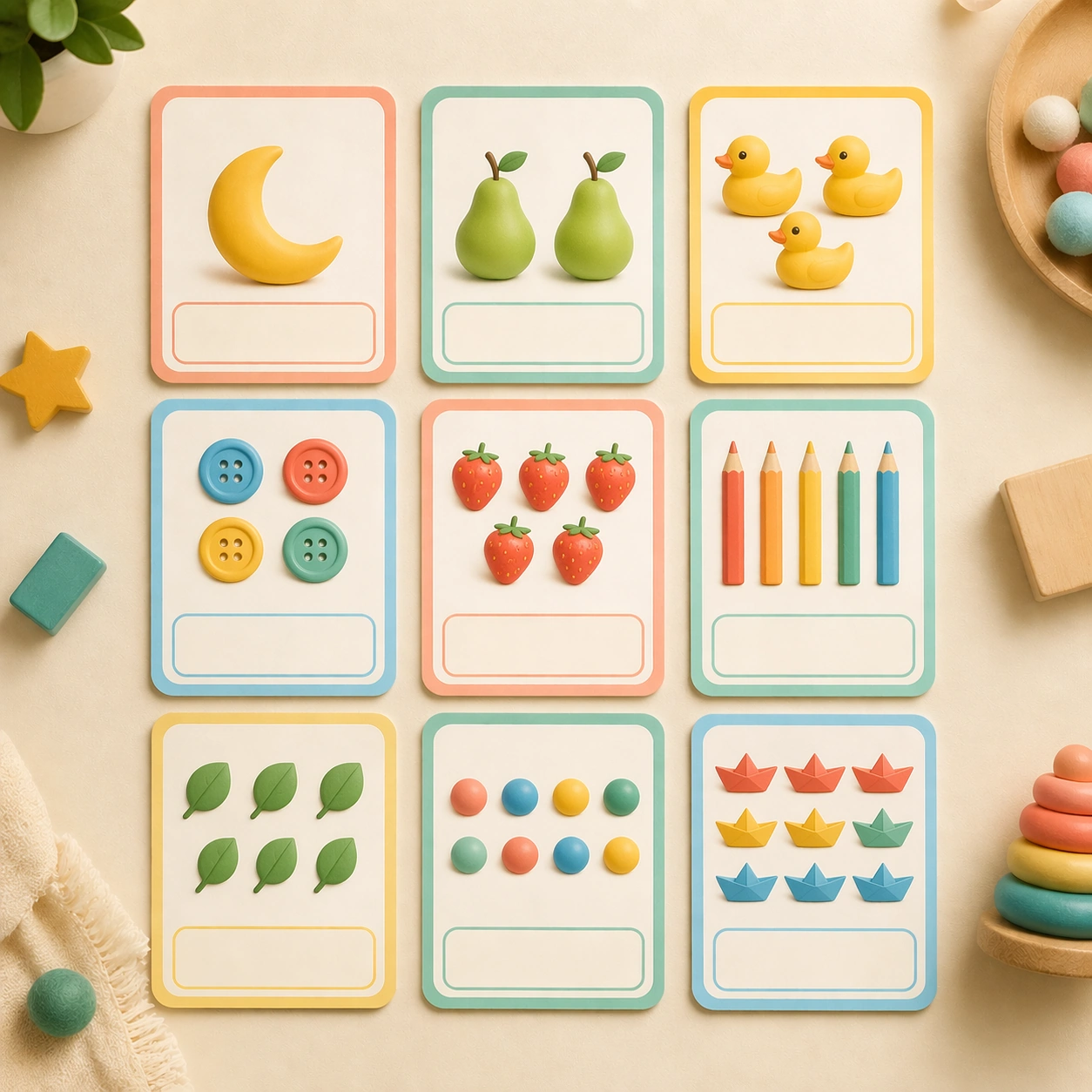
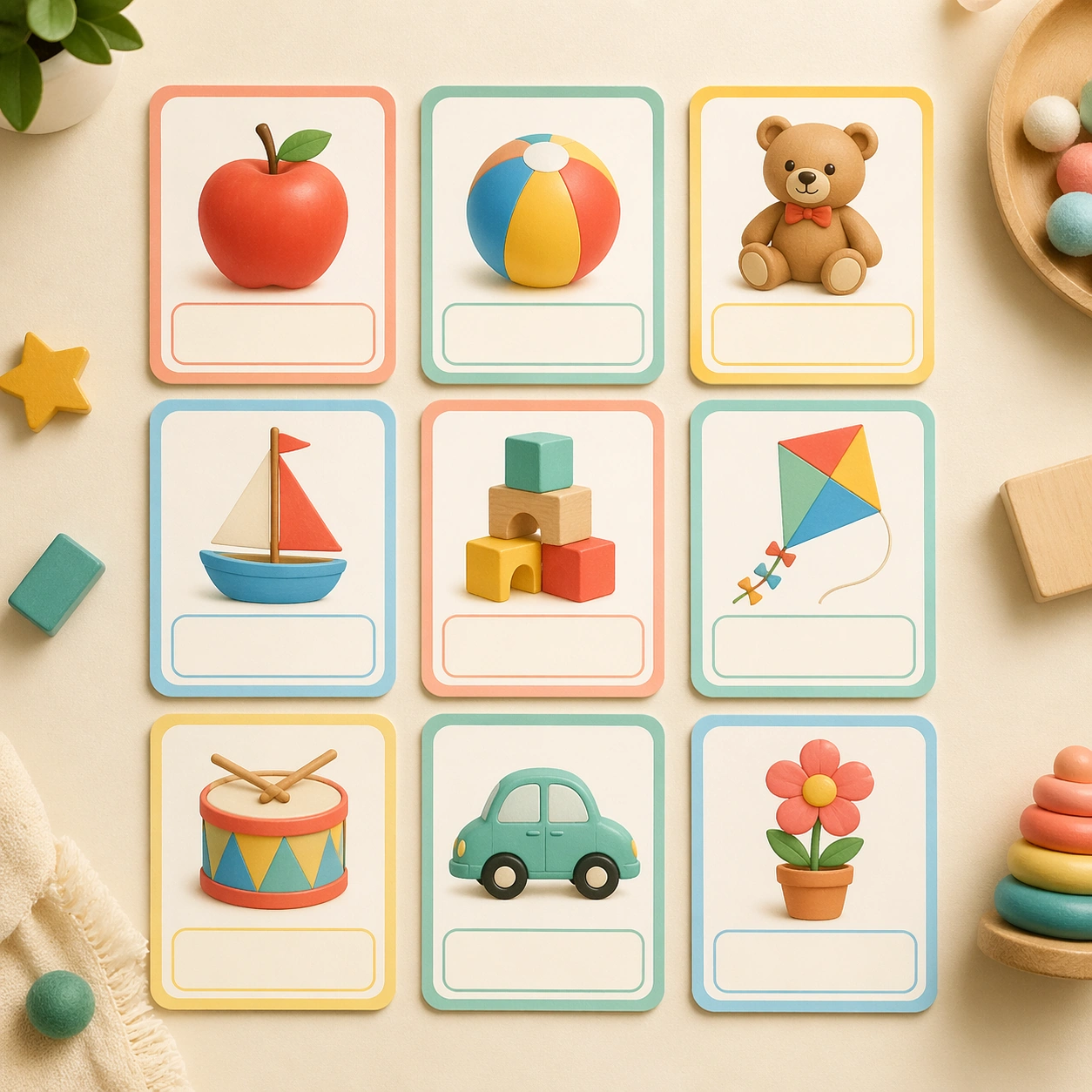
Show a square hero arrangement of nine preschool flashcards on a warm cream tabletop, photographed from a clean overhead angle with soft daylight and very gentle shadows. The board should feel like a polished product shoot for a modern classroom brand, with equal spacing, rounded corners, matte lamination, and tiny tactile paper grain. Keep the square frame balanced, calm, and production-ready so the asset can serve gallery review, research comparison, and real educational delivery at the same time.

Subject:
Use a mix of simple child-friendly illustrations such as a red apple, a rolling ball, a smiling bear, wooden blocks, a kite, and a tiny drum, each centered inside its own card with a dedicated blank label area. Every illustration should be bold, friendly, and immediately legible for a three-to-five-year-old learner. The subject matter should feel intentionally selected for a coherent curriculum family rather than like a random decorative assortment.

Important details:
Keep the design language extremely consistent: thick pastel borders, generous white space, gentle coral, teal, butter yellow, and sky blue accents, and a clear one-concept-per-card logic. The image should communicate that the system could expand into an entire early-learning deck without losing production discipline. Preserve the same rounded card frame, corner radius, soft shadow depth, illustration scale, and empty caption panel rhythm from the reference board. Use variation only in the teaching content, supporting props, and scene-specific mood while preserving the core visual system exactly.

Use case:
Early Learning Flashcard Family series study 1/4, reference alphabet board.

Constraints:
No readable text, no watermark, no logos, preserve exact 1:1 aspect ratio, no real letters, no readable numerals, no handwriting, no crowded toy-store clutter, no adult hands, no broken card edges.
Verwendung
- Den vollständigen Original-Prompt einschließlich Parametern kopieren.
- Motiv, Text und Komposition an die eigenen Anforderungen anpassen.
- Ein kompatibles externes Werkzeug nutzen; Zugangsbedingungen und Ergebnis prüfen.
Vor dem Start
- Prüfen, ob ein Referenzbild nötig ist. Kompatibilität belegt nicht das tatsächlich verwendete Modell.
- Namen, Zahlen und Bildtexte prüfen; Modellversionen können andere Ergebnisse liefern.