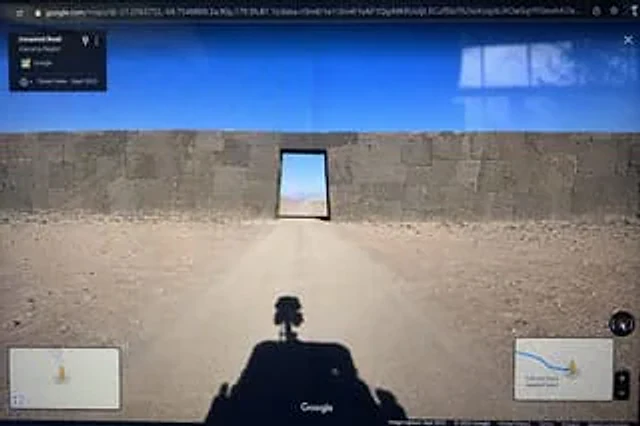
Google Street View Anomaly Screen Photo

Google Street View Anomaly Screen Photo

Originaldokument

GPT Image 2 · en

{
  "type": "Photo of a computer monitor displaying the Google Maps Street View interface.",
  "scene": {
    "environment": "{argument name=\"environment\" default=\"Desolate desert landscape under a clear blue sky\"}",
    "subject": "{argument name=\"subject\" default=\"A massive, ancient stone wall, constructed with perfectly fitting megaliths, blocks the dirt road, with a rectangular doorway at its center.\"}",
    "foreground": "The shadows of Google Street View vehicles projected onto the dirt road; the vehicles are equipped with 360-degree panoramic cameras on their roofs."
  },
  "ui_elements": {
    "browser_bar": "The URL bar at the top displays google.com/maps along with latitude and longitude coordinates.",
    "top_left_panel": "A black, semi-transparent information box displays the text \"Unnamed Road\".{argument name=\"region\" default=\"Atacama region\"} \"and \"Street View - September 2022\"",
    "bottom_left_panel": "Mini-map illustration with a yellow Pegman icon",
    "bottom_right_panel": "Displays a blue route, Pegman, zoom controls, and the text \"\".{argument name=\"distance text\" default=\"340 kilometers from the nearest town\"} Mini map illustration",
    "bottom_bar": "The Google logo at the bottom center, the compass icon on the right, and the copyright/photograph date text along the bottom."
  },
  "style_details": "Visible screen reflections and slight display distortion are used to simulate the effect of photographing a physical screen with a smartphone."
}

Verwendung

  1. Den vollständigen Original-Prompt einschließlich Parametern kopieren.
  2. Motiv, Text und Komposition an die eigenen Anforderungen anpassen.
  3. Ein kompatibles externes Werkzeug nutzen; Zugangsbedingungen und Ergebnis prüfen.

Vor dem Start

  • Prüfen, ob ein Referenzbild nötig ist. Kompatibilität belegt nicht das tatsächlich verwendete Modell.
  • Namen, Zahlen und Bildtexte prüfen; Modellversionen können andere Ergebnisse liefern.
Ähnliche Beispiele

Google Search Results Mockup
GPT Image 2en

{ "type": "Web browser screenshot", "interface": "Google search results page", "header": { "logo": "Google", "search_bar": { "query": "{argument name=\"search query\" default=\"openai gpt-image 2 image generator\"}", "icons": [ "Clear", "

Satellite Anomaly Interface Mockup
GPT Image 2en

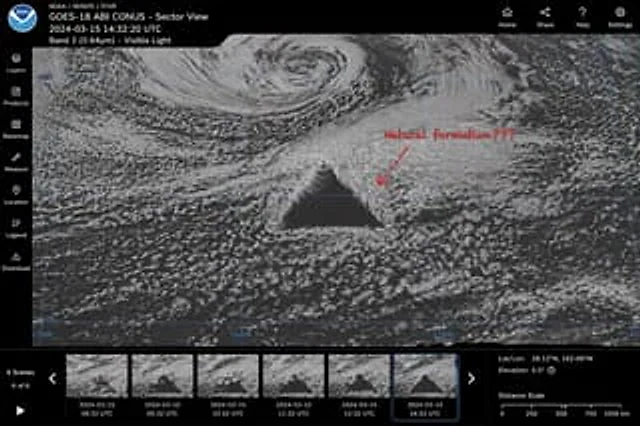
{ "type": "Satellite image web interface model", "main_display": { "imagery": "A grayscale satellite view of ocean clouds, with a central point containing a{argument name=\"anomaly shape\" default=\"Huge, perfect geometric dark triangle\"}", "annotation": "The red han

Realistic Ancient Chinese Street Scene
GPT Image 2en

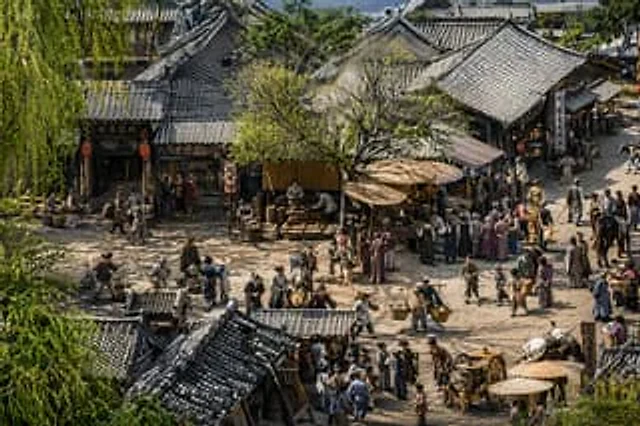
A highly detailed{argument name="art style" default="Hyper-realistic cinematic 3D rendering"} It showed{argument name="historical setting" default="Ancient Chinese street scenes inspired by "Along the River During the Qingming Festival""} The scene employs a wide-angle,

Indian Auto Rickshaw Street Photo
GPT Image 2en

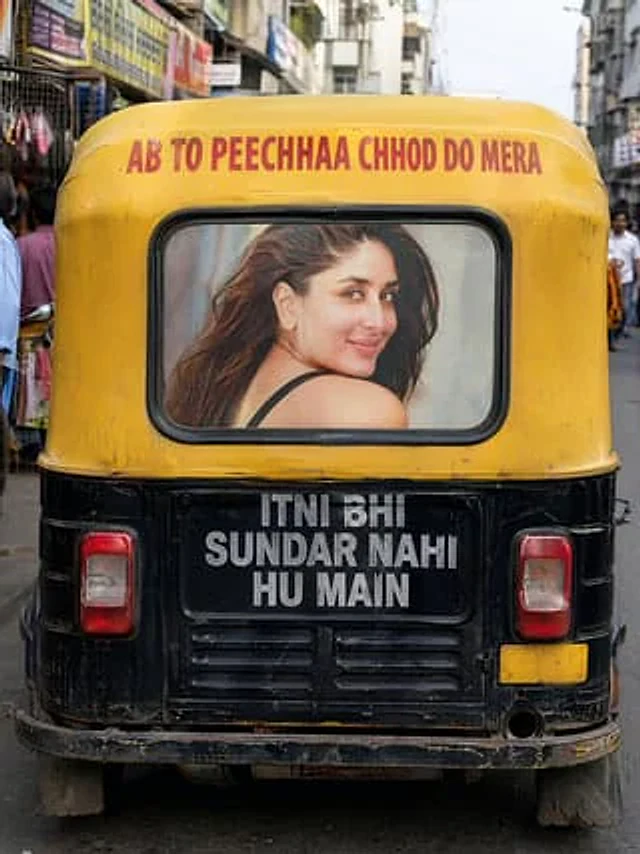
A realistic street photograph from India, taken vertically, shows a black and yellow motorized rickshaw directly behind the vehicle in a narrow, busy market street, with the vehicle centered in the frame. The camera is positioned low, directly behind the vehicle, creating a stron

Pink Surreal Wall Street Fashion Scene
GPT Image 2en

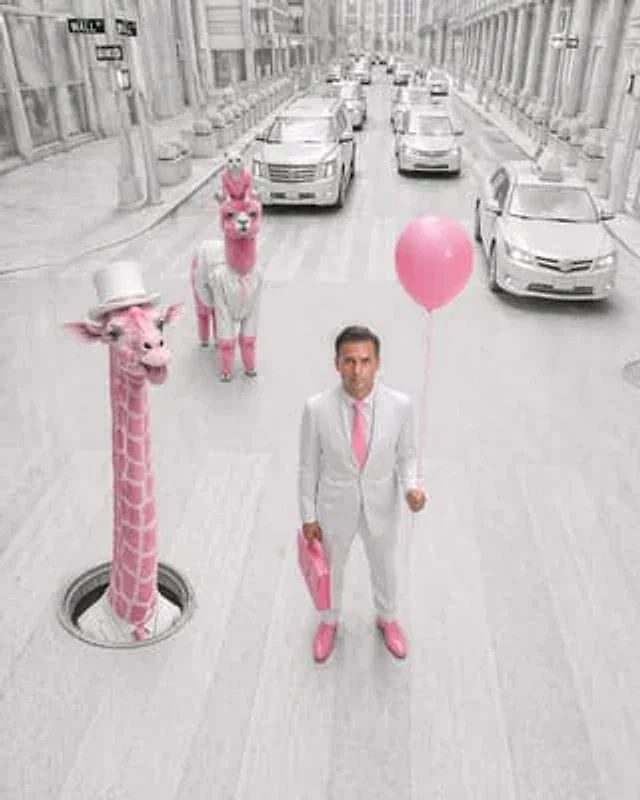
A surrealist fashion editorial photograph, set against a backdrop mimicking Wall Street, employs a slightly upward-looking frontal perspective and a soaring vertical composition. The entire environment is almost monochromatic in white and light gray, with only carefully selected

Neon Macau RPG Street Battle HUD
GPT Image 2en

A screenshot of a cinematic third-person action RPG game, set in {argument name="city setting" default="Macao"} of{argument name="year" default="1995"} The scene, set in 2018, is from behind a lone male protagonist walking through a crowded, damp street at night. The scene is fil