Originaldokument
GPT Image 2 · en
Scene:
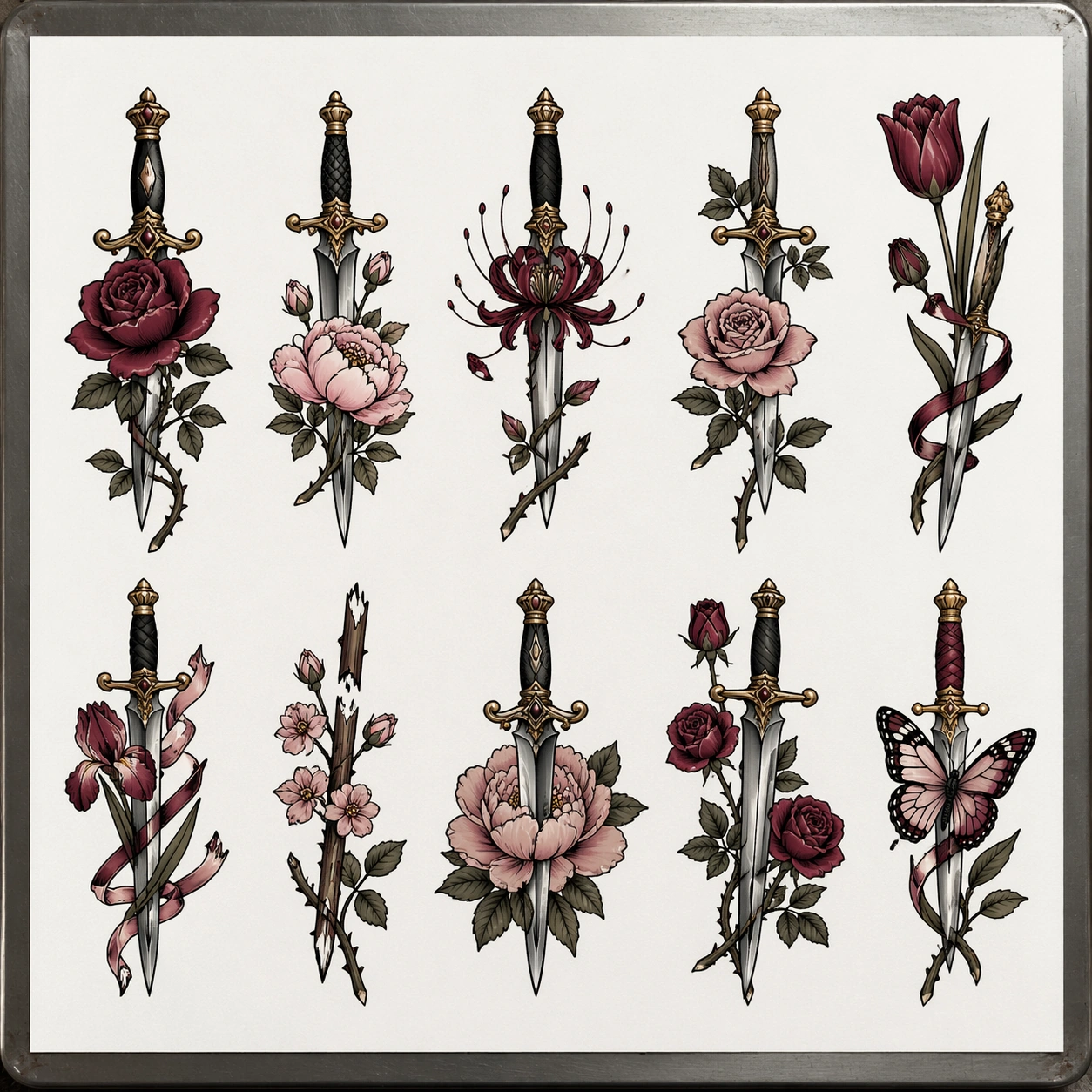
A square overhead studio capture of a pristine white tattoo flash sheet resting on a metal-edged worktable, with diffuse daylight from above and very light shadowing along the page edges. The framing is clinical and presentation-driven, like a portfolio page being documented for a tattoo artist archive. Leave generous white margins so the motifs feel collectible and easy to compare.

Subject:
Create a floral-and-blade flash sheet containing around ten independent tattoo designs built from daggers, roses, peonies, thorn vines, spider lilies, tulips, iris blooms, ribbon wraps, broken stem clusters, and a single butterfly crossing one blade. The compositions should feel sharper and more elegant than basic parlor flash, but still ready for skin translation: bold line foundation, controlled line taper, deliberate color pockets, and strong mid-size silhouettes. Each motif should sit on its own, with no connecting background flourishes.

Important details:
The visual challenge is balancing softness of flower petals with the hard geometry of blades. Keep the sheet feeling commercial and body-art specific, not like botanical illustration or packaging art. Use burgundy, blush pink, dark olive, muted gold, silver-gray, and black outlines. Maintain consistent paper rhythm, with motifs distributed across the page in a way that feels curated by an experienced tattooer. Avoid excess filigree and avoid delicate details that would disappear at tattoo scale.

Use case:
Tattoo Flash Sheet single study 6/8, testing whether a more elegant floral-dagger substyle can still read as practical flash-sheet inventory.

Constraints:
No readable text, no watermark, no logos, preserve exact 1:1 aspect ratio, no bouquet background, no blood, no fantasy swords, no overlapping motifs, no perfume-ad illustration styling, no human body, no glossy foil effects.
Verwendung
- Den vollständigen Original-Prompt einschließlich Parametern kopieren.
- Motiv, Text und Komposition an die eigenen Anforderungen anpassen.
- Ein kompatibles externes Werkzeug nutzen; Zugangsbedingungen und Ergebnis prüfen.
Vor dem Start
- Prüfen, ob ein Referenzbild nötig ist. Kompatibilität belegt nicht das tatsächlich verwendete Modell.
- Namen, Zahlen und Bildtexte prüfen; Modellversionen können andere Ergebnisse liefern.