Originaldokument
GPT Image 2 · en
Scene:
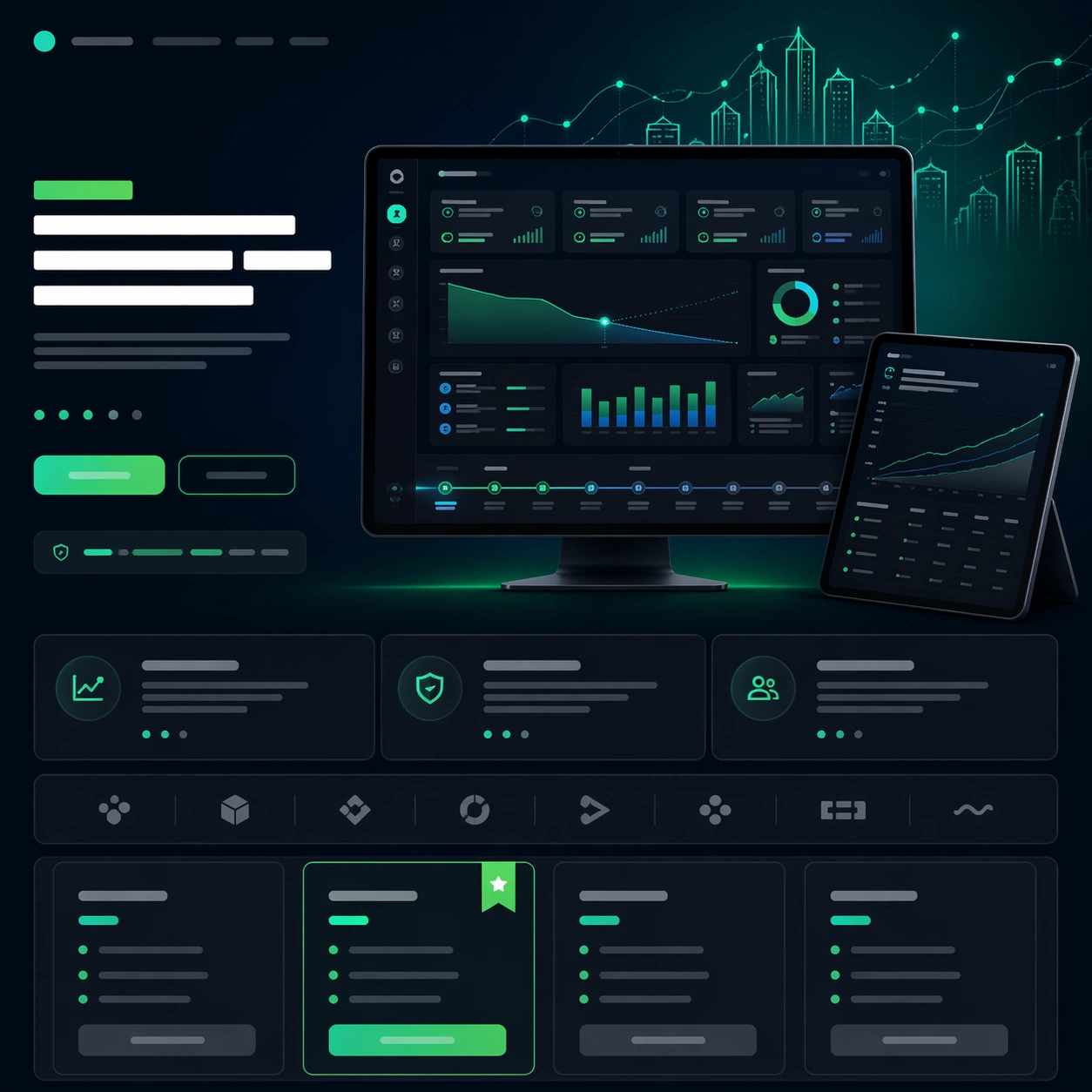
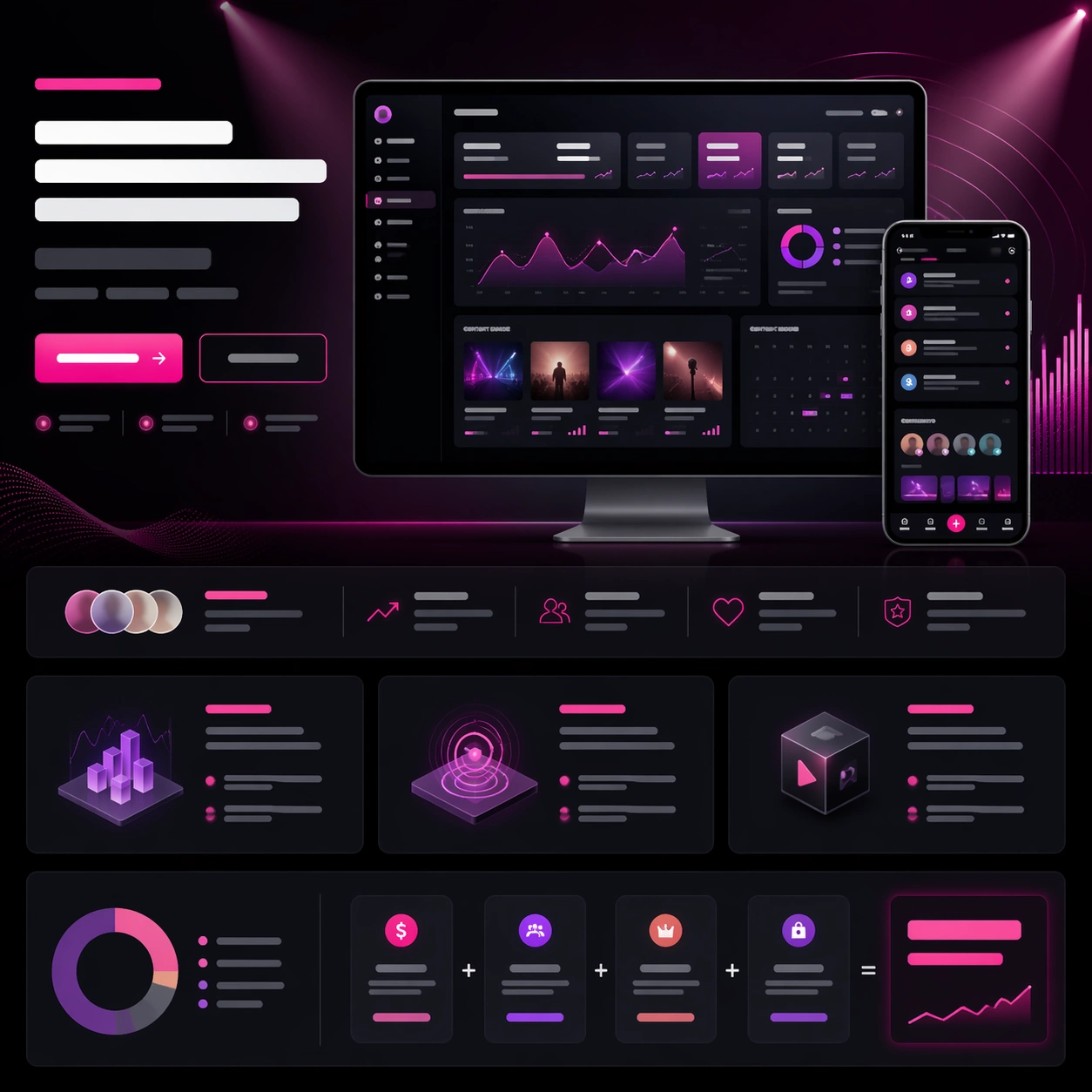
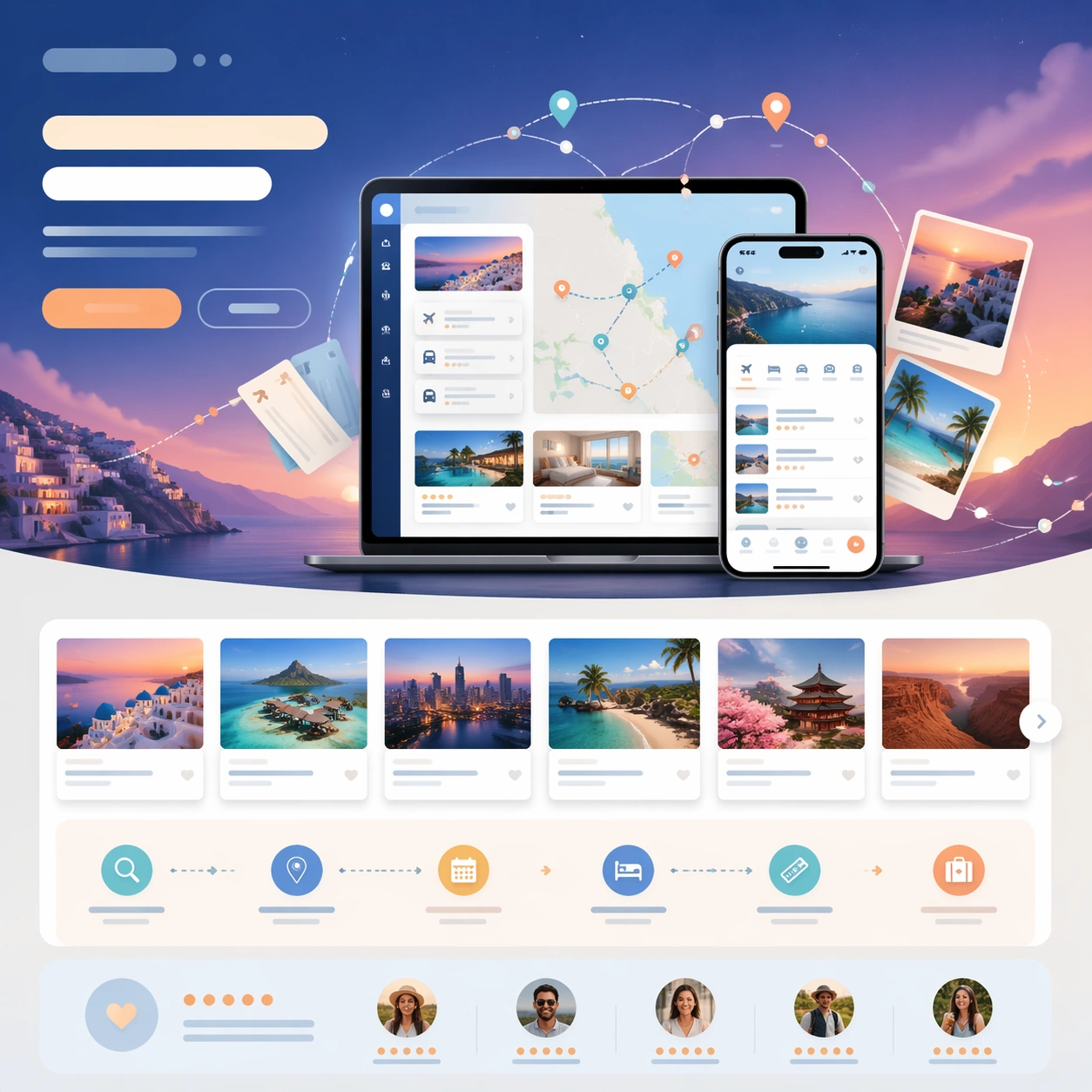
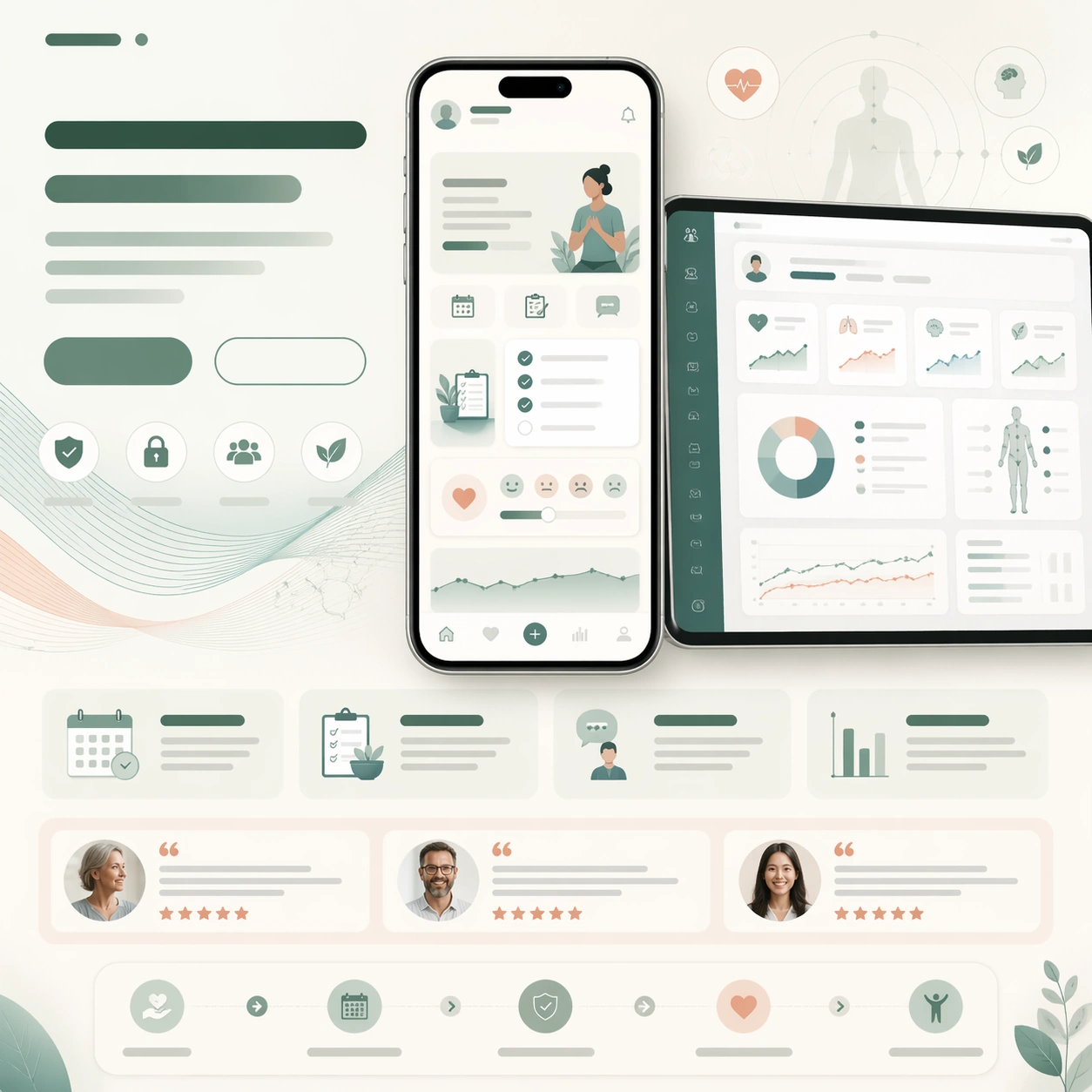
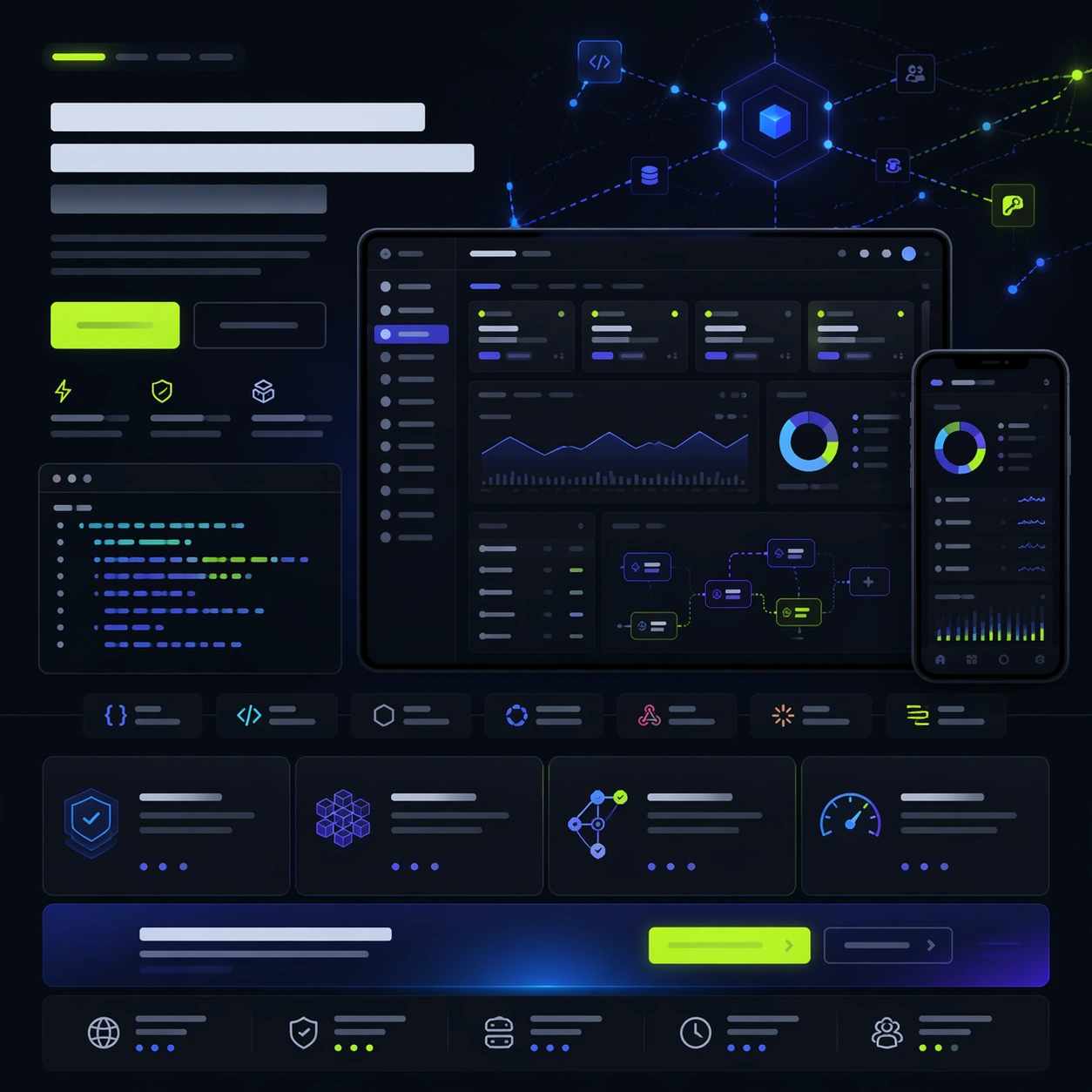
A square developer-tool launch-page still with charcoal, indigo, ice blue, and vivid lime accents, styled like a serious API platform homepage. The page should feel technical and premium, with a clear hero zone, product screenshot cluster, lower feature modules, and a final CTA strip. Use crisp light on dark surfaces and a restrained code-like glow so the frame feels modern without becoming hacker cliché.

Subject:
Center a desktop screenshot for a developer API command center showing endpoint cards, usage graphs, environment tabs, and workflow automation tiles, all rendered as unreadable but plausible interface content. Pair it with a smaller terminal-like side panel and one mobile status view. Around the screens, compose a realistic launch-page hierarchy using abstract headline bars, button shapes, integration badges, a feature grid, and a trust strip with infrastructure-style icons. Add a subtle hero illustration of connected nodes and packet paths floating behind the product, echoing platform orchestration.

Important details:
The page must look like a real software launch asset for developers and platform teams. The UI should feel coherent, useful, and organized; the marketing wrapper should make clear what the product promises without any readable text. Keep the balance between code-adjacent seriousness and polished commercial design. Use generous margins, exact alignment, and structured module rhythm so the still could be repurposed into keynote slides or storefront assets. Every textual region remains unreadable placeholder geometry only.

Use case:
App Launch Hero System single study 9/9, testing whether a technical API-platform launch page can combine dense product proof, abstract orchestration hero art, and clean conversion hierarchy.

Constraints:
No readable text, no watermark, no logos, preserve exact 1:1 aspect ratio, no browser chrome, no green-on-black hacker trope overload, no actual source code blocks with words, no cloud vendor branding, no distorted monitor frames, no extra floating windows without layout purpose.
Verwendung
- Den vollständigen Original-Prompt einschließlich Parametern kopieren.
- Motiv, Text und Komposition an die eigenen Anforderungen anpassen.
- Ein kompatibles externes Werkzeug nutzen; Zugangsbedingungen und Ergebnis prüfen.
Vor dem Start
- Prüfen, ob ein Referenzbild nötig ist. Kompatibilität belegt nicht das tatsächlich verwendete Modell.
- Namen, Zahlen und Bildtexte prüfen; Modellversionen können andere Ergebnisse liefern.