Microsoft Office Parody Banner

Microsoft Office Parody Banner

Originaldokument

GPT Image 2 · en

A clean, minimalist white background promotional image, adopting the official Microsoft product launch style. On the left, a layered, glossy 3D application icon group is created, consisting of four overlapping Office-style elements: a large blue rounded square tile with a bold white capital letter P in the foreground; an orange rounded square tile with a light cream pie chart symbol in the upper left; a white document page folded in the upper right corner in the center, with three horizontal blue lines and three blue bar charts near the bottom; and a green rounded square spreadsheet tile with a white grid in the back right. Soft shadows, subtle reflections, smooth rounded corners, and a sophisticated, modern Fluent design look are used. On the right, small gray text {argument name="brand text" default="Microsoft"} Placed in a large rainbow gradient product title{argument name="product name" default="Power harassment Ex"} Above, the gradient transitions from orange-red to purple and blue, finally settling into cyan. Maintaining a wide and balanced composition, the icon group occupies the left third, while the text occupies the right two-thirds, leaving ample negative space. The edges are sharp, like vector graphics, presenting a slightly humorous, satirical aesthetic of fictional corporate software.

Verwendung

  1. Den vollständigen Original-Prompt einschließlich Parametern kopieren.
  2. Motiv, Text und Komposition an die eigenen Anforderungen anpassen.
  3. Ein kompatibles externes Werkzeug nutzen; Zugangsbedingungen und Ergebnis prüfen.

Vor dem Start

  • Prüfen, ob ein Referenzbild nötig ist. Kompatibilität belegt nicht das tatsächlich verwendete Modell.
  • Namen, Zahlen und Bildtexte prüfen; Modellversionen können andere Ergebnisse liefern.
Ähnliche Beispiele

Microsoft PowerWordEx Logo Mockup
GPT Image 2en

A minimalist corporate promotional image with a very light gray background, horizontally centered. On the left, a 3D glossy stack of four overlapping Microsoft Office-style application icons is created, featuring rounded corners and soft shadows: at the forefront is a large blue

Pink Anime Natsuki Banner
GPT Image 2en

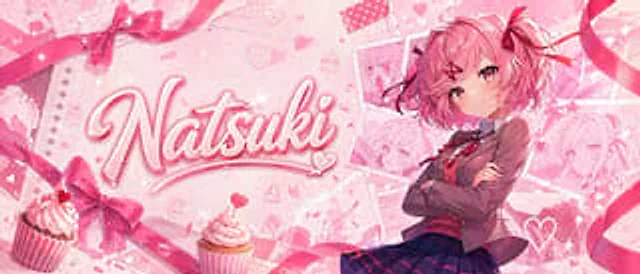
A glossy, soft pink anime banner in a wide, cinematic layout features a cute, romantic, and dessert-themed design. On the right is a confident anime girl, showing her upper body, sporting a fluffy short bob and hair color {argument name="hair color" default="Soft pink"} She has l

Japanese AI App Promo Banner
GPT Image 2en

Create a beautifully designed Japanese tech ad banner for a mobile app, in a 16:9 widescreen aspect ratio. The background features a futuristic blue-purple gradient, filled with glowing network lines, connecting nodes, soft lens flares, and delicate digital particles. At the top

Japanese AI Creator Studio Banner
GPT Image 2zh

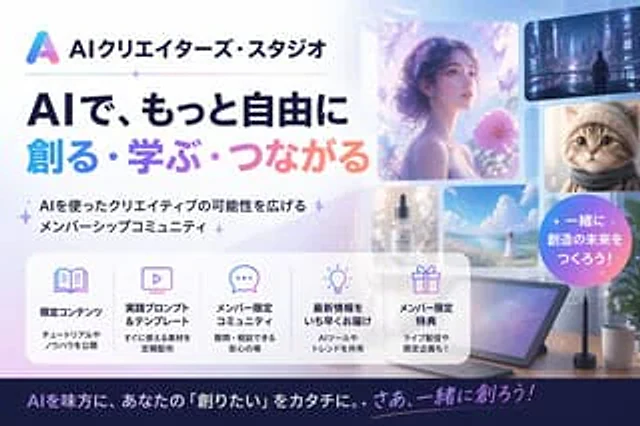
Create a sophisticated banner for a Japanese AI creator community website, employing a minimalist, modern tech advertising style with a soft color scheme of light blue, lavender, pink, and white. Use a 16:9 widescreen composition. Place a gradient triangle abstract logo and the J

Japanese AI Coding Training Banner
GPT Image 2zh

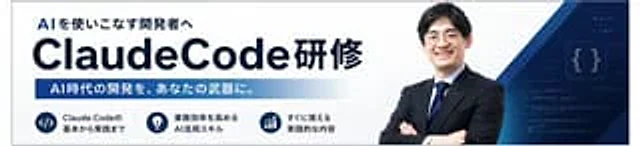
Create a simple Japanese corporate training banner, using a wide banner webpage header format, a white background, and a dark navy blue brand color. The layout should resemble a consistent AI programming course promotion banner. On the left, place a prominent bold Japanese subhea

Japanese SaaS Ad Banner at Night
GPT Image 2en

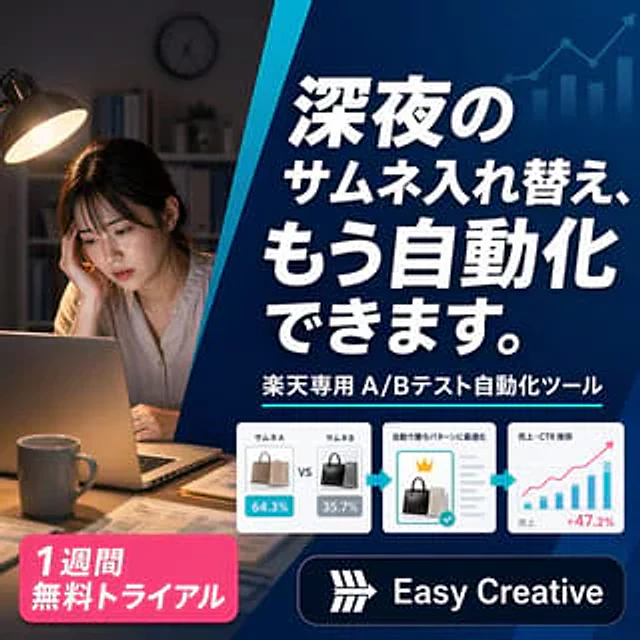
A sophisticated square Japanese-style digital banner ad for an AI e-commerce optimization tool. The image is divided into two main visual areas by a striking blue diagonal line extending from the top center to the lower left. The left third showcases a realistic nighttime home of