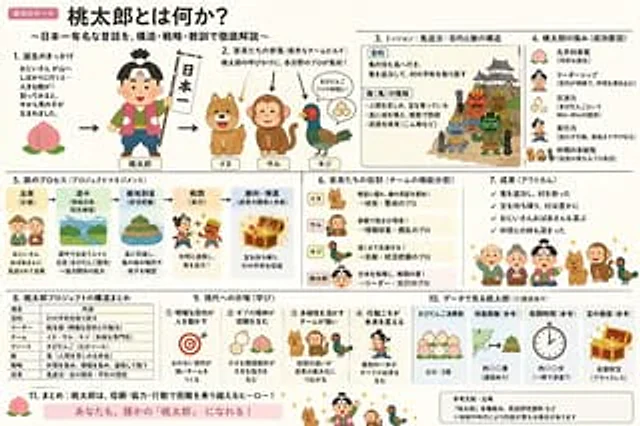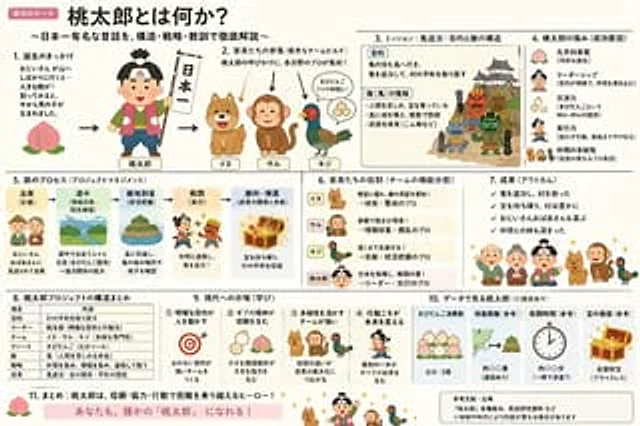
Momotaro Explainer Slide in Hybrid Style

Momotaro Explainer Slide in Hybrid Style

Documento original

GPT Image 2 · ja

「いらすとや」のほのぼのとした雰囲気と、「霞ヶ関スライド」の圧倒的な情報密度を融合させた、{argument name="テーマ" default="桃太郎"}の解説スライド({argument name="形式" default="ポンチ絵"})を作成して

Cómo usar

  1. Copia el prompt original completo, incluidos los parámetros.
  2. Adapta el tema, el texto y la composición a tus necesidades.
  3. Usa una herramienta externa compatible; comprueba el acceso y el resultado.

Antes de empezar

  • Comprueba si necesita una imagen de referencia. La compatibilidad no demuestra qué modelo generó el ejemplo.
  • Revisa nombres, cifras y textos; el resultado puede variar entre versiones del modelo.

Ejemplos similares

Momotaro Explainer Slide
GPT Image 2zh

「いらすとや」のほのぼのとした雰囲気と、「霞ヶ関スライド」の圧倒的な情報密度を融合させた、桃太郎の解説スライド(ポンチ絵)を作成して

Momotaro Explainer Slide in Hybrid Style
GPT Image 2en

Create an explanatory slide ({argument name="format" default="ponchi-e diagram"} ), with the theme{argument name="theme" default="Momotaro"} It perfectly blends the gentle atmosphere of "Irasutoya" with the extremely high information density of "Kasumigaseki-style Slides".

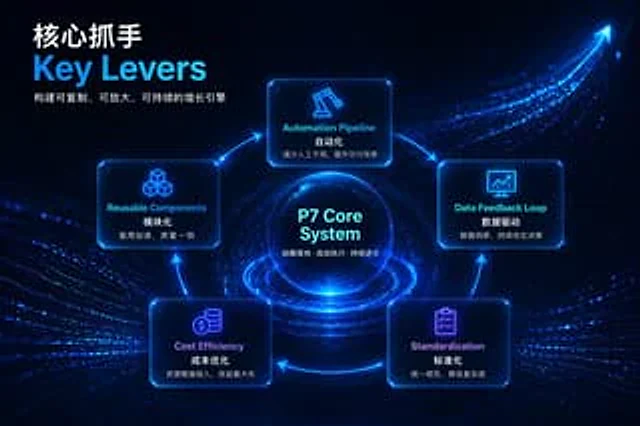
Futuristic Tech Strategy Slide
GPT Image 2en

{ "type": "Presentation Infographic", "style": { "theme": "{argument name=\"theme color\" default=\"Neon Blue\"}", "background": "{argument name=\"background style\" default=\"Deep blue futuristic design, featuring glowing data streams and upward arrows.\"}" }, "h