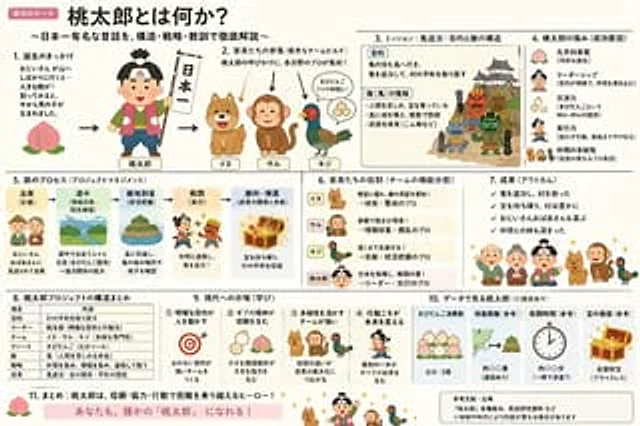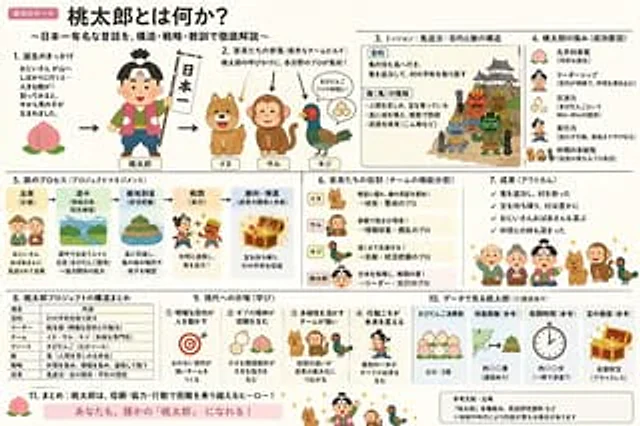
Momotaro Explainer Slide in Hybrid Style

Momotaro Explainer Slide in Hybrid Style

Documento original

GPT Image 2 · en

Create an explanatory slide ({argument name="format" default="ponchi-e diagram"} ), with the theme{argument name="theme" default="Momotaro"} It perfectly blends the gentle atmosphere of "Irasutoya" with the extremely high information density of "Kasumigaseki-style Slides".

Cómo usar

  1. Copia el prompt original completo, incluidos los parámetros.
  2. Adapta el tema, el texto y la composición a tus necesidades.
  3. Usa una herramienta externa compatible; comprueba el acceso y el resultado.

Antes de empezar

  • Comprueba si necesita una imagen de referencia. La compatibilidad no demuestra qué modelo generó el ejemplo.
  • Revisa nombres, cifras y textos; el resultado puede variar entre versiones del modelo.
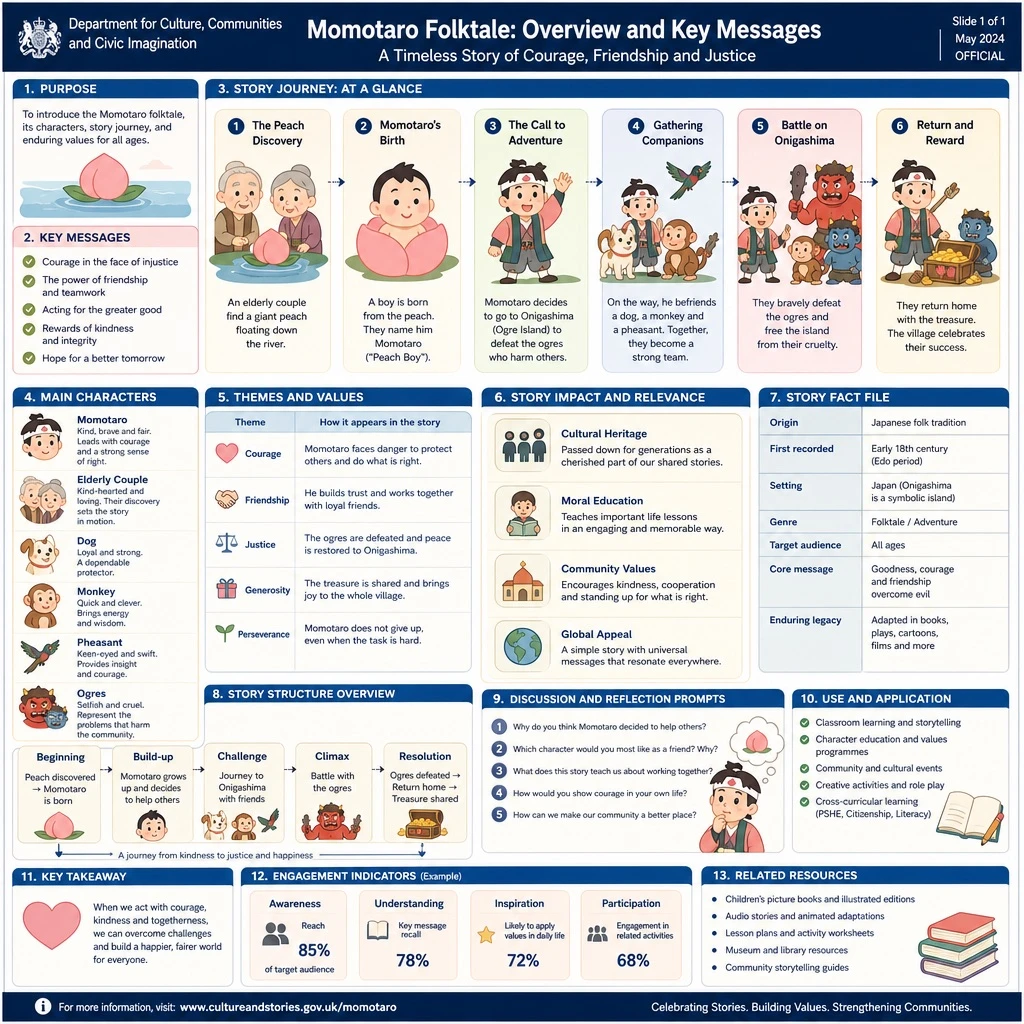
Ejemplos similares

Momotaro Explainer Slide in Hybrid Style
GPT Image 2ja

「いらすとや」のほのぼのとした雰囲気と、「霞ヶ関スライド」の圧倒的な情報密度を融合させた、{argument name="テーマ" default="桃太郎"}の解説スライド({argument name="形式" default="ポンチ絵"})を作成して

High-Tech Corporate KPI Presentation Slide
GPT Image 2en

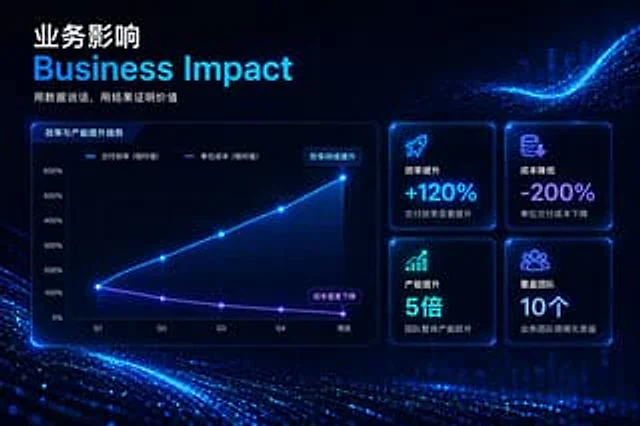
{ "type": "Enterprise Presentation Slides", "theme": "High-tech, futuristic, dark mode, glowing neon blue and purple accents, abstract digital particle wave background", "header": { "title_primary": "{argument name=\"main chinese title\" default=\"Business impact\"}",

8-Panel AI Feature Explainer Manga
GPT Image 2en

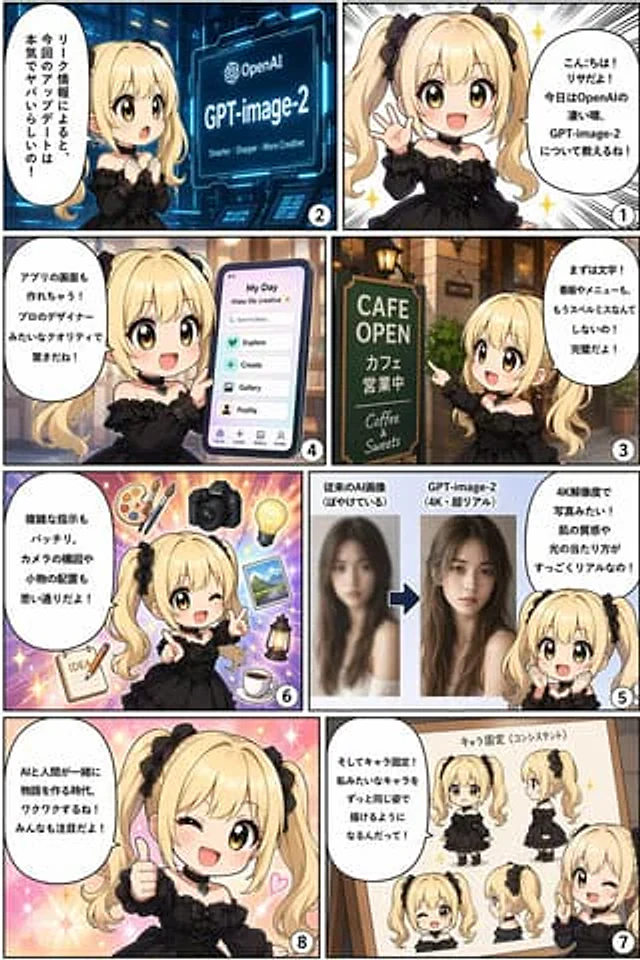
{ "type": "8-panel comic infographic", "reading_order": "From right to left", "character": { "name": "{argument name=\"character name\" default=\"Lisa\"}", "appearance": "{argument name=\"character appearance\" default=\"Golden twin ponytails, black gothic dress, bl

Reasoning Context and Prompt Cache Slide
GPT Image 2en

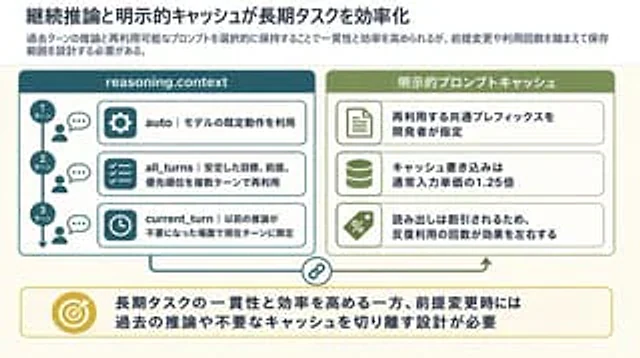
Goal: Create a clean 16:9 Japanese business/technical infographic slide about how continuous reasoning context and explicit prompt caching improve long-running task efficiency. Use a polished PowerPoint-native infographic look with dense but readable explanatory text. Canvas: 16