Documento original
GPT Image 2 · en
{
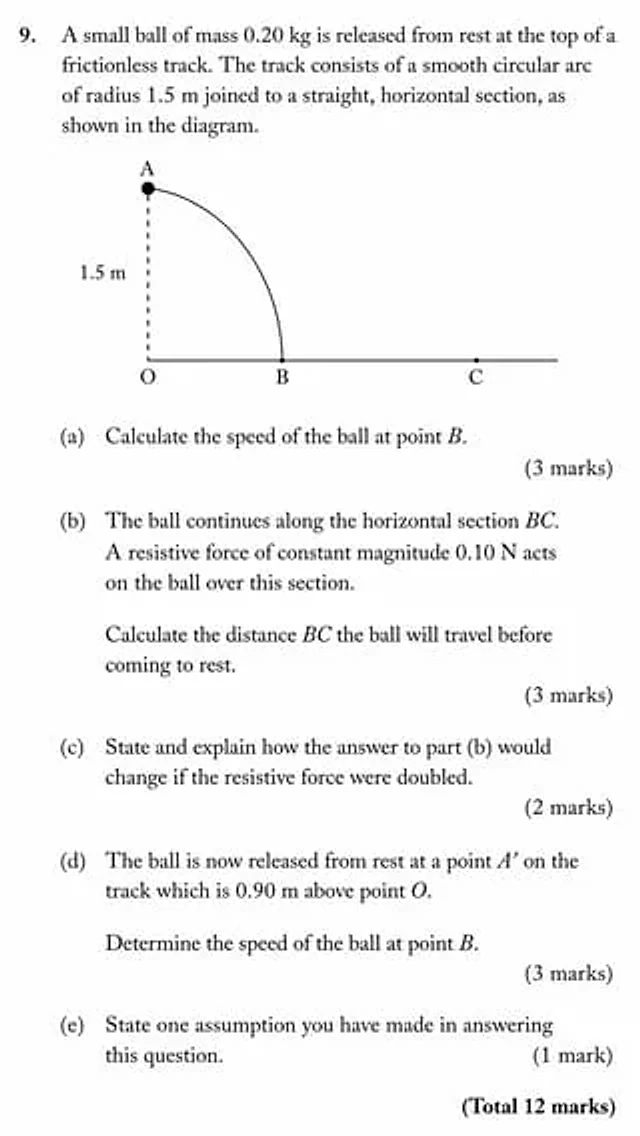
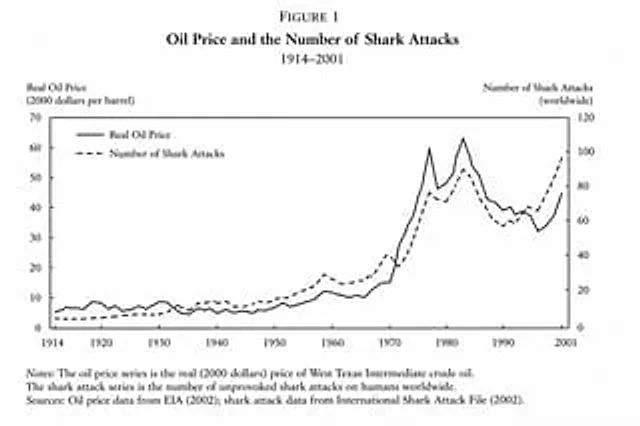
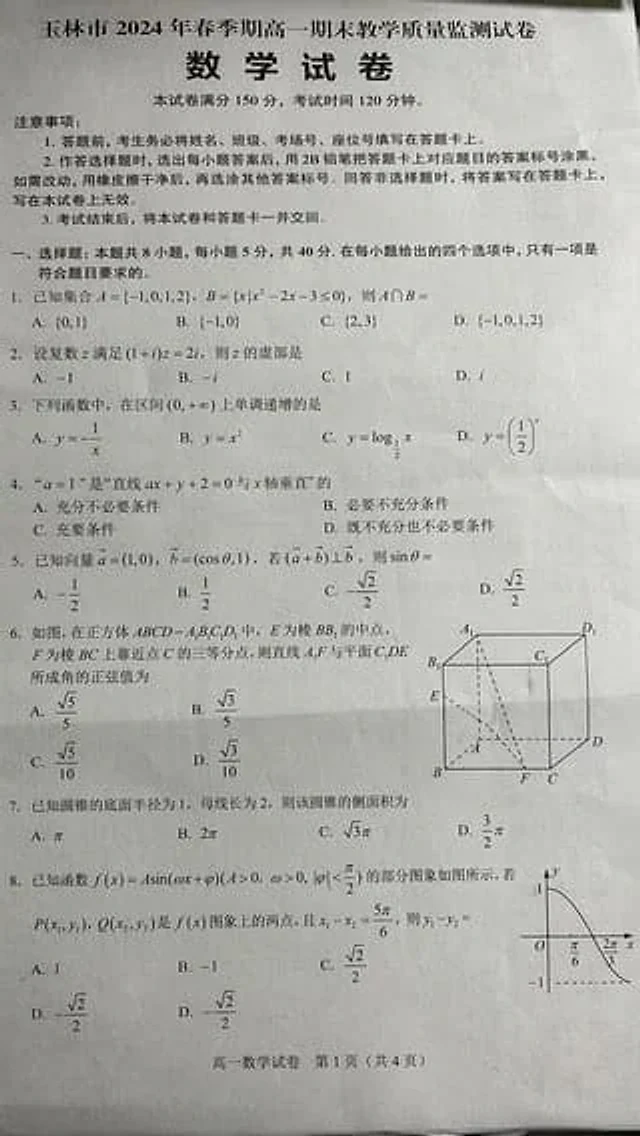
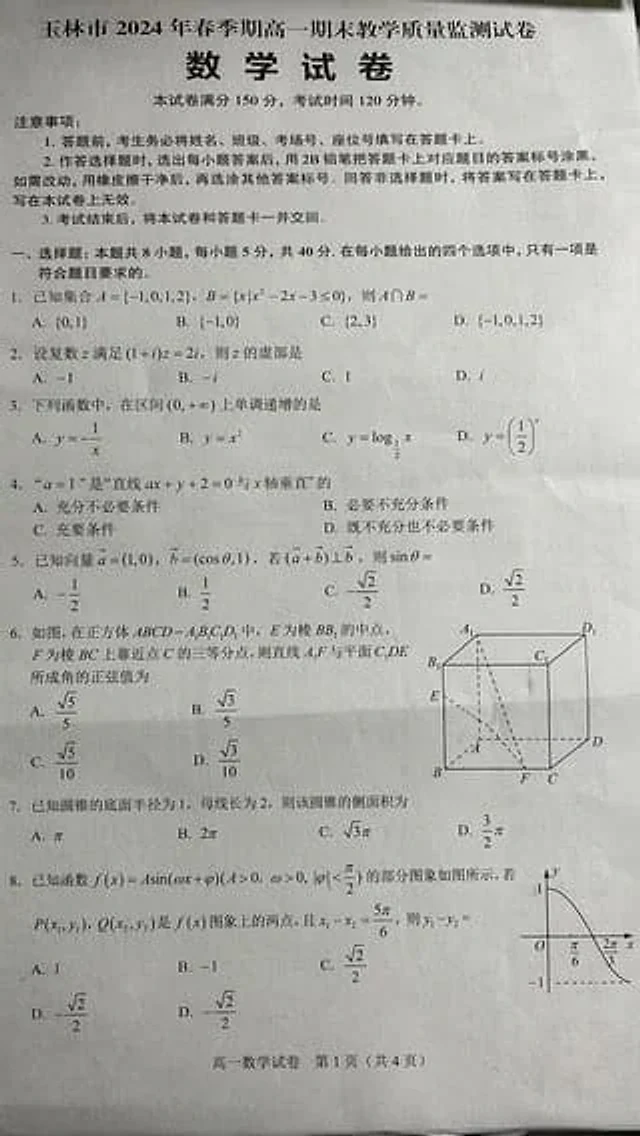
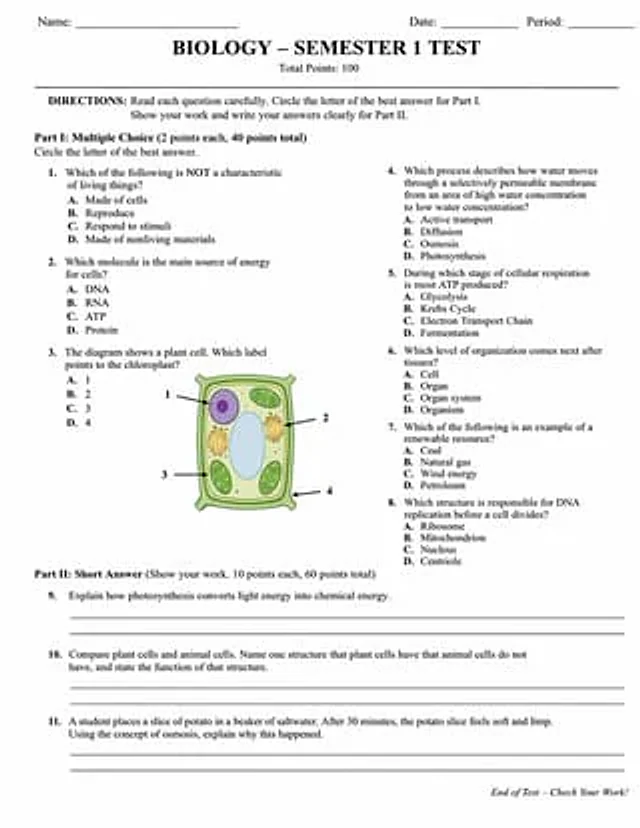
  "type": "Academic exam papers",
  "header": {
    "student_info": [
      "Name:",
      "date:",
      "class:"
    ],
    "title": "{argument name=\"subject\" default=\"biology\"} - {argument name=\"test title\" default=\"First Semester Tests\"}",
    "subtitle": "Total score: 100 points"
  },
  "instructions": "Instructions: Please read each question carefully. In Part 1, circle the letter of the best answer. In Part 2, demonstrate your solution process and write your answer clearly.",
  "sections": [
    {
      "title": "Part One:{argument name=\"part 1 type\" default=\"Multiple choice questions\"} (2 points each, 40 points in total)",
      "layout": "Double column",
      "question_count": 8,
      "format": "Questions 1 to 8 each contain four options: A, B, C, and D.",
      "diagram": {
        "location": "Question 3",
        "description": "{argument name=\"diagram subject\" default=\"plant cells\"} illustration",
        "labels": [
          "1",
          "2",
          "3",
          "4"
        ]
      }
    },
    {
      "title": "Part Two:{argument name=\"part 2 type\" default=\"Short answer questions\"} (Please demonstrate your solution. 10 points per question, 60 points in total)",
      "layout": "Single column",
      "question_count": 3,
      "format": "Questions numbered 9 to 11, each followed by two blank lines."
    }
  ],
  "footer": "Exam is over - Please check your answers!"
}
Cómo usar
- Copia el prompt original completo, incluidos los parámetros.
- Adapta el tema, el texto y la composición a tus necesidades.
- Usa una herramienta externa compatible; comprueba el acceso y el resultado.
Antes de empezar
- Comprueba si necesita una imagen de referencia. La compatibilidad no demuestra qué modelo generó el ejemplo.
- Revisa nombres, cifras y textos; el resultado puede variar entre versiones del modelo.