원본 문서
GPT Image 2 · en
{
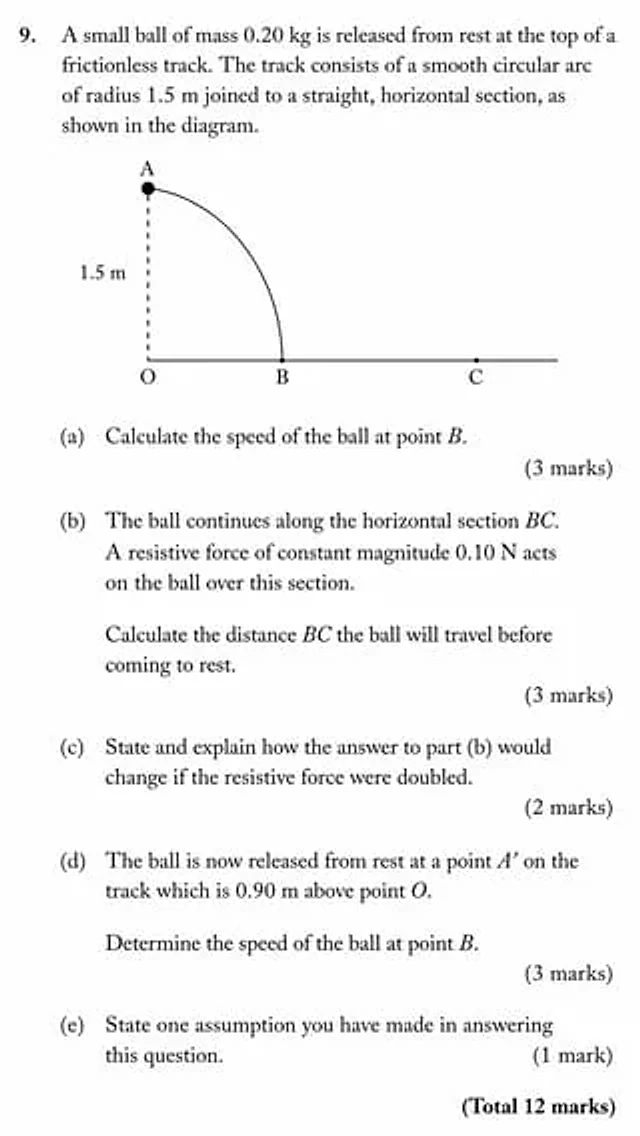
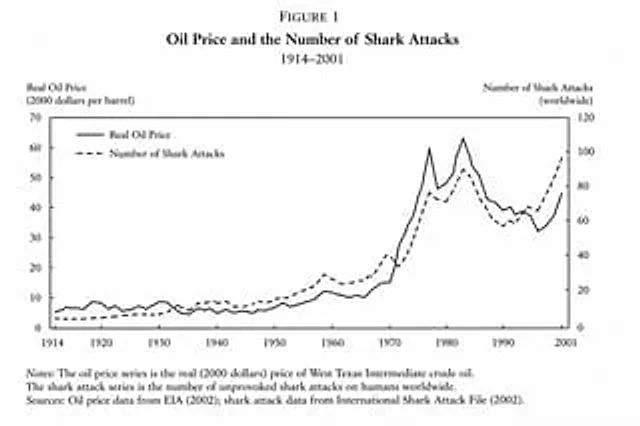
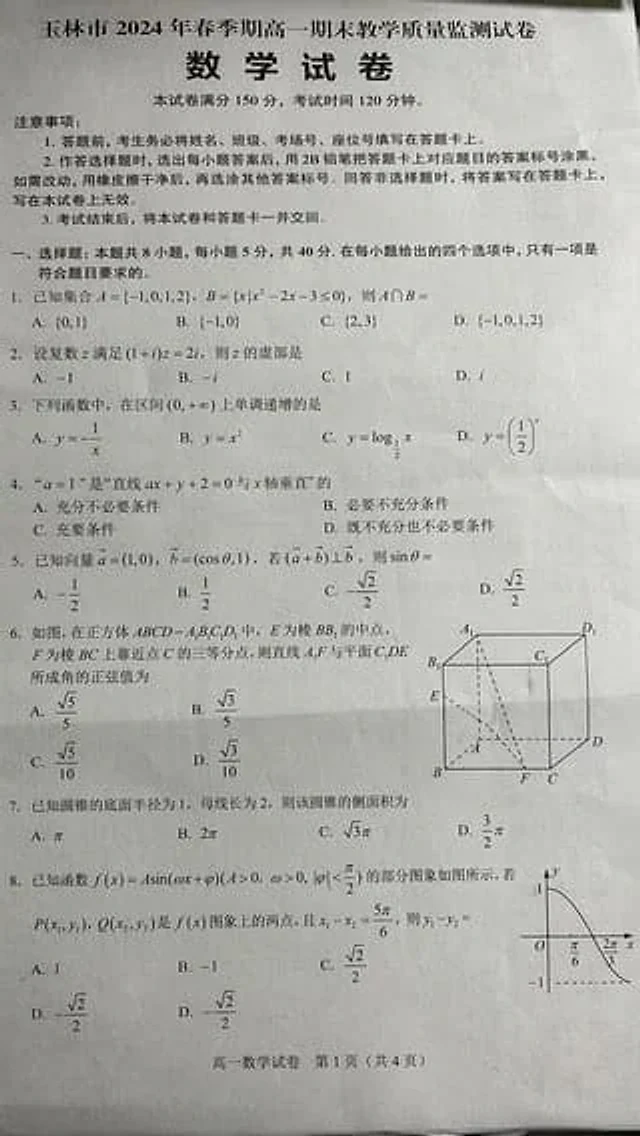
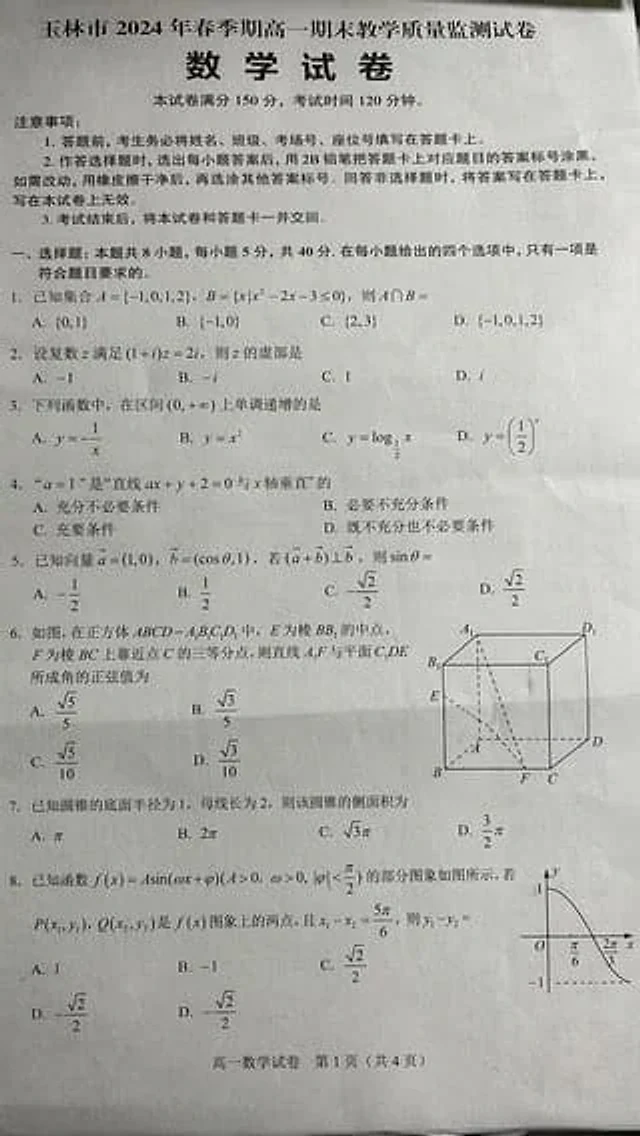
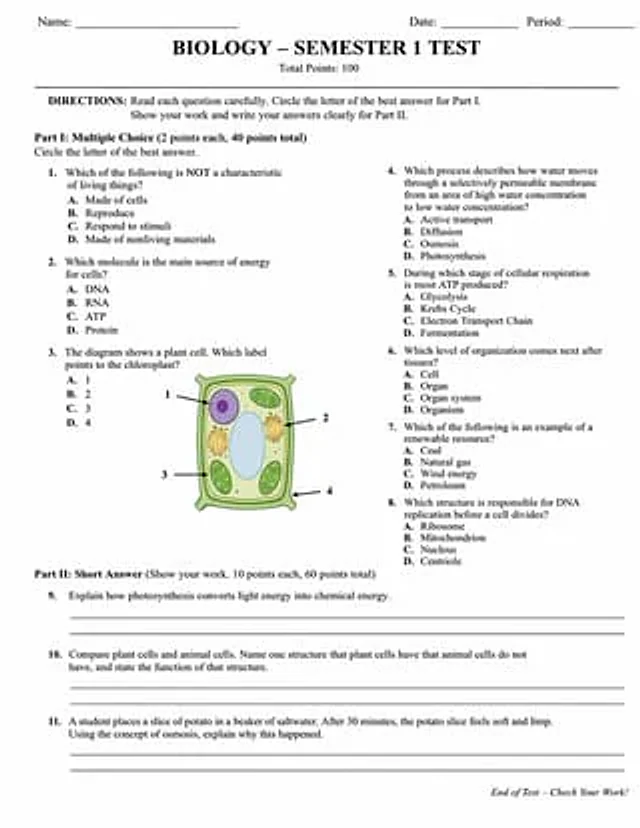
  "type": "Academic exam papers",
  "header": {
    "student_info": [
      "Name:",
      "date:",
      "class:"
    ],
    "title": "{argument name=\"subject\" default=\"biology\"} - {argument name=\"test title\" default=\"First Semester Tests\"}",
    "subtitle": "Total score: 100 points"
  },
  "instructions": "Instructions: Please read each question carefully. In Part 1, circle the letter of the best answer. In Part 2, demonstrate your solution process and write your answer clearly.",
  "sections": [
    {
      "title": "Part One:{argument name=\"part 1 type\" default=\"Multiple choice questions\"} (2 points each, 40 points in total)",
      "layout": "Double column",
      "question_count": 8,
      "format": "Questions 1 to 8 each contain four options: A, B, C, and D.",
      "diagram": {
        "location": "Question 3",
        "description": "{argument name=\"diagram subject\" default=\"plant cells\"} illustration",
        "labels": [
          "1",
          "2",
          "3",
          "4"
        ]
      }
    },
    {
      "title": "Part Two:{argument name=\"part 2 type\" default=\"Short answer questions\"} (Please demonstrate your solution. 10 points per question, 60 points in total)",
      "layout": "Single column",
      "question_count": 3,
      "format": "Questions numbered 9 to 11, each followed by two blank lines."
    }
  ],
  "footer": "Exam is over - Please check your answers!"
}
사용 방법
- 매개변수를 포함한 전체 원본 프롬프트를 복사하세요.
- 주제, 문구, 구도를 자신의 요구에 맞게 바꾸세요.
- 호환되는 외부 도구에서 사용하고 이용 조건과 결과를 확인하세요.
시작 전 확인
- 참조 이미지가 필요한지 확인하세요. 호환 표시는 해당 모델로 이 예시를 생성했다는 뜻이 아닙니다.
- 이름, 수치, 이미지 속 문구를 확인하세요. 모델 버전에 따라 결과가 다를 수 있습니다.