Documento original
GPT Image 2 · en
Scene:
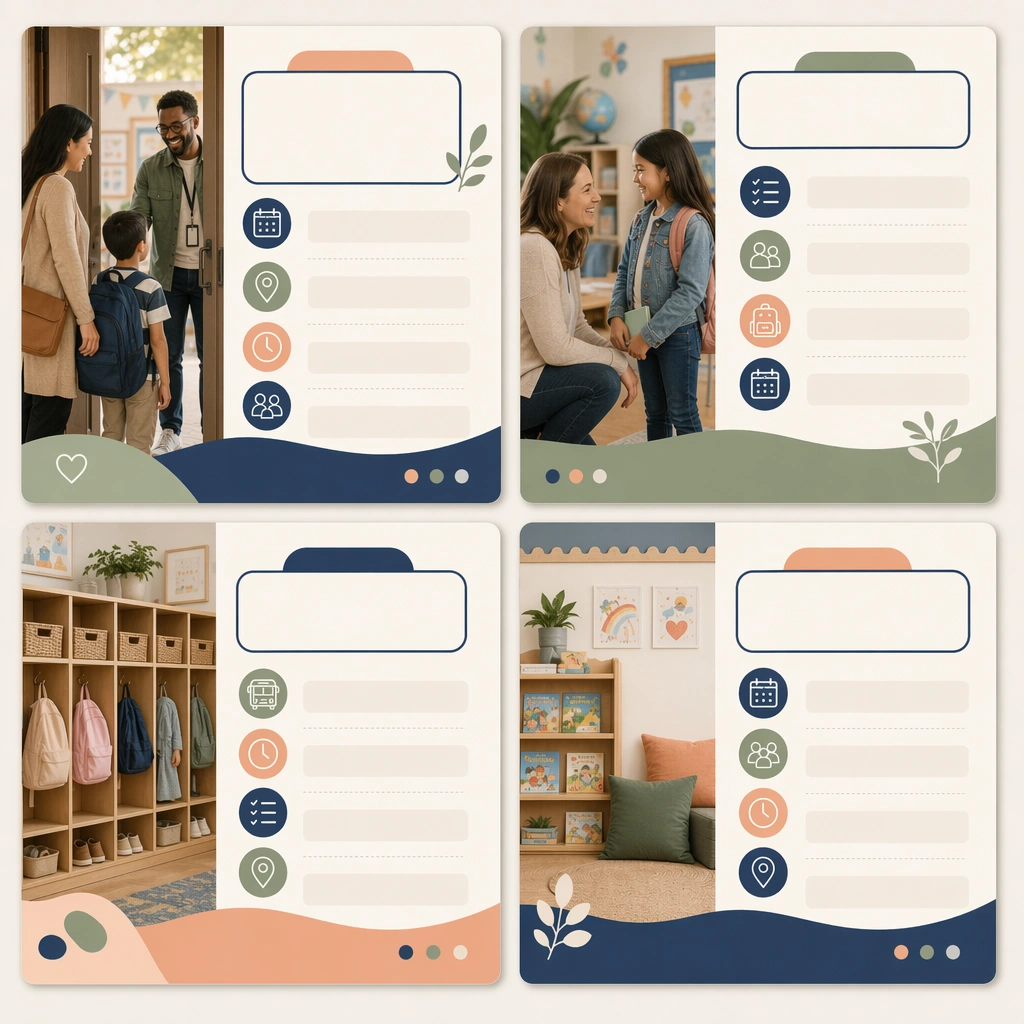
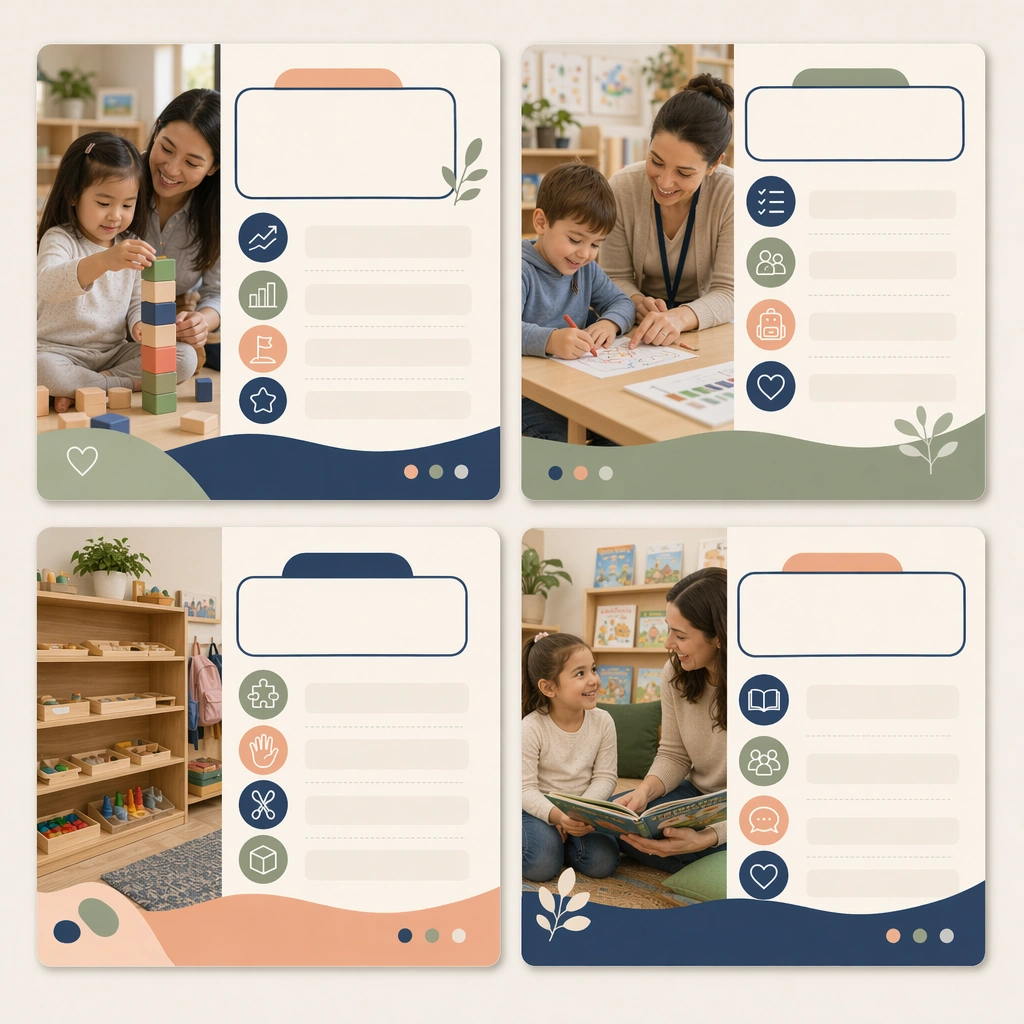
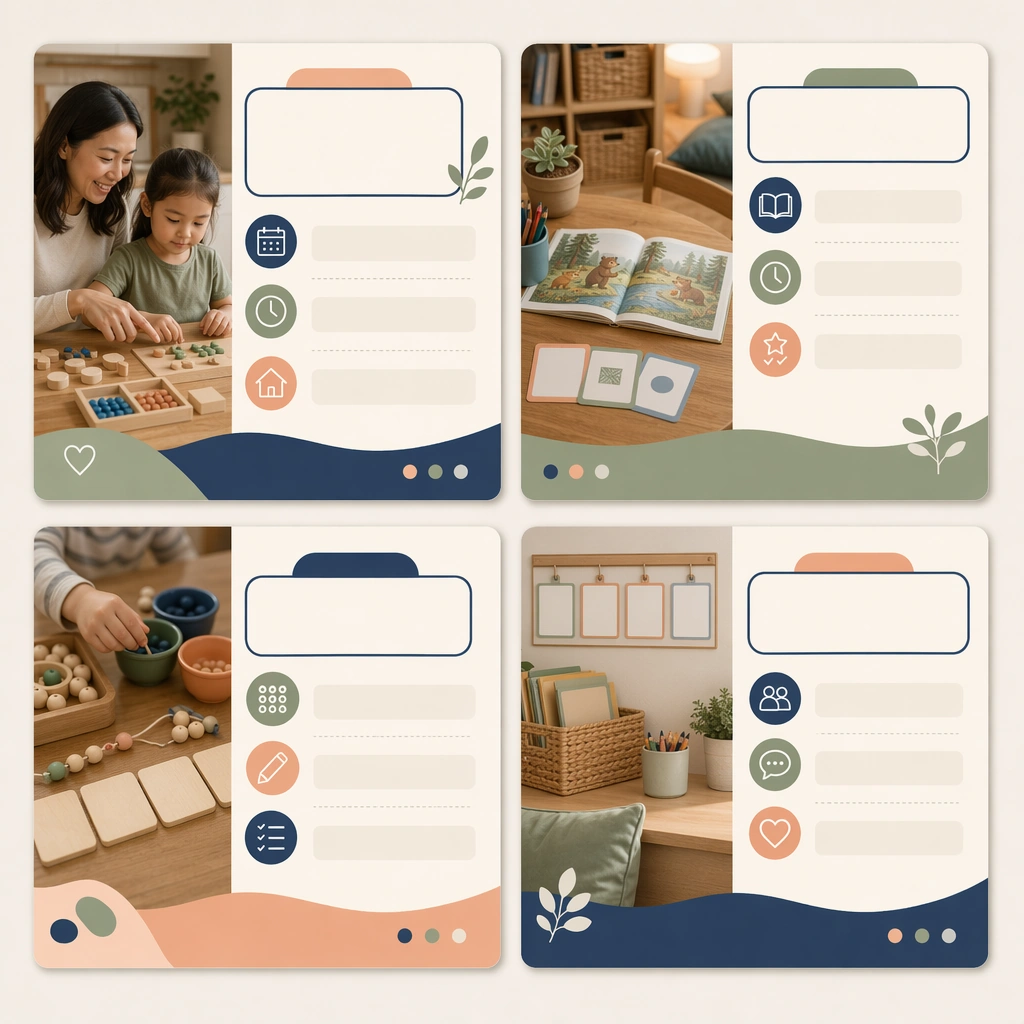
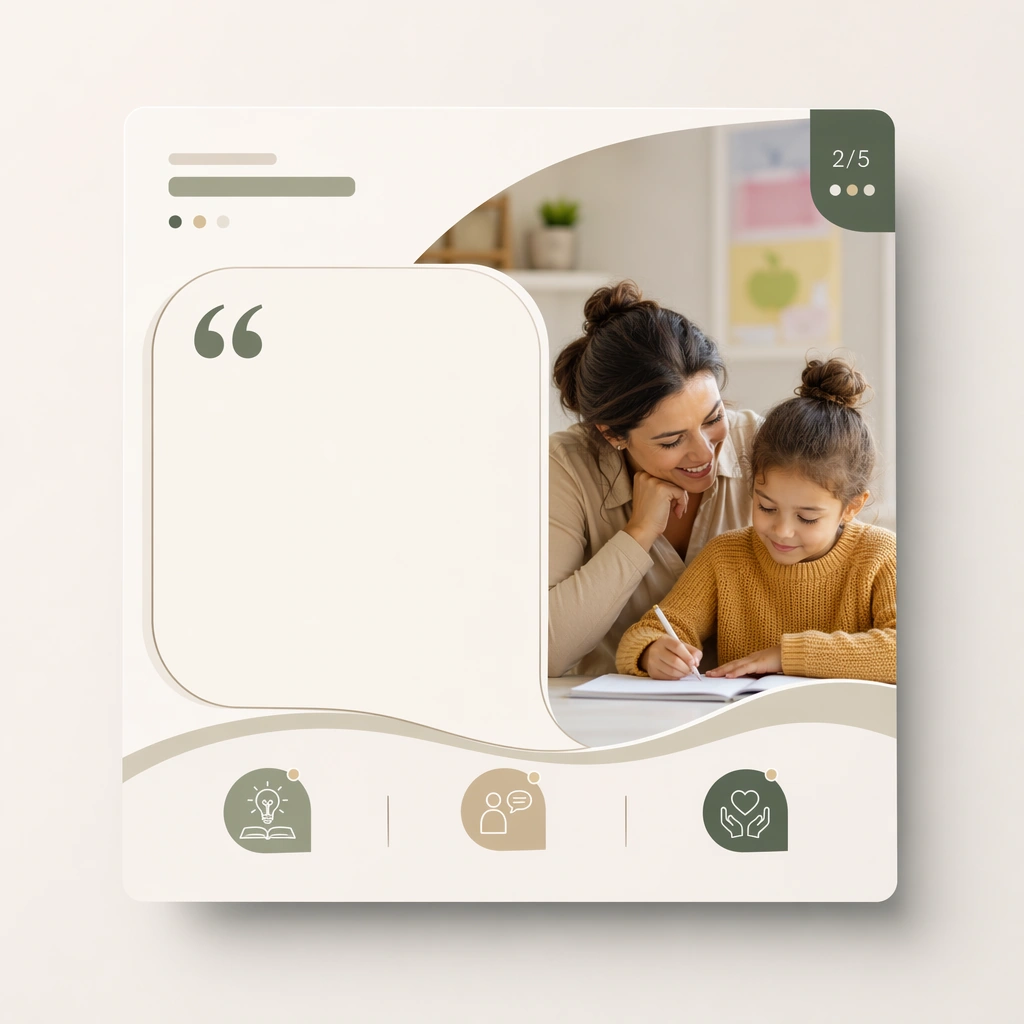
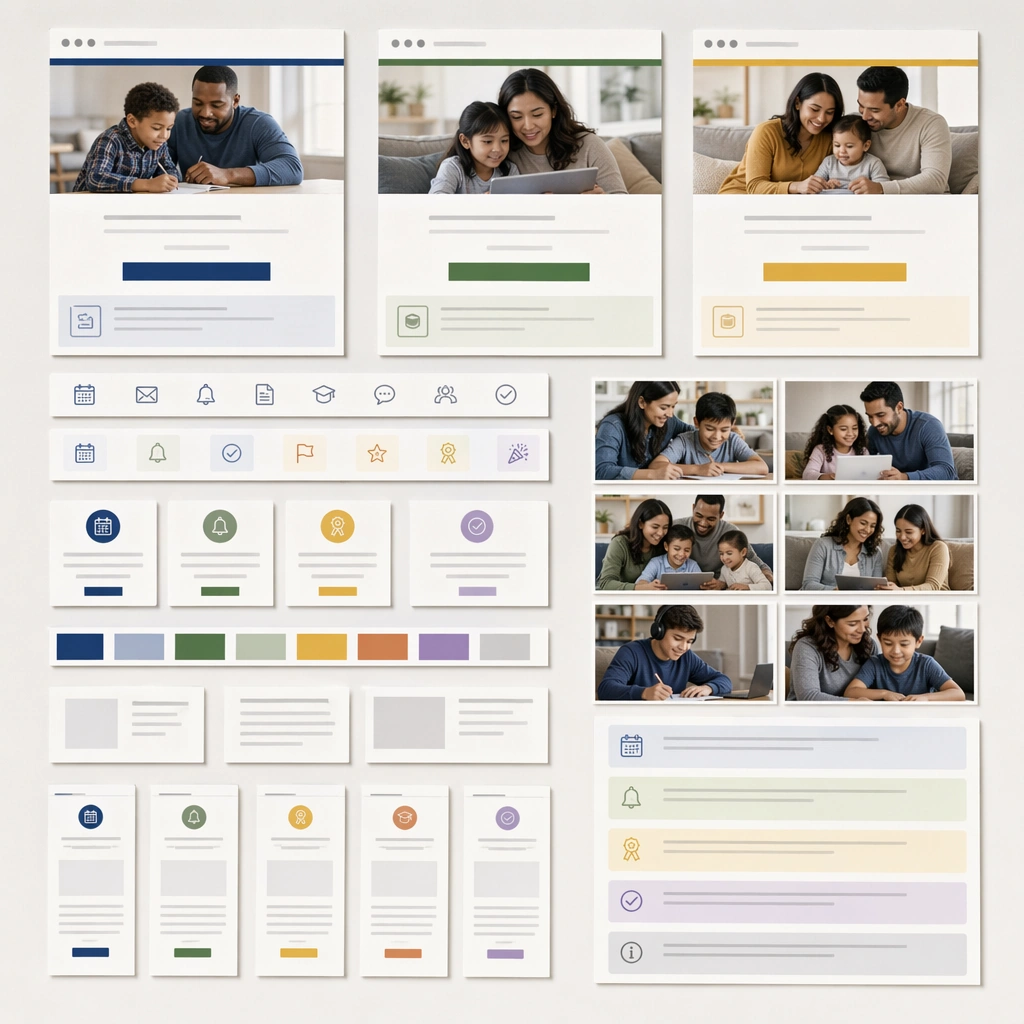
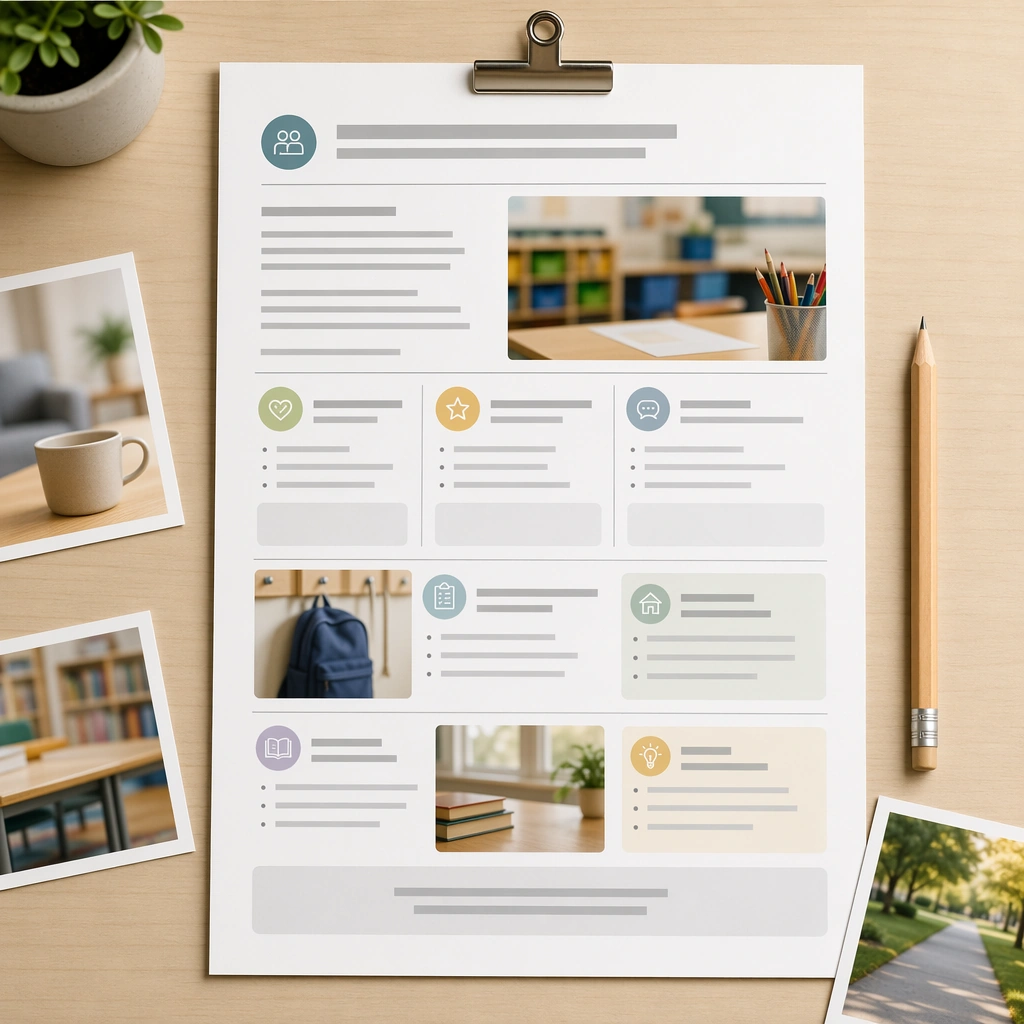
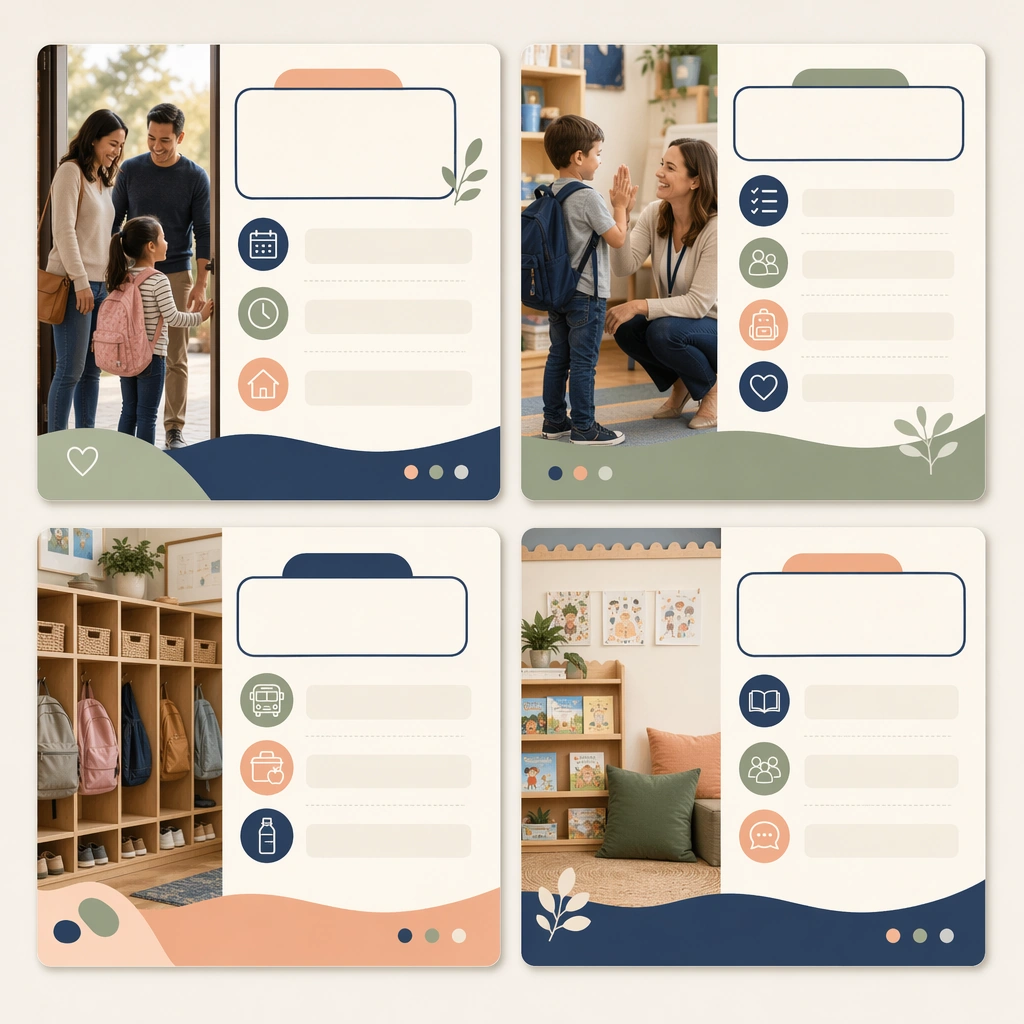
Create a square social-carousel presentation showing four coordinated cards on a clean neutral backdrop, viewed straight-on with crisp print-and-screen realism. The cards should feel like polished parent-communication assets for a school or education brand, blending calm photography, icons, and blank editorial text zones. Keep the square frame balanced, calm, and production-ready so the asset can serve gallery review, research comparison, and real educational delivery at the same time.

Subject:
Focus the first set on a welcome or orientation message, using caring family imagery, classroom detail photos, routine icons, and modular content panels. The system should feel supportive and informative, not promotional or flashy. The subject matter should feel intentionally selected for a coherent curriculum family rather than like a random decorative assortment.

Important details:
Lock a repeatable communication design: stable margins, card corners, image-to-panel ratio, and a reassuring palette of soft navy, sage, peach, and cream. The carousel must look truly reusable across many school-home communication topics. Preserve the same square carousel-card frame, photo crop style, icon rhythm, blank headline areas, and family-trust color system from the reference card set. Use variation only in the teaching content, supporting props, and scene-specific mood while preserving the core visual system exactly.

Use case:
Parent Communication Education Carousel series study 1/4, reference welcome carousel.

Constraints:
No readable text, no watermark, no logos, preserve exact 1:1 aspect ratio, no readable social captions, no logos, no app-interface clutter, no influencer styling, no chaotic sticker overload, no celebrity likeness.
Cómo usar
- Copia el prompt original completo, incluidos los parámetros.
- Adapta el tema, el texto y la composición a tus necesidades.
- Usa una herramienta externa compatible; comprueba el acceso y el resultado.
Antes de empezar
- Comprueba si necesita una imagen de referencia. La compatibilidad no demuestra qué modelo generó el ejemplo.
- Revisa nombres, cifras y textos; el resultado puede variar entre versiones del modelo.