原文
GPT Image 2 · en
Scene:
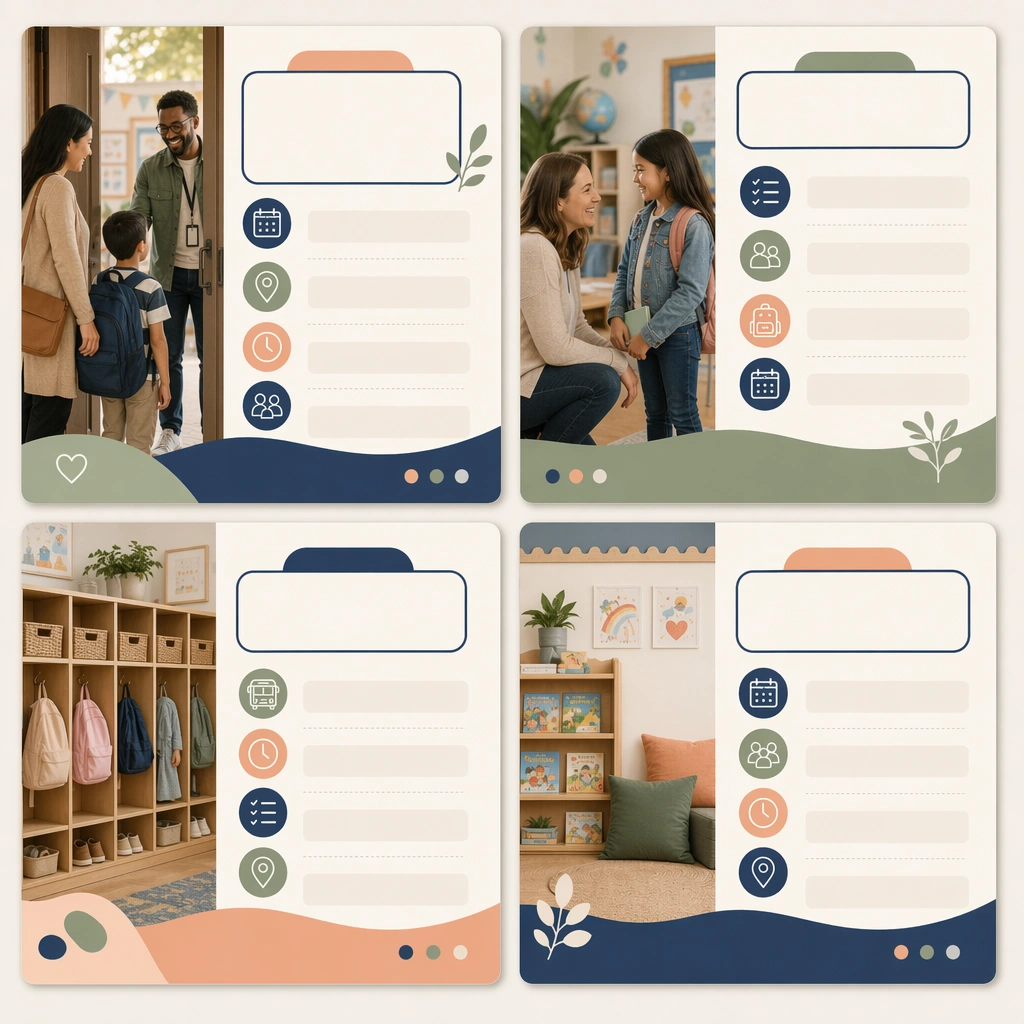
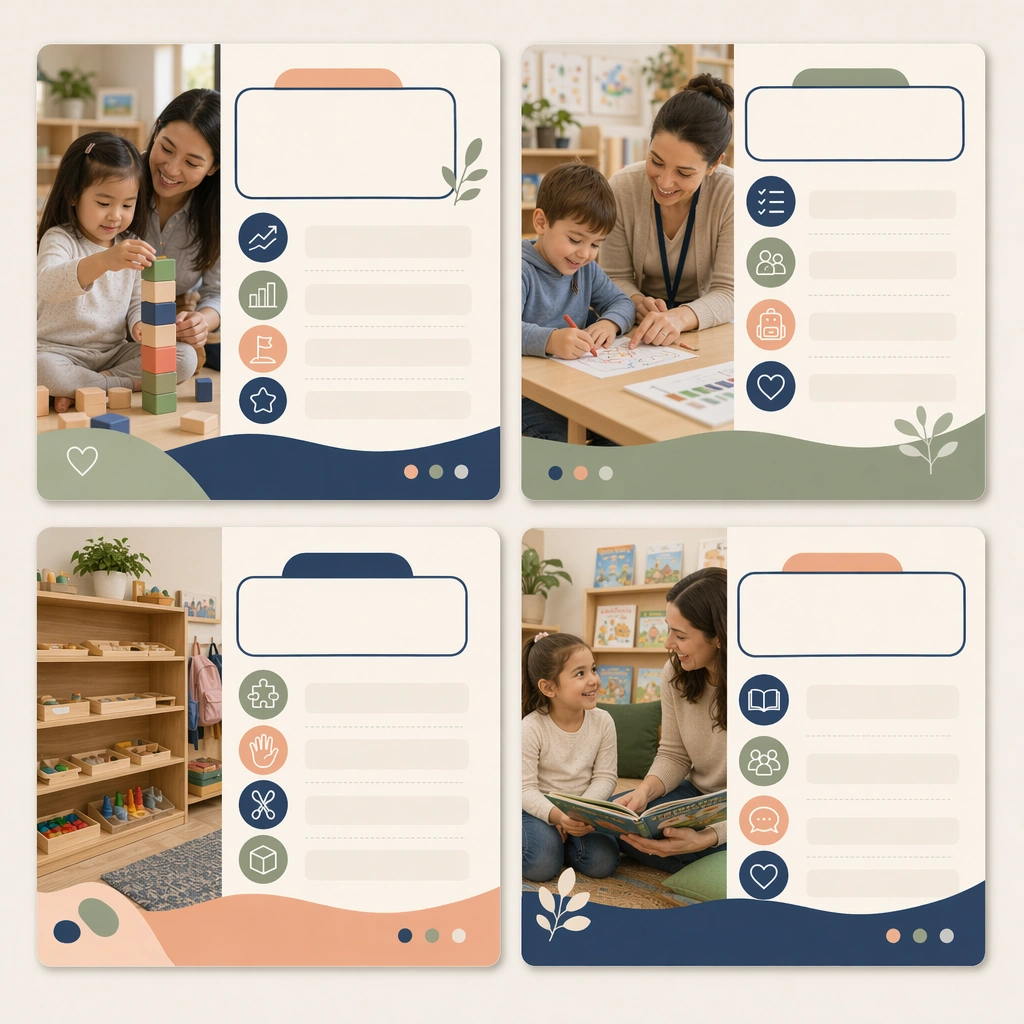
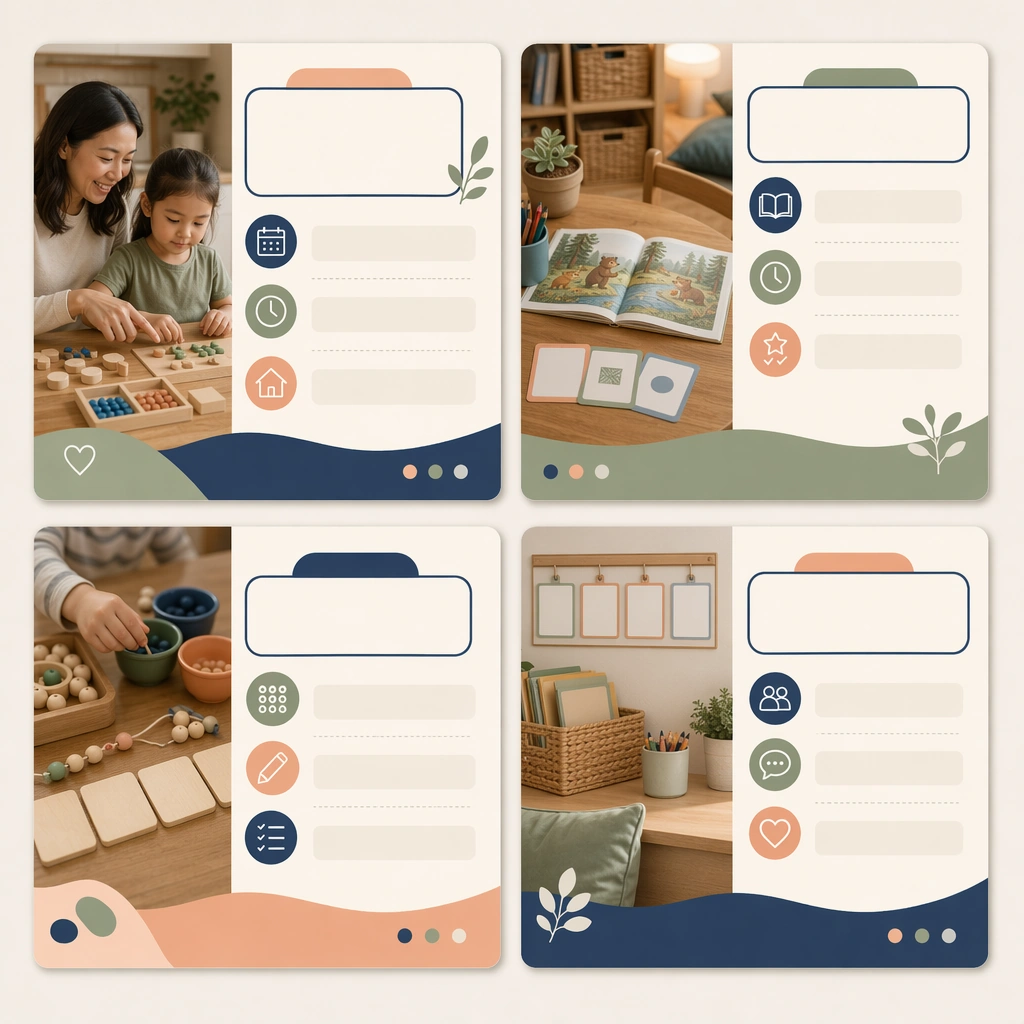
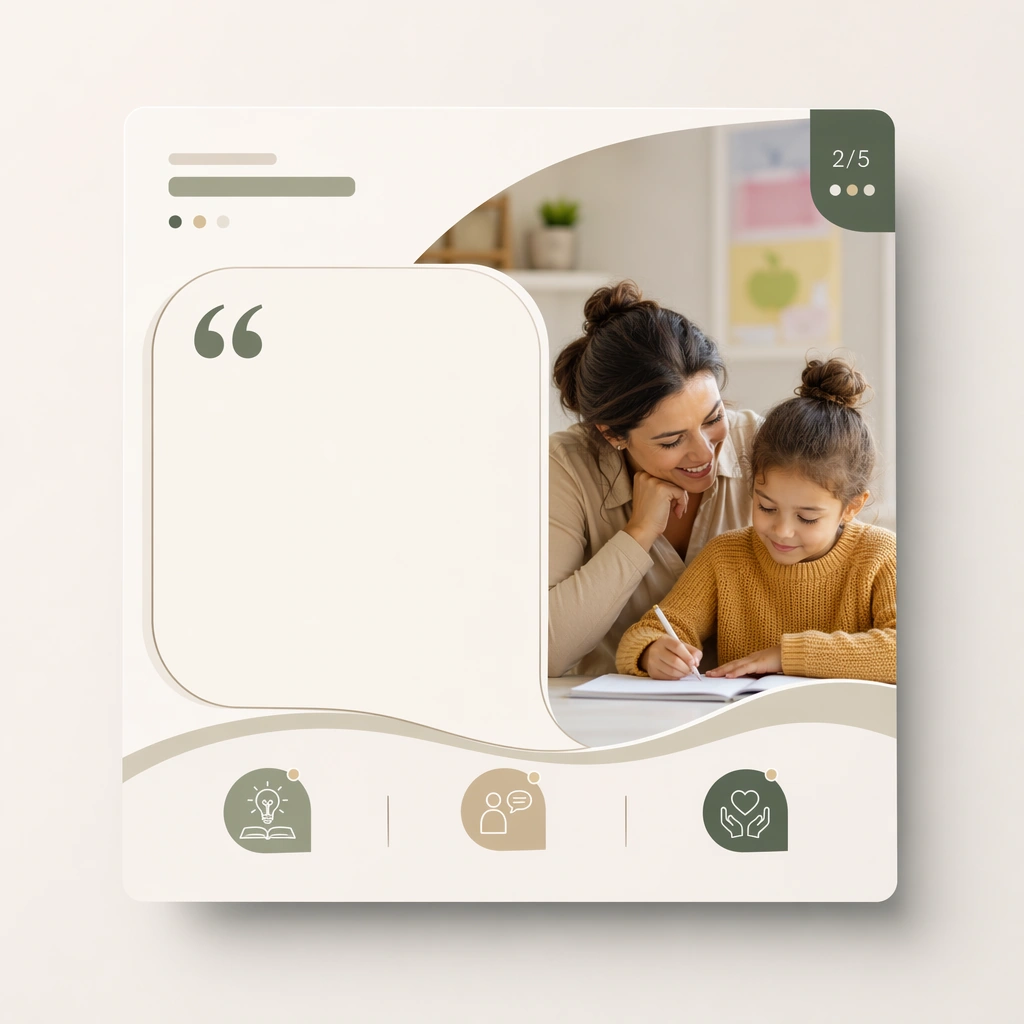
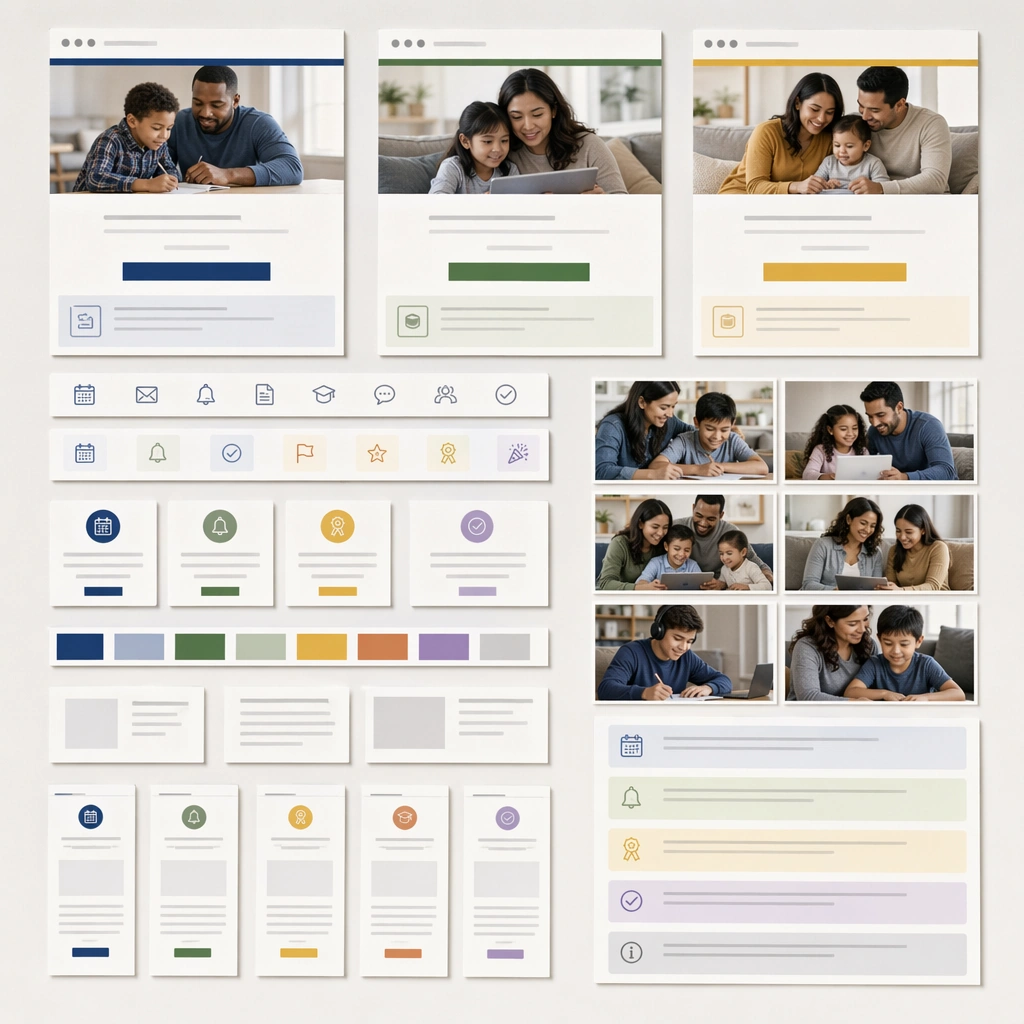
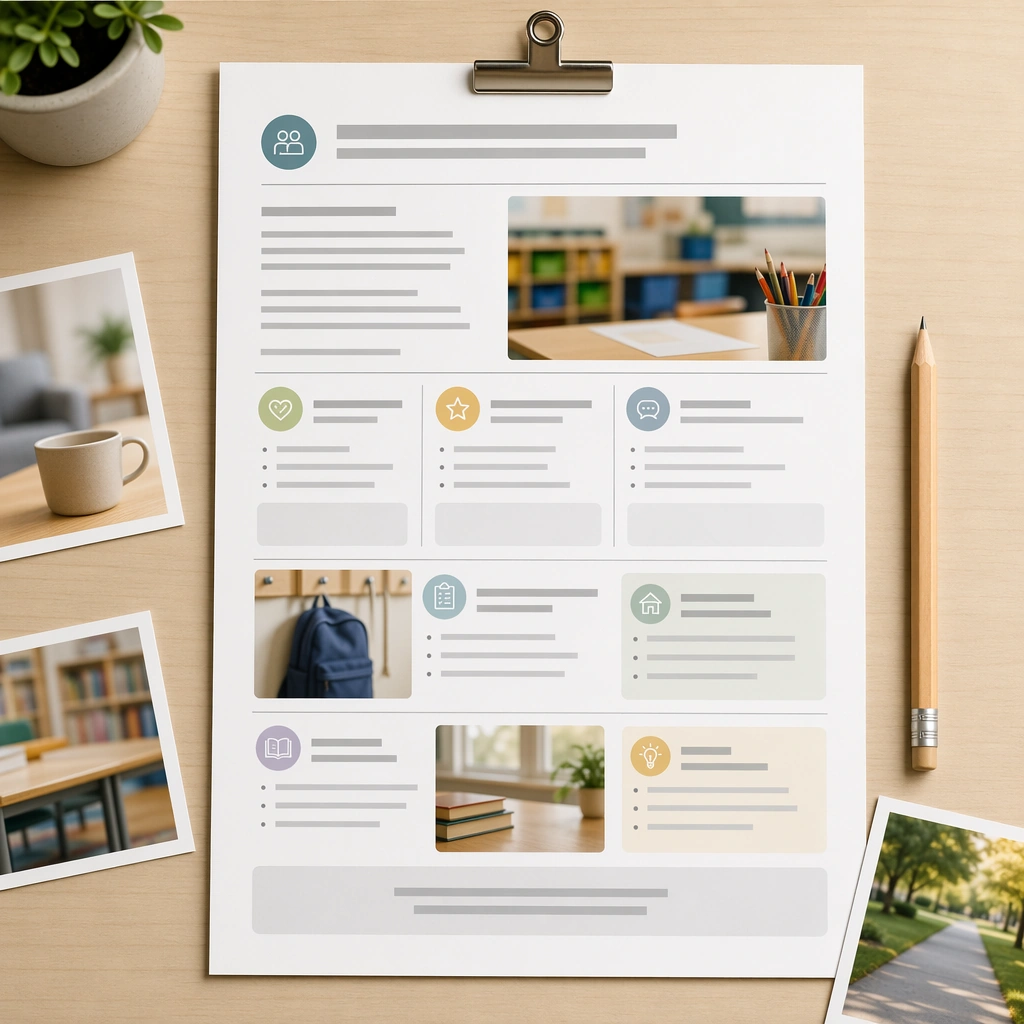
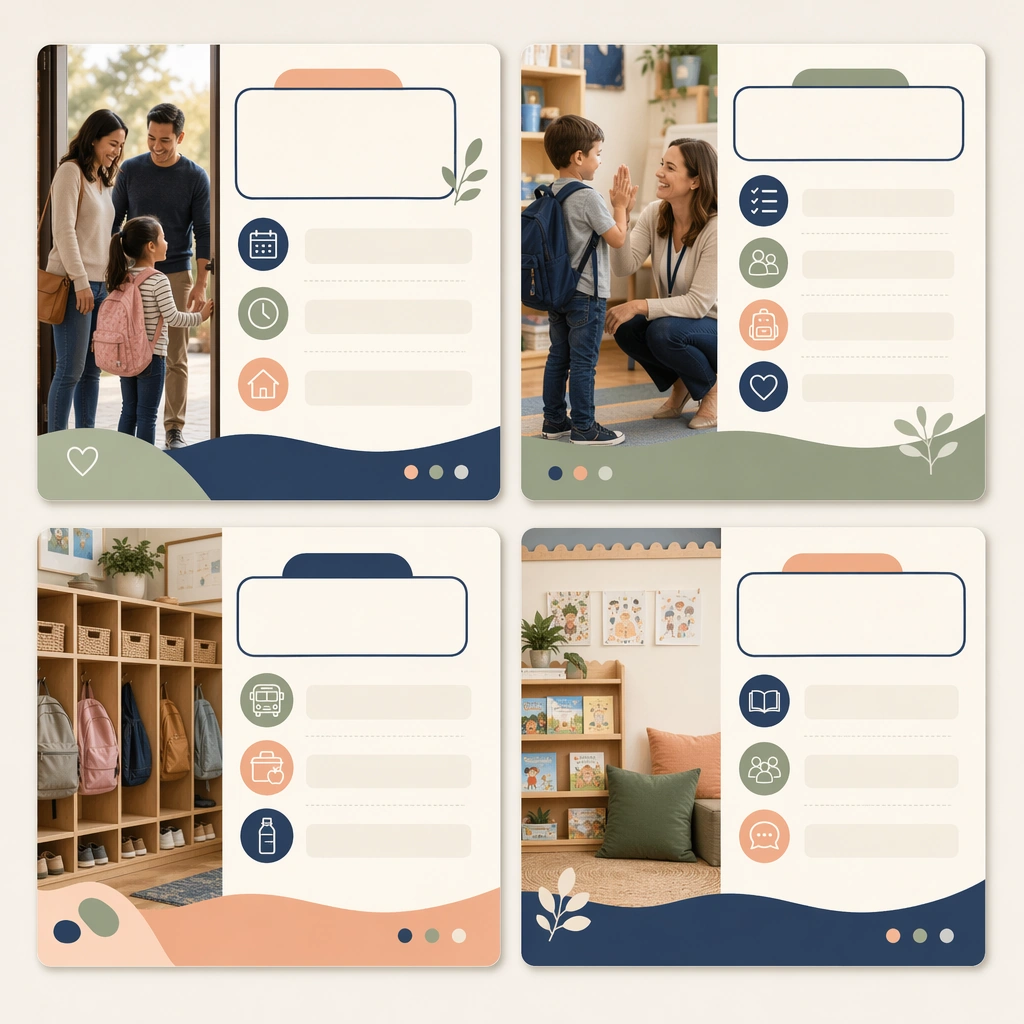
Create a square social-carousel presentation showing four coordinated cards on a clean neutral backdrop, viewed straight-on with crisp print-and-screen realism. The cards should feel like polished parent-communication assets for a school or education brand, blending calm photography, icons, and blank editorial text zones. Keep the square frame balanced, calm, and production-ready so the asset can serve gallery review, research comparison, and real educational delivery at the same time.

Subject:
Focus the first set on a welcome or orientation message, using caring family imagery, classroom detail photos, routine icons, and modular content panels. The system should feel supportive and informative, not promotional or flashy. The subject matter should feel intentionally selected for a coherent curriculum family rather than like a random decorative assortment.

Important details:
Lock a repeatable communication design: stable margins, card corners, image-to-panel ratio, and a reassuring palette of soft navy, sage, peach, and cream. The carousel must look truly reusable across many school-home communication topics. Preserve the same square carousel-card frame, photo crop style, icon rhythm, blank headline areas, and family-trust color system from the reference card set. Use variation only in the teaching content, supporting props, and scene-specific mood while preserving the core visual system exactly.

Use case:
Parent Communication Education Carousel series study 1/4, reference welcome carousel.

Constraints:
No readable text, no watermark, no logos, preserve exact 1:1 aspect ratio, no readable social captions, no logos, no app-interface clutter, no influencer styling, no chaotic sticker overload, no celebrity likeness.
使い方
- パラメータを含む元のプロンプト全体をコピーします。
- 被写体、文字、構図を自分の要件に置き換えます。
- 対応する外部ツールで使用し、利用条件と結果を確認します。
開始前の確認
- 参考画像の要否を確認してください。互換モデルの表示は、そのモデルでの生成実績を意味しません。
- 名前、数値、画像内の文字を確認します。モデルの版で結果は変わります。