Documento original
GPT Image 2 · en
Scene:
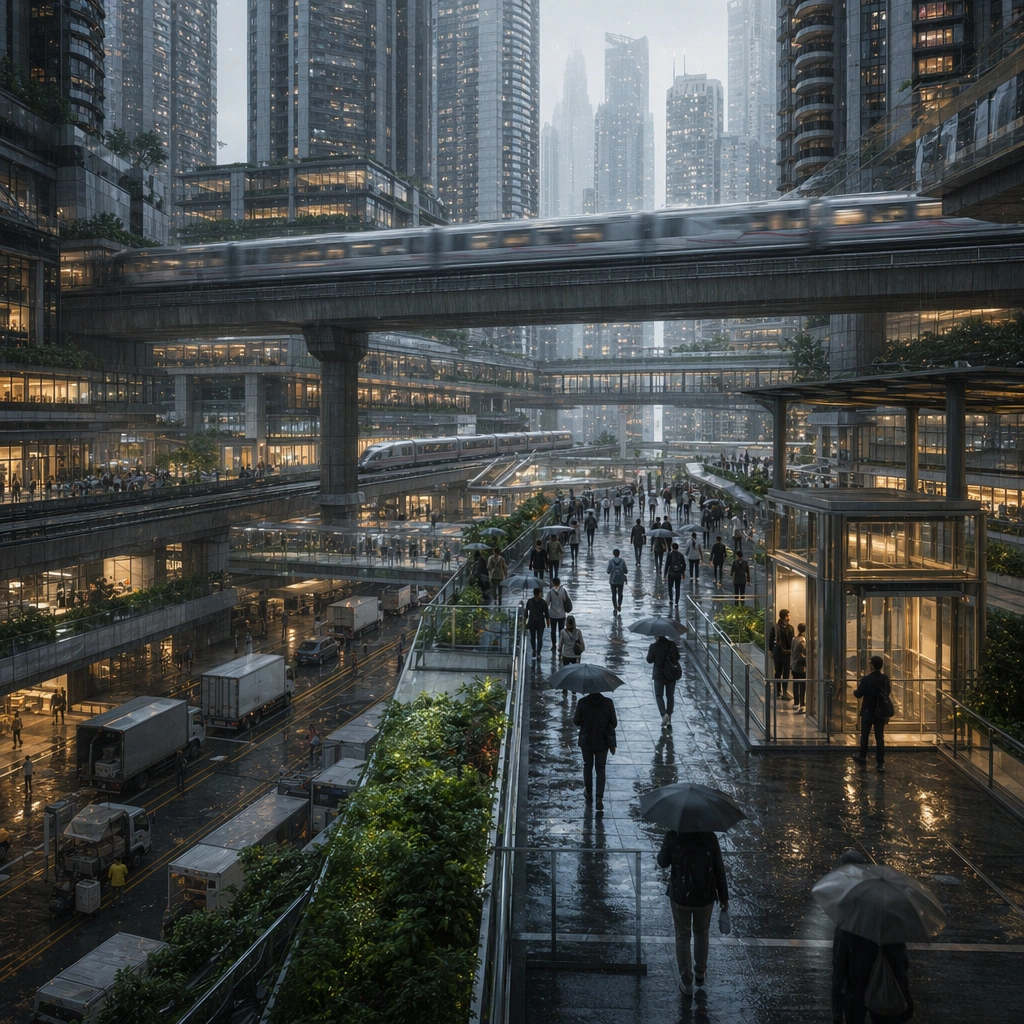
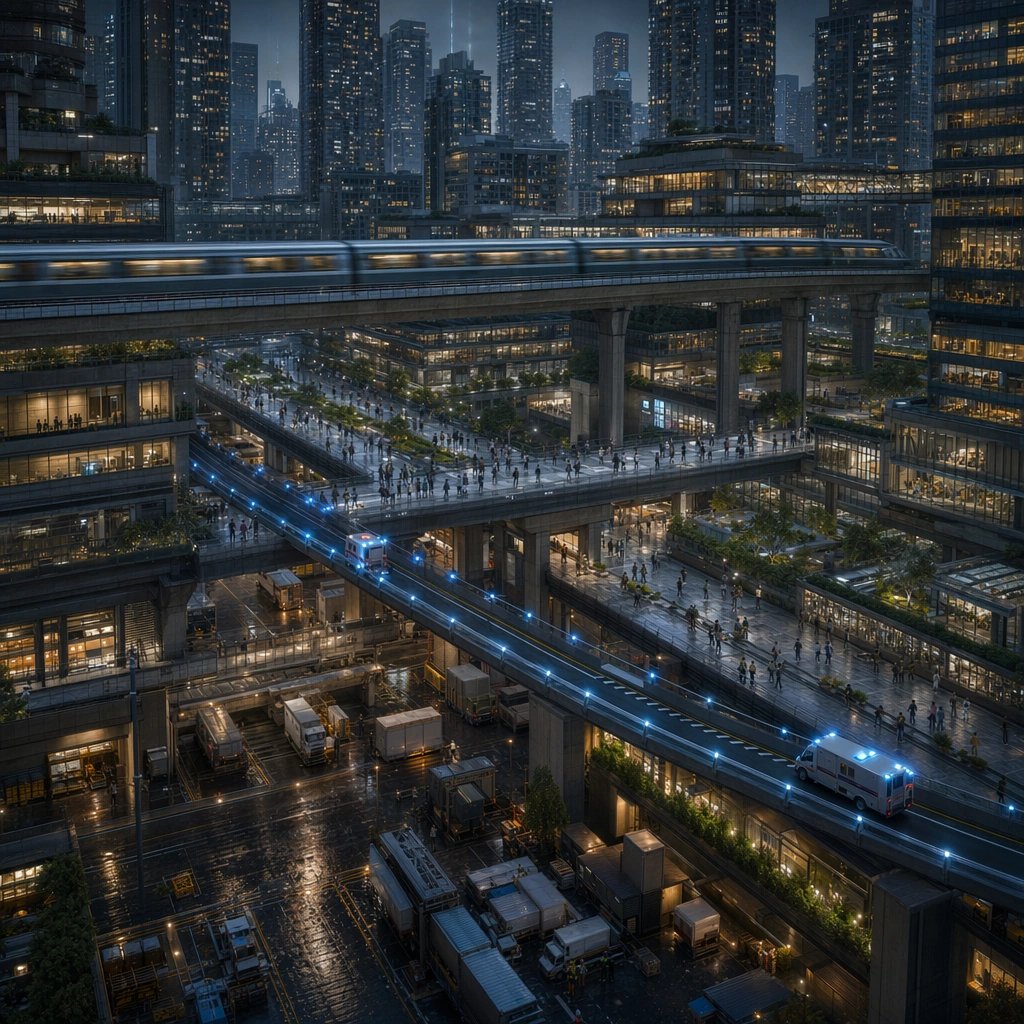
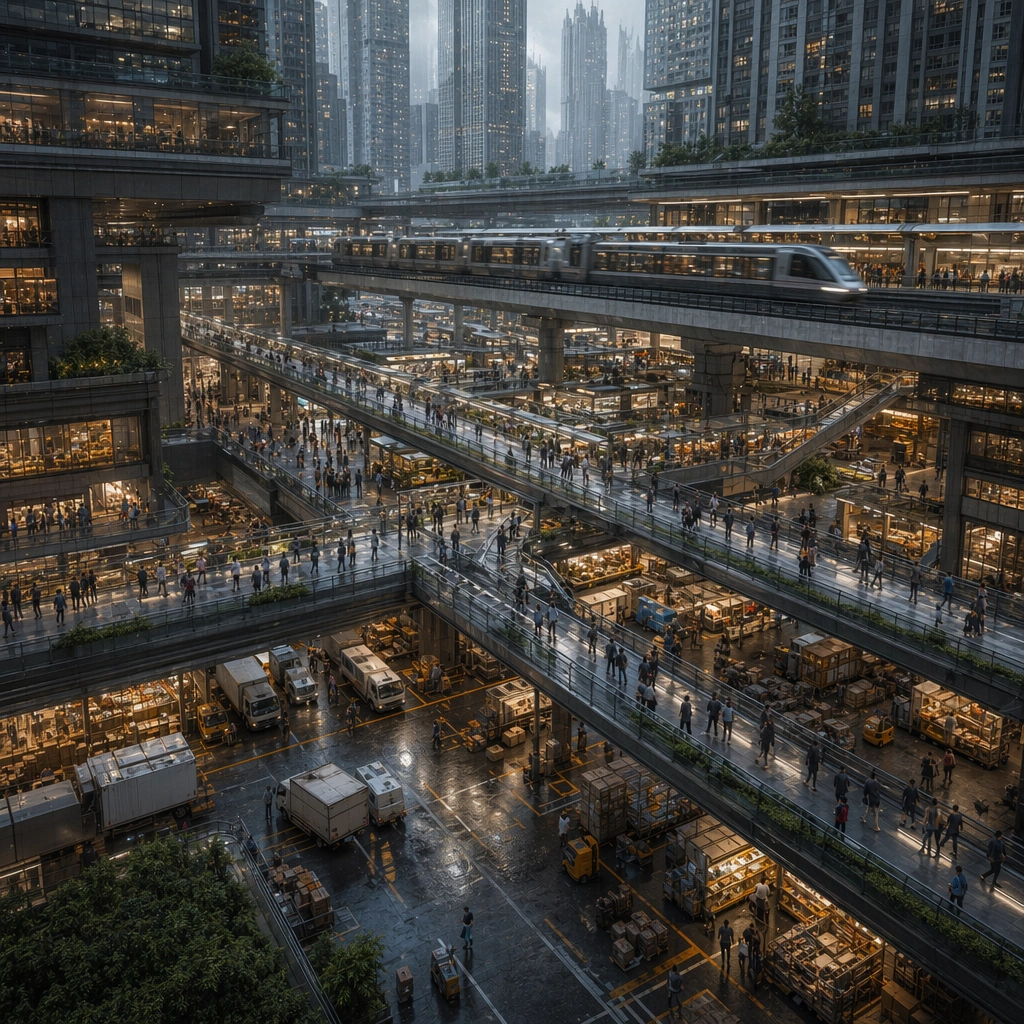
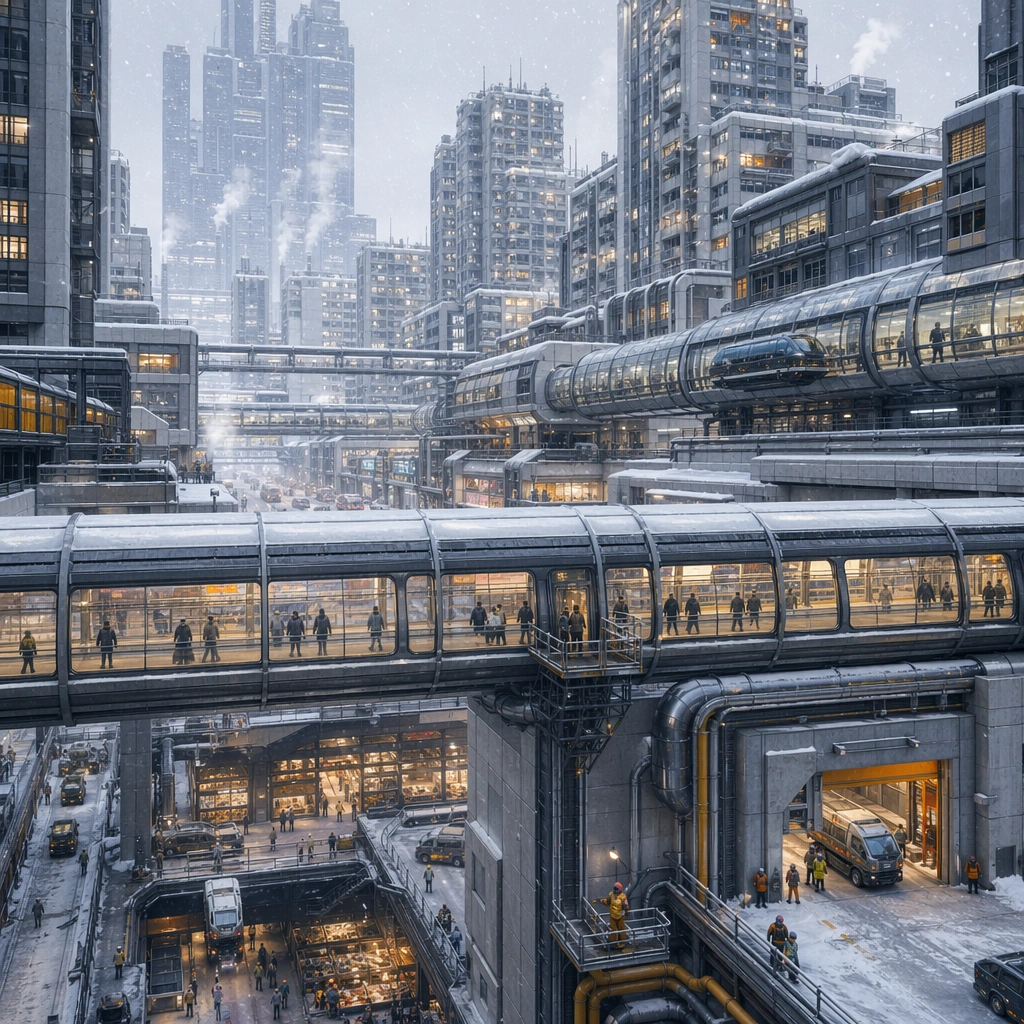
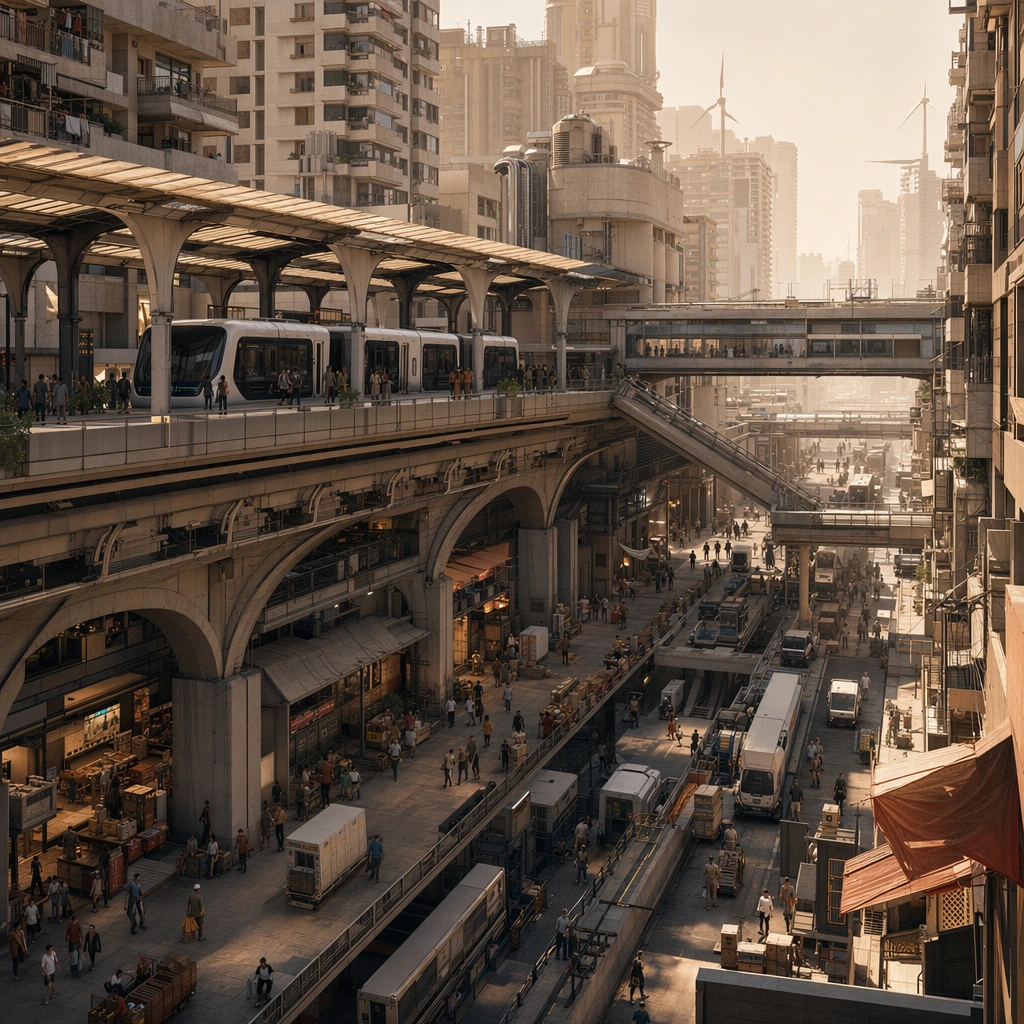
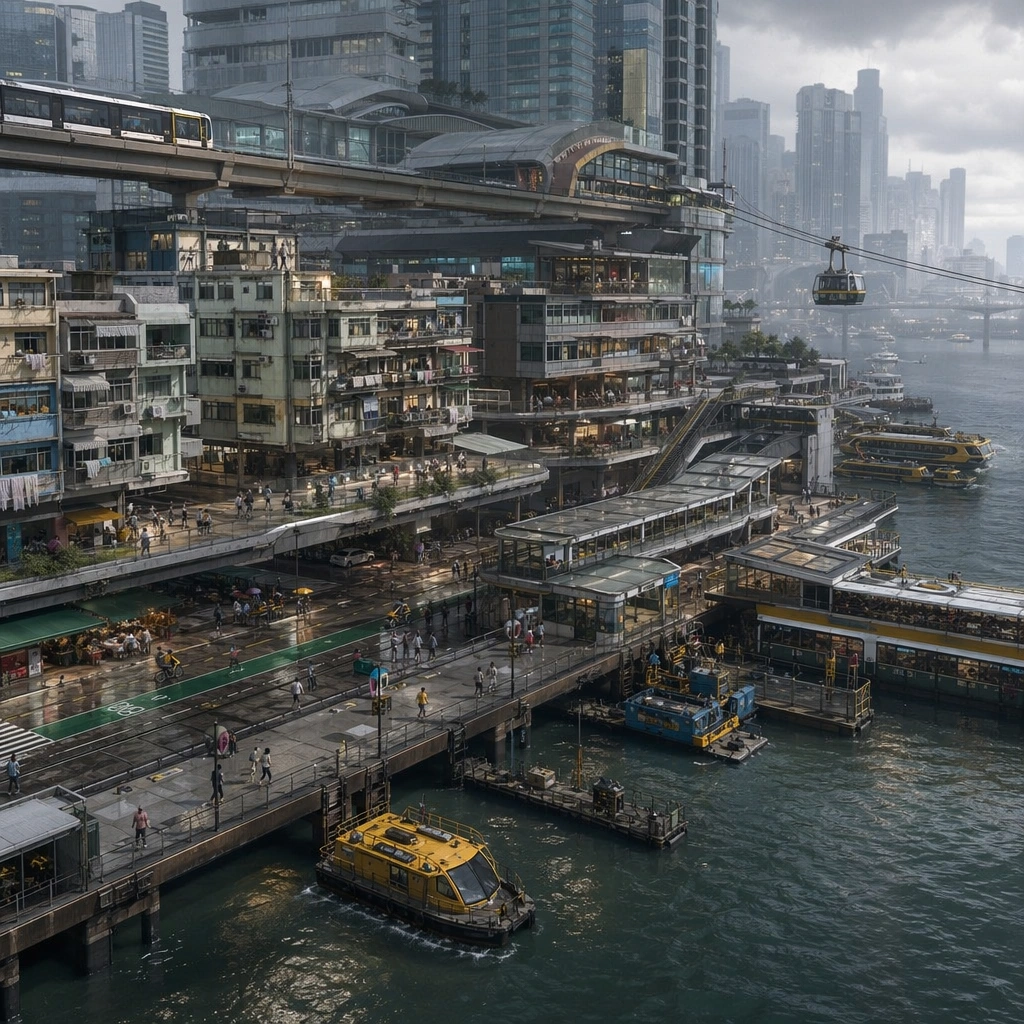
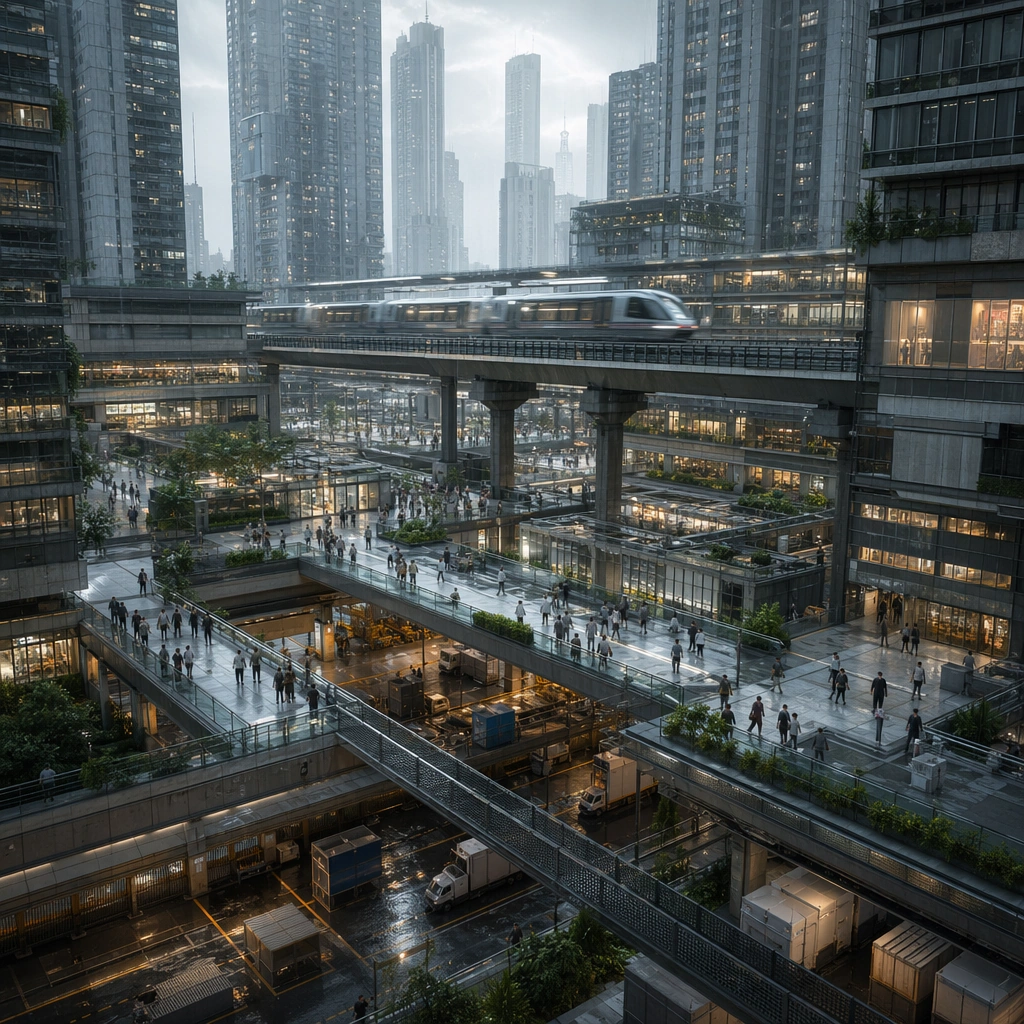
Create a square future-city key visual where transport layers, housing density, and skyline depth are all legible in one controlled composition. The camera should sit at mid-to-high elevation so the viewer can read arterial rails, pedestrian decks, service lanes, and the inhabited mass of the city at once. Favor rainy or hazy atmospheric perspective that enhances depth without hiding structural logic. Frame several transport levels at once: a fast rail cutting across mid-frame, pedestrian decks below, and dense housing towers rising behind in damp morning light.

Subject:
Center the image on a dense but coherent urban stack: rail viaducts, skybridges, delivery lanes, tower podiums, residential blocks, and public circulation surfaces all working together. The city should feel designed around movement, commerce, and real occupancy rather than as a pile of disconnected towers. Establish the reference city language with one primary transit viaduct, one secondary skywalk web, mixed residential density, and compact commercial podiums.

Important details:
Hierarchy is critical. Distinguish fast transit, local walking, freight access, and private shelter zones through lighting, material changes, and depth organization. Use disciplined steel, concrete, glass, and muted light accents so the city feels like a credible urban product surface rather than generic cyberpunk spectacle. The first image must lock the proportions between transit infrastructure and housing mass so later variants can preserve the same urban DNA. Resolve the anchor rules that later reference-dependent variants must inherit, especially the stacked transit decks, bridge proportions, mixed residential density, and cool rain-surface lighting.

Use case:
Future City series study 1/4, designed as a reusable core-system image for this topic.

Constraints:
No readable text, no watermark, no logos, preserve exact 1:1 aspect ratio, no empty streets, no retro cars, no generic neon gibberish billboards, no impossible lane geometry, no giant hologram clutter.
Cómo usar
- Copia el prompt original completo, incluidos los parámetros.
- Adapta el tema, el texto y la composición a tus necesidades.
- Usa una herramienta externa compatible; comprueba el acceso y el resultado.
Antes de empezar
- Comprueba si necesita una imagen de referencia. La compatibilidad no demuestra qué modelo generó el ejemplo.
- Revisa nombres, cifras y textos; el resultado puede variar entre versiones del modelo.